








In plain words
Seedream 5.0 Pro makes pictures from a description and can edit photos you upload. It comes from ByteDance, the company behind TikTok.
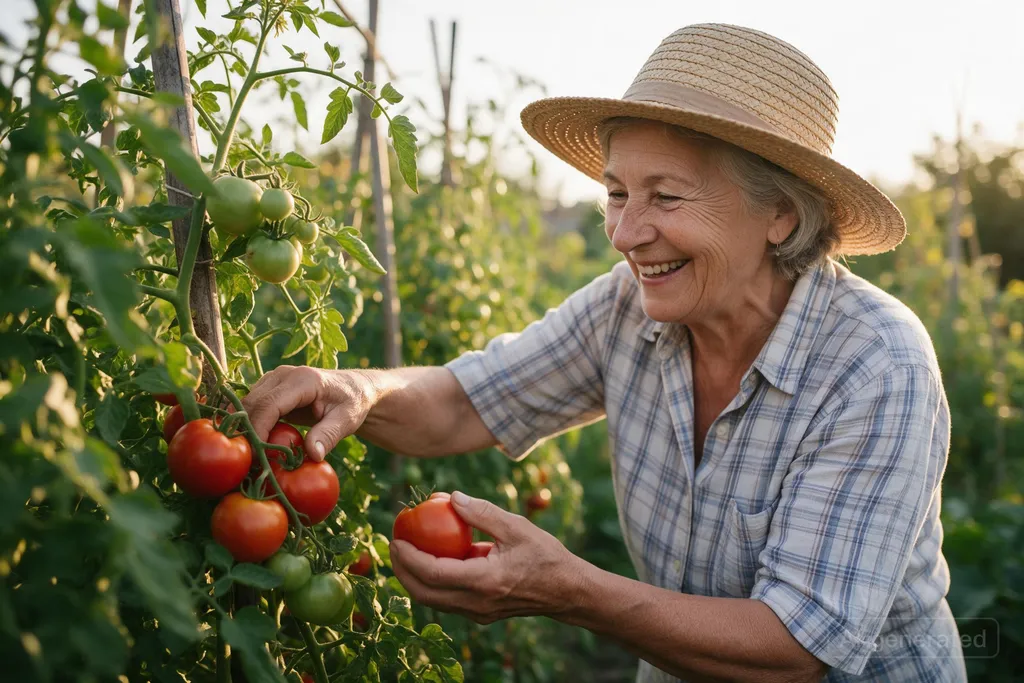
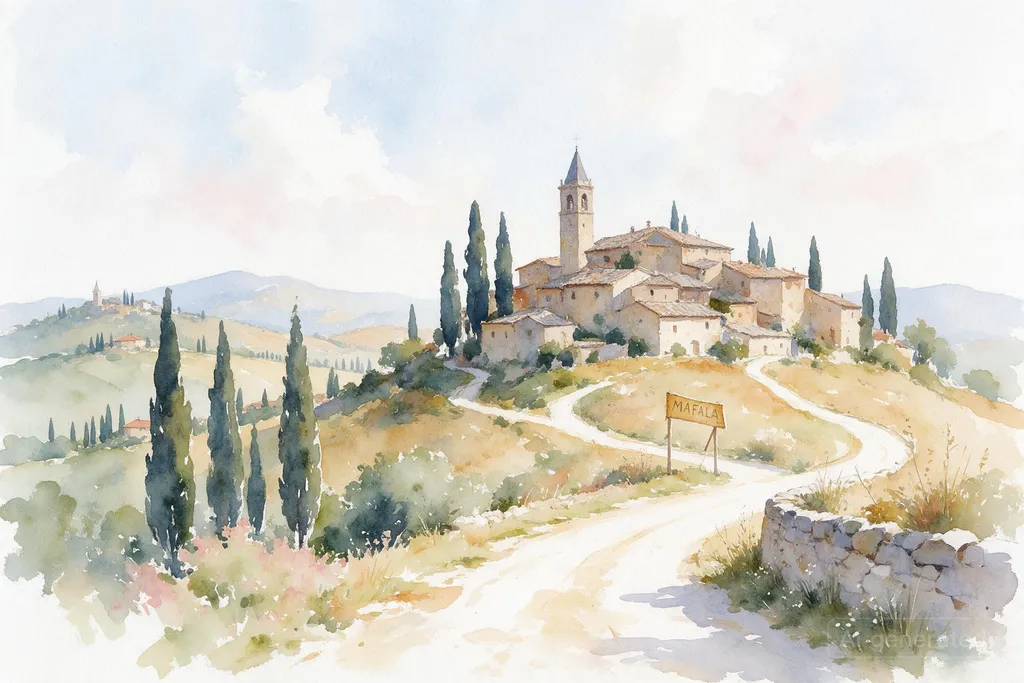
Its pictures in our test had a calm, airy look: soft light, pale colors and plenty of space. The watercolor of Tuscany left lots of white paper. The grandmother in the garden looked like a relaxed summer snapshot.
It has three habits to know about. It picks its own shape, mostly wide. It stamps a small “AI generated” mark in a corner. And it is slow: some pictures took well over a minute.
It also likes to design. Our poster came back with a tagline, a logo and “City of Seven Hills” under the title.
How to get the most out of it
- Give it time. Send your description and do something else for a minute.
- Plan for wide. Think of it for banners, headers and screens.
- Limit the words. “Only the title, no other text or logos” keeps posters clean.
- Check the corner for the mark before you use the picture.
How it compares with the rest of the family
ByteDance has a second image model in chatmodel, Seedream 5.5, added in November 2026. It is about twice as fast and its light is warmer, but it can’t edit photos, which Seedream 5.0 Pro can. In our side-by-side test they won two rounds each: see Seedream 5.5 vs Seedream 5.0 Pro.
The same company makes video models such as Seedance 2.0 and Seedance 2.5 Flash, which can turn a still picture into a short clip.
When to pick another model
For a quick result, Grok Imagine Image took under 10 seconds. For a picture with no mark and a square shape, try GPT Image 2.


