





In plain words
Grok Imagine Image makes pictures from your words and can change photos you upload. It comes from xAI, the company behind the Grok assistant.
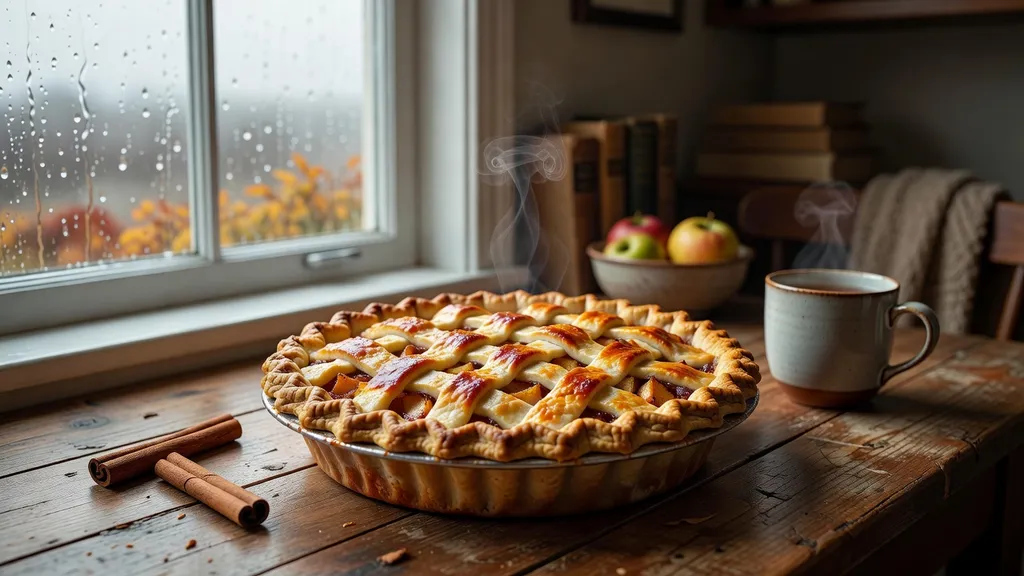
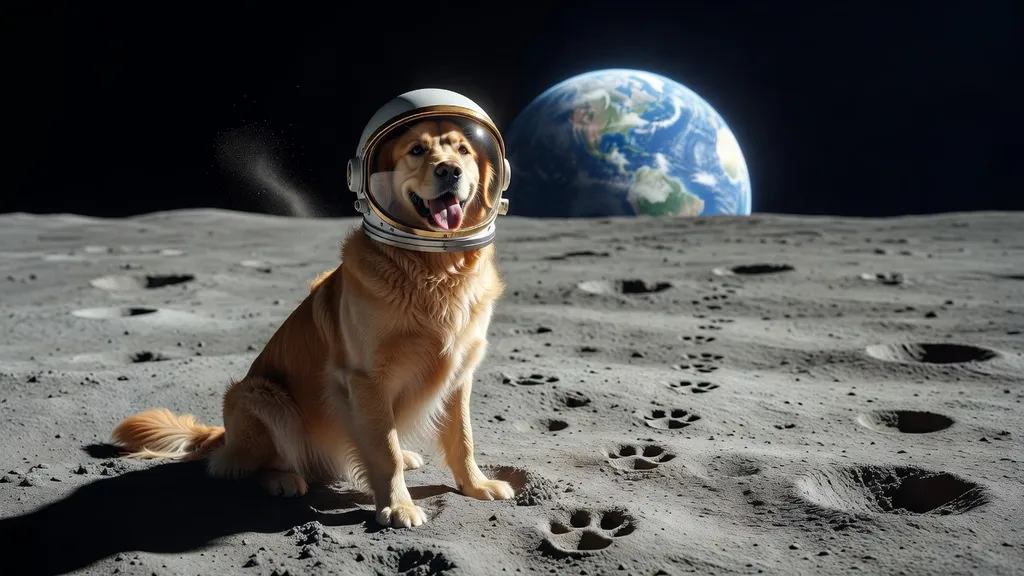
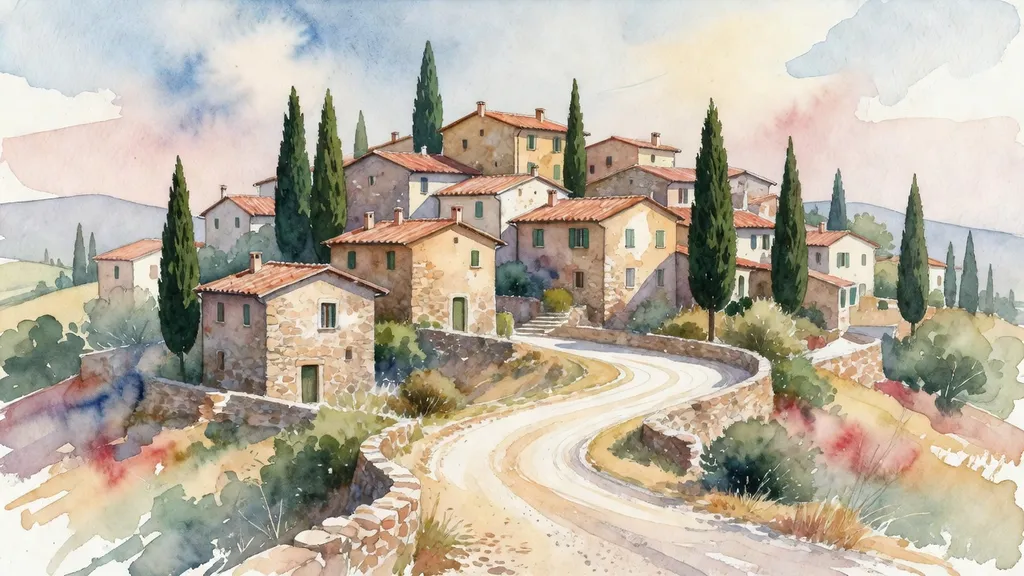
Two things stood out in our test. It was quick, under 10 seconds for each picture. And it likes a wide frame: six of our eight pictures came back in the long shape of a TV screen. The Lisbon poster turned into a sweeping view over the rooftops to the river.
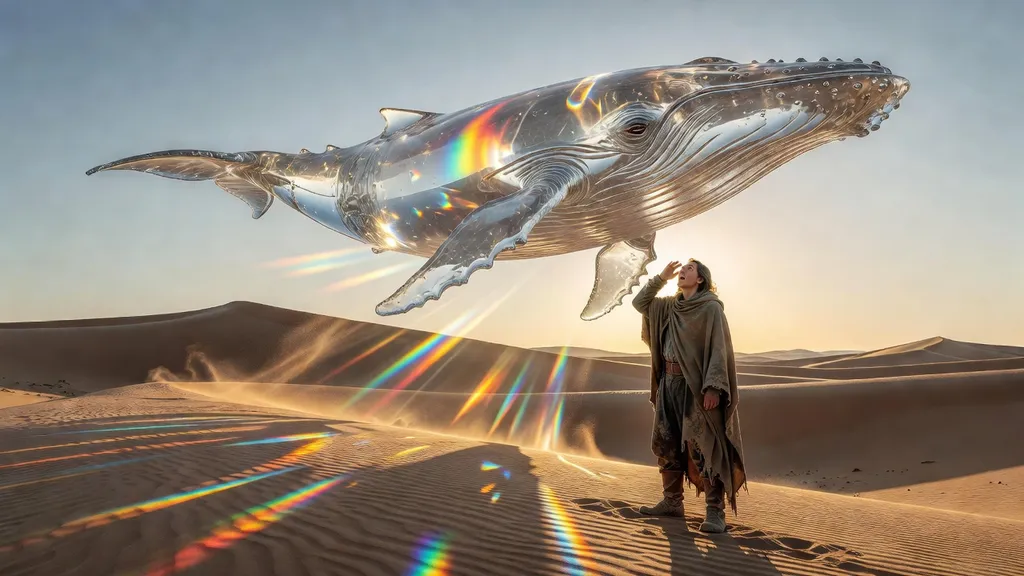
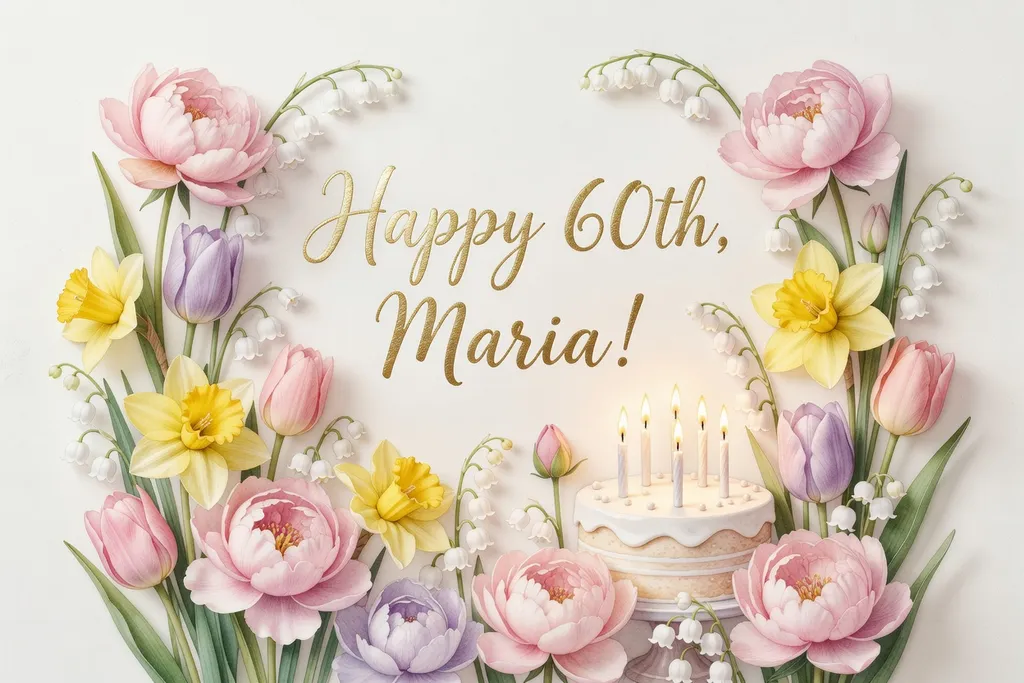
Words came out right on both the poster and the card. The weak spot was scale: in the glass whale scene, the “lone traveler” looked like a giant standing next to the camera.
How to get the most out of it
- Choose the shape yourself. Say square or tall if you don’t want a wide picture.
- Say how big things are. “A tiny figure far away” helps it get sizes right.
- Use it on your photos. Upload up to 3 pictures and describe what to change or combine.
- Work in small steps. Ask for one change, look, then ask for the next.
How it compares with its siblings
Its sibling Grok Imagine Image 2.0 is the newer version. It made warm, close-up portraits in our test but only makes new pictures; it can’t change the ones you upload. If editing matters to you, this one is the Grok to pick.
When to pick another model
For precise edits, try GPT Image 2.5 Sunburst. For a square card ready to print, GPT Image 1.5 filled the frame nicely.

