


In plain words
Grok Imagine Image 2.0 makes a picture from a description. You write what you want, wait about half a minute, and get an image that looks like a photo or a painting.
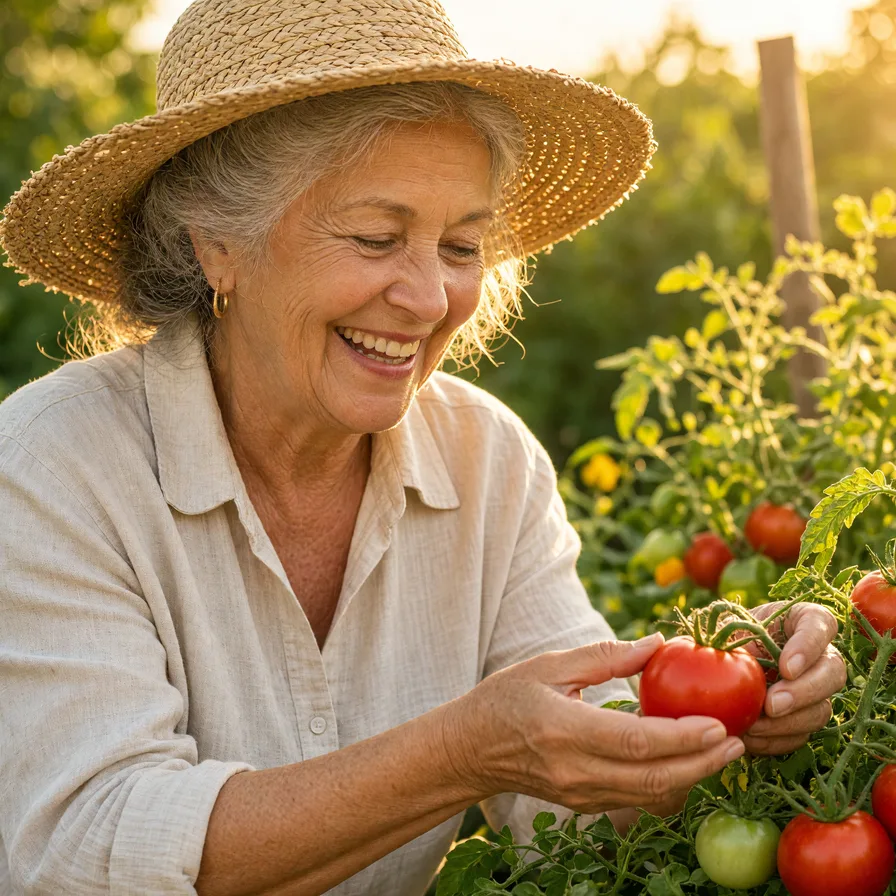
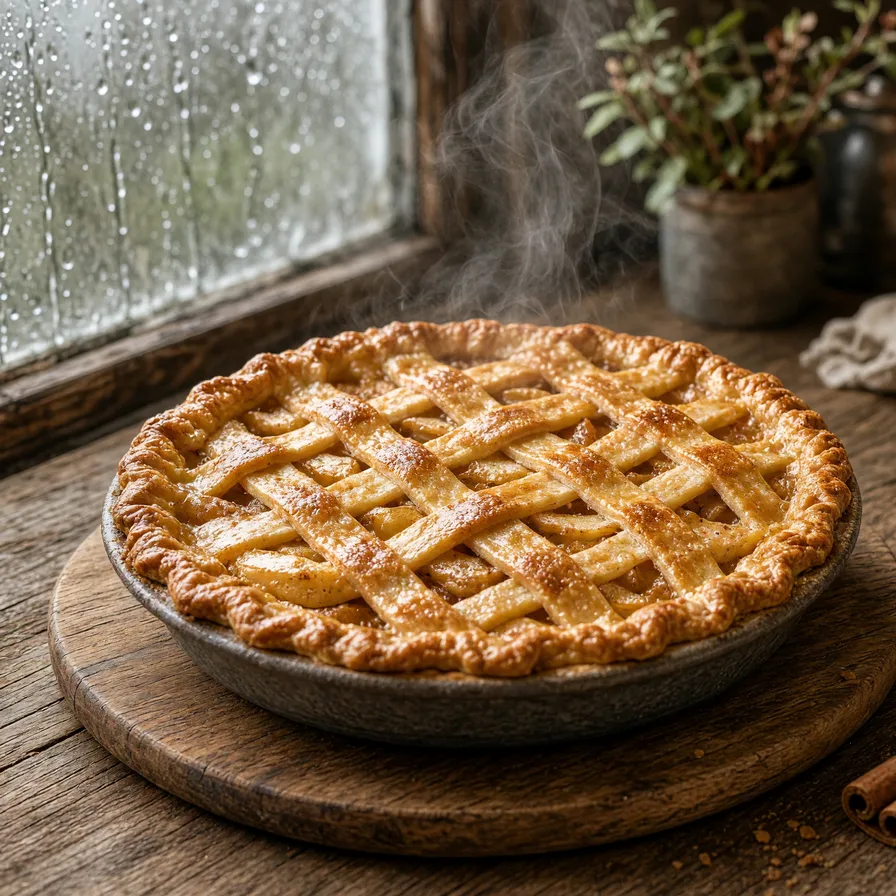
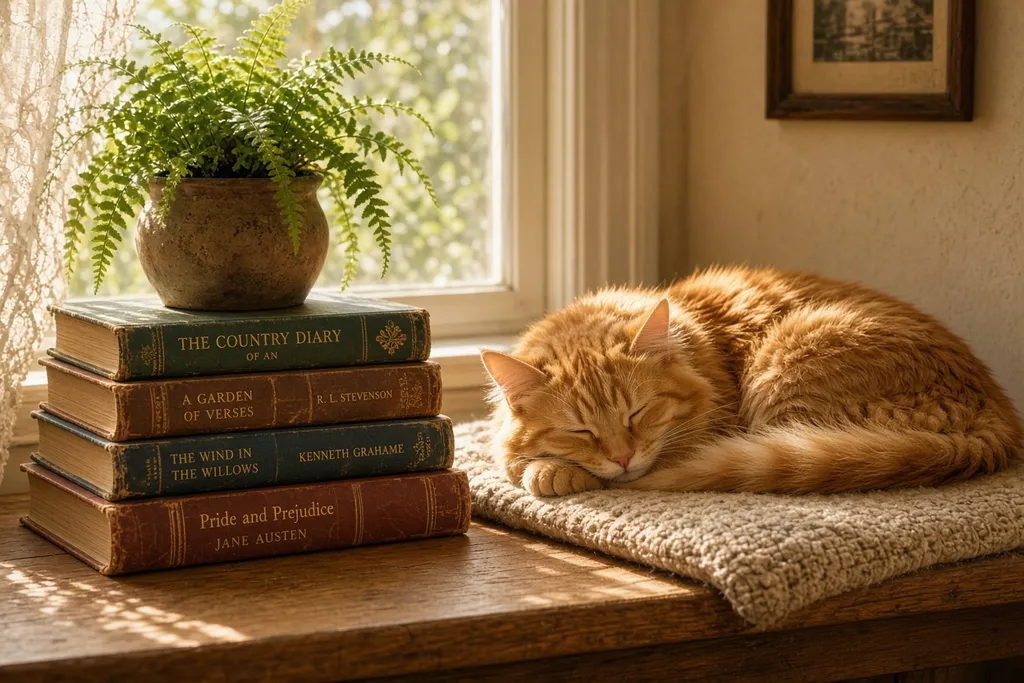
Its strength is warmth. It likes to come in close, with golden light and real texture. In our test its grandmother picking tomatoes was the one that felt most like a family photo, and its apple pie made you want to sit down by the window.
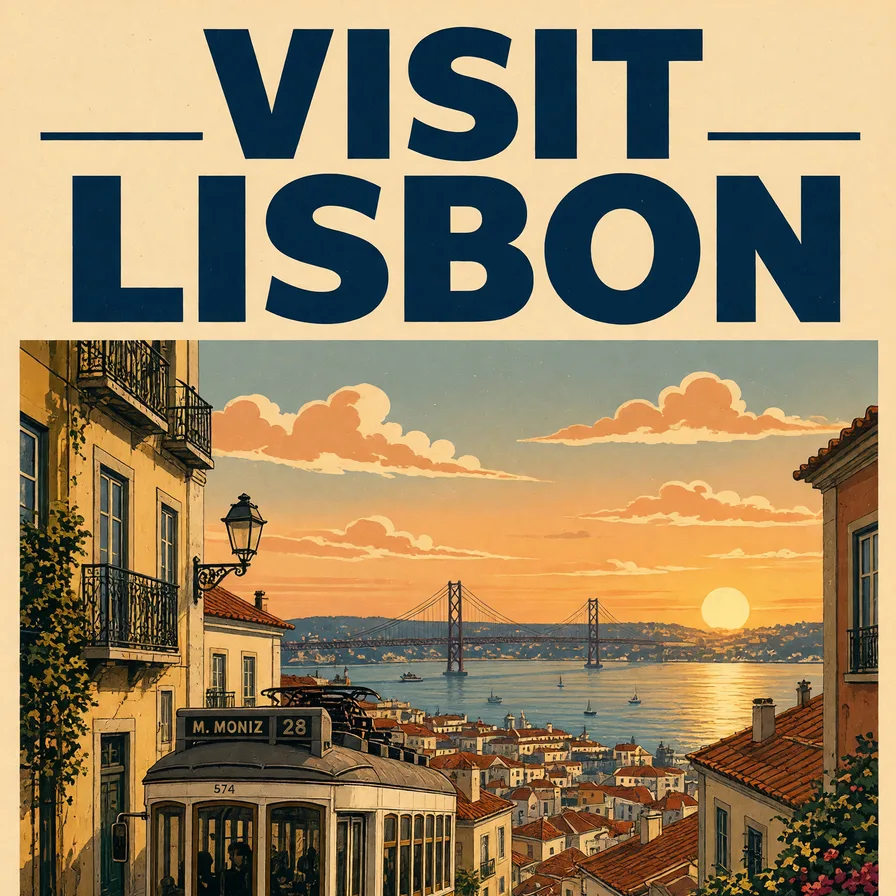
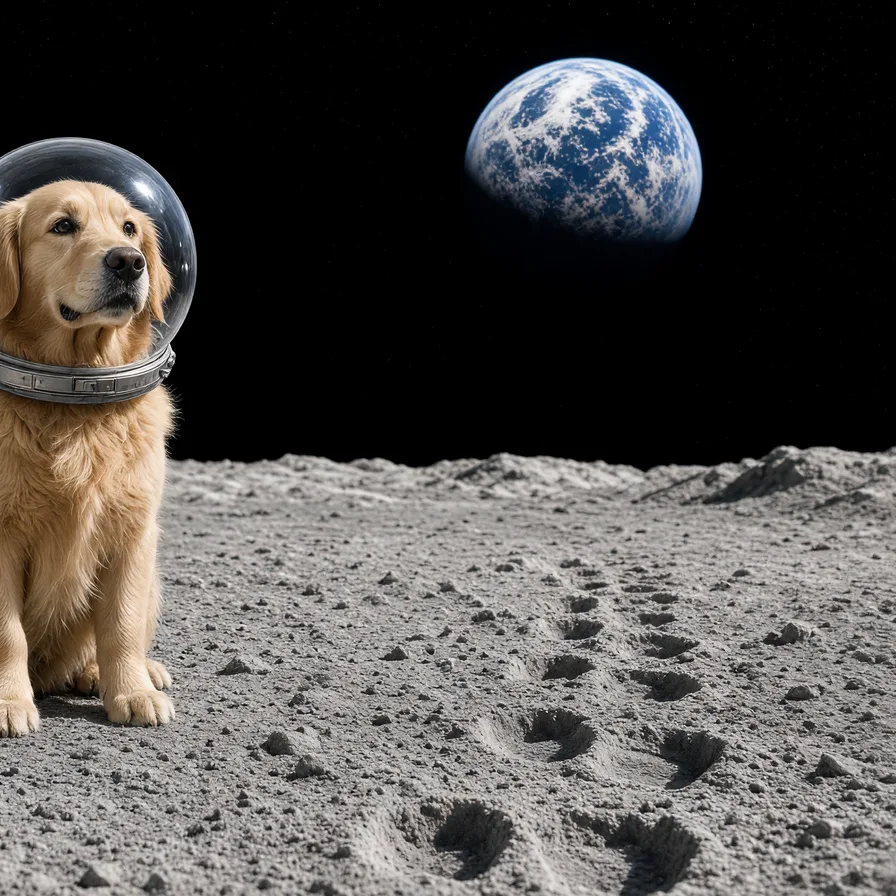
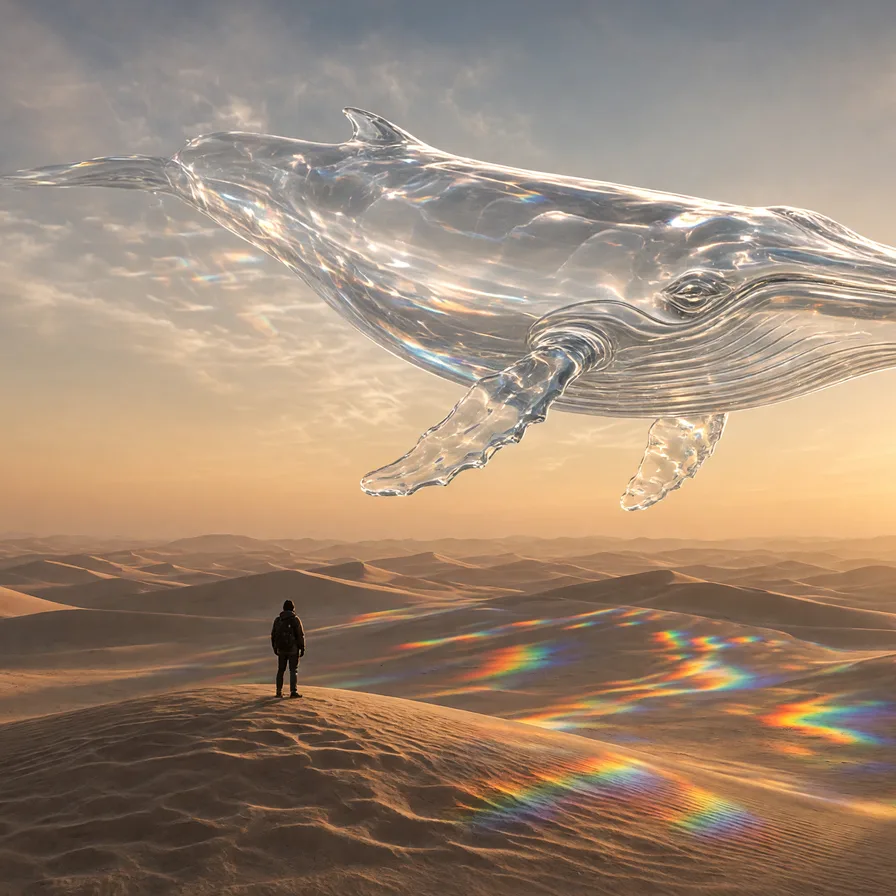
The catch is framing. It sometimes crops the main subject. Our dog on the moon was pushed to the edge, the glass whale lost part of its head, and the tram on the poster was hidden under the words.
How to get a good result
- Ask for the whole subject. “The full dog, in the center of the picture.”
- Say how far away the camera is. “Wide shot” or “close-up”, so it doesn’t choose for you.
- Lean into its warmth. Portraits, kitchens, gardens and evening light suit it well.
- Check the edges before you print or share, and ask again if something is cut off.
When to pick another model
For a poster where everything fits, try GPT Image 2.5 Flare. If you need a picture fast, Flux 2 Pro was about three times quicker in our test. To change a photo you already have, use Nano Banana Pro. See all four in our comparison.


