


In plain words
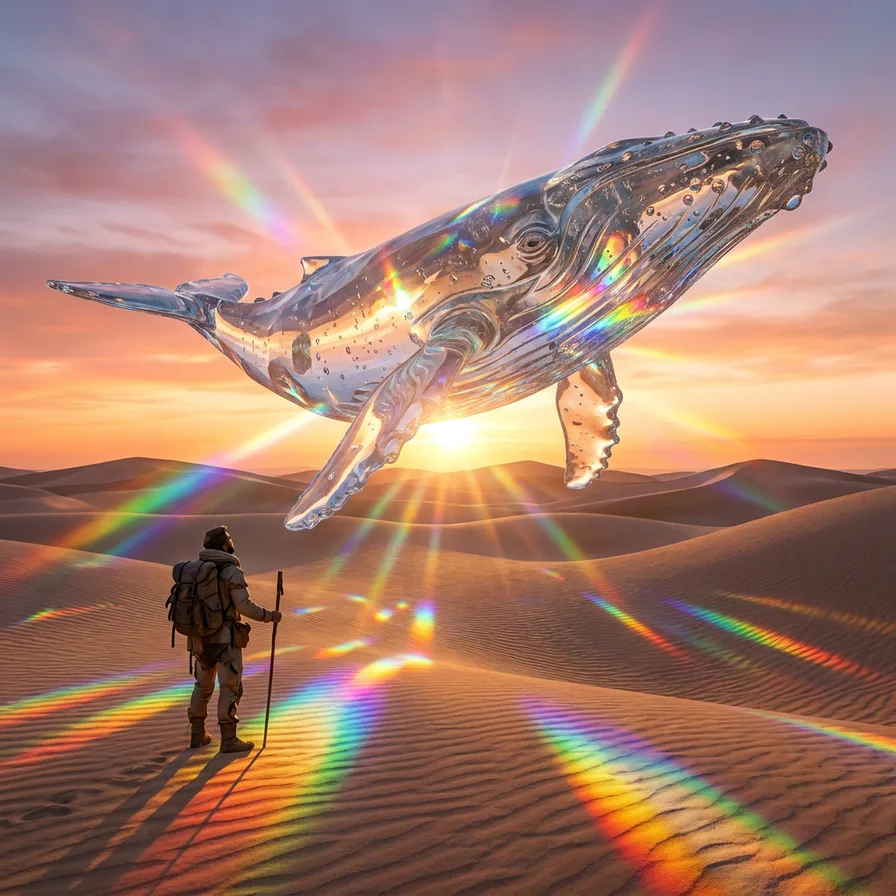
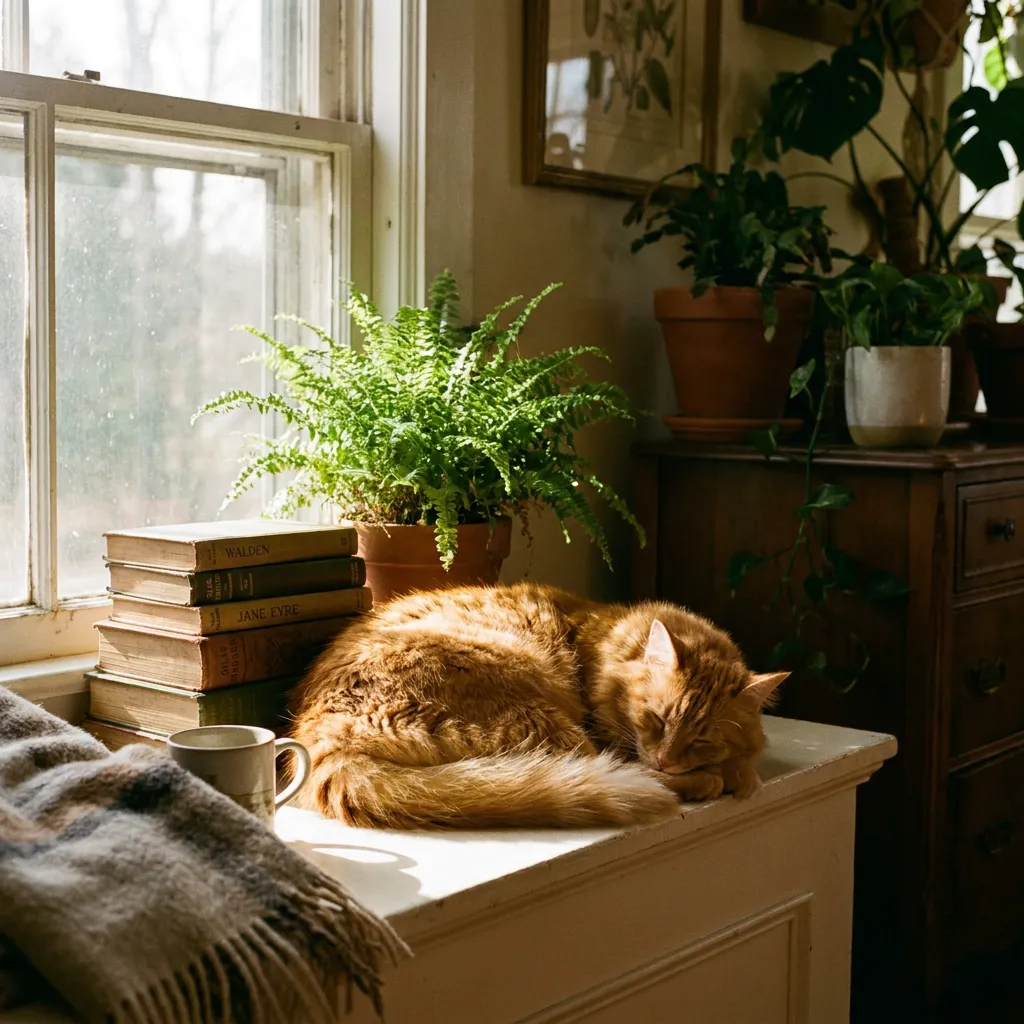
Nano Banana Pro turns a description into a picture. You write what you want to see, and in a few seconds you have an image that looks like a photo, a poster or a painting.
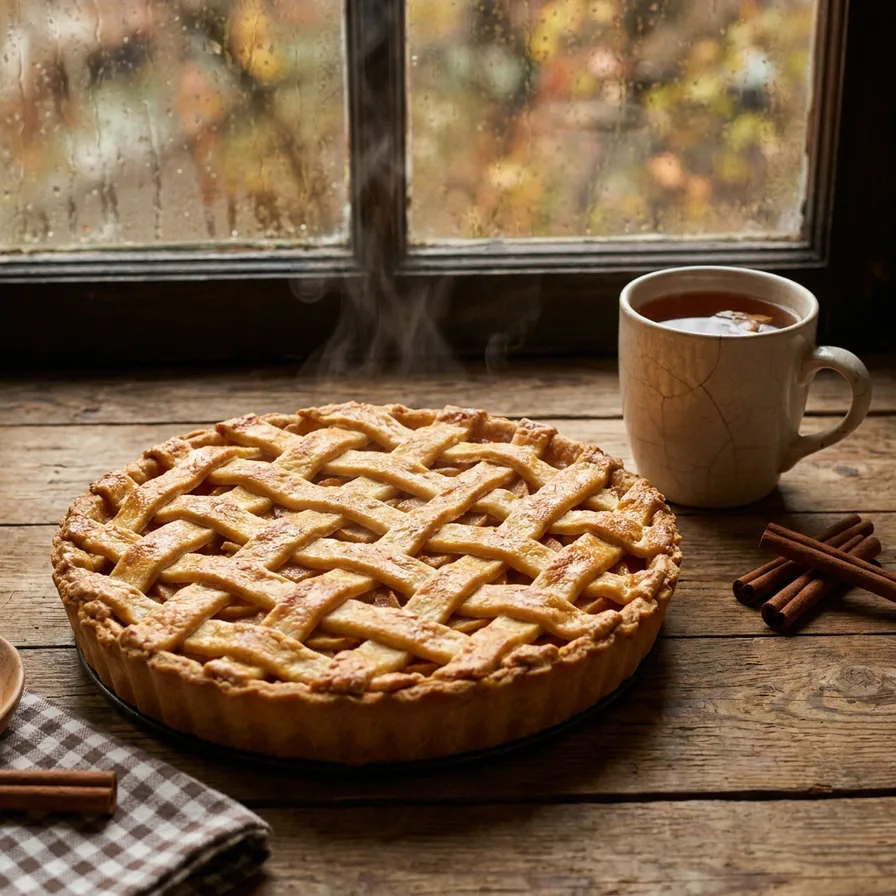
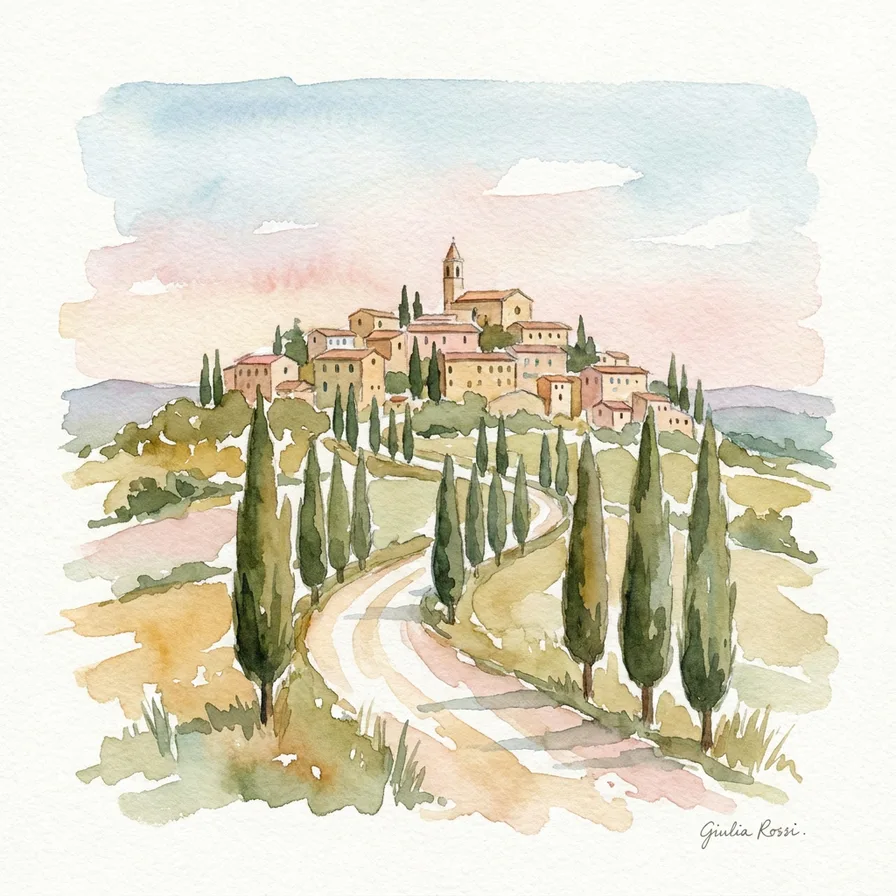
What stands out is how closely it reads your words. In our test, when we asked for a watercolor with “white paper showing through”, it left the paper white and the brushstrokes loose, exactly as written. It also tends to add small touches of its own, which is lovely in a dreamy scene and less welcome when you wanted something plain.
It can also change a photo you upload, which makes it a good choice for family pictures.
How to get a good result
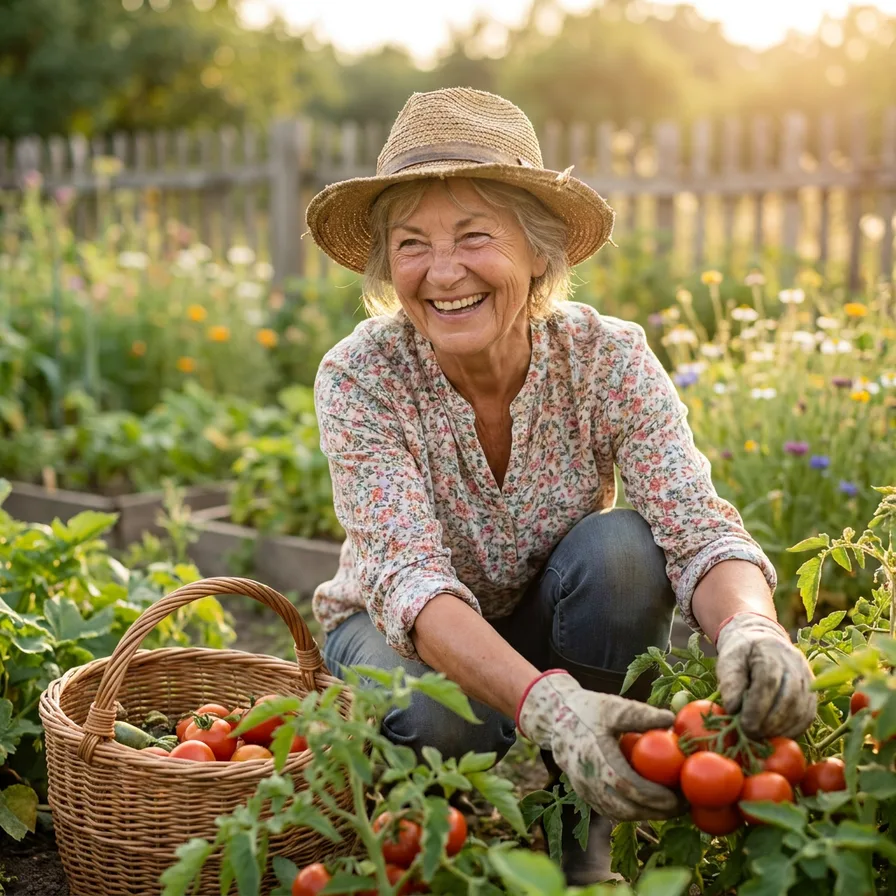
- Write the details you care about. It will try to include each one, so list them: the hat, the basket, the time of day.
- Say what you don’t want. “No text”, “no signature”, “nothing else in the sky”.
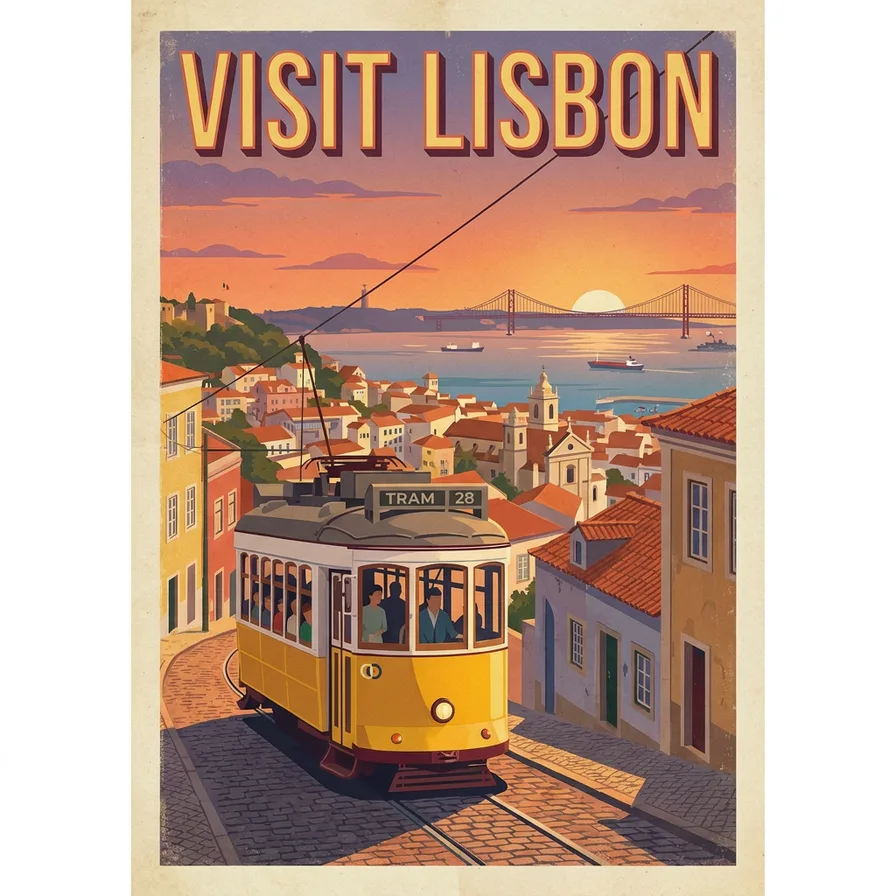
- Name the style. “A 1950s travel poster”, “a watercolor”, “a documentary photo”.
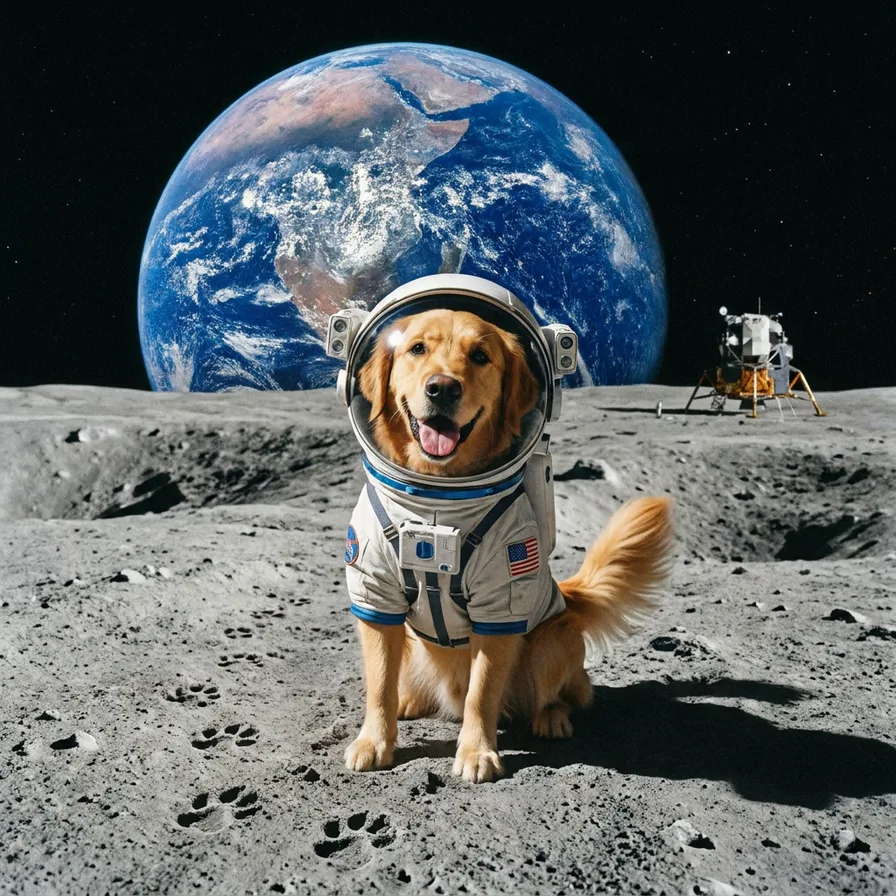
- Ask for changes instead of starting over. “Make it warmer” or “move the dog to the center” keeps what you liked.
When to pick another model
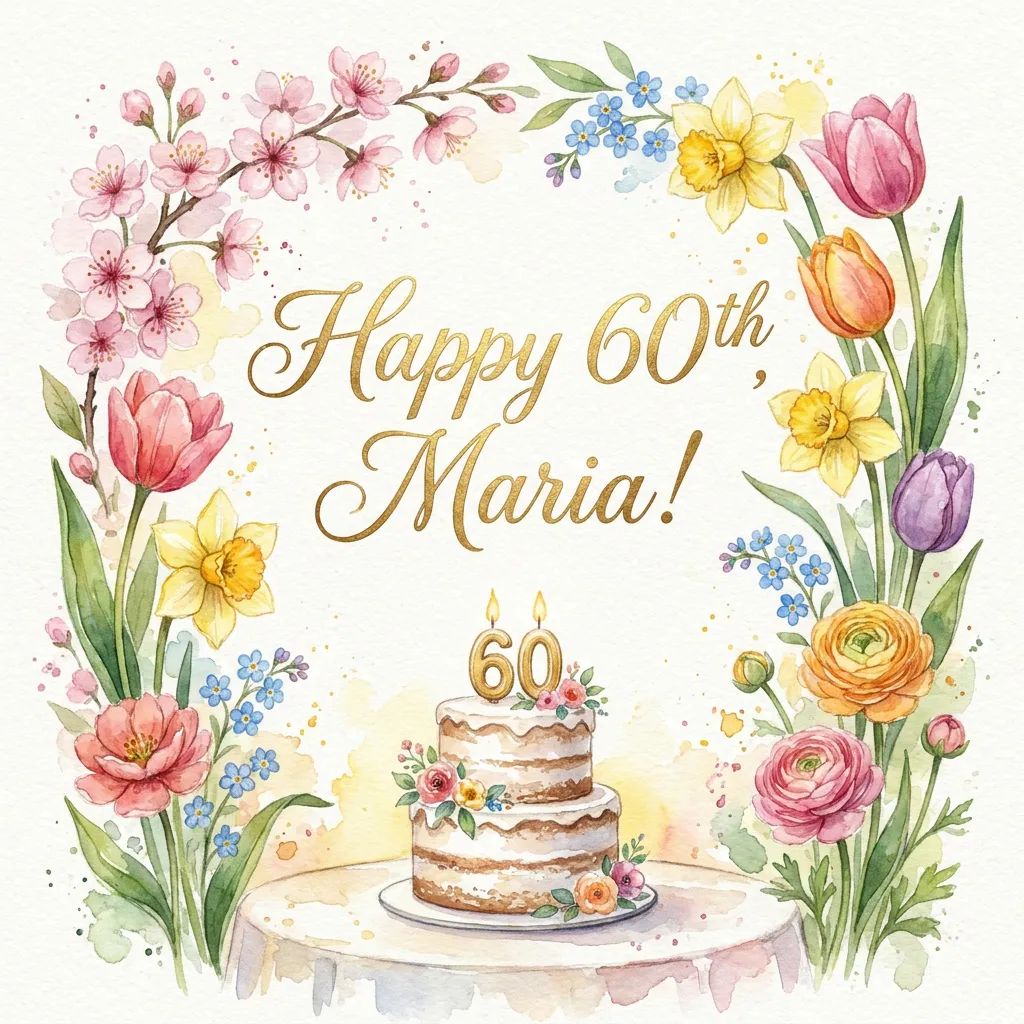
For a bold poster or card that fills the whole picture, try GPT Image 2.5 Flare. If you want the fastest result, Flux 2 Pro was the quickest in our test. You can see all four side by side in our comparison.


