

Skip to content
chatmodel
OpenAI logo

Image model · OpenAI

GPT Image 2.5 FlareNew

Turn a few words into a picture that looks real

GPT Image 2.5 Flare is OpenAI's image model. You describe what you want in plain words and it paints it in seconds, from a family portrait to a poster with real words on it.

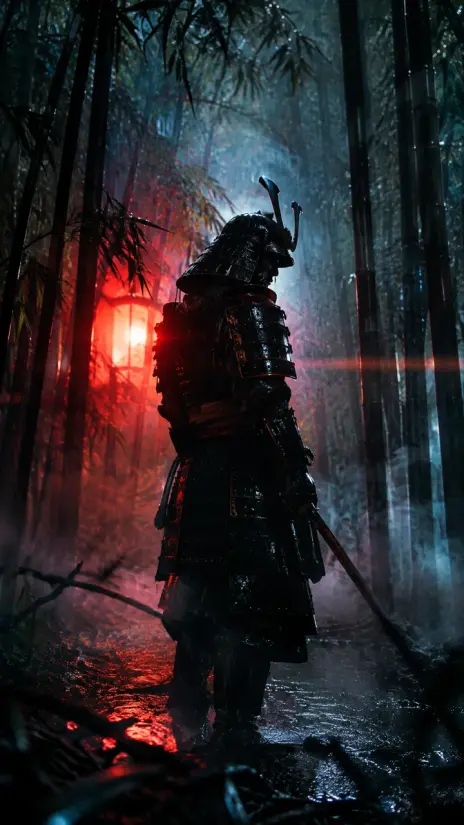
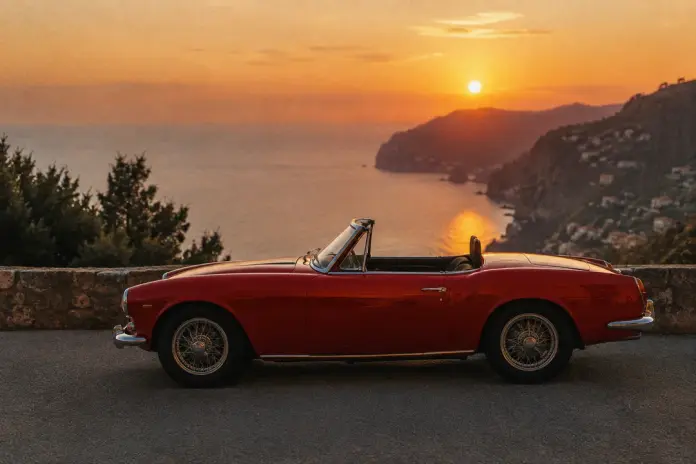
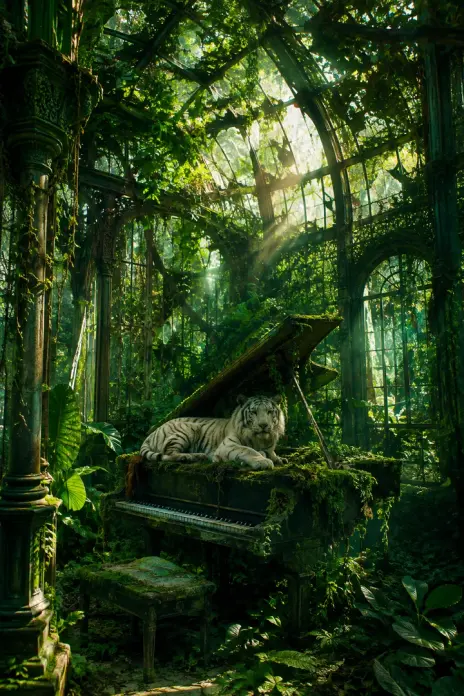
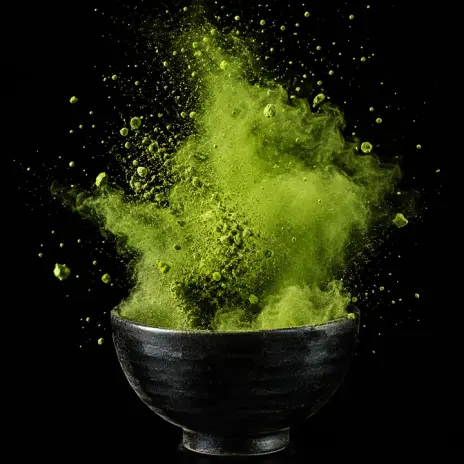
Made with GPT Image 2.5 Flare

What GPT Image 2.5 Flare can create

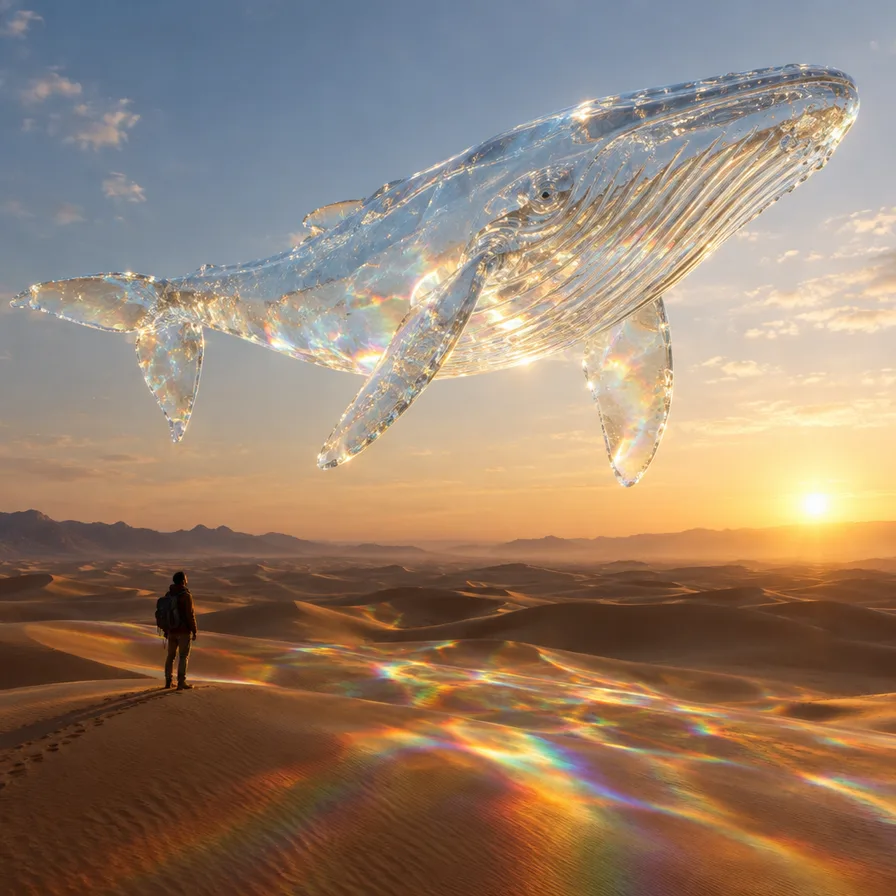
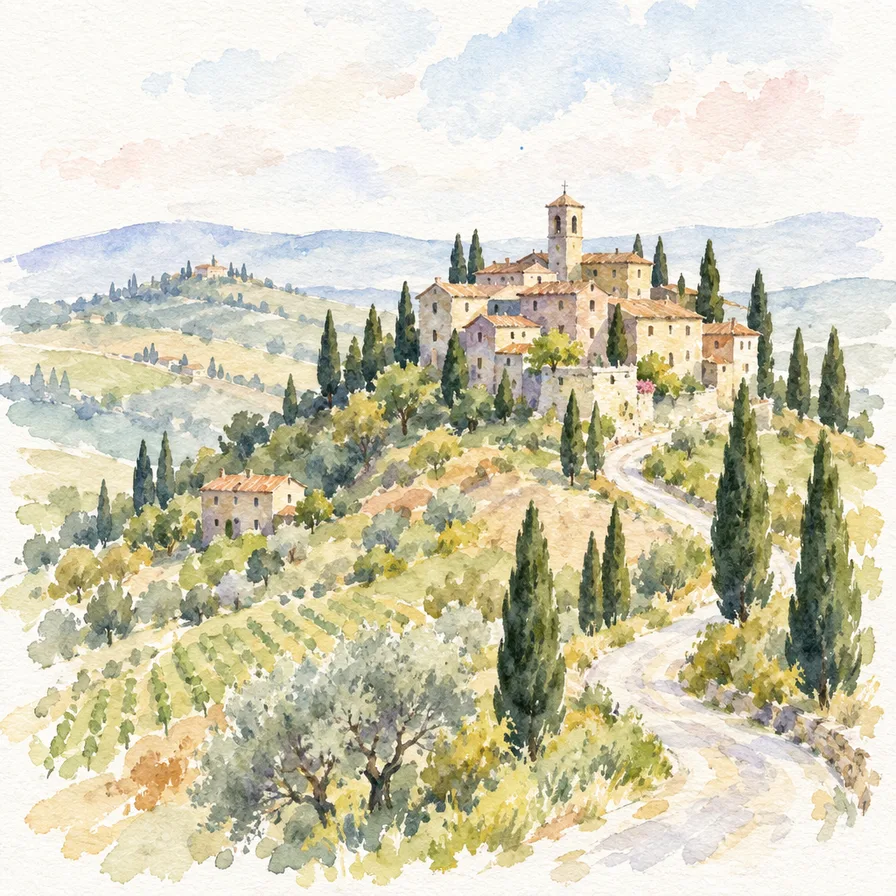
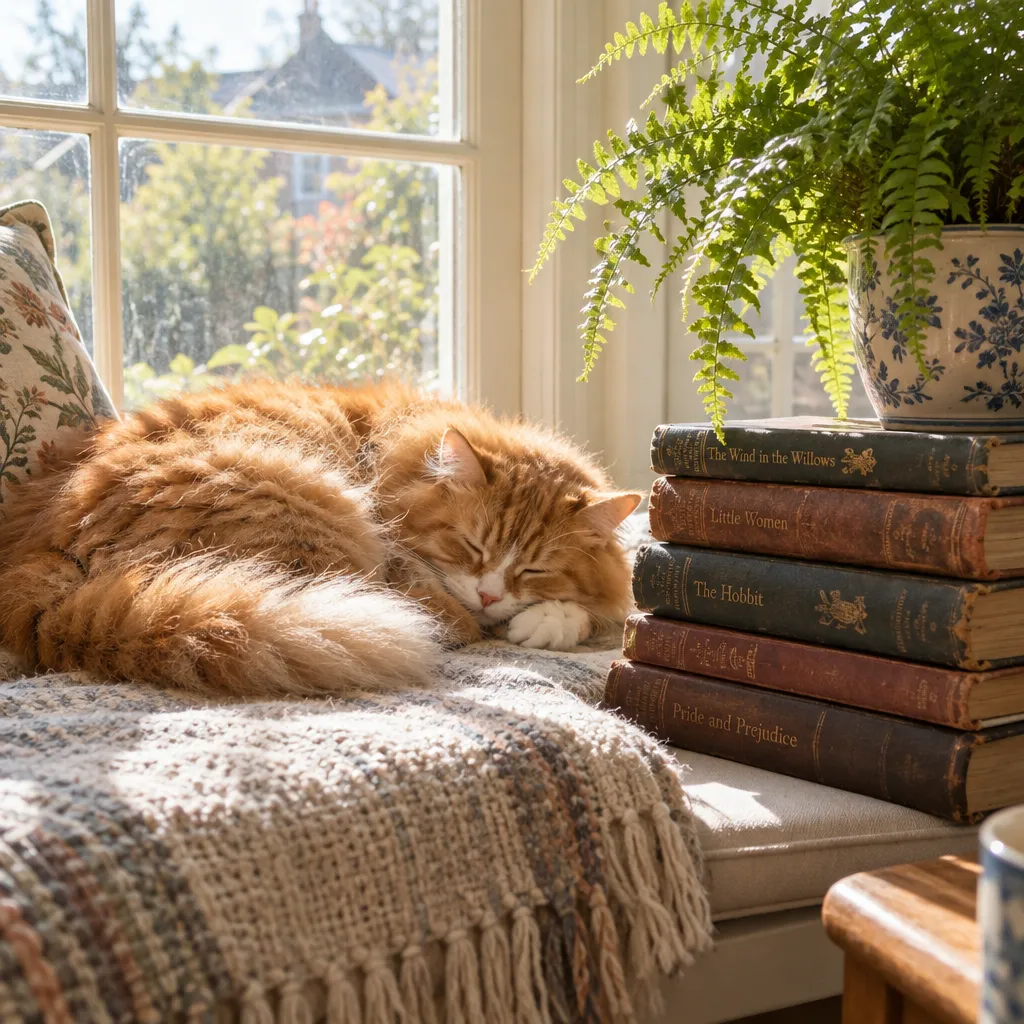
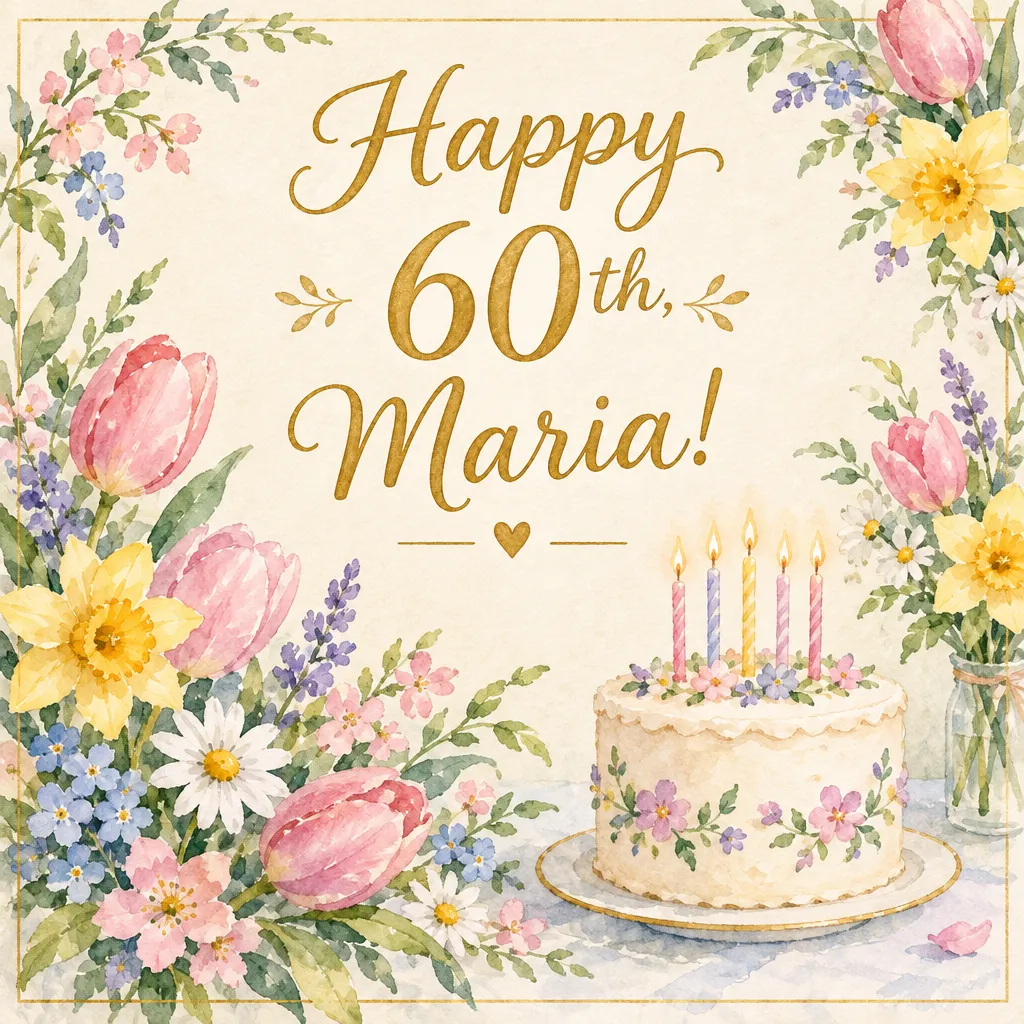
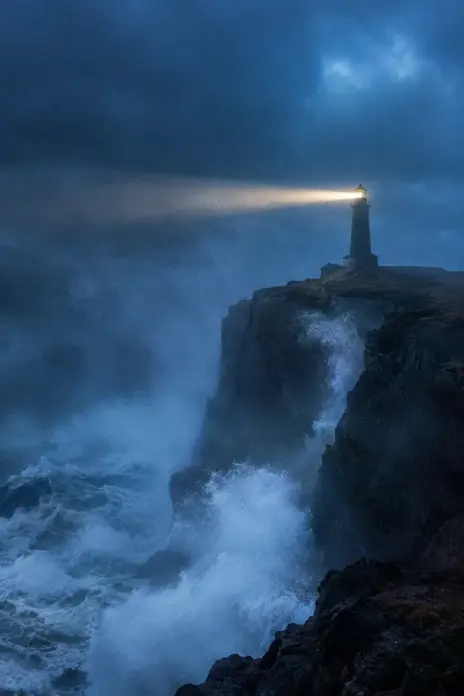
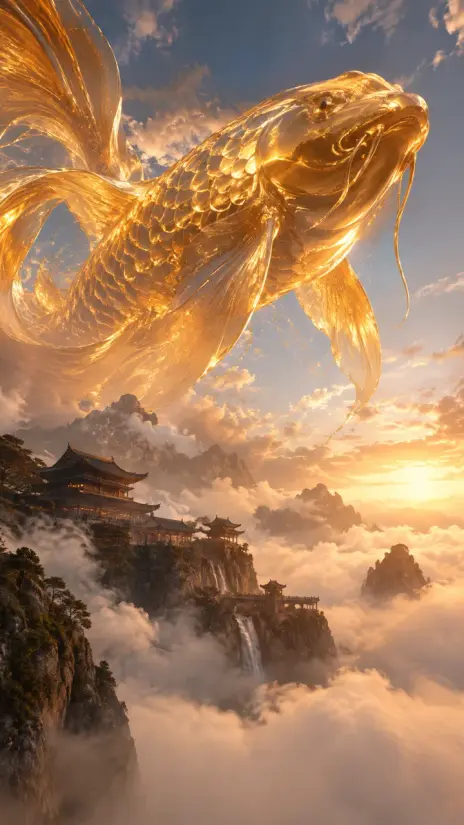
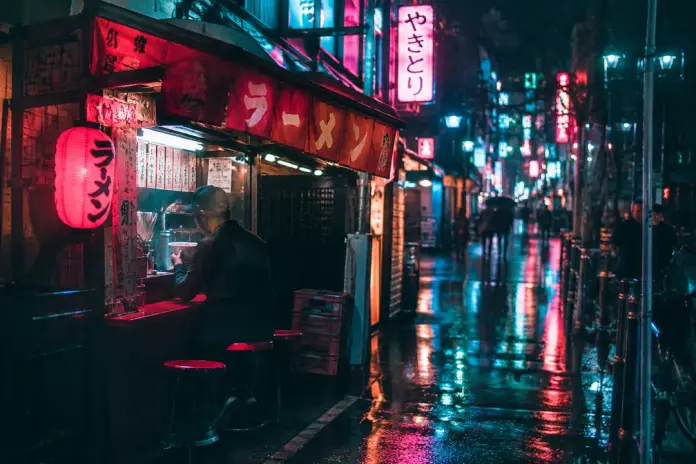
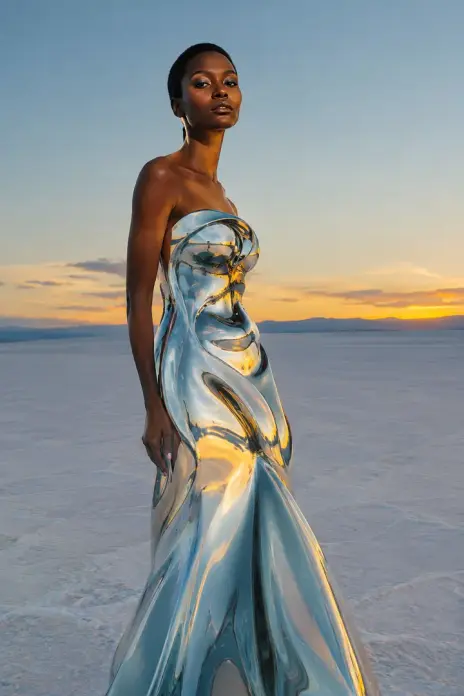
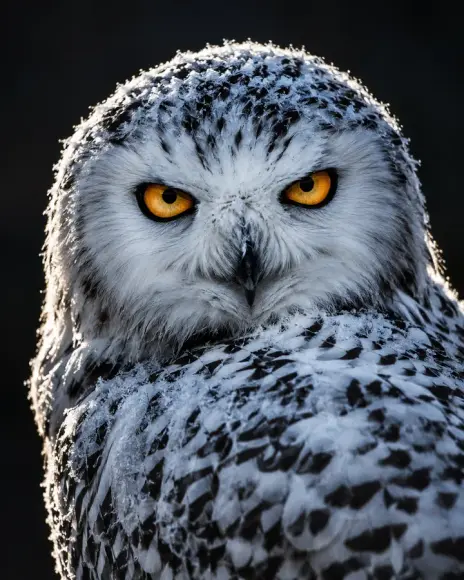
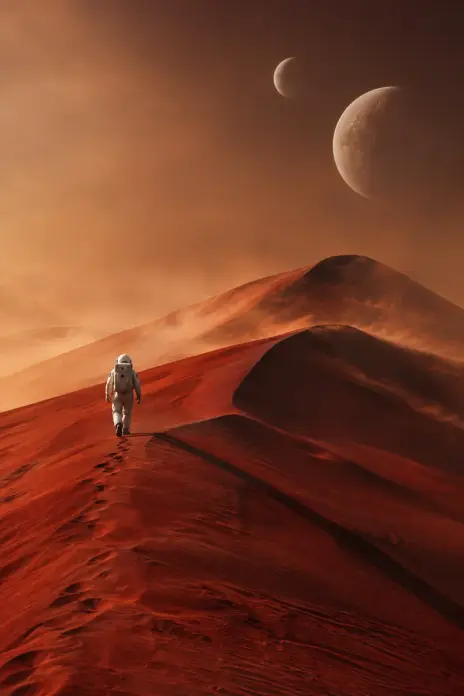
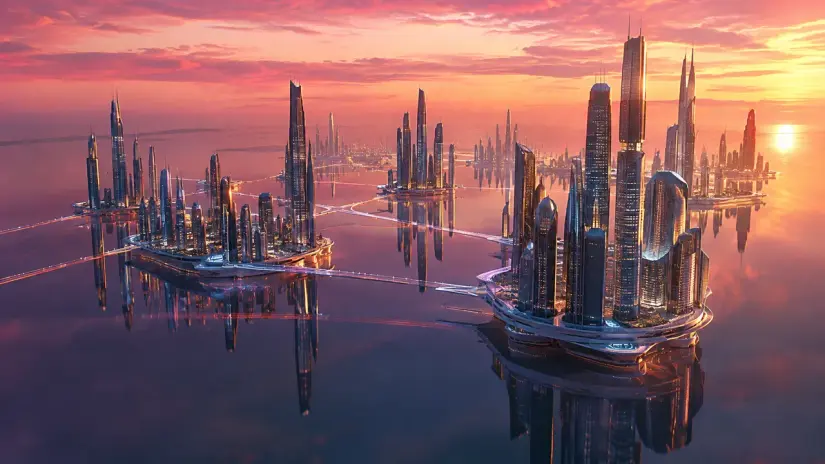
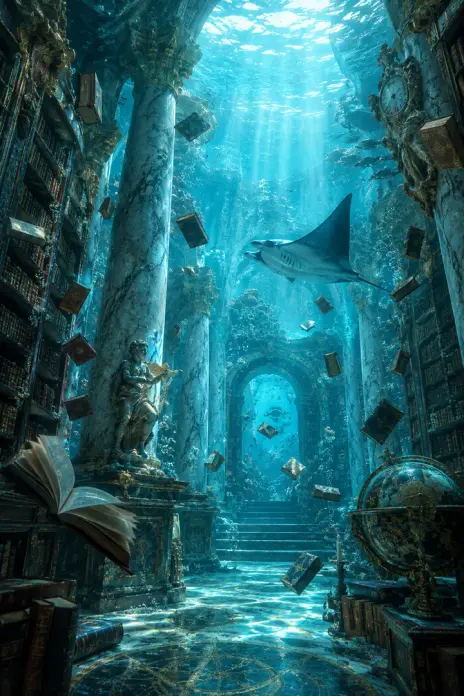
Every image here was made by GPT Image 2.5 Flare from the words under it. Press “Try this prompt” to make your own version in chatmodel.

See every image model with the same words

More ideas to start from

These are the images in chatmodel's Explore gallery. They were all made with GPT Image 2.5 Flare.

The GPT family in chatmodel

GPT Image 2.5 Flare is the newest one. Ordered by release date.

  1. December 2025GPT Image 1.5
  2. April 2026GPT Image 2
  3. September 2026NewGPT Image 2.5 Sunburst
  4. September 2026NewestGPT Image 2.5 FlareYou're here

What it's good for

In plain words

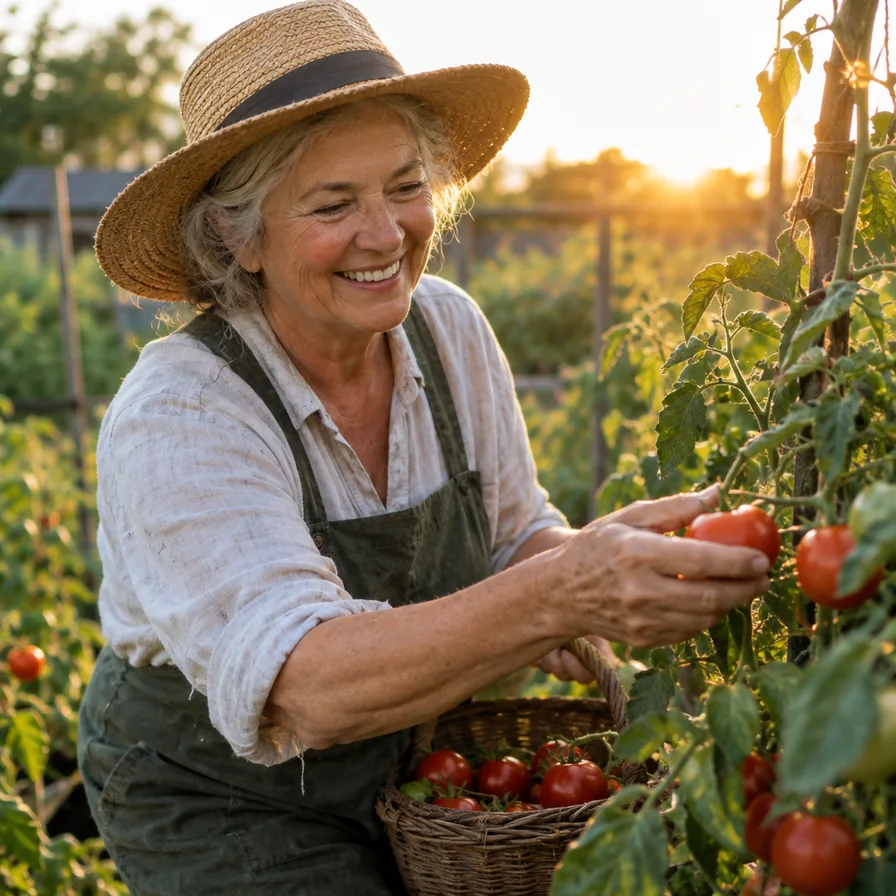
GPT Image 2.5 Flare is a tool that paints pictures from a description. You write what you want to see, for example “my grandmother picking tomatoes in her garden at sunset”, and a few seconds later you have an image that looks like a photo.

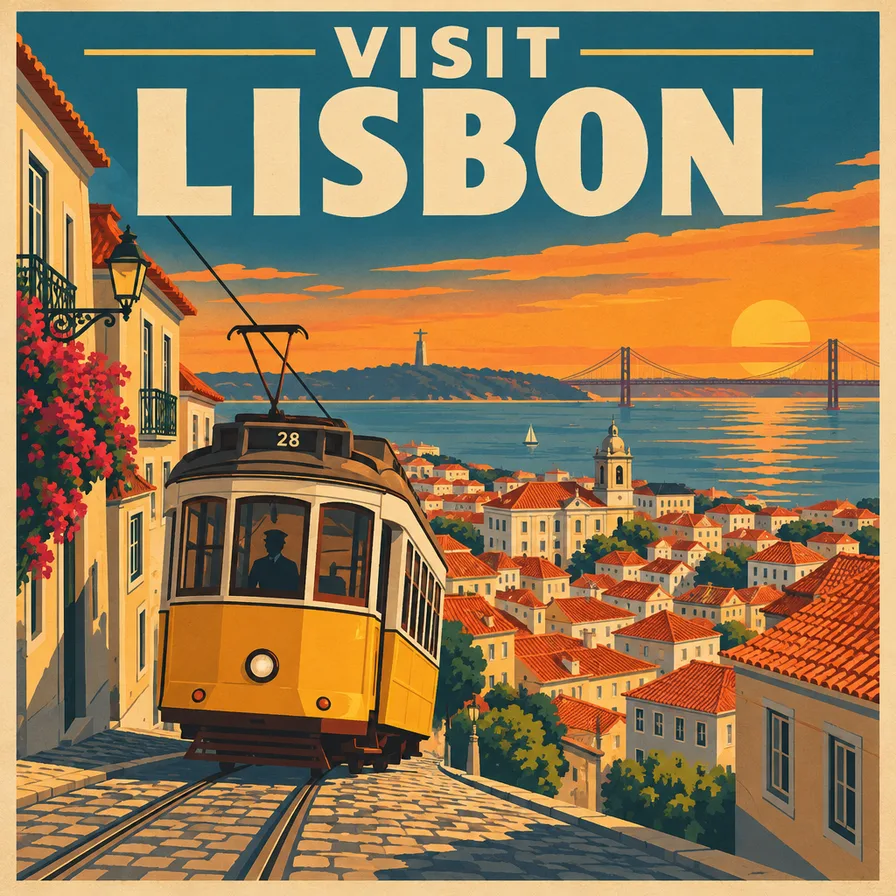
What sets it apart is how well it follows what you asked for. If you ask for a poster that says “Visit Lisbon” with a yellow tram, you get the words, spelled right, and the tram. That makes it a good first choice for cards, invitations, simple posters and anything that needs text on it.

How to get a good result

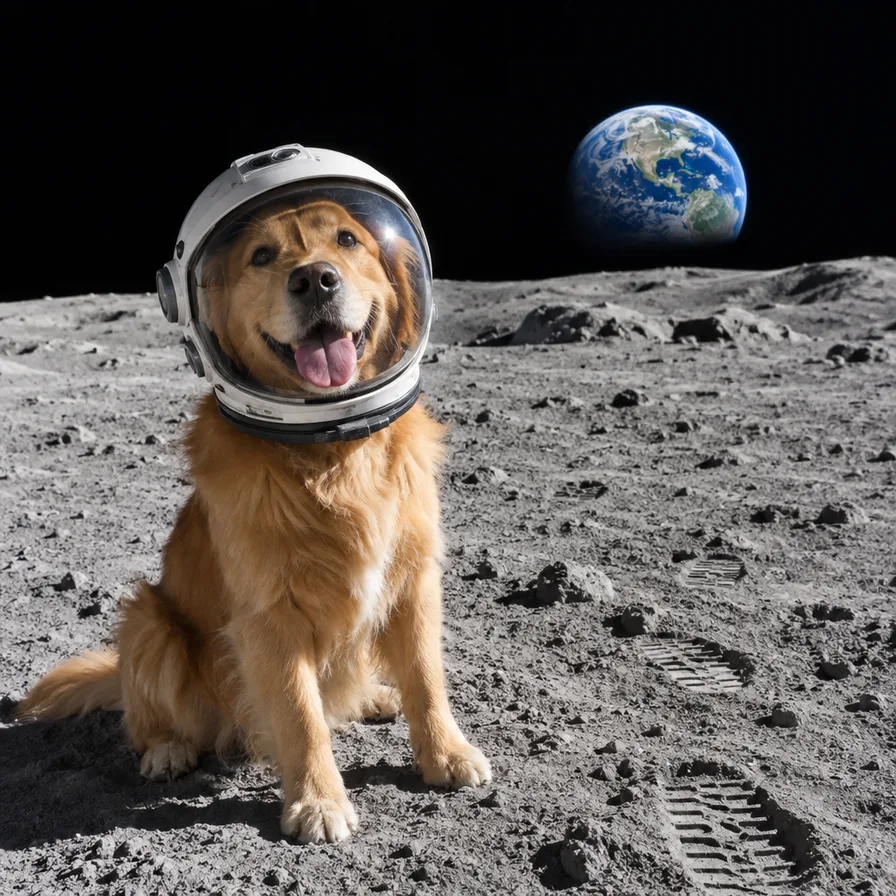
  1. Say who or what is in the picture. “A golden retriever wearing a small astronaut helmet.”
  2. Say where. “Sitting on the moon, with the Earth rising behind him.”
  3. Say the style. “Photorealistic”, “a watercolor painting”, “a 1950s travel poster”.
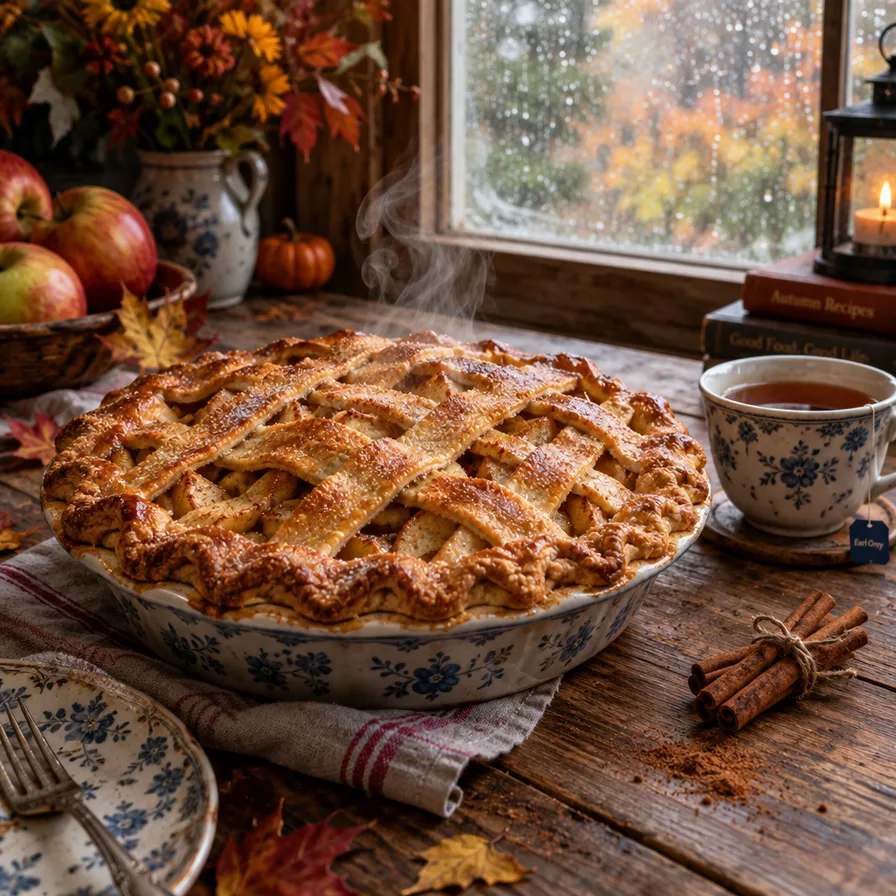
  4. Add the light if it matters. “Soft evening light”, “a rainy window”.

If the first picture isn’t quite right, don’t start over. Tell it what to change: “make it warmer”, “add a cup of tea on the table”, “fewer people in the background”.

When to pick another model

If you want a loose, hand-painted look, or you want every detail of your description followed to the letter, try Nano Banana Pro. If speed matters most, Flux 2 Pro was the quickest in our test and makes clean, bright pictures. See all four side by side in our image generator comparison. In chatmodel you can switch between them on the same page and compare.

How it compares

Other models worth a look

Frequently asked questions

Is GPT Image 2.5 Flare the same as ChatGPT's image generator?

It comes from the same company, OpenAI. In chatmodel you use it directly on the Image page, next to other image models, so you can try the same idea with several of them.

Do I need to know how to write prompts?

No. Describe the picture as if you were telling a friend: who is in it, where, and what the light is like. The examples on this page are a good starting point.

Can I use it to edit my own photos?

Yes. Upload a photo on chatmodel's Image page and tell it what to change, for example “make it look like a sunny day” or “remove the person in the background”.

How long does it take to make an image?

Usually a few seconds. More detailed pictures can take a little longer.

All of these models, in one place

Chat, images, video and tools with the best AI models. Switch between them whenever you want.

Start for free

Chatmodel is an independent service offering access to third-party AI models. AI can make mistakes. Using Chatmodel means you agree to our Terms and Privacy Policy.