


In plain words
GPT Image 2 is one of OpenAI’s image models. You write what you want to see and it paints it.
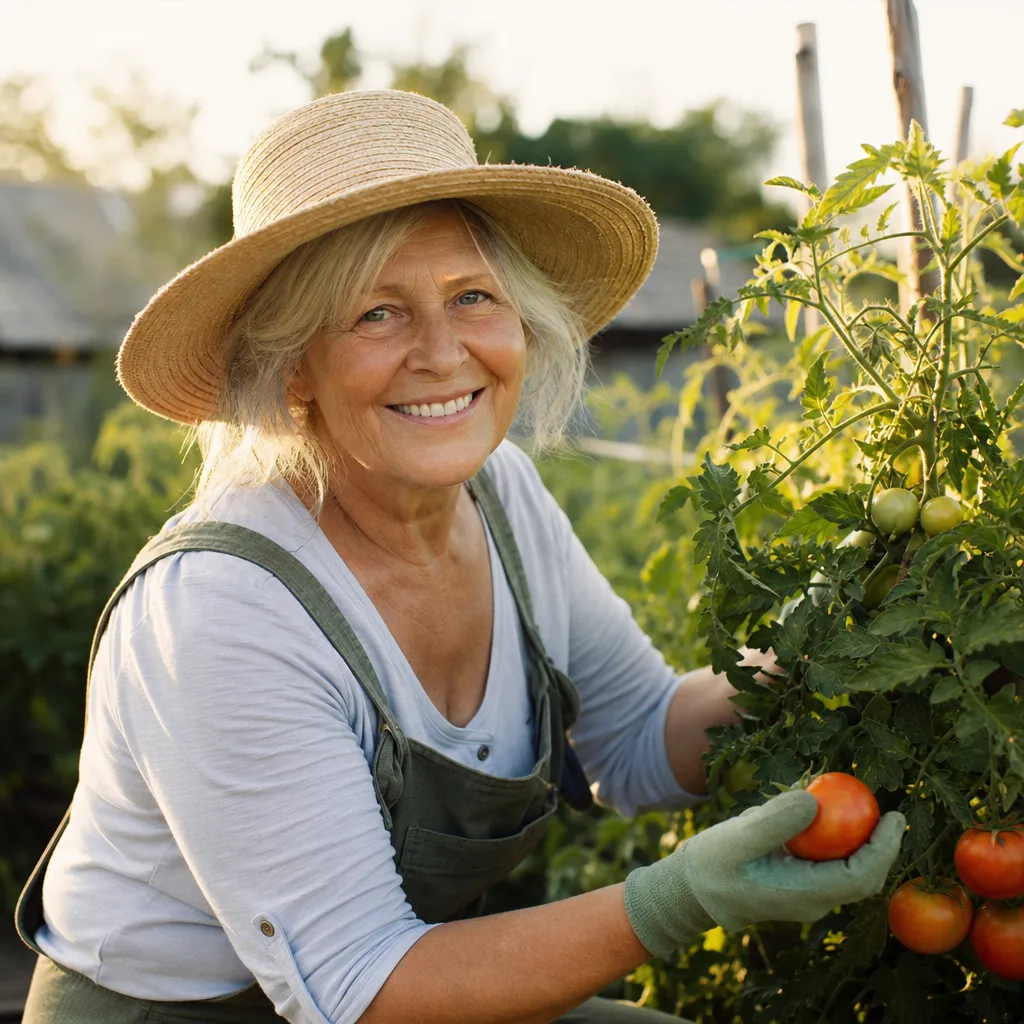
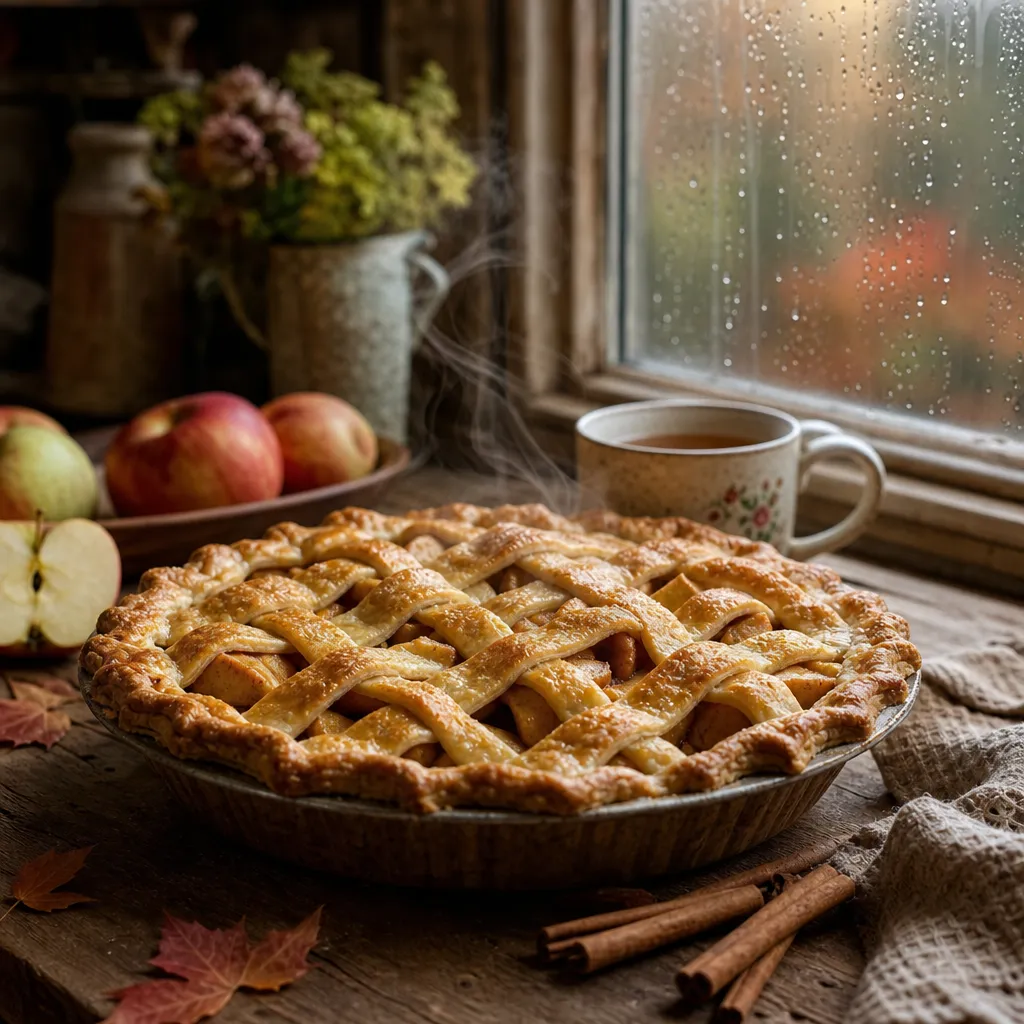
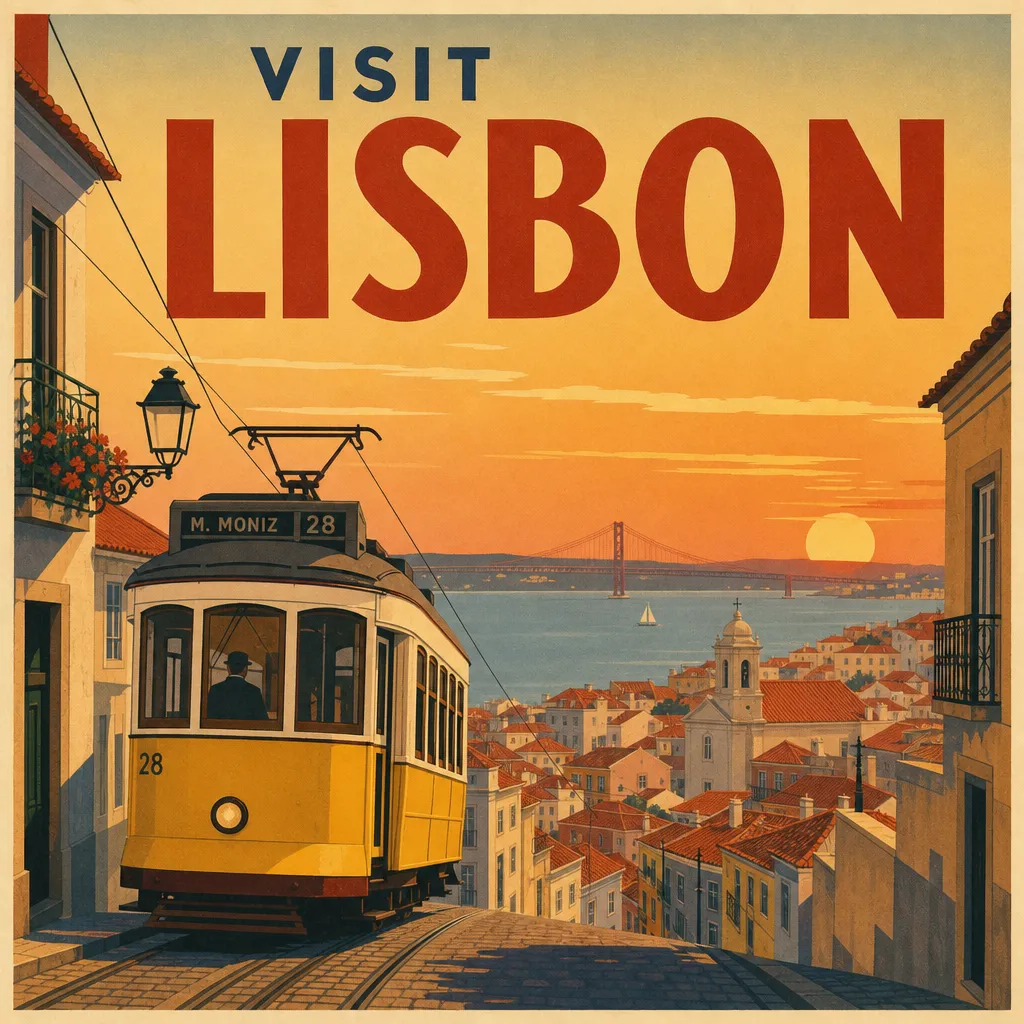
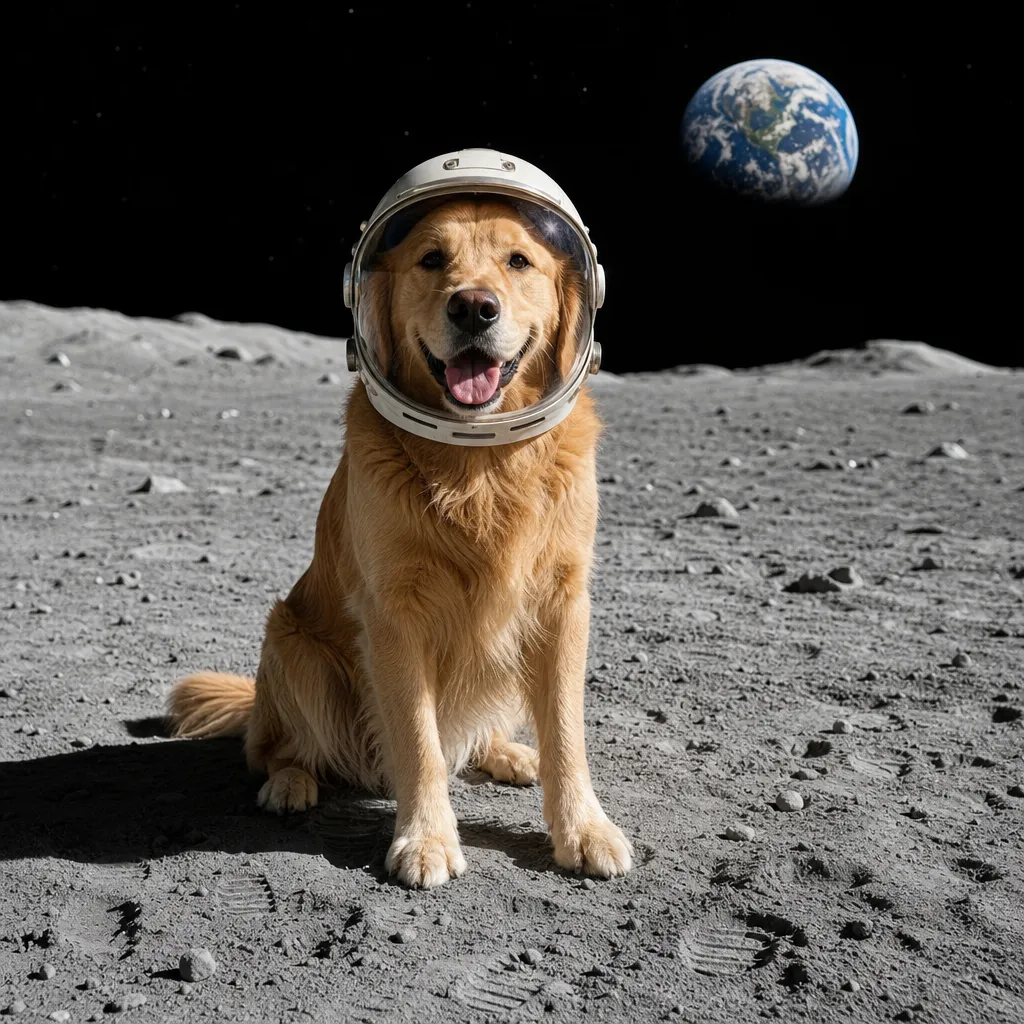
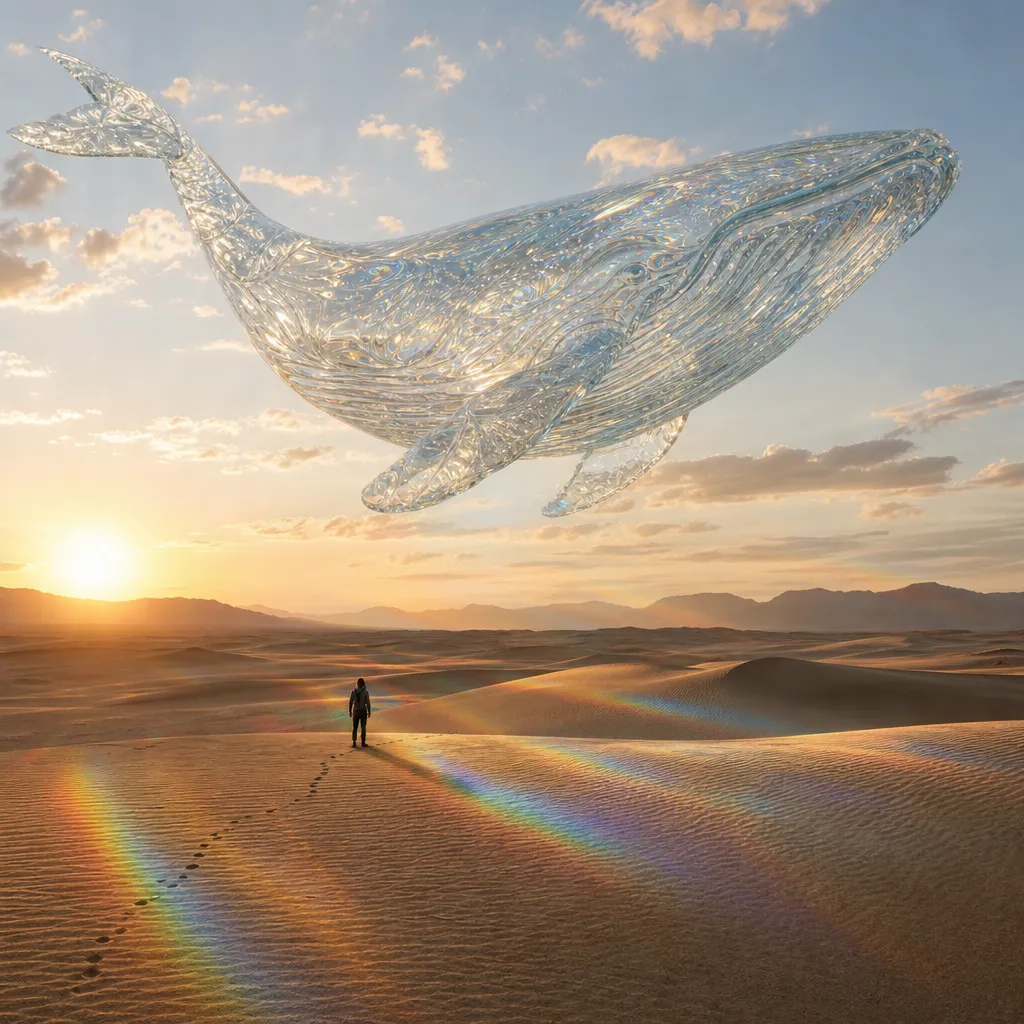
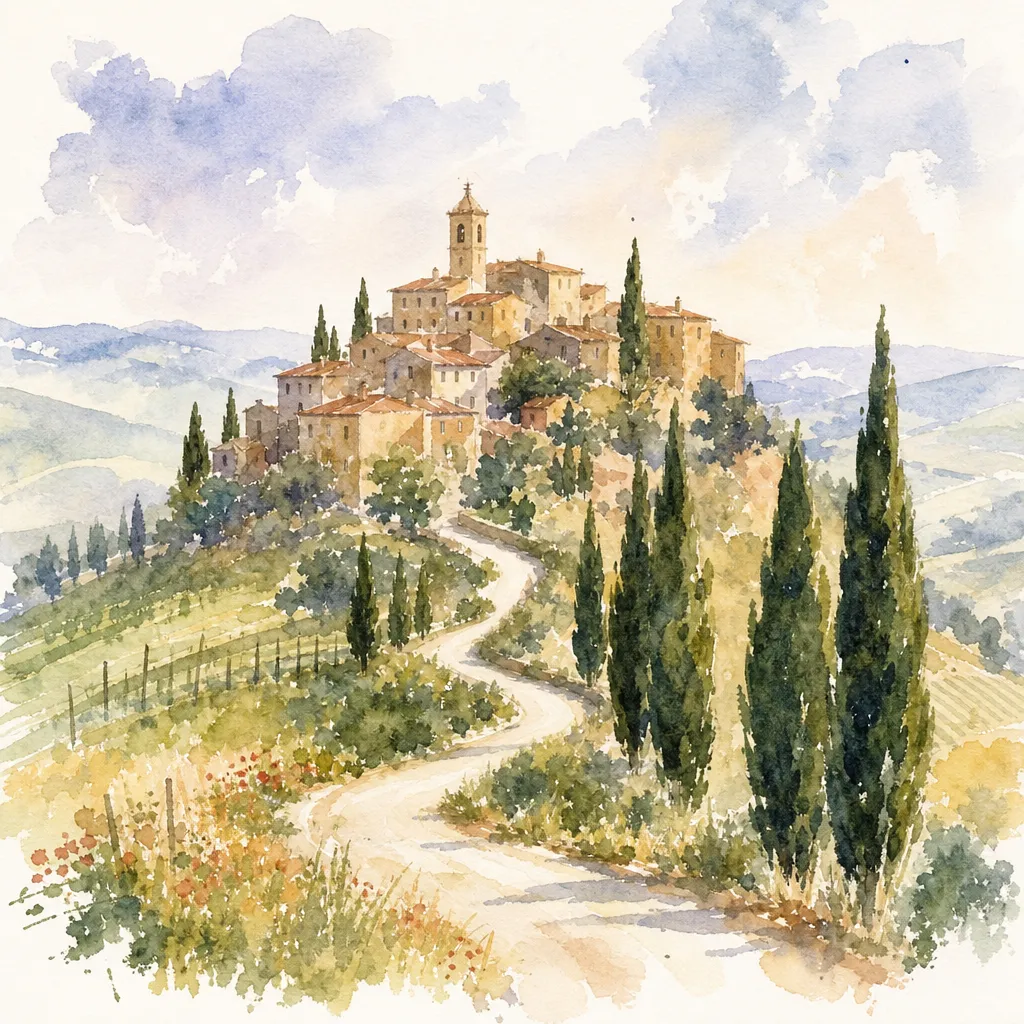
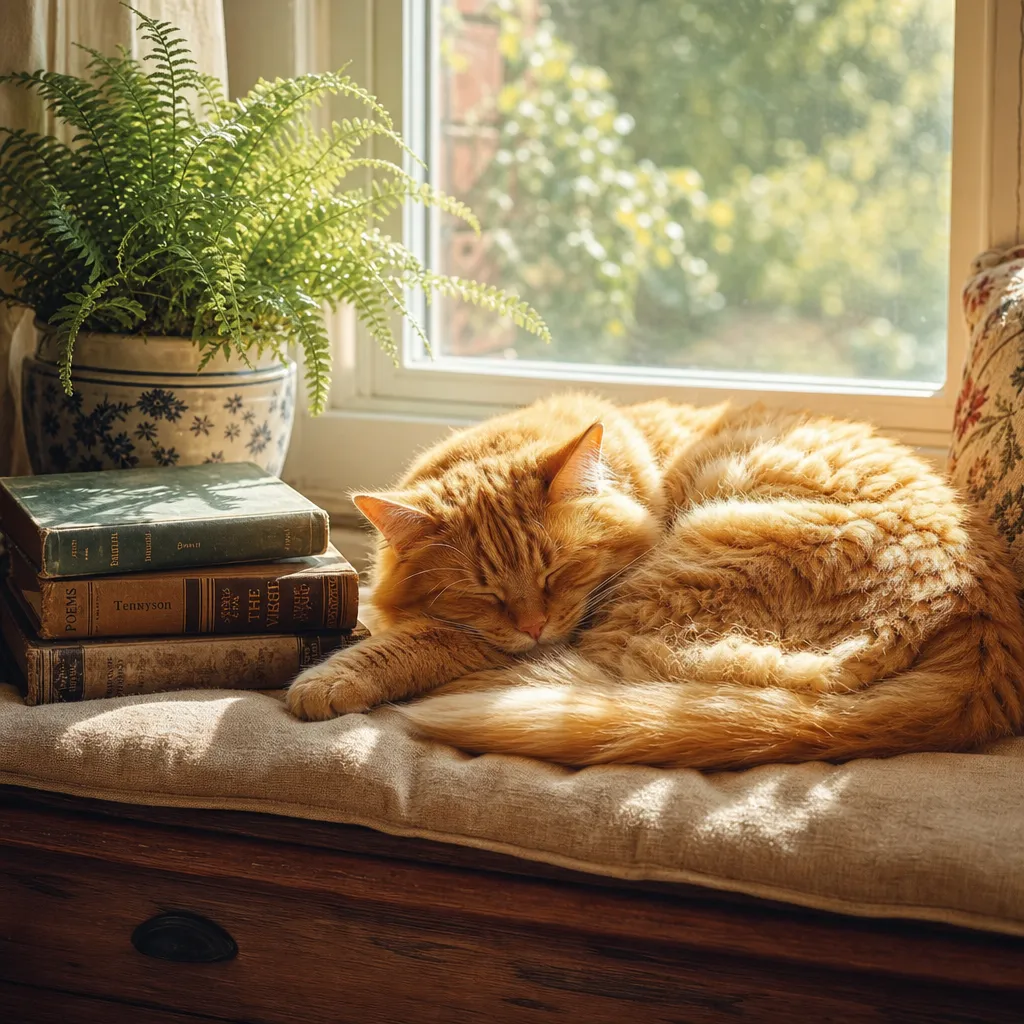
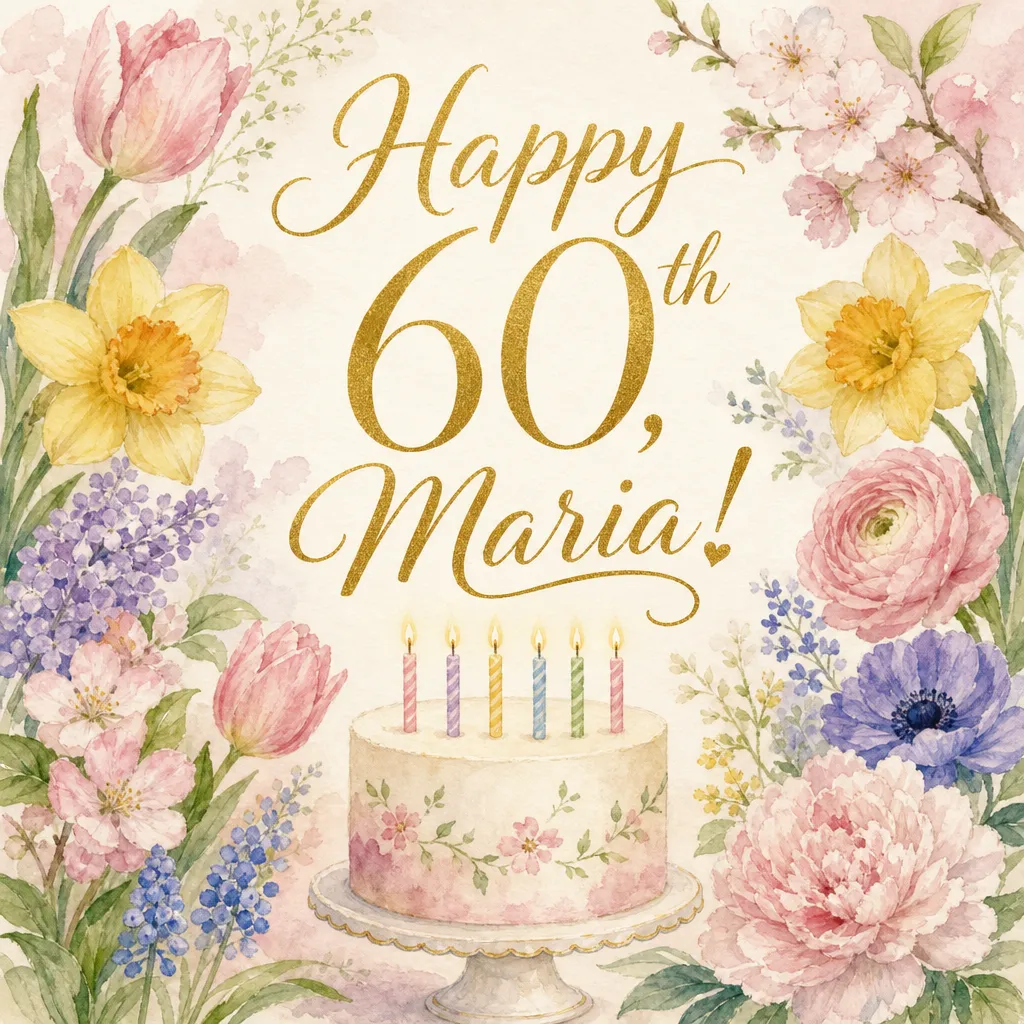
Next to its older sibling, it has a quieter style. Colors are softer, light looks like real daylight, and the people look like people you know rather than models in an advert. Our birthday card had neat gold lettering and a cake with tall candles; the poster felt like something from a 1950s travel agency.
The price of that care is time. Expect to wait close to a minute for each picture.
How to get the most out of it
- Send it the pictures that matter. Portraits, family scenes and keepsakes suit its natural look.
- Be patient, then refine. Once you have a picture you like, ask for small changes instead of starting over.
- Spell out unusual materials. For glass or metal, add “completely transparent” or “polished and shiny”.
- Name the era. “1950s poster” or “old family photo” plays to its strengths.
How it compares with its siblings
It is newer than GPT Image 1.5, which is brighter and far quicker. Newer still is the 2.5 pair, GPT Image 2.5 Flare, which made the most finished pictures in our comparison, and GPT Image 2.5 Sunburst, suited to precise edits of a photo you upload.
When to pick another model
If you are in a hurry, Nano Banana Lite 2 made each picture in about 4 to 5 seconds. For restoring family photos, see our guide to restoring old photos.