

Skip to content
chatmodel
OpenAI logo

Image model · OpenAI

GPT Image 1.5

Warm, colorful pictures that feel like a sunny day

GPT Image 1.5 is an earlier OpenAI image model. It paints with rich color and golden light, and it can also change photos you upload.

Made with GPT Image 1.5

What GPT Image 1.5 can create

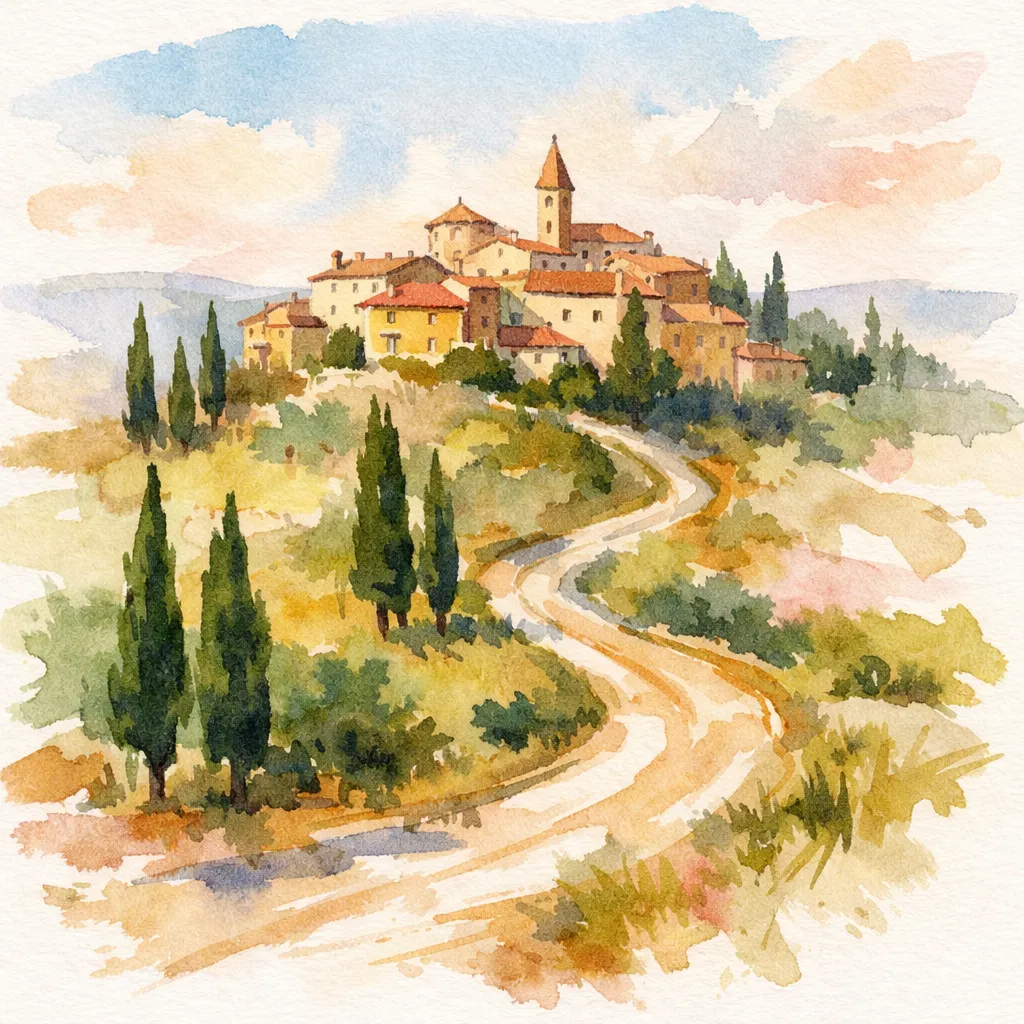
Every image here was made by GPT Image 1.5 from the words under it. Press “Try this prompt” to make your own version in chatmodel.

See every image model with the same words

The GPT family in chatmodel

The newest is GPT Image 2.5 Flare. Ordered by release date.

  1. December 2025GPT Image 1.5You're here
  2. April 2026GPT Image 2
  3. September 2026NewGPT Image 2.5 Sunburst
  4. September 2026NewestGPT Image 2.5 Flare

What it's good for

In plain words

GPT Image 1.5 turns what you write into a picture. You describe the scene, and in about a quarter of a minute you get something that looks like a photo, a card or a painting.

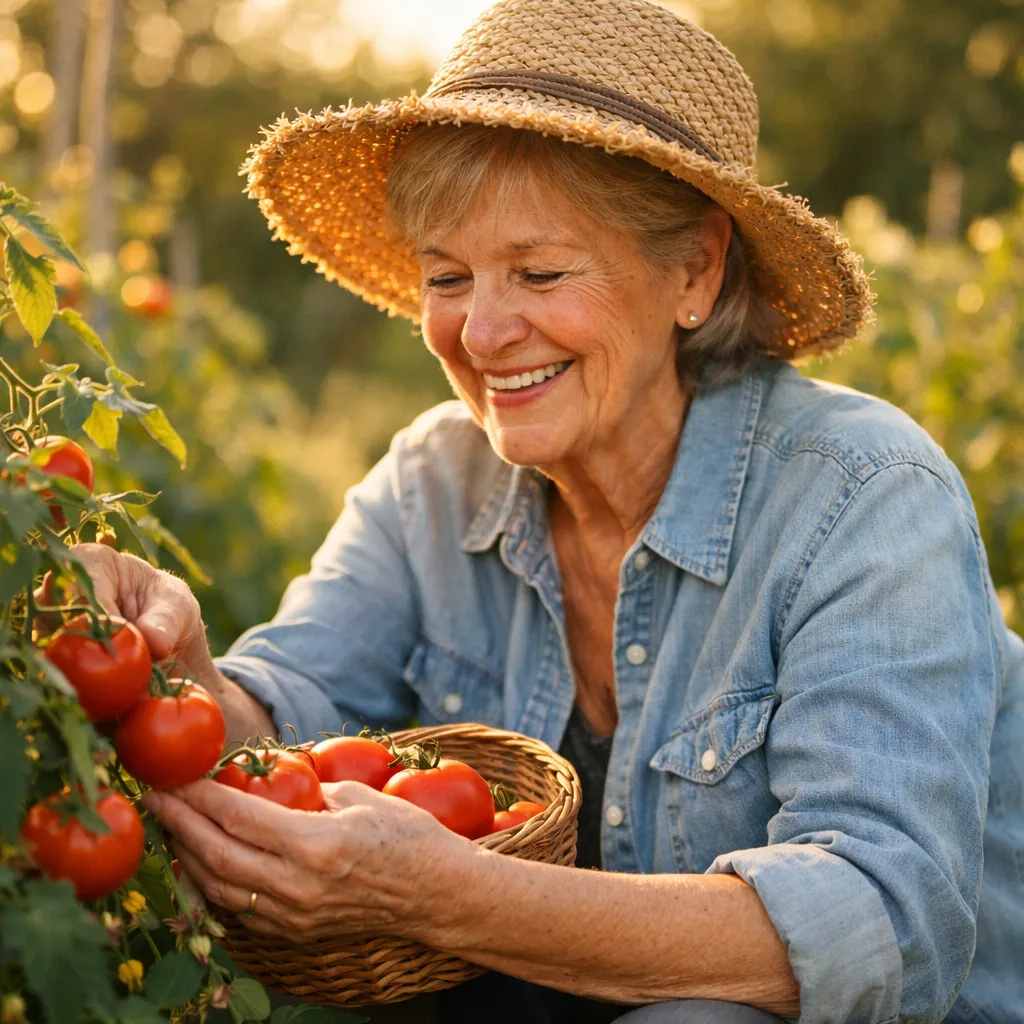
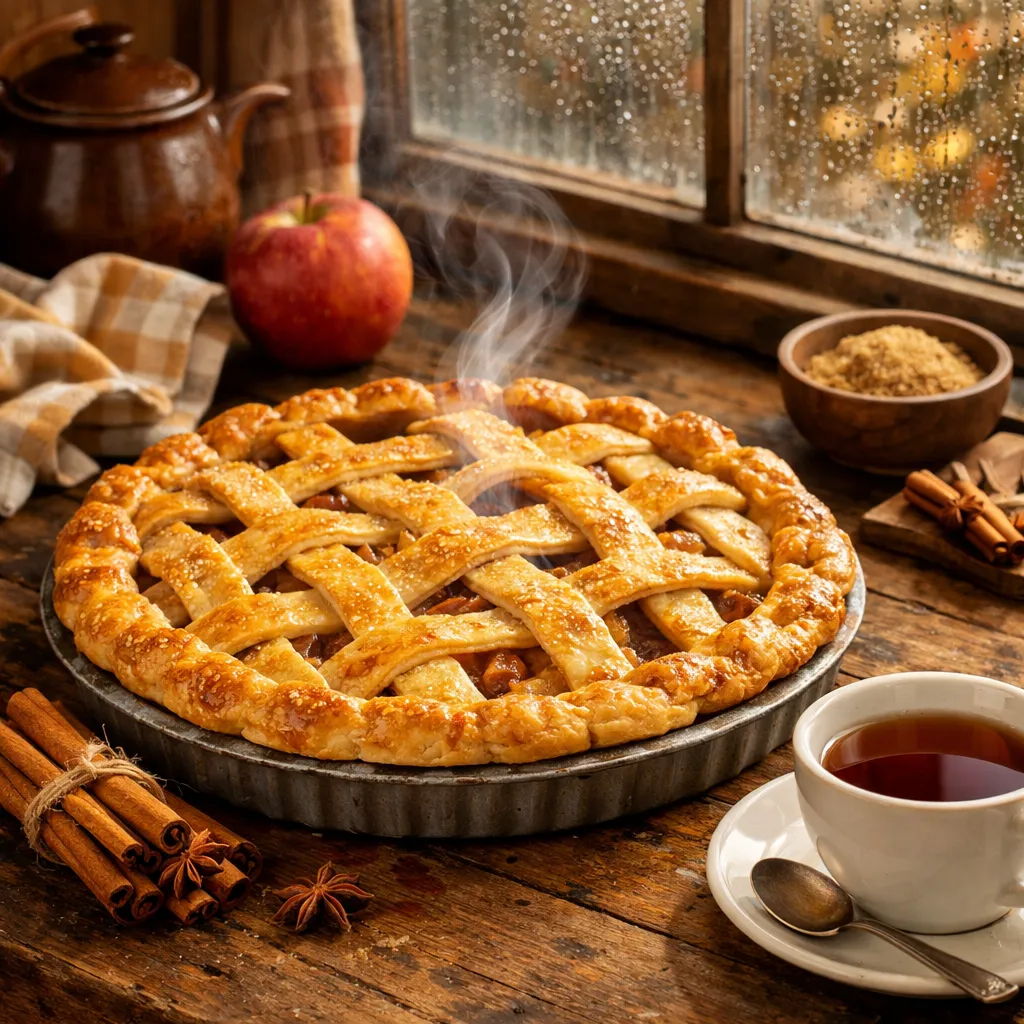
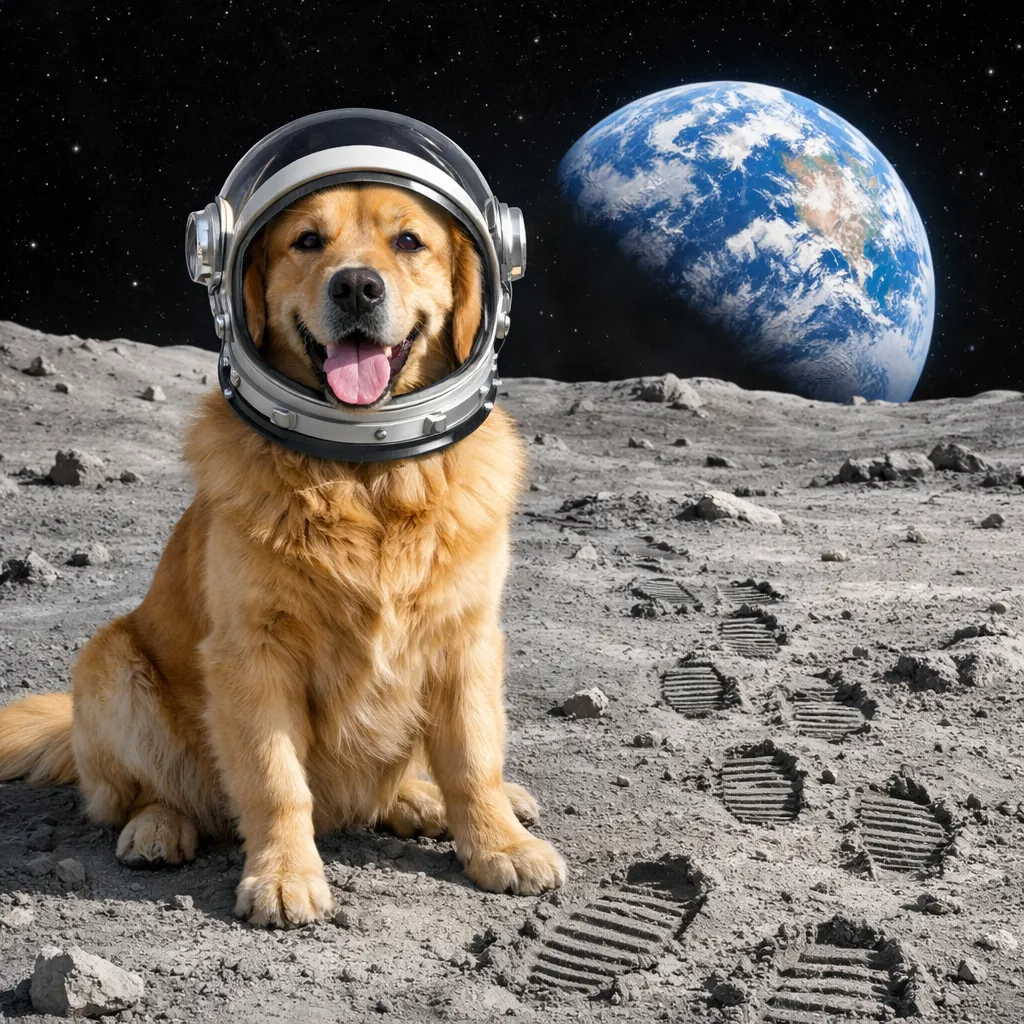
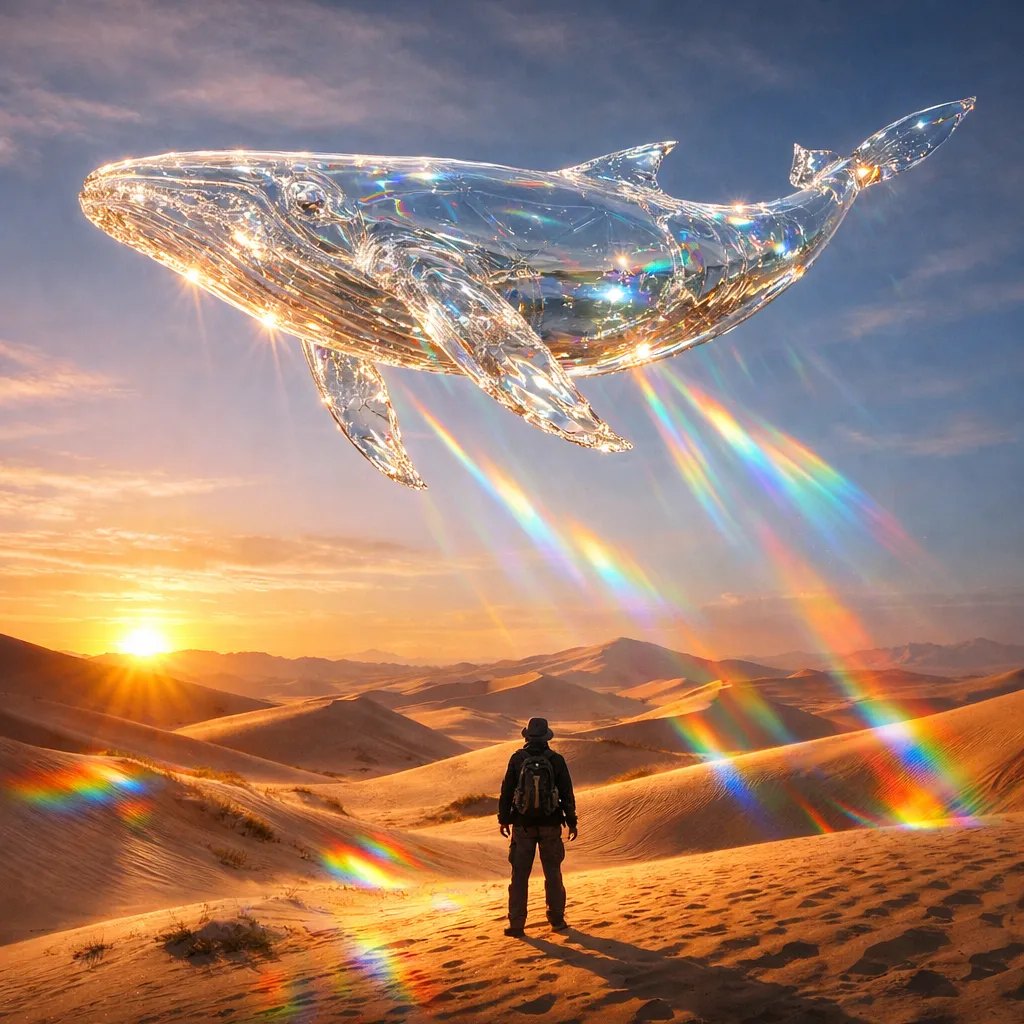
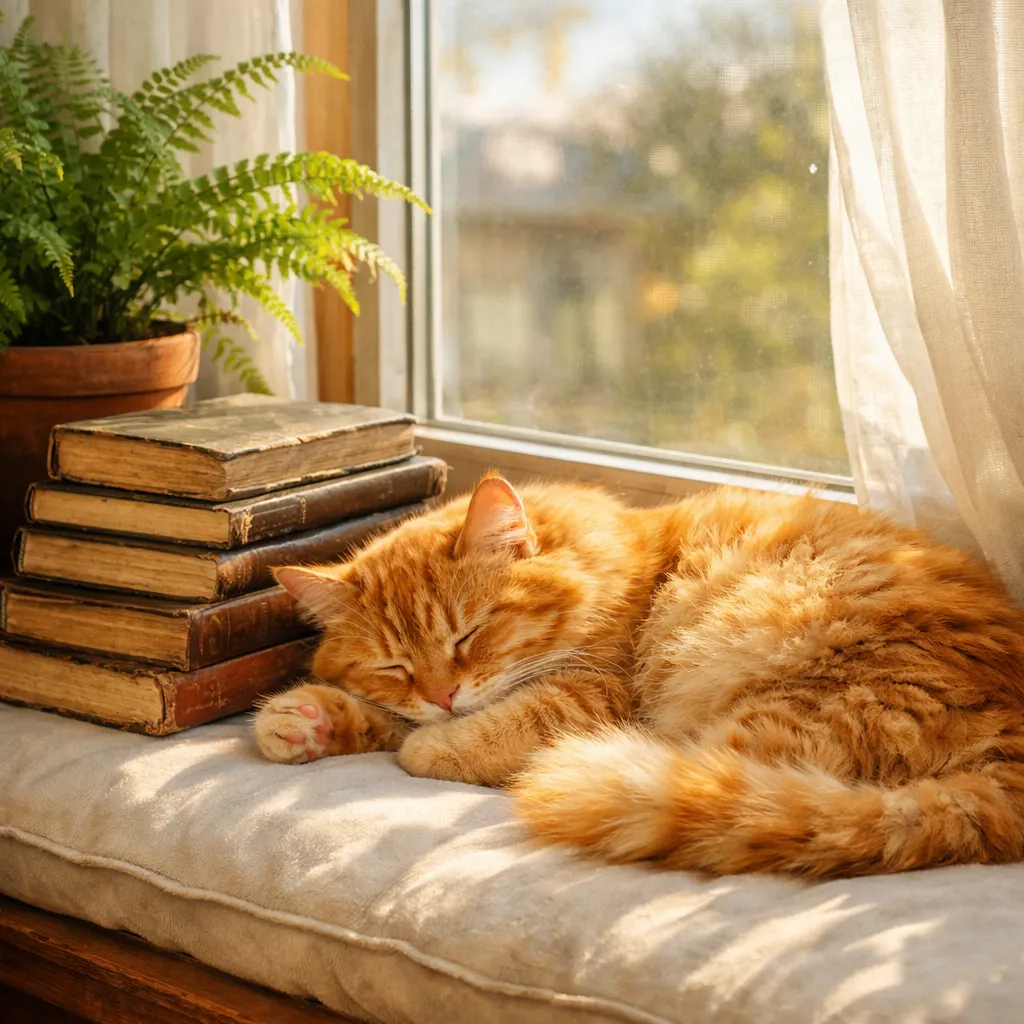
Its personality is bright and warm. In our test almost every picture had golden light and rich color: the glass whale threw bold rainbows across the sand, and the sleeping cat was a deep, glowing orange. That suits birthdays, family albums and anything meant to feel happy.

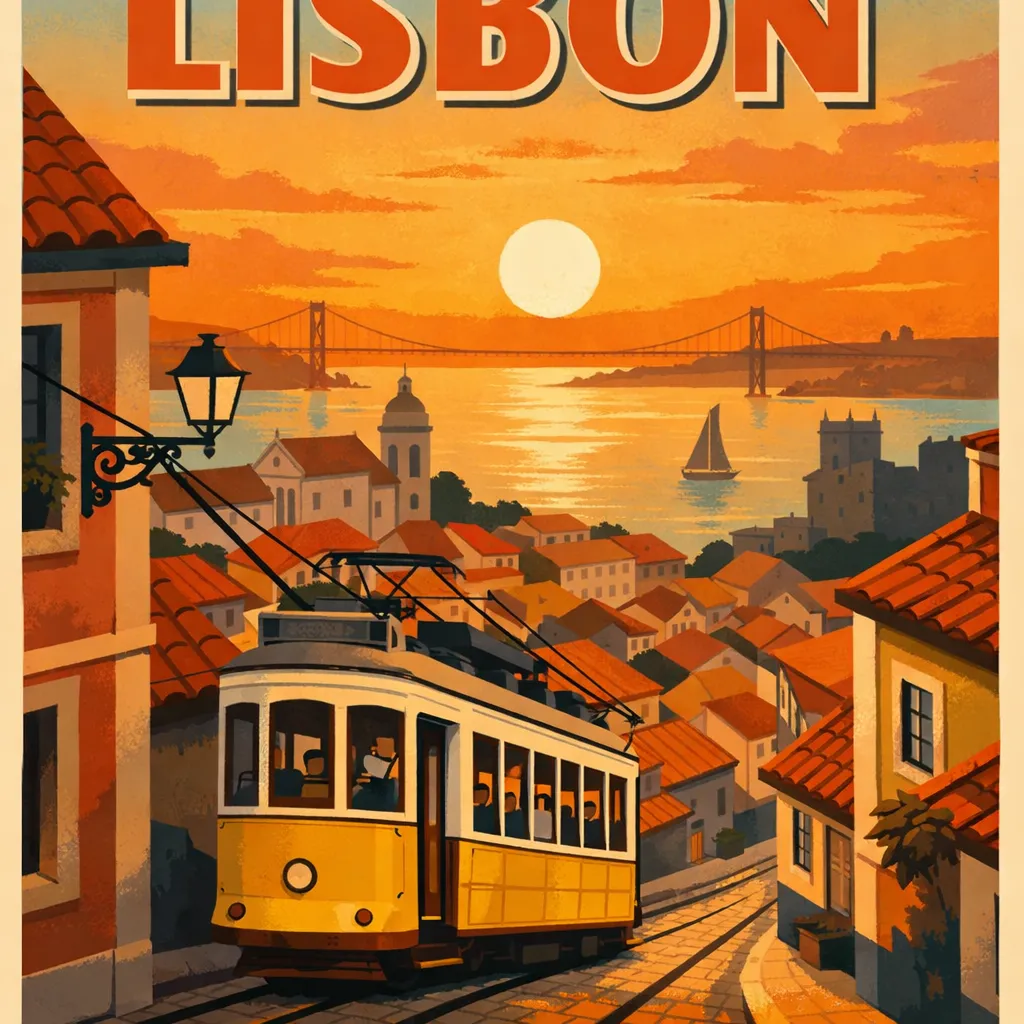
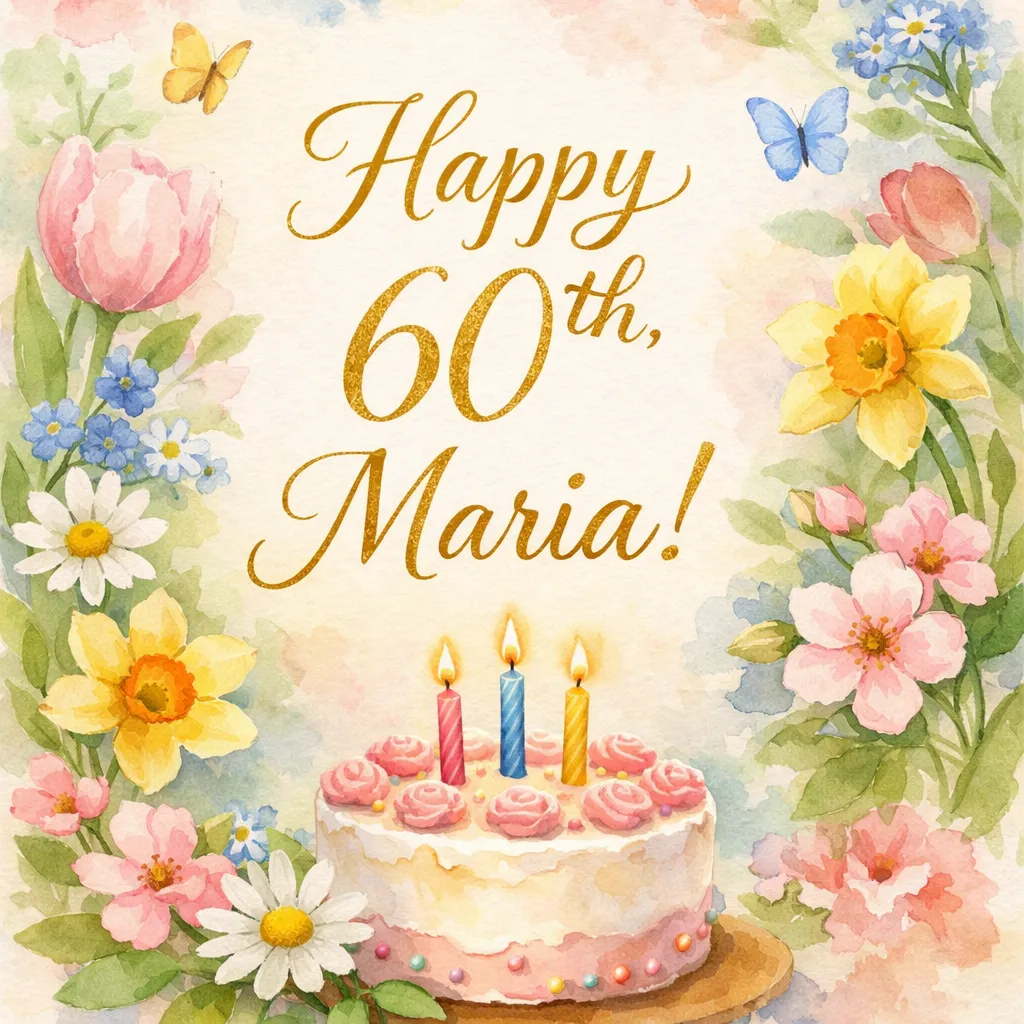
The words on our birthday card came out right. The poster was another story: the title ran off the top of the picture.

How to get the most out of it

  1. Leave room for words. Say “the title at the top, fully visible, with a margin”.
  2. Calm it down when you need to. “Soft daylight” or “muted colors” tones down its warm glow.
  3. Use several photos. Upload the family pictures you want combined and say who goes where.
  4. Ask for small changes. “Make the sky less orange” keeps the rest of the picture.

How it compares with its siblings

It is the oldest of the OpenAI image models in chatmodel. GPT Image 2 is newer and gives a softer, more natural look, but it was much slower in our test. GPT Image 2.5 Flare made the most finished pictures in our comparison, and GPT Image 2.5 Sunburst suits careful edits of a photo you upload.

When to pick another model

For posters with a big title, start with GPT Image 2.5 Flare. For speed, Flux Kontext Pro took only a few seconds per picture. See how the top models compare in our image generator guide.

Other models worth a look

Frequently asked questions

Is GPT Image 1.5 the newest OpenAI image model?

No. It is an earlier version. GPT Image 2 and the two GPT Image 2.5 models are newer, and chatmodel has all of them.

Can it change my own photos?

Yes. Upload a photo on the Image page and say what to change. You can add up to 16 pictures in one go.

Why did part of my text get cut off?

It sometimes places words too close to the edge. Ask for “the title fully inside the picture, with space around it”.

All of these models, in one place

Chat, images, video and tools with the best AI models. Switch between them whenever you want.

Start for free

Chatmodel is an independent service offering access to third-party AI models. AI can make mistakes. Using Chatmodel means you agree to our Terms and Privacy Policy.