



In plain words
GPT Image 2.5 Sunburst makes pictures from a description, like any image model. Where it earns its place is editing a photo you already have. You upload it, say what to change, and it works on that change while keeping the rest.
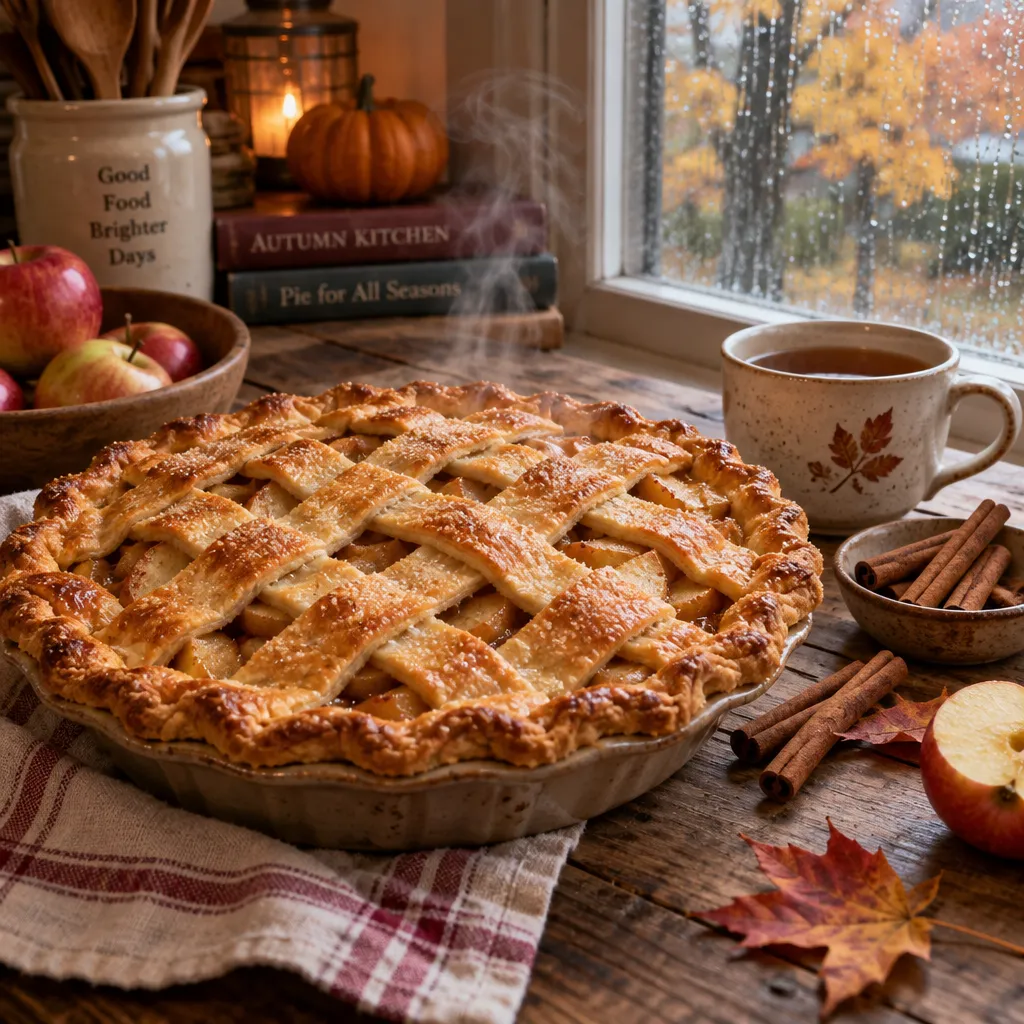
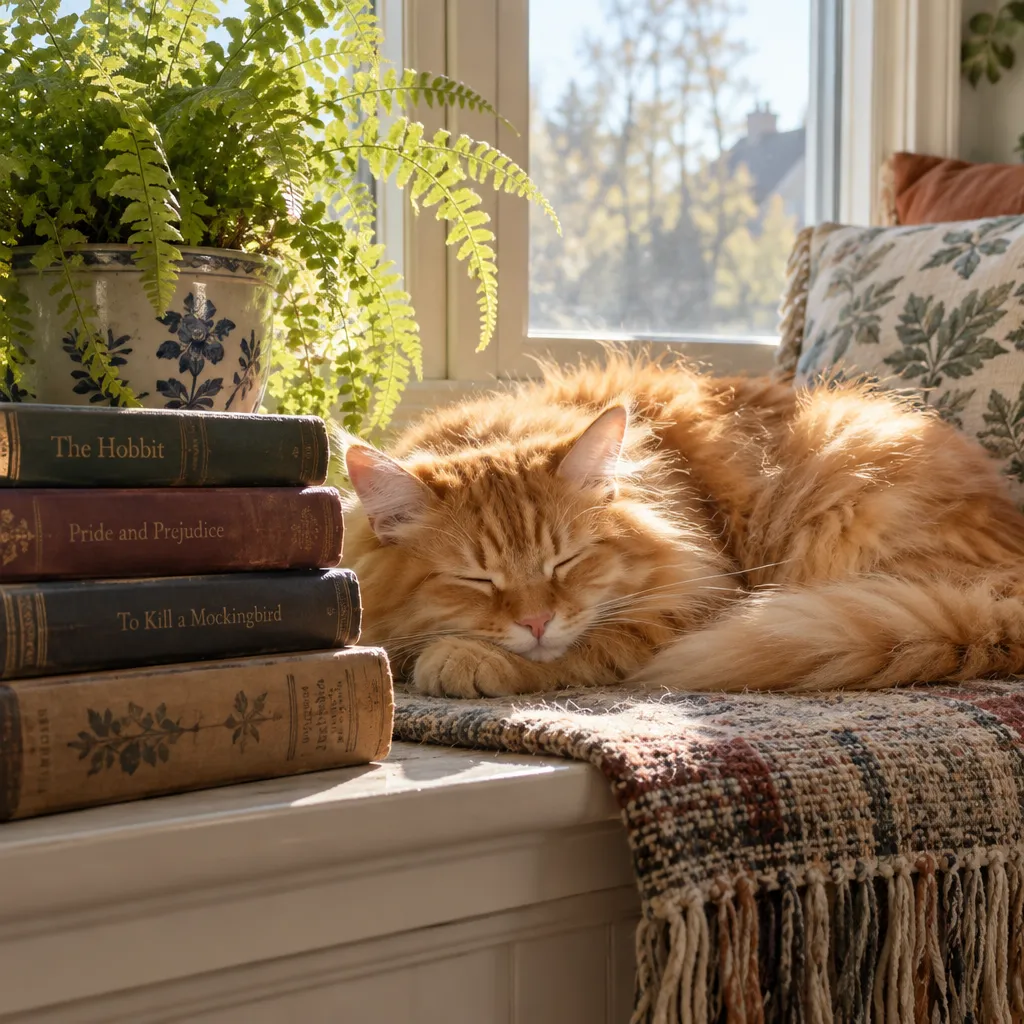
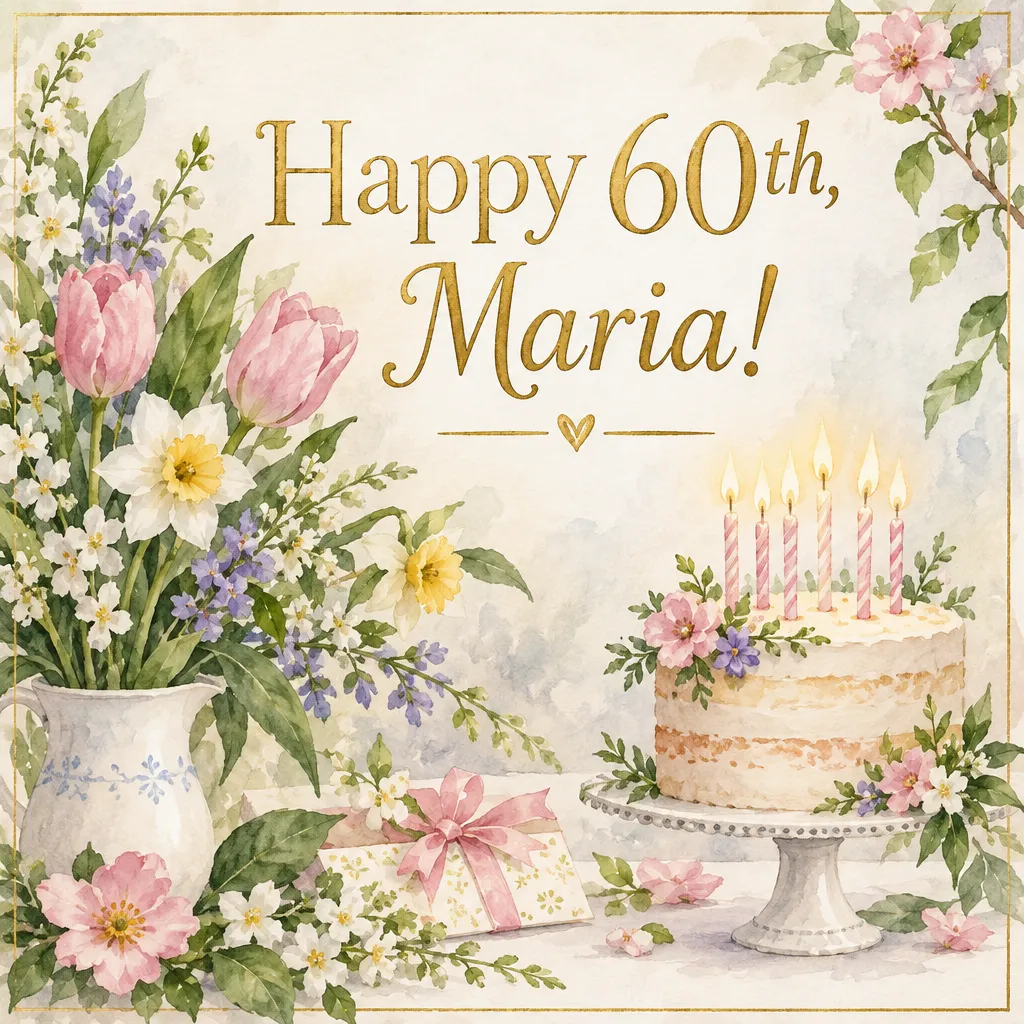
We also gave it our eight test descriptions to see its style. The pictures were full of careful detail: the apple pie sat on a checked cloth with pumpkins and jars behind it, and the sleeping cat lay next to a pile of old books. It spelled the words on our poster and our card correctly.
It does add little extras. In our test it wrote titles on book spines and labels on jars without being asked.
How to get the most out of it
- Say what must stay the same. “Keep the faces and clothes exactly as they are” protects what you love.
- One change at a time. Change the background first, then the light, then the colors.
- Point to the spot. “The man on the left” or “the sign in the top corner” helps it find what to touch.
- Ban the extras. “No text, no labels” stops the added writing.
How it compares with its siblings
Its closest sibling is GPT Image 2.5 Flare, the model we suggest for new pictures from scratch. GPT Image 2 and GPT Image 1.5 are earlier versions that accept up to 16 photos at once.
When to pick another model
For a changed photo with a lot of fine detail, Nano Banana Pro is also good at following your words. Our guide to restoring old photos walks you through a first edit.
