






In plain words
Flux 2 Pro makes a picture from a description. You write what you want to see and, in our test, you had it back in well under ten seconds.
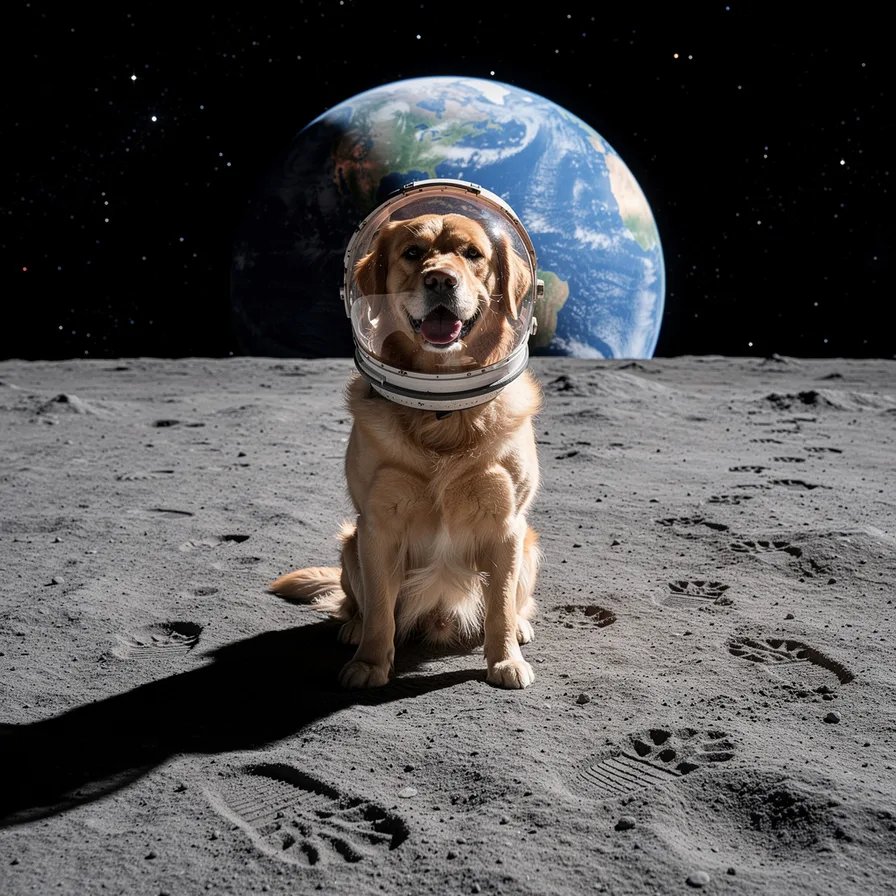
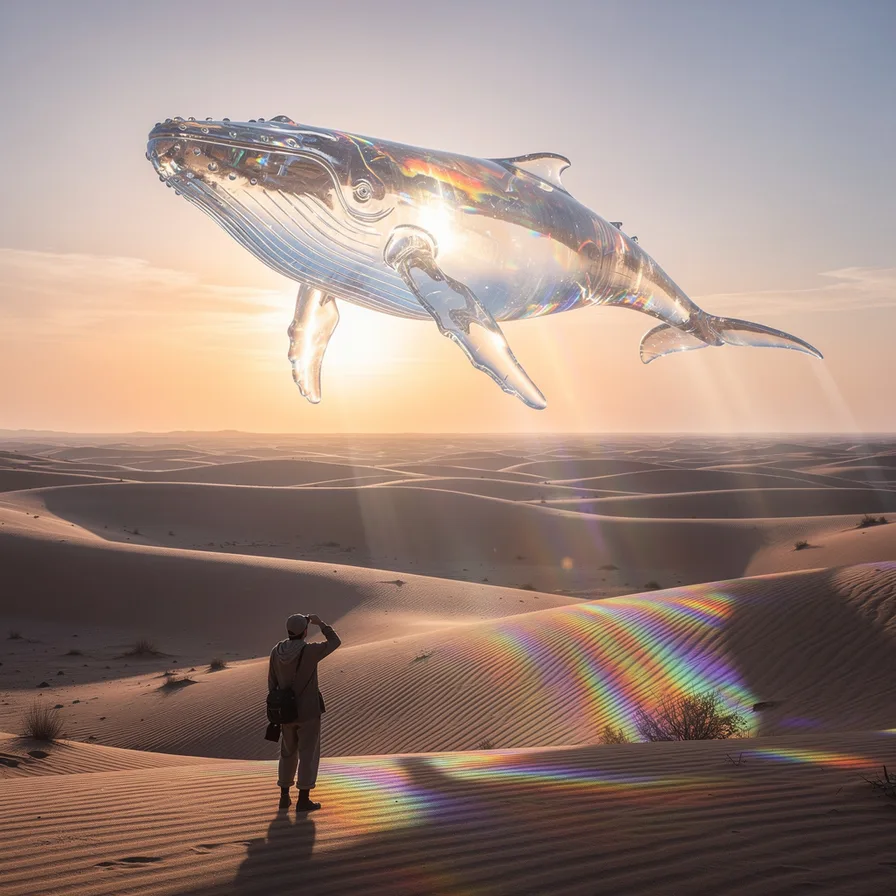
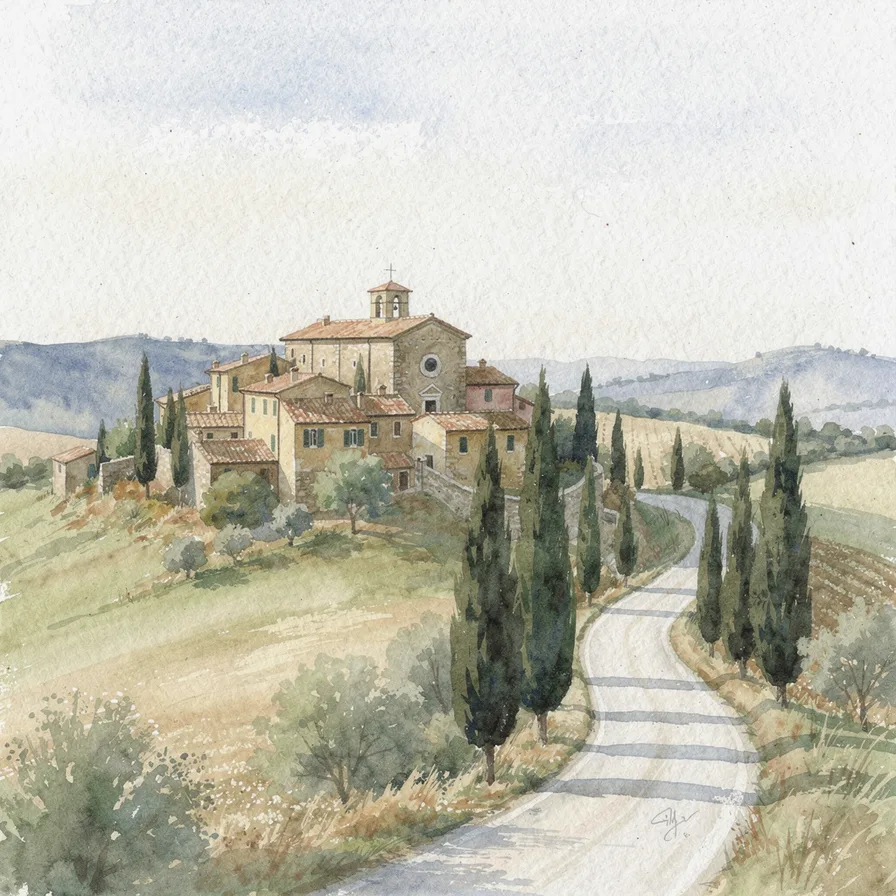
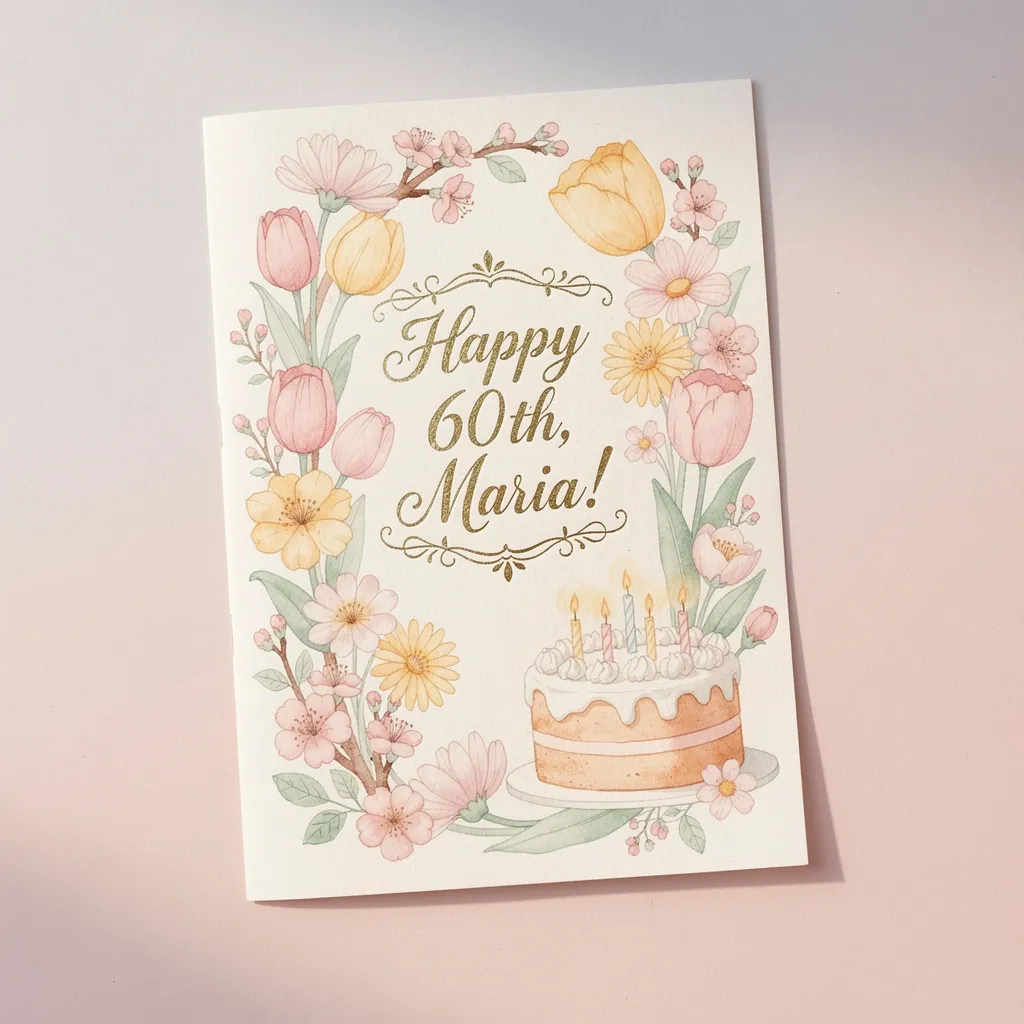
Its pictures are clean and well balanced. The subject sits where you expect it, the light is even, and nothing odd is cut off at the edges. Its travel poster was one of the best of the four we tried, with bold, readable letters and flat colors that look ready to frame.
What it does less well is mood. When the description asks for something cozy or rough, it tends to tidy it up.
How to get a good result
- Put the feeling first. Start with “a cozy, dim autumn kitchen” rather than ending with it.
- Repeat the style if it matters. “Loose, messy watercolor, rough brushstrokes, unfinished edges.”
- Keep words short and in quotes. “A poster that says “OPEN HOUSE” at the top.”
- Try a few versions. It’s quick, so asking two or three times costs you very little time.
When to pick another model
If you want to change a photo you already have, Flux 2 Pro can’t. Use Nano Banana Pro or GPT Image 2.5 Flare instead. Flux Kontext Pro, from the same company, can also edit photos. For a warmer, more intimate portrait, try Grok Imagine Image 2.0. See all four side by side in our comparison.


