









In plain words
Flux Pro 1.1 Ultra makes pictures from your words. It comes from Black Forest Labs, the company behind the Flux image models.
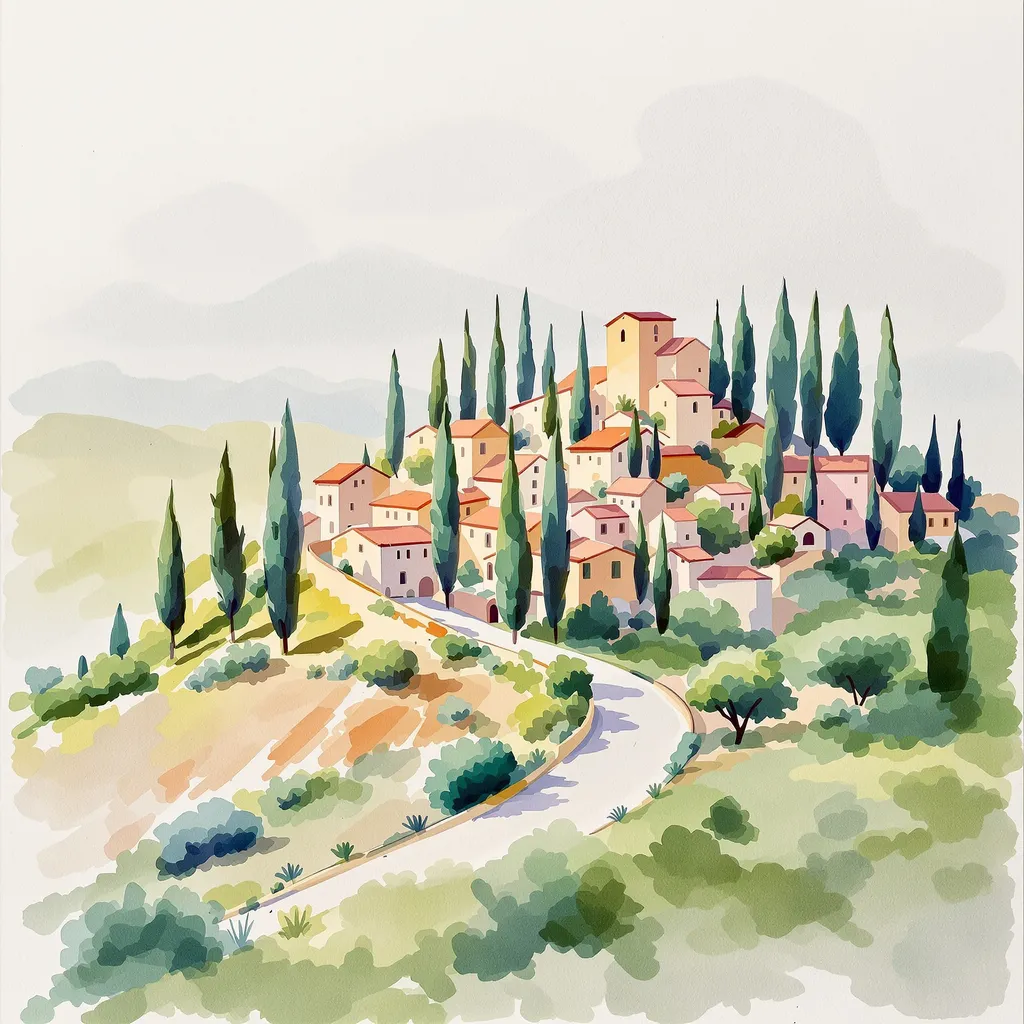
Its signature in our test was warm, glowing light. The grandmother was framed close up, laughing, with the sun behind her. The apple pie sat in a golden kitchen with yellow flowers. The cat slept in soft, hazy morning light. If you like pictures that feel like a happy memory, it delivers.
It is less careful with the exact wording. It turned our clear glass whale into a colorful stained-glass one, and the card’s gold letters faded into the background.
How to get the most out of it
- Frame your subject. “Close-up portrait” or “fills the picture” suits its style.
- Ask for contrast on text. “Dark gold letters on a white card” keeps words readable.
- Repeat the key material. “Completely transparent, colorless glass.”
- Pick a wide shape for banners and headers; it makes long, wide pictures too.
How it compares with its siblings
Flux 2 Pro is the newer Flux and was one of the quickest in our comparison. Flux Kontext Pro is the Flux that can edit your photos. This Ultra model sits between them: it only makes new pictures, with a warm, photographic style.
When to pick another model
For cards and posters with words, GPT Image 2.5 Flare was clearer. For close portraits with a different warmth, see Grok Imagine Image 2.0, and compare the leaders in our image generator guide.
