





In plain words
Muse Image 1.0 is the image model from Meta. You write a description and it makes a picture, or you upload one photo and tell it what to change.
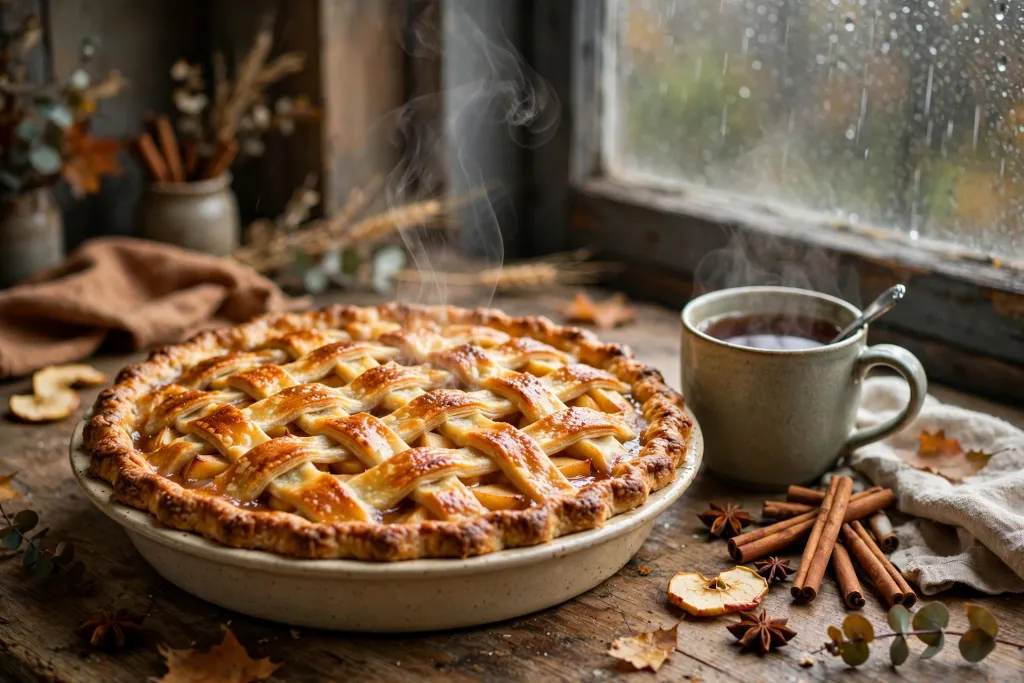
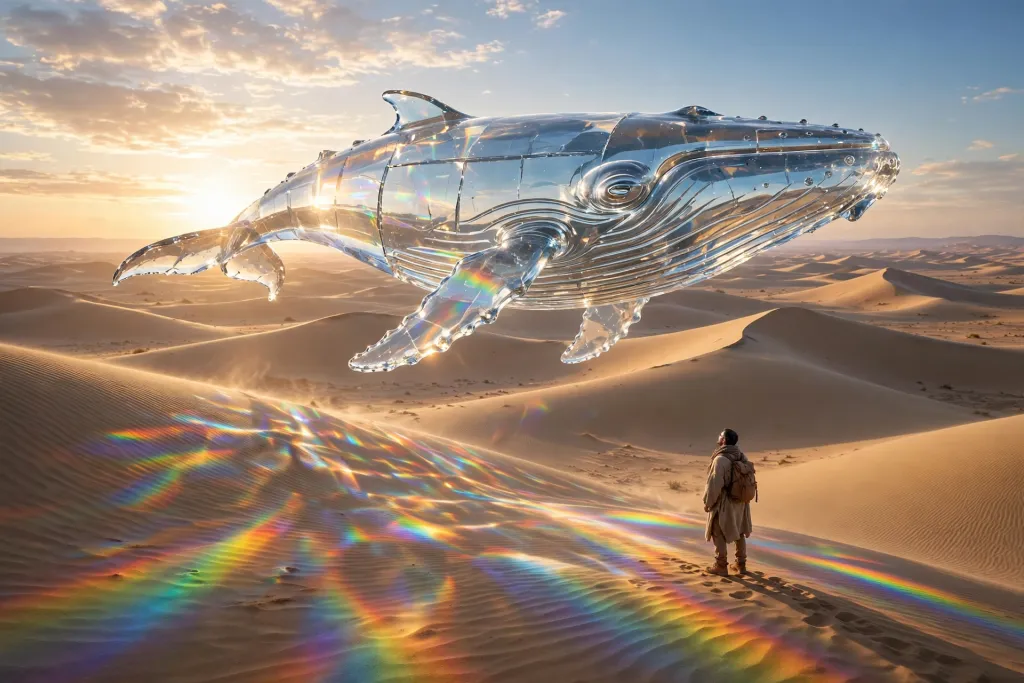
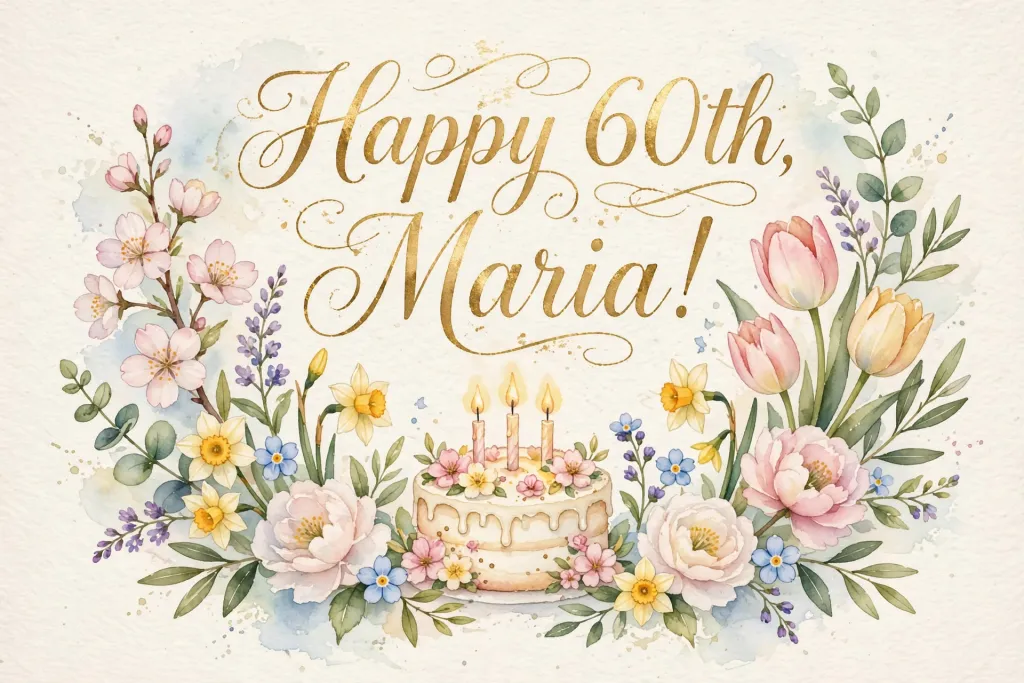
In our test its pictures looked tidy and finished. The apple pie sat among cinnamon sticks and apple slices like a magazine cover. The glass whale was one of the few that really looked like clear glass. The birthday card was spelled right and neatly laid out.
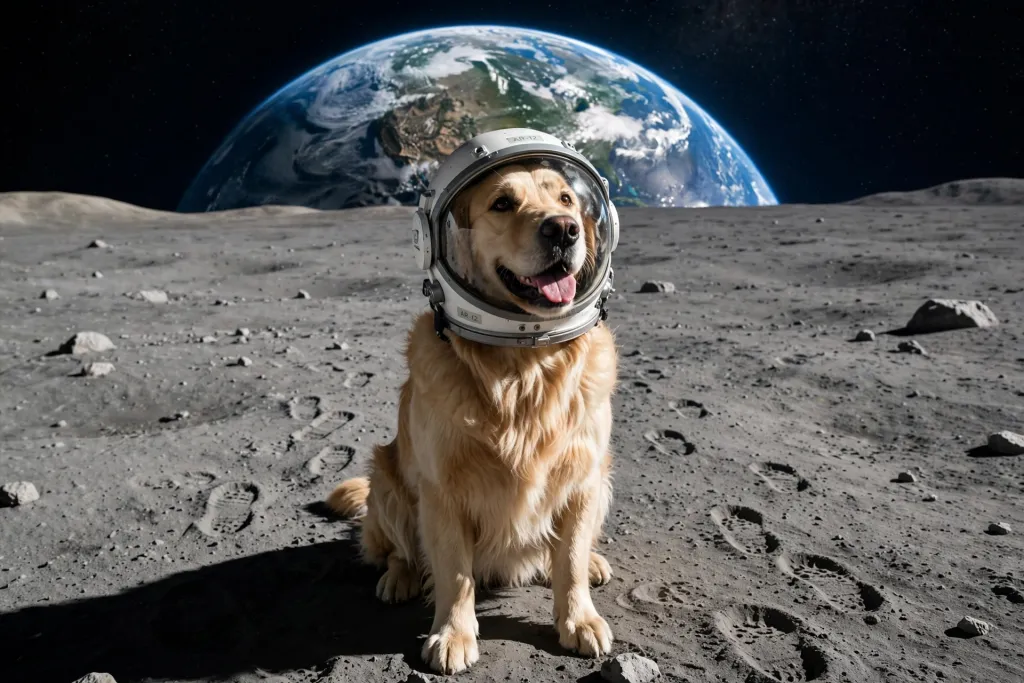
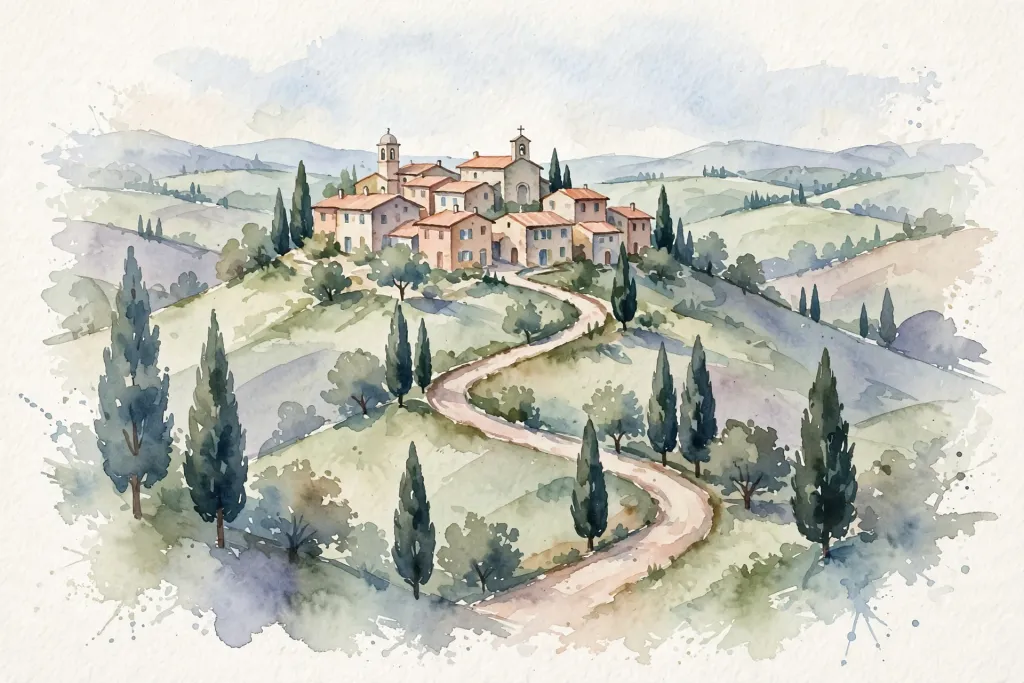
Its quirk is that it chooses the shape. It sent back wide pictures for almost everything and a tall one for the poster, whatever we asked for. That is fine for a slideshow or a screen, less so for a square social media post.
How to get the most out of it
- Plan for a wide picture. Leave space at the sides of your idea, or crop afterwards.
- Describe materials. It handled “clear glass” and “sunlight” well, so use words like that.
- Ask for “no other text” on posters to stop the extra line.
- Edit one photo at a time. Upload the picture and describe a single change.
How it compares with the rest of the family
It is Meta’s only image model in chatmodel. Its closest match in our test was Seedream 5.0 Pro, which also picks its own shape but is much slower. Grok Imagine Image is similarly quick and also leans wide.
When to pick another model
For a square card to print, try GPT Image 2.5 Flare. To combine several photos, GPT Image 2 takes up to 16 at once.


