





In plain words
Seedream 5.5 makes a picture from a description you write. It comes from ByteDance, the company behind TikTok, and it arrived in chatmodel in November 2026. In the model list it shows Low usage, so each picture takes little of your plan.
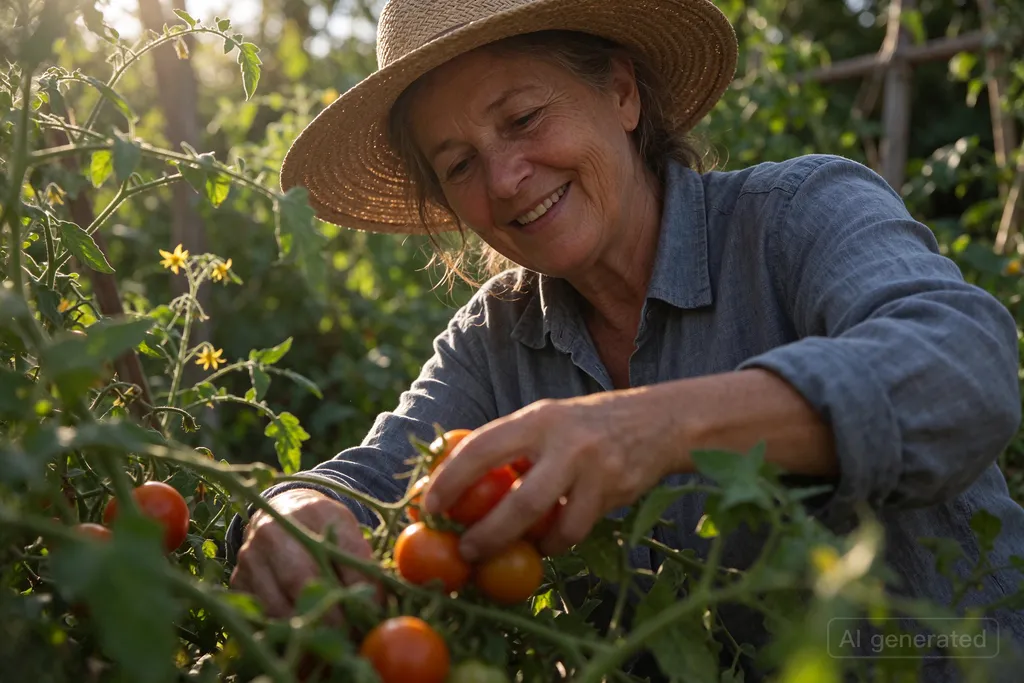
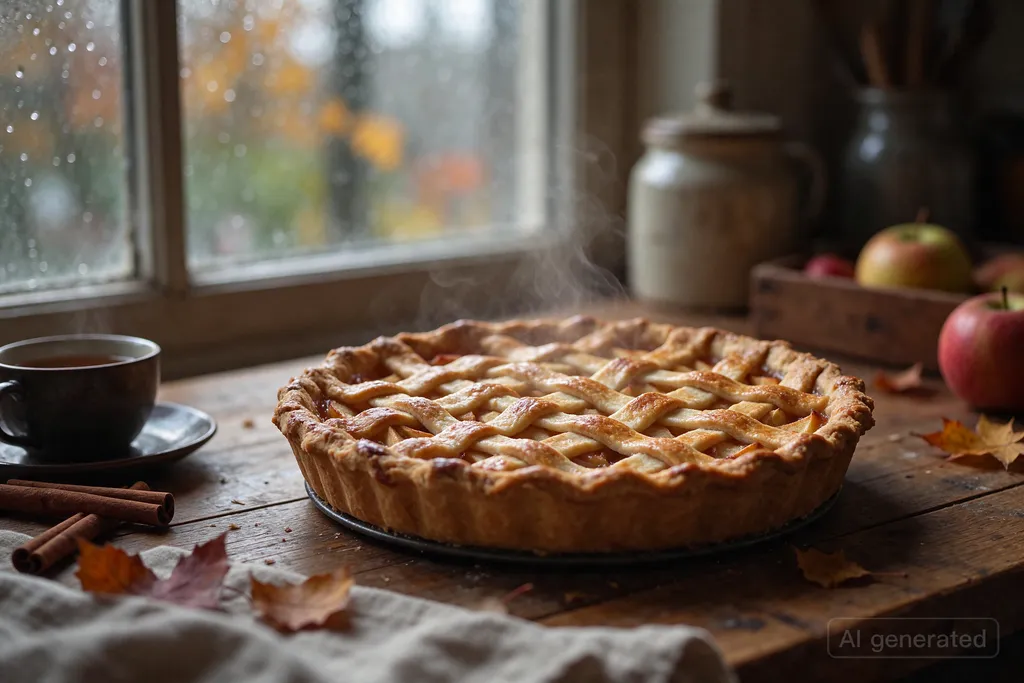
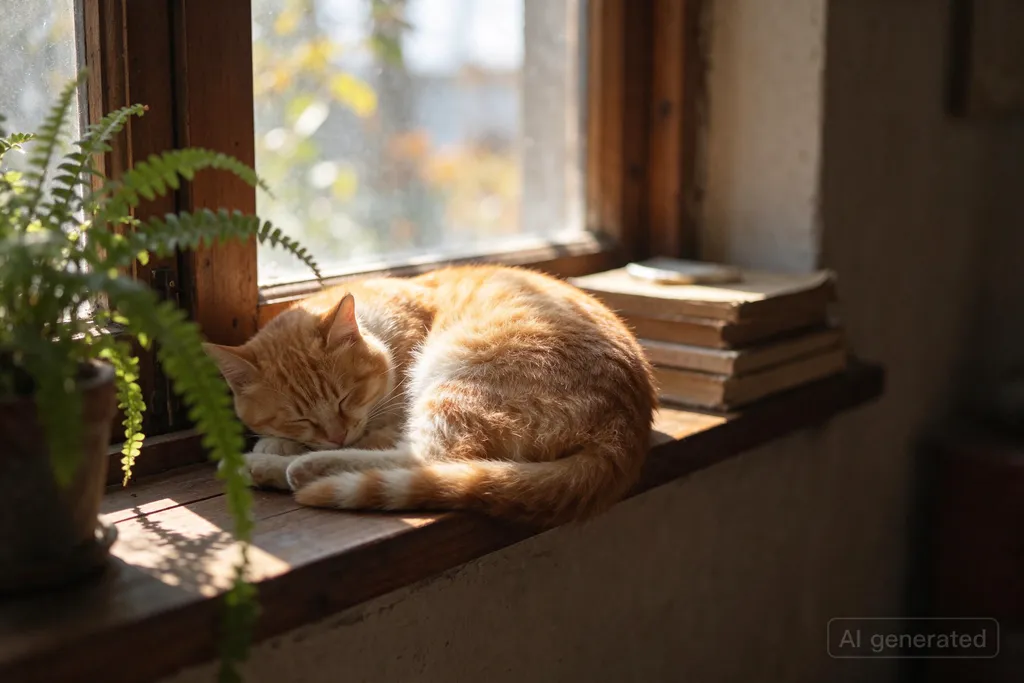
Its pictures in our test had strong, warm light and deep shadows. The grandmother picked tomatoes with the evening sun behind her. The sleeping cat lay in a bright patch of sun on a dark wooden sill. Next to Seedream 5.0 Pro, whose look is pale and airy, it feels more like a photo taken late in the day.
It was also quicker: 17 to 34 seconds per picture, where Seedream 5.0 Pro needed 39 to 94.
How to get the most out of it
- Ask for the light you want. It loves low, golden sunlight. If you want a bright, even look, say “bright daylight, soft shadows”.
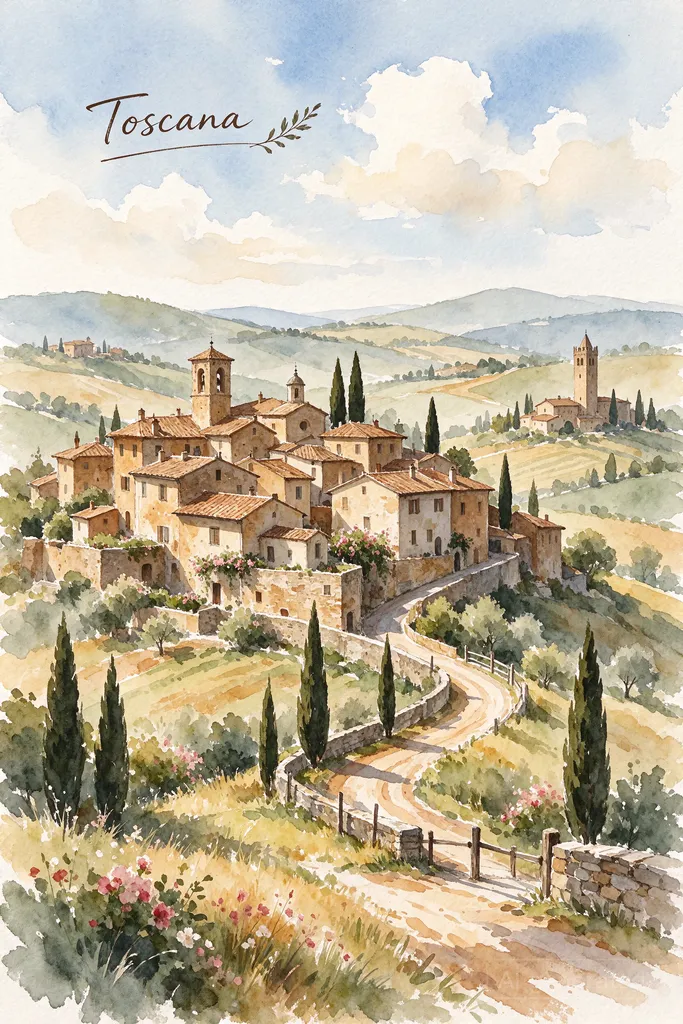
- Limit the words. “Only the words VISIT LISBON, no other text” keeps posters and paintings clean.
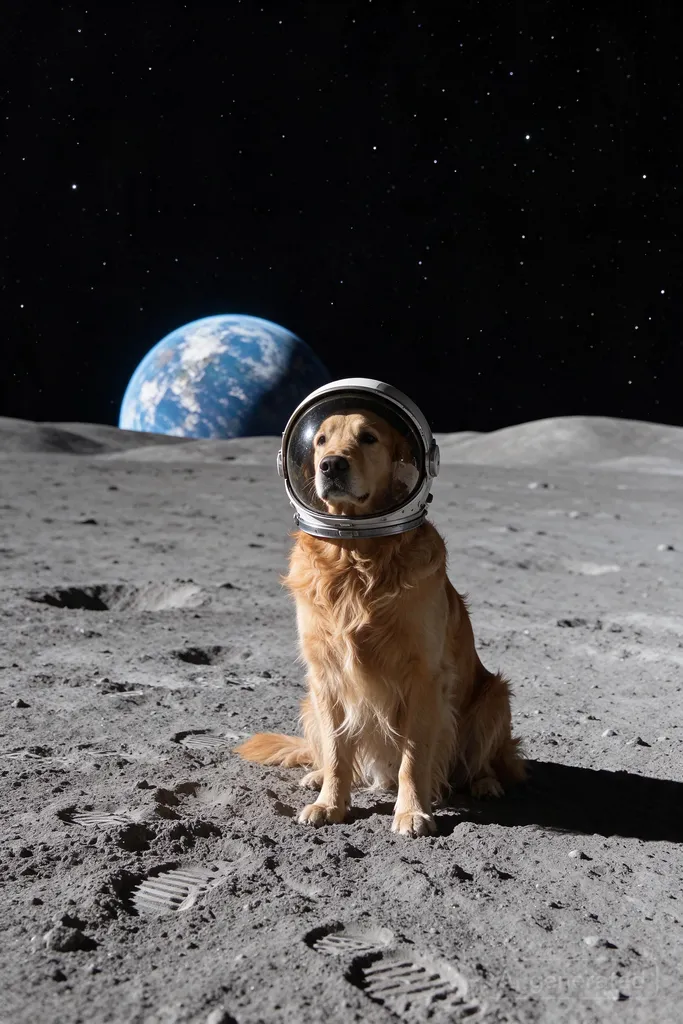
- Plan for its shape. It chose wide for most scenes and tall for the poster, the painting and the dog on the moon. Crop afterwards if you need a square.
- Check the corner for the “AI generated” mark before you use the picture.
How it compares with Seedream 5.0 Pro
It is ByteDance’s newer image model in chatmodel, next to Seedream 5.0 Pro. In our side-by-side test they won two rounds each and tied the other four: see Seedream 5.5 vs Seedream 5.0 Pro. Seedream 5.5 is faster and its poster had no invented slogan or logo; Seedream 5.0 Pro made the airier watercolor and the cozier cat, and it can edit photos.
Both still pick their own shape and both add the “AI generated” mark.
When to pick another model
To edit a photo, choose Seedream 5.0 Pro or GPT Image 2.5 Flare. For a square picture with no mark in about 11 seconds, try MAI Image 2.7 Flash or Nano Banana 2.


