







Skip to content
chatmodel
Microsoft logo

Image model · Microsoft

MAI Image 2.7 FlashNew

How to make images with MAI Image 2.7 Flash

MAI Image 2.7 Flash is the quick version of Microsoft's MAI Image 2.7. In our test it made each picture in 11 or 12 seconds, and the pictures were almost the same as the slower model's. It only makes new pictures: it can't edit your photos.

Made with MAI Image 2.7 Flash

What MAI Image 2.7 Flash can create

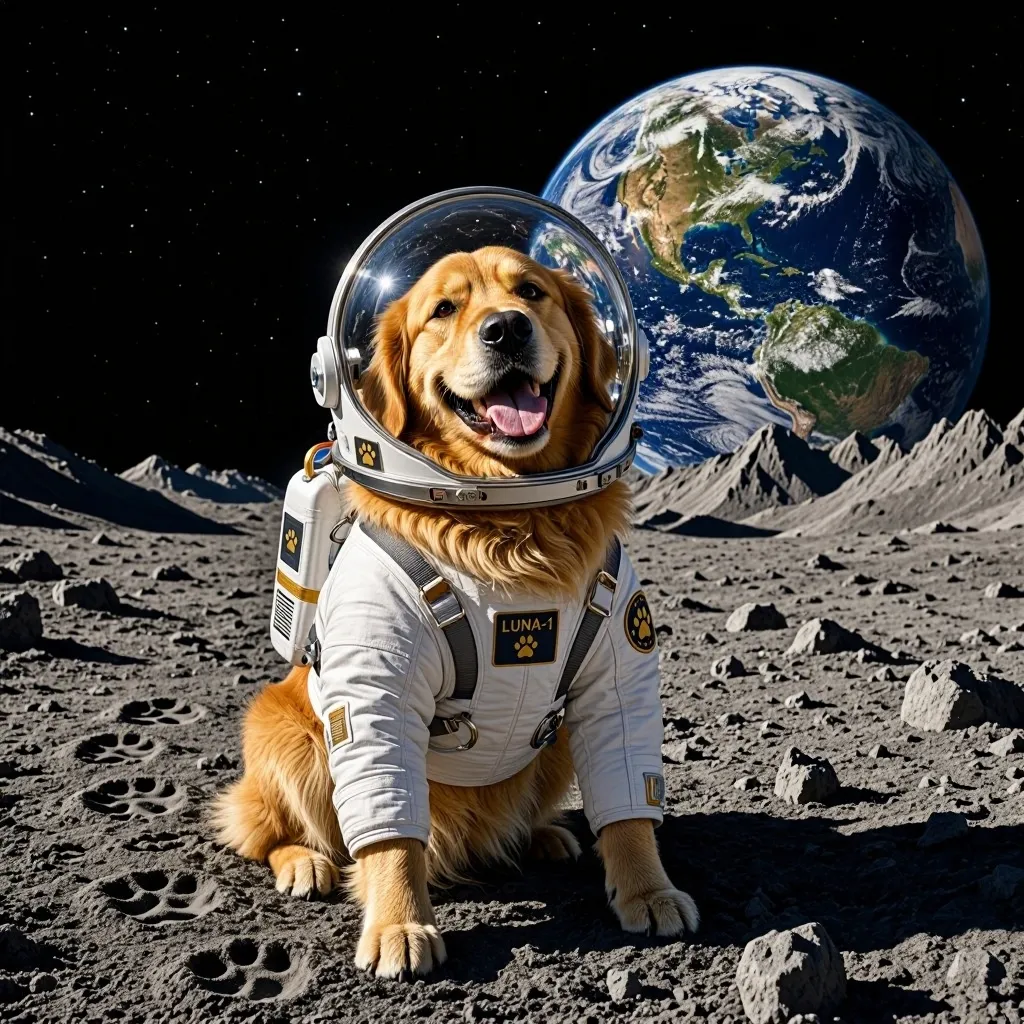
Every image here was made by MAI Image 2.7 Flash from the words under it. Press “Try this prompt” to make your own version in chatmodel.

See every image model with the same words

The MAI family in chatmodel

The newest is MAI Image 2.7. Ordered by release date.

  1. November 2026NewMAI Image 2.7 FlashYou're here
  2. November 2026NewestMAI Image 2.7

What MAI Image 2.7 Flash is good for

In plain words

MAI Image 2.7 Flash makes a picture from a description, fast. It comes from Microsoft and arrived in chatmodel in November 2026 with MAI Image 2.7. In the model list both show Standard usage.

In our test it took 11 or 12 seconds for every picture, as quick as Nano Banana 2. The pictures were bright, warm and square, with no watermark, and the words we asked for were spelled right.

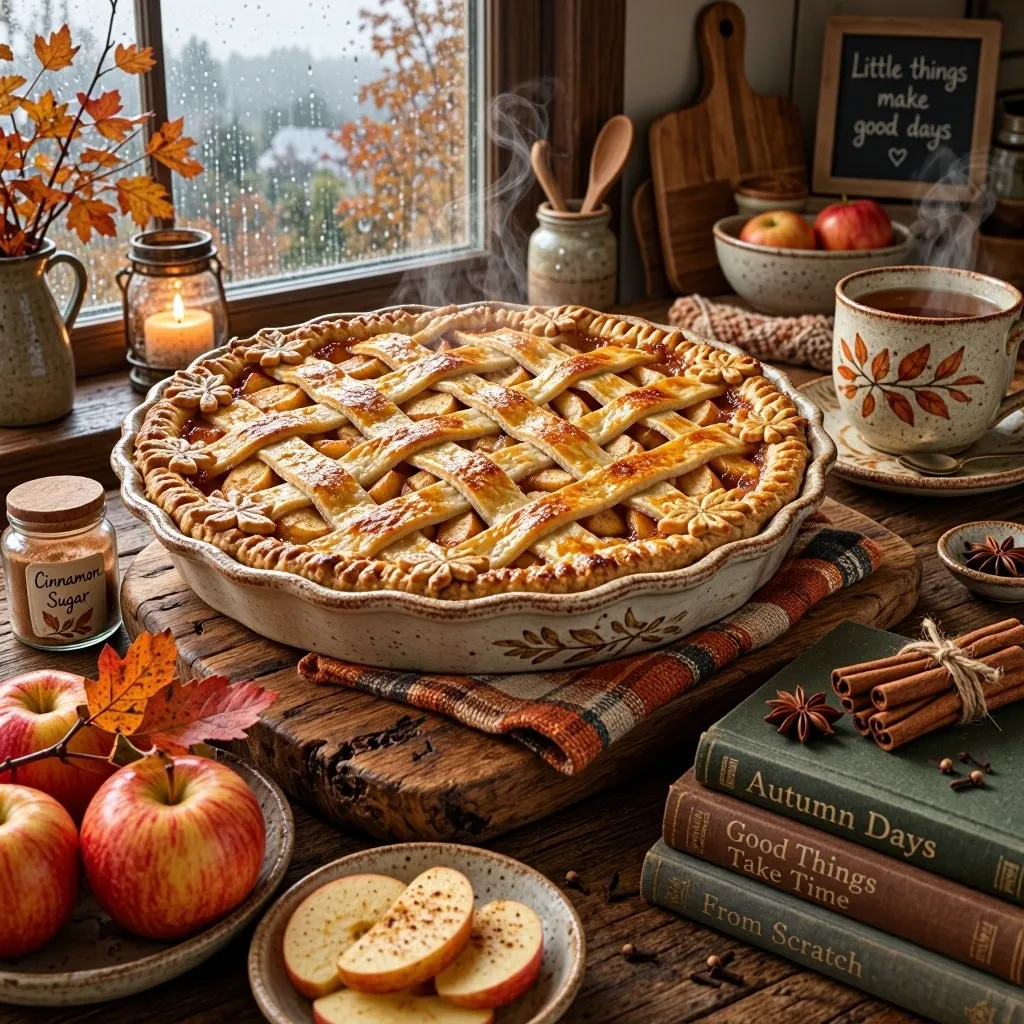
Its habit is adding things. The grandmother got a basket of tomatoes, a watering can and a cottage behind her. The cat got cushions, a candle labeled “Breathe” and a notebook titled “Today’s Plan”. It is charming in a greeting card, less so when you wanted a plain picture.

How to get the most out of it

  1. Try several versions. At about 11 seconds each, you can ask three times and keep the best.
  2. Say “no other text”. It writes on books, jars and signs by itself.
  3. Ask for “simple” when you need space, for example to add your own words later.
  4. Read every word on a card or poster before you print it.

How it compares with MAI Image 2.7

The two MAI models made almost the same pictures from the same words. In our 8 tests each won one round and six were ties: Flash made the looser, more hand-painted watercolor; MAI Image 2.7 put fewer made-up words around the apple pie. Since Flash is nearly three times as fast and shows the same usage label, it is the one we’d try first. See the pictures side by side in MAI Image 2.7 vs MAI Image 2.7 Flash.

When to pick another model

To change a photo you already have, choose Nano Banana 2, which is about as quick and edits too. For a picture that isn’t square, Seedream 5.5 picks wide or tall shapes and took 17 to 34 seconds.

MAI Image 2.7 Flash vs other models

MAI Image 2.7 Flash alternatives

Frequently asked questions

What's the difference between MAI Image 2.7 and MAI Image 2.7 Flash?

Speed, mostly. Flash took 11 to 12 seconds per picture in our test, MAI Image 2.7 took 28 to 32. The pictures were very close: each won one round and six were ties.

Who makes MAI Image 2.7 Flash?

Microsoft, the company behind Windows, Office and Copilot. The two MAI Image models are the first Microsoft models in chatmodel.

Can it edit my photos?

No. It only makes new pictures from a description. To change a photo you upload, pick a model that edits, like Nano Banana 2 or GPT Image 2.5 Flare.

Does it add a watermark?

We didn't see one on any of our 8 pictures. It does write its own words on things in the scene, like book titles and signs.

All of these models, in one place

Chat, images, video and tools with the best AI models. Switch between them whenever you want.

Start for free

Chatmodel is an independent service offering access to third-party AI models. AI can make mistakes. Using Chatmodel means you agree to our Terms and Privacy Policy.