



Skip to content
chatmodel
Microsoft logo

Image model · Microsoft

MAI Image 2.7New

How to make images with MAI Image 2.7

MAI Image 2.7 is an image model from Microsoft, the company behind Windows and Copilot. It makes bright, warm, richly detailed pictures, always square in our test. It only makes new pictures: it can't edit your photos.

Made with MAI Image 2.7

What MAI Image 2.7 can create

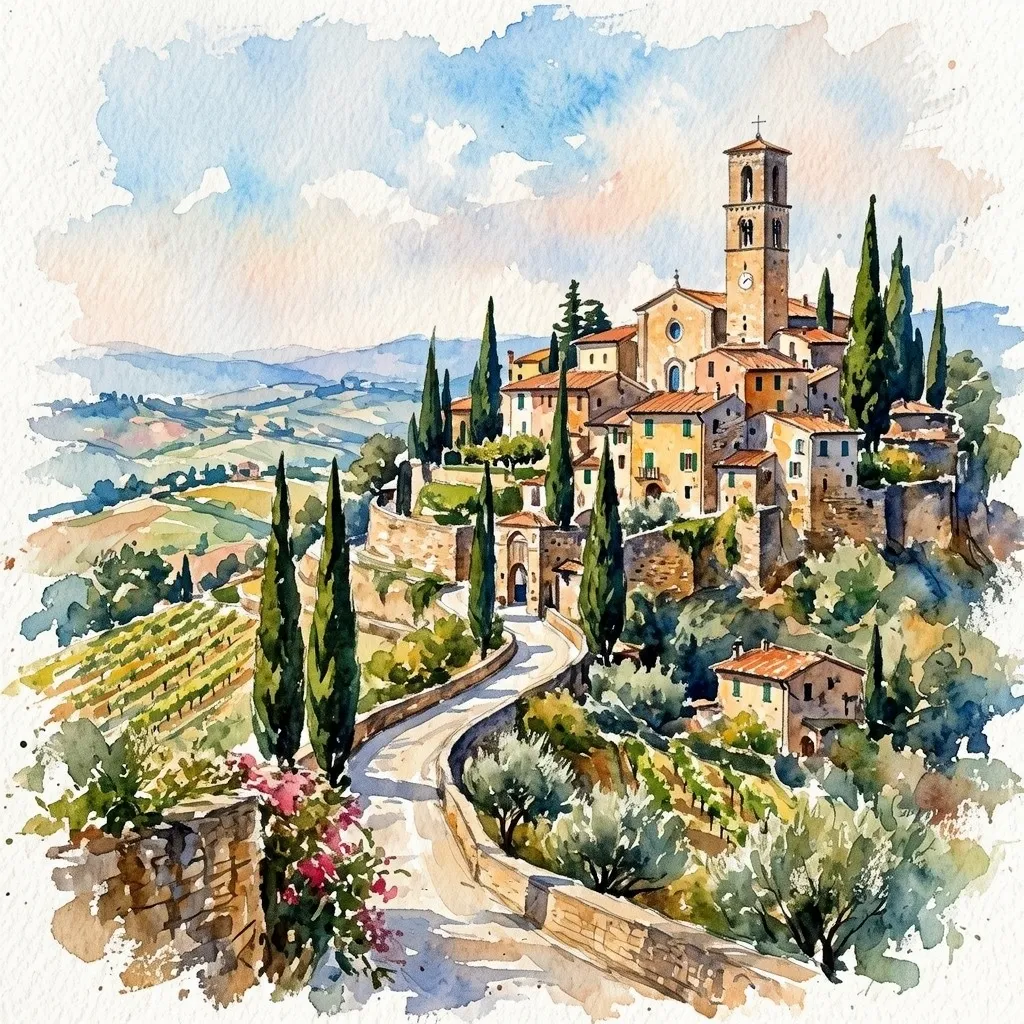
Every image here was made by MAI Image 2.7 from the words under it. Press “Try this prompt” to make your own version in chatmodel.

See every image model with the same words

The MAI family in chatmodel

MAI Image 2.7 is the newest one. Ordered by release date.

  1. November 2026NewMAI Image 2.7 Flash
  2. November 2026NewestMAI Image 2.7You're here

What MAI Image 2.7 is good for

In plain words

MAI Image 2.7 makes a picture from a description you write. It comes from Microsoft, and with its sibling MAI Image 2.7 Flash it is the first Microsoft model in chatmodel, added in November 2026. In the model list it shows Standard usage.

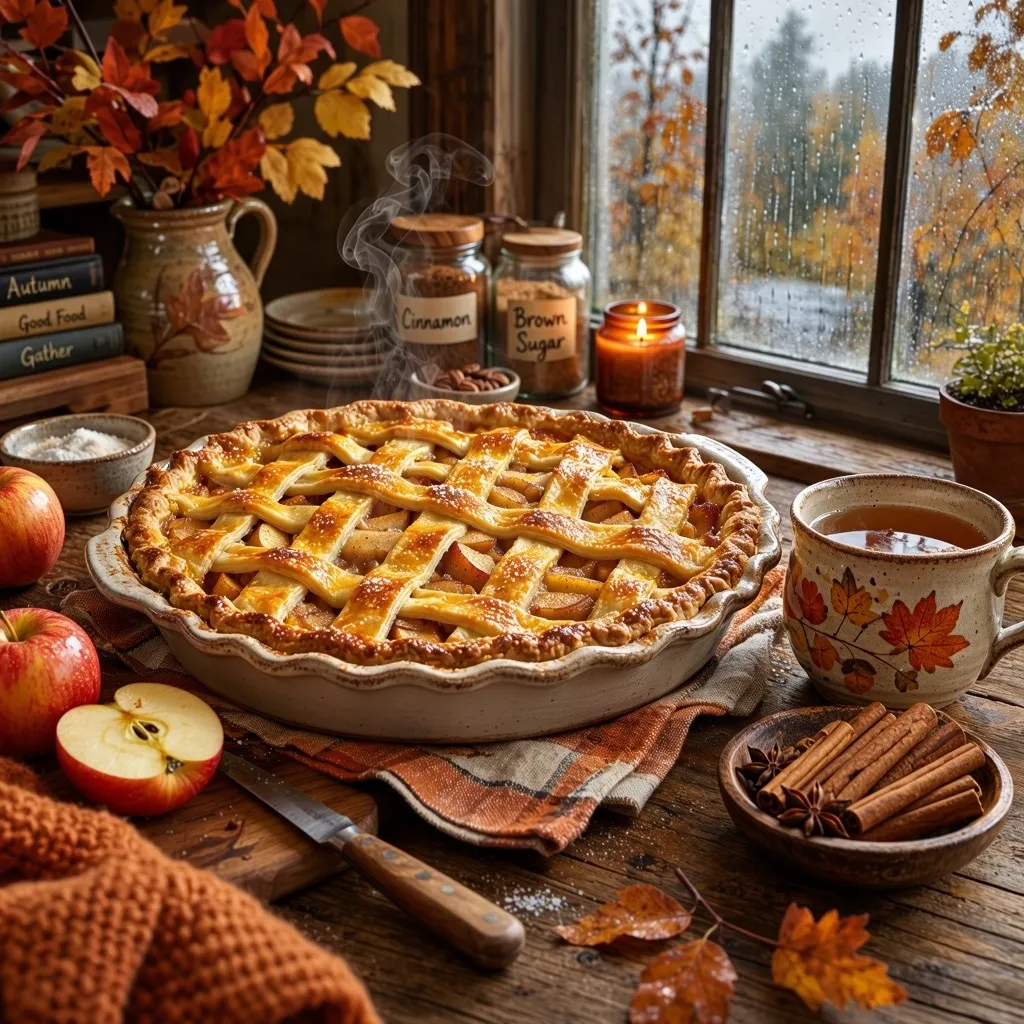
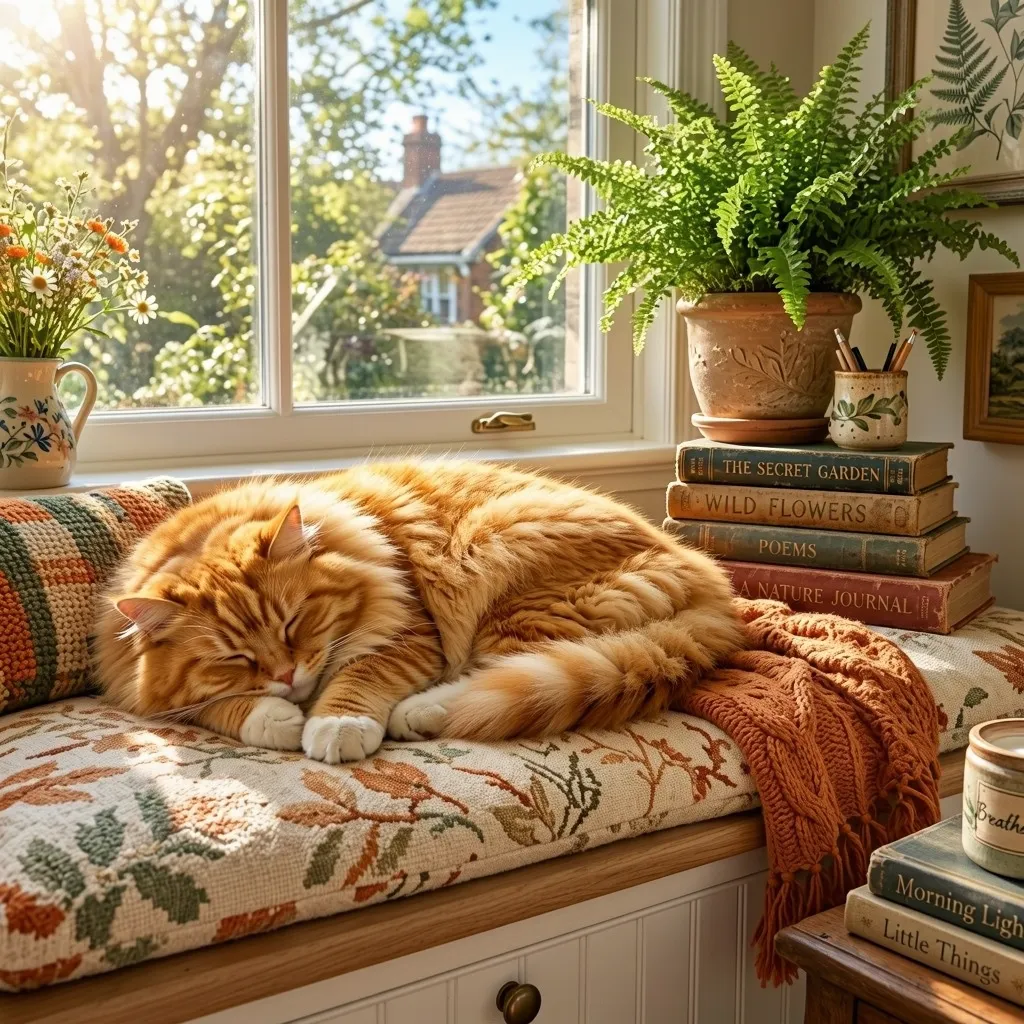
Its pictures in our test were bright, warm and full of things. The apple pie came with a pitcher of autumn leaves, a candle, jars, a knife and a cut apple. The sleeping cat lay on a flowered cushion between a fern, a stack of books and a knitted throw. Every picture came back square, and none had a watermark.

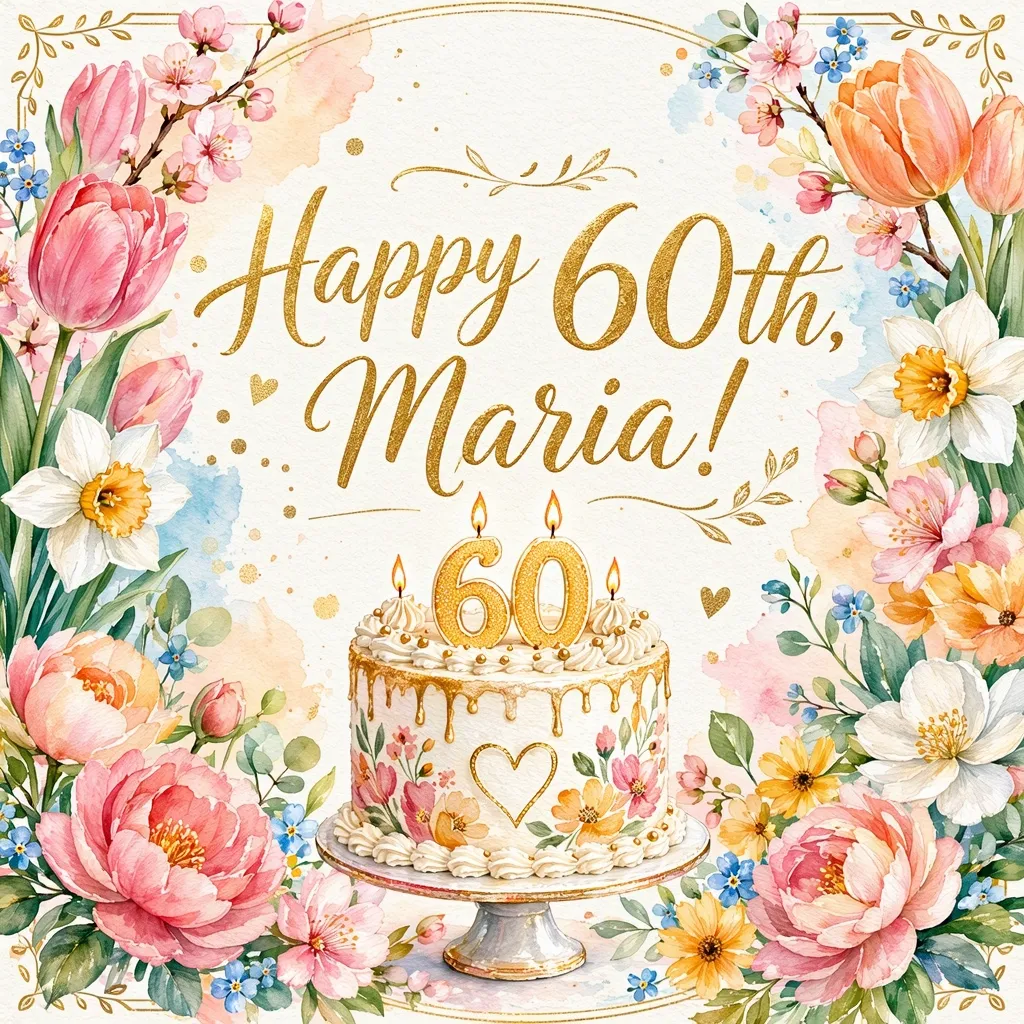
It got the words we asked for right every time: “VISIT LISBON” and “Happy 60th, Maria!” were both spelled correctly.

How to get the most out of it

  1. Say what to leave out. It adds props, and props come with words: our cat got books called “The Secret Garden” and “Poems”, the pie jars labeled “Cinnamon” and “Brown Sugar”. “No other text” helps.
  2. Ask for plain light if you want it. Its default is golden and glowing. “Overcast daylight, natural colors” calms it down.
  3. Use it for things you’ll print. Posters and cards came out bold and finished, ready for a frame or an envelope.
  4. Crop afterwards for other shapes. Every picture in our test was square.

How it compares with MAI Image 2.7 Flash

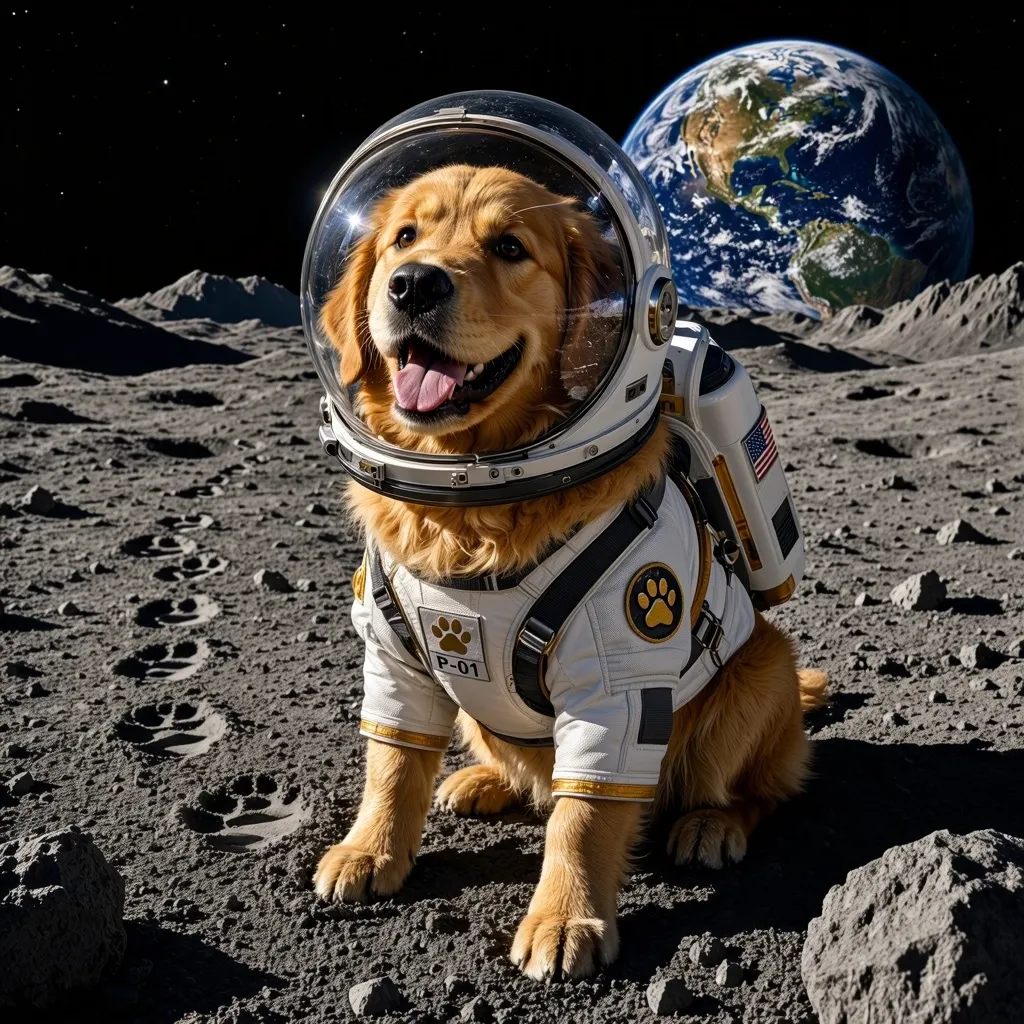
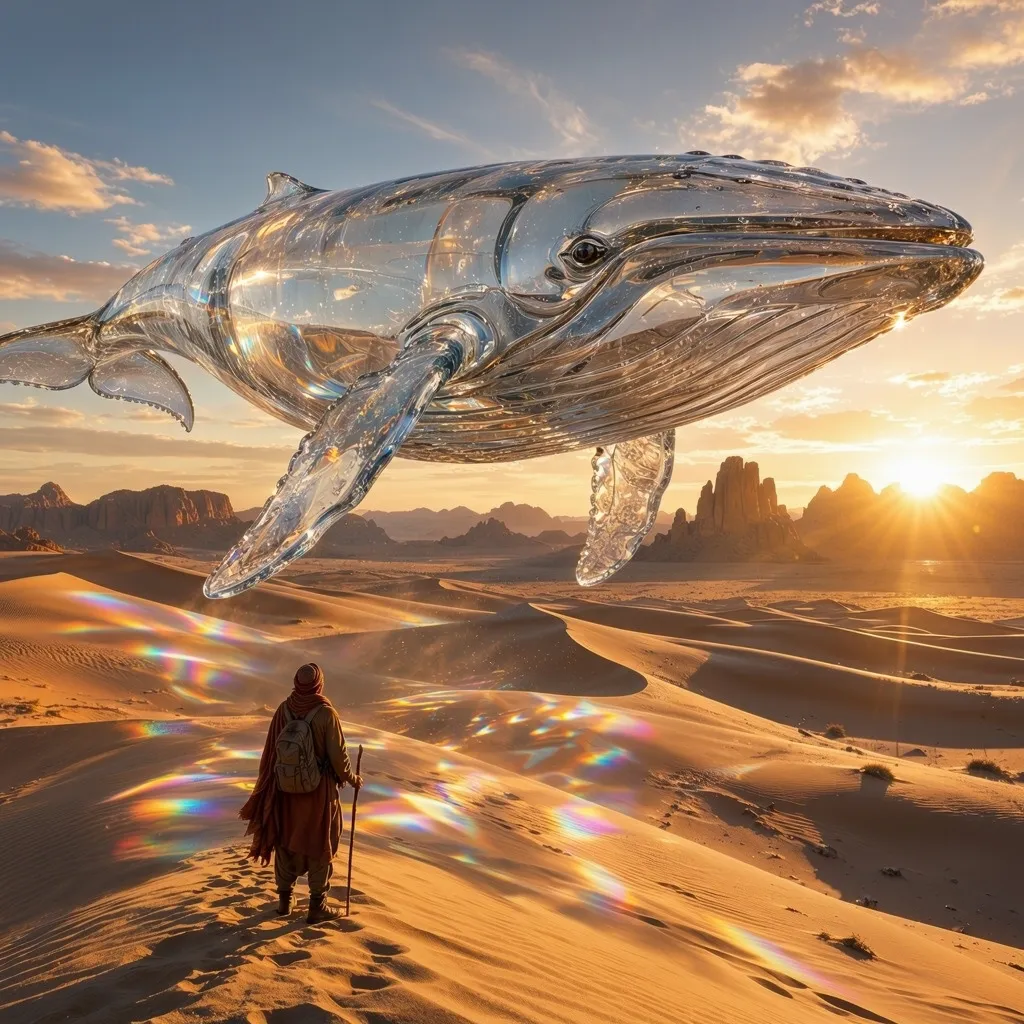
MAI Image 2.7 Flash is the quicker sibling, and in our test the pictures were almost twins: the same laughing grandmother with a basket of tomatoes, the same astronaut dog with paw prints, the same glass whale. Each won one round and six were ties. Flash took 11 to 12 seconds per picture; MAI Image 2.7 took 28 to 32. See every picture side by side in MAI Image 2.7 vs MAI Image 2.7 Flash.

When to pick another model

To change a photo you already have, choose GPT Image 2.5 Flare or Nano Banana 2. For a quieter, more natural photo, GPT Image 2 made a grandmother that looks like a real snapshot: gardening gloves, apron, everyday light.

MAI Image 2.7 vs other models

MAI Image 2.7 alternatives

Frequently asked questions

Who makes MAI Image 2.7?

Microsoft, the company behind Windows, Office and Copilot. MAI Image 2.7 and MAI Image 2.7 Flash are the first Microsoft models in chatmodel.

Is MAI Image 2.7 better than MAI Image 2.7 Flash?

Hardly. In our 8 tests each won one round and the other 6 were ties. Flash was nearly three times as fast, so for most pictures we'd start with Flash.

Can it edit my photos?

No. MAI Image 2.7 only makes new pictures from a description. To change a photo you upload, pick a model that edits, like GPT Image 2.5 Flare or Nano Banana 2.

How long does it take?

In our test 28 to 32 seconds per picture.

Does it add a watermark?

We didn't see one on any of our 8 pictures. It does add words of its own to things in the scene, like book titles, so look the picture over.

All of these models, in one place

Chat, images, video and tools with the best AI models. Switch between them whenever you want.

Start for free

Chatmodel is an independent service offering access to third-party AI models. AI can make mistakes. Using Chatmodel means you agree to our Terms and Privacy Policy.