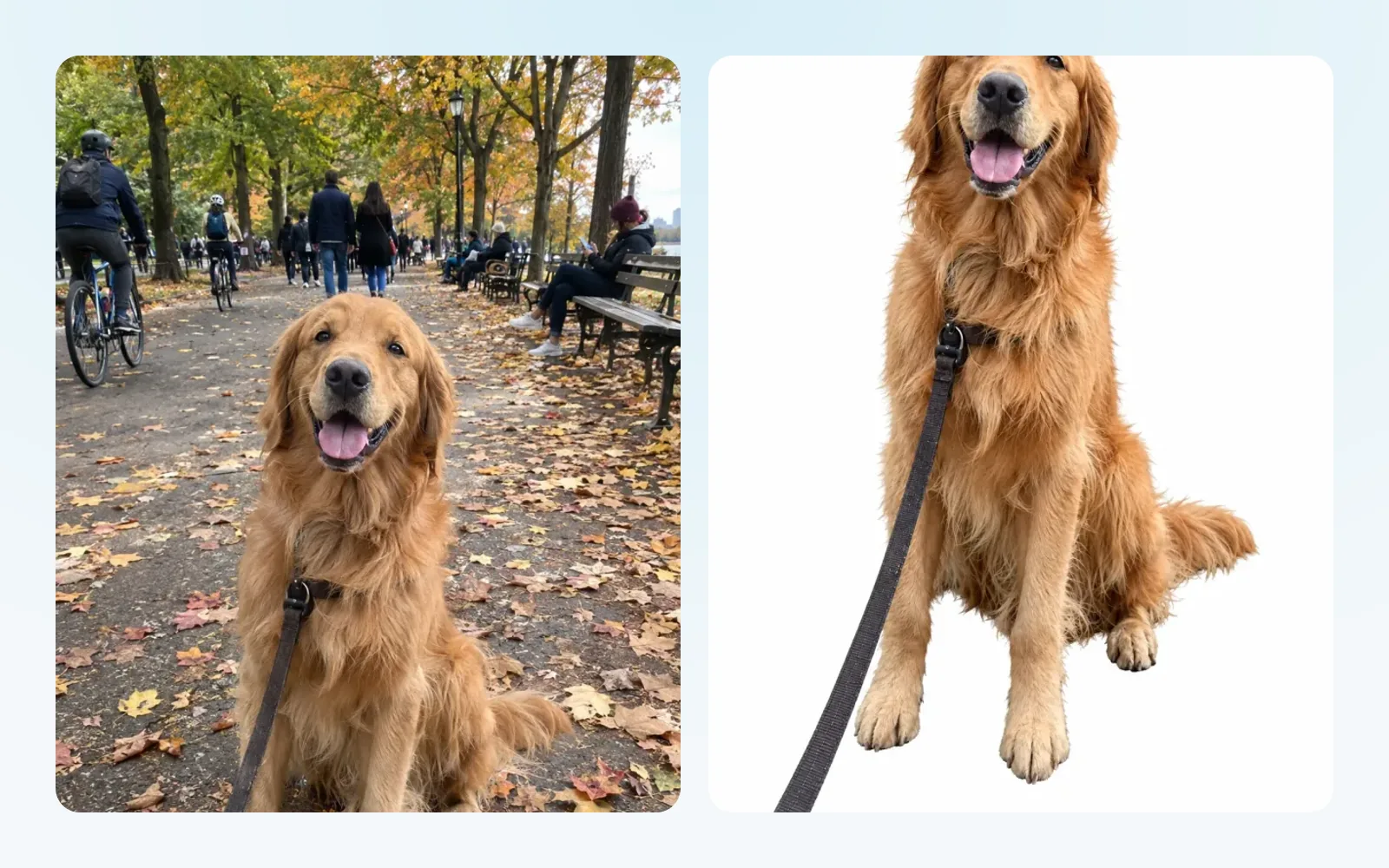
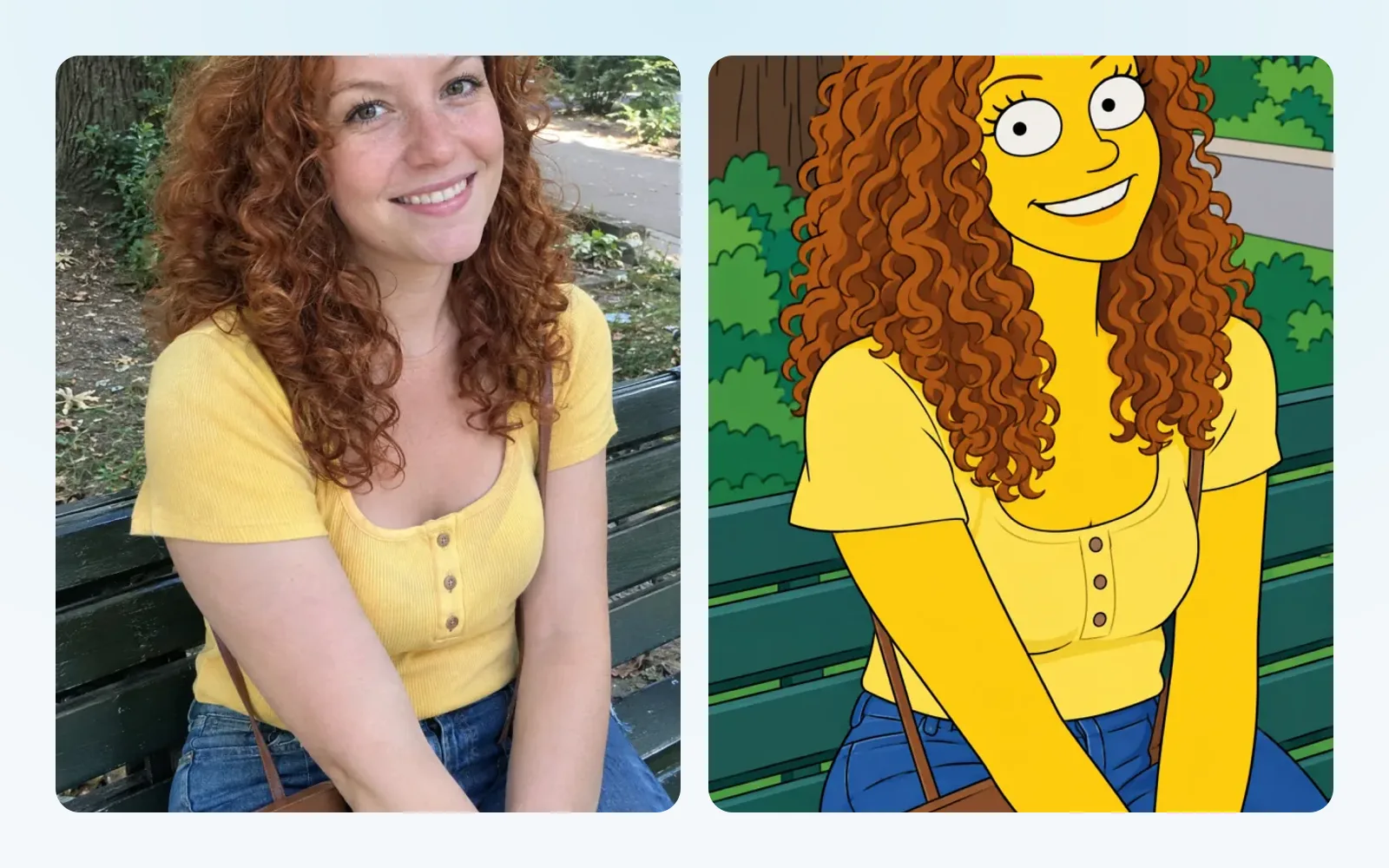
Turning a photo into a drawing used to mean an illustrator and a week of waiting. Now it’s one photo, one style and a few seconds.
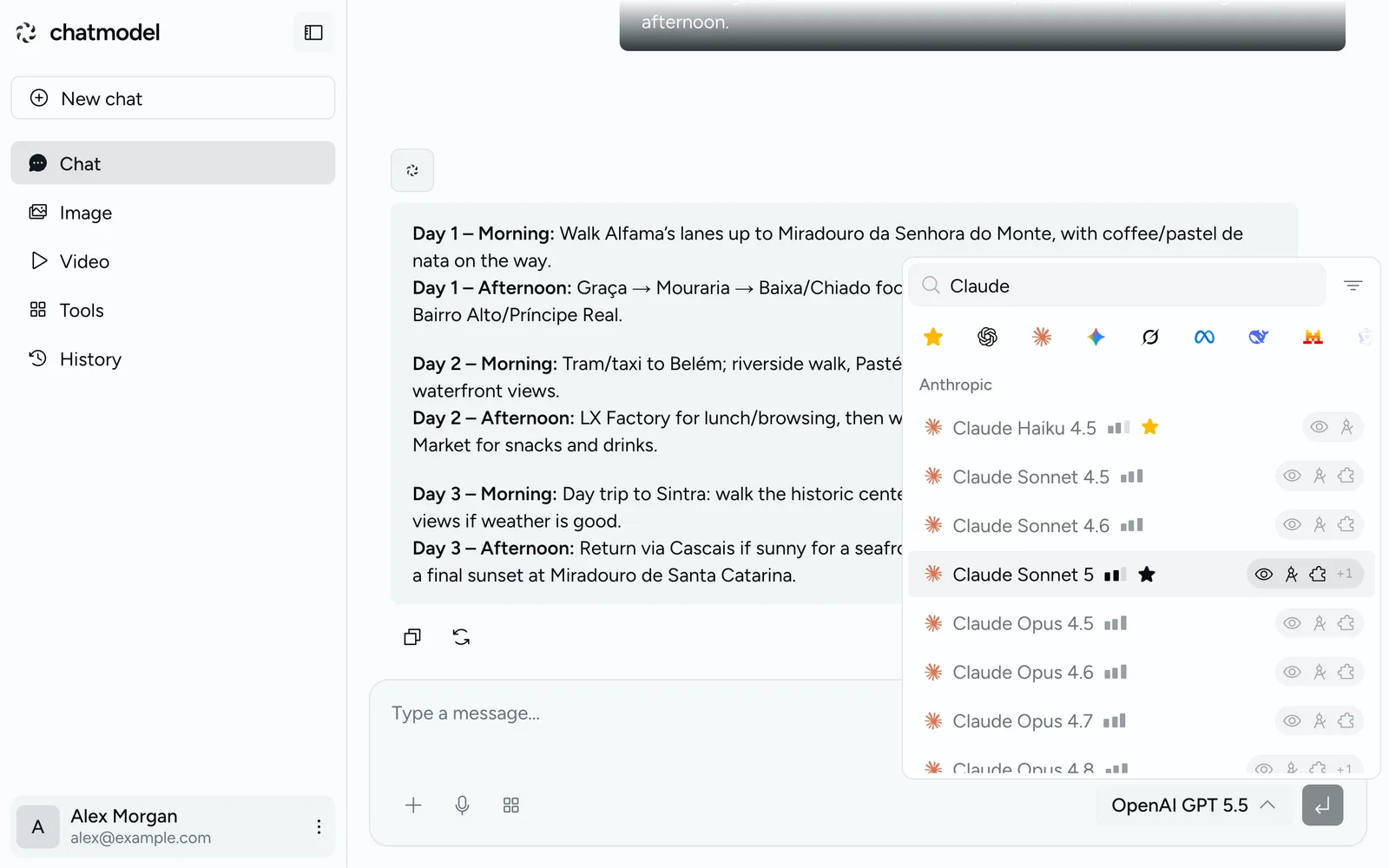
- Go to Image and open the Presets tab.
- Choose Apply Style and press the style you like. Each card on this page opens its preset directly.
- Drop your photo where it says Drop your image here, or click there to pick it.
- That’s it: it starts as soon as the photo is in.
Cartoon styles: what they look like
All of these started as an ordinary photo. On a computer, point at one to see the original.
-

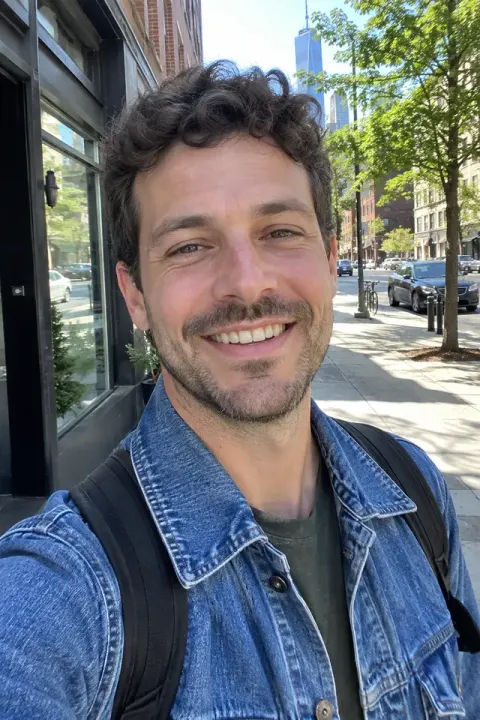
 AfterBefore Pixar Style Turn yourself into a 3D Pixar-style character portrait. Use this preset
-
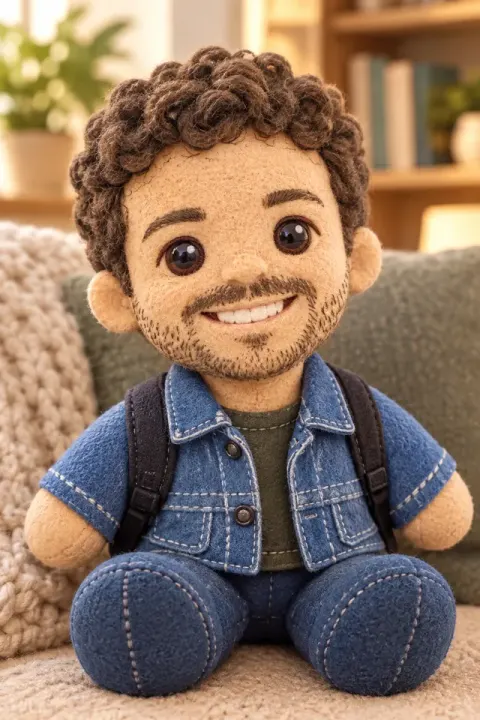
 AfterBefore Plushie Become an adorable soft plush toy, stitches and all. Use this preset
-
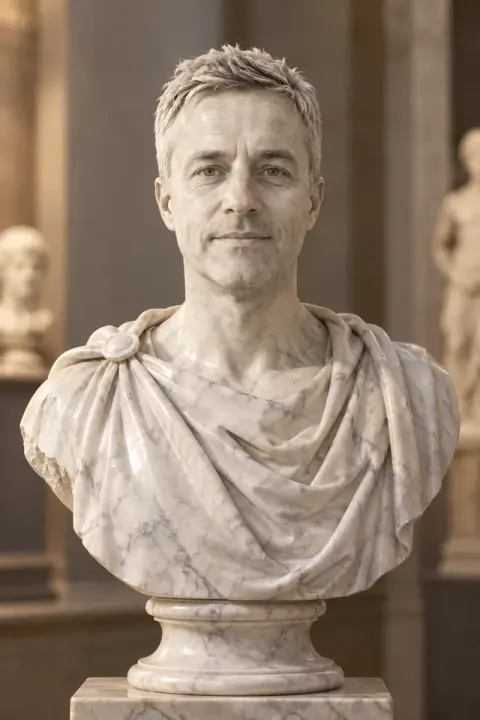
 AfterBefore Marble Statue Reimagine yourself as a classical white marble sculpture. Use this preset
-
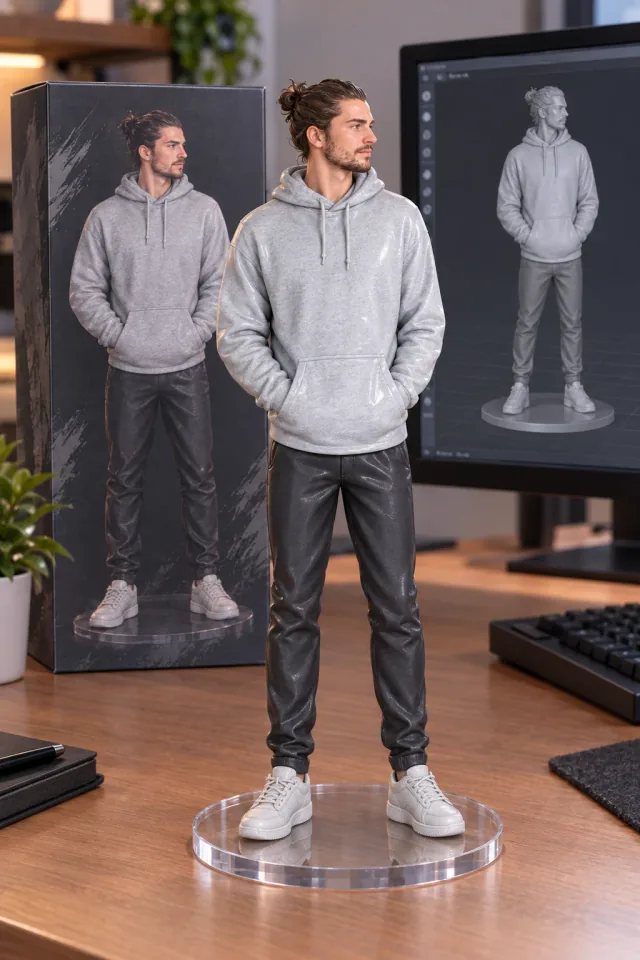
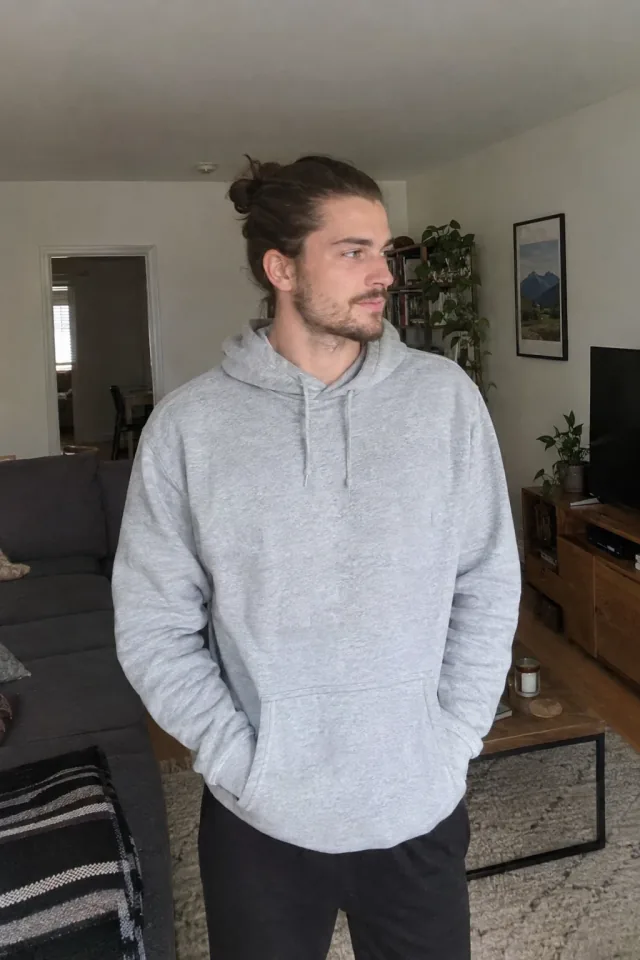 AfterBefore Collectible Figurine Turn yourself into a collectible 1/7 figurine, box and base included. Use this preset
-
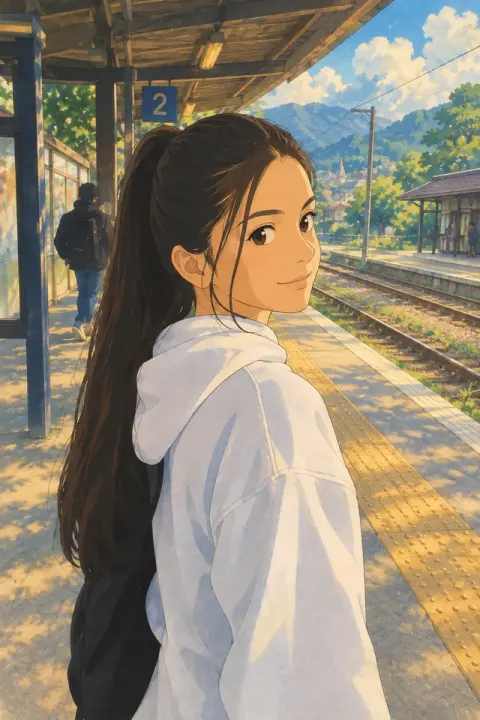
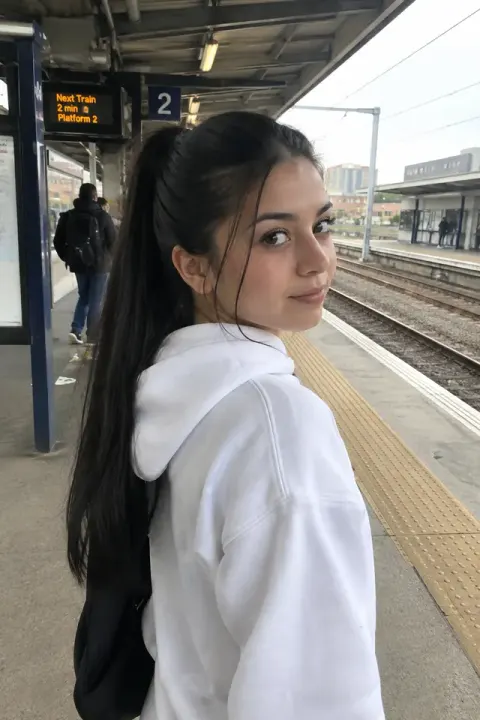 AfterBefore Anime Portrait Reimagine your scene in a hand-drawn Studio Ghibli style. Use this preset
-
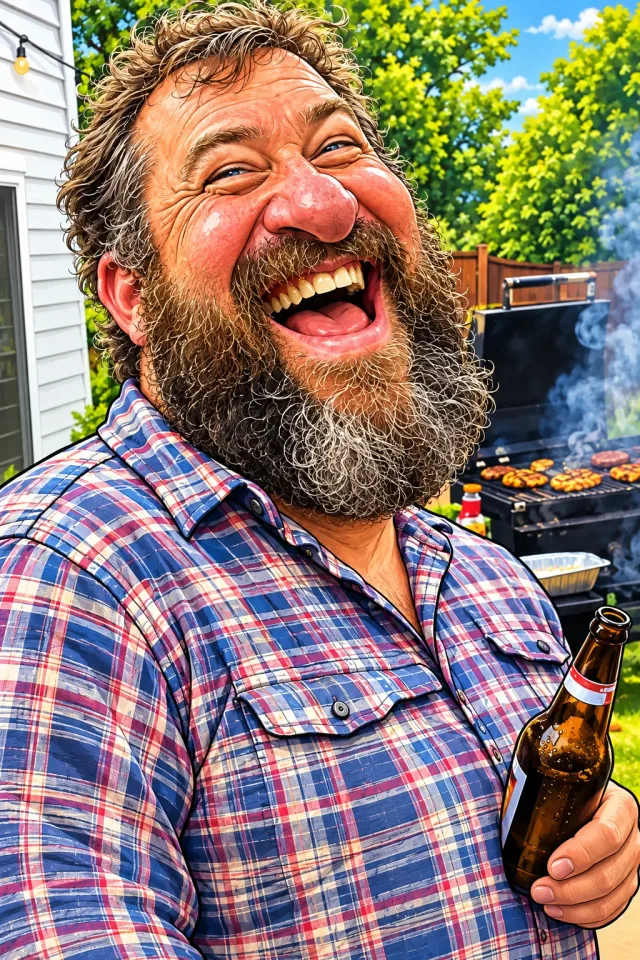
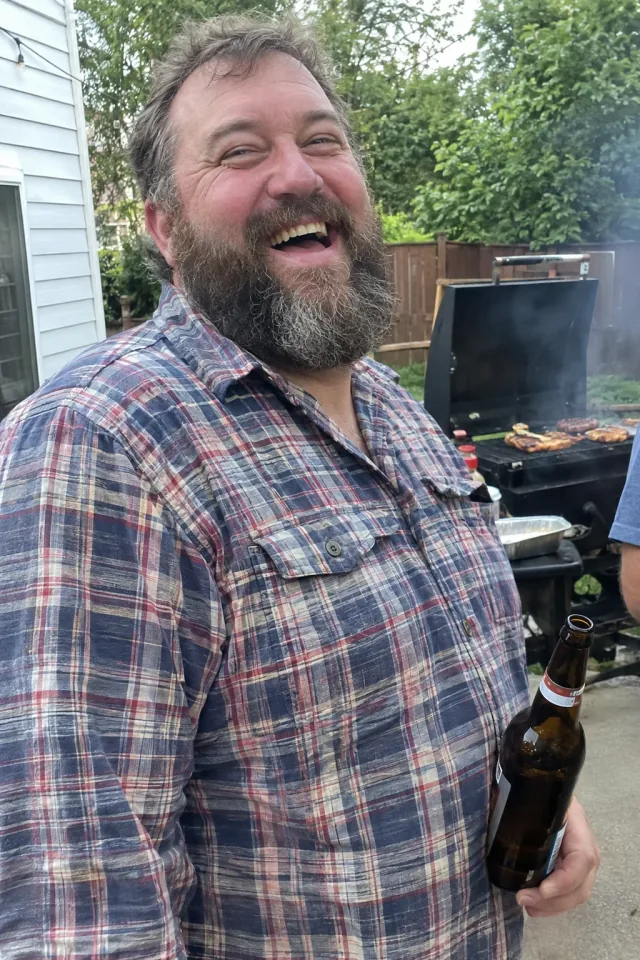 AfterBefore Caricature maker An exaggerated, fun caricature that's still recognizably you. Use this preset
-
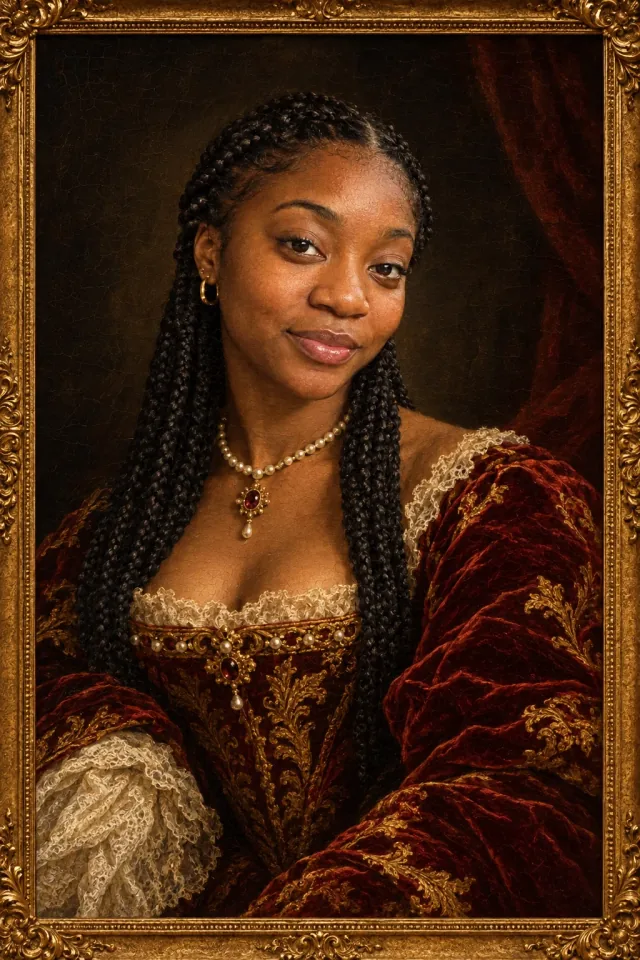
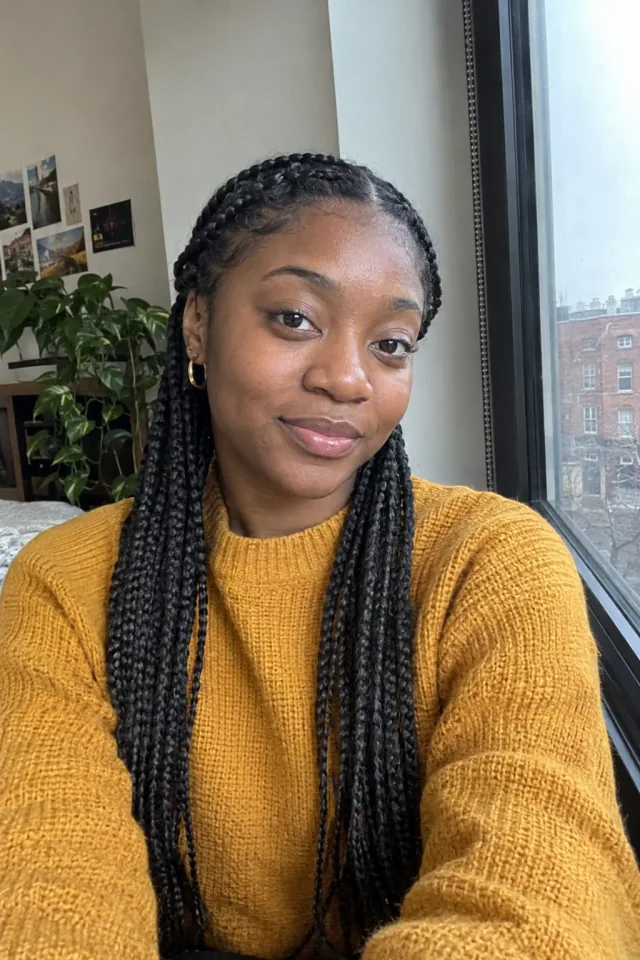 AfterBefore Renaissance Portrait Become a Renaissance oil painting in opulent period style. Use this preset
-
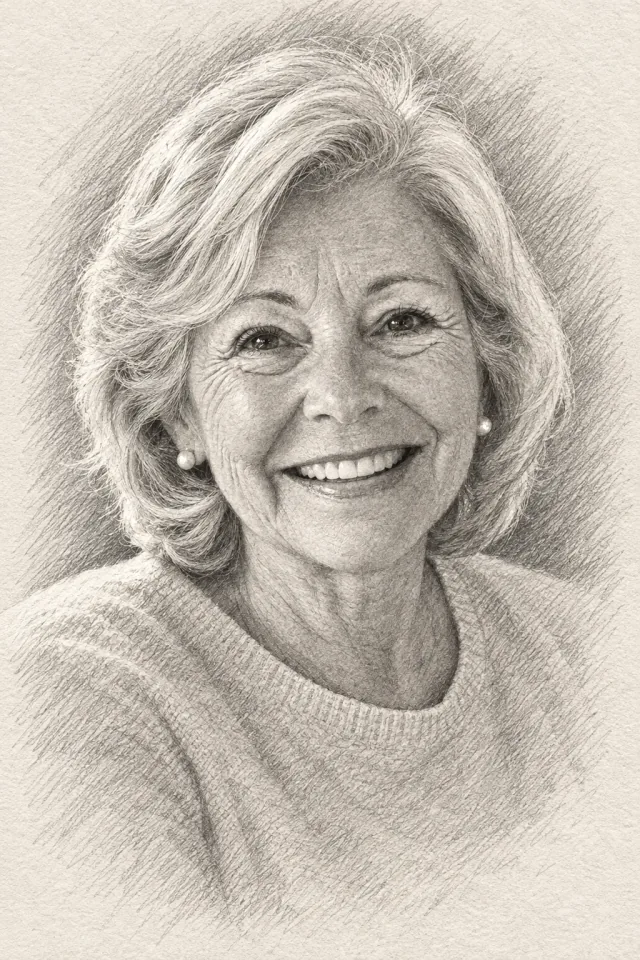
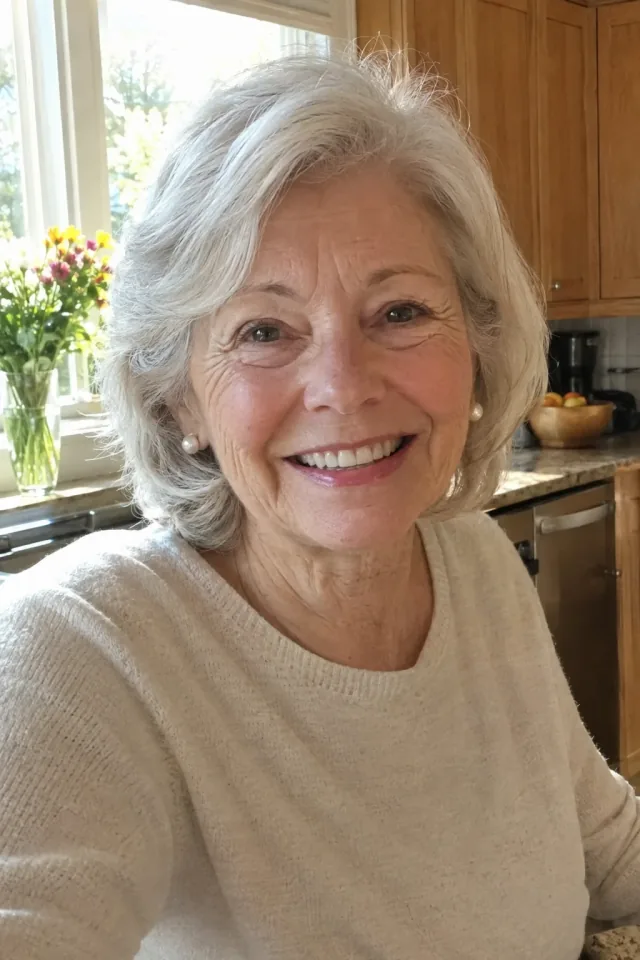 AfterBefore Pencil Sketch A detailed graphite portrait drawn by hand. Use this preset
All 24 cartoon styles
Plus Polaroid together, the one style that takes two photos (see below).
How to turn yourself into a figurine
Collectible Figurine builds the whole thing: a 1/7 figure on a base, the box, and a 3D model on a screen behind it, like a real collector’s toy.
Your photo In chatmodel Which photo works best for a cartoon
Works well
- One person, face clearly visible
- Good light, so the likeness is sharp
- Glasses, beards and hairstyles in the photo (they make it look like you)
- More of the body for figurines and plushies
Avoid
- A dark or blurry photo (vaguer likeness)
- Several people in one picture
- Sunglasses hiding the eyes
- A tight face crop for a full-figure toy
If the first try isn’t right, try another photo rather than the same one again. Some styles, like Caricature maker and MS Paint, exaggerate on purpose.
Cartoon portrait ideas for presents
How to make a polaroid of two people together
This style works differently. You add two photos, First person and Second person, and choose a Mood: embracing warmly, like kids, in love or laughing out loud. You get one polaroid of the two of them together.
It’s a sweet way to bring together two people who live far apart.
How to get a cartoon style that isn’t here
Describe it yourself. In Image, add your photo and write the look you want.
1950s travel poster
Turn this photo into a 1950s travel poster, keep the face recognisable.
Stained glass
Turn this photo into a stained glass window with bold lead lines and bright colours, keep the face recognisable.
More on describing changes: edit a photo with AI. For a realistic photo in a new place, see AI photoshoot from a selfie.