A real photoshoot takes a photographer, a location, outfits and an afternoon. For a birthday invitation, a new profile picture or a laugh with the family, one good selfie is enough.
How to make an AI photoshoot
- Go to Image and open the Presets tab.
- Choose Photoshoots and press the theme you like. Each card on this page opens its preset directly.
- Drop your selfie where it says Drop your image here, or click there to pick it. PNG, JPG, WebP and GIF all work.
- That’s it: it starts as soon as the photo is in, and a few seconds later the picture is ready to download.
AI photoshoot examples
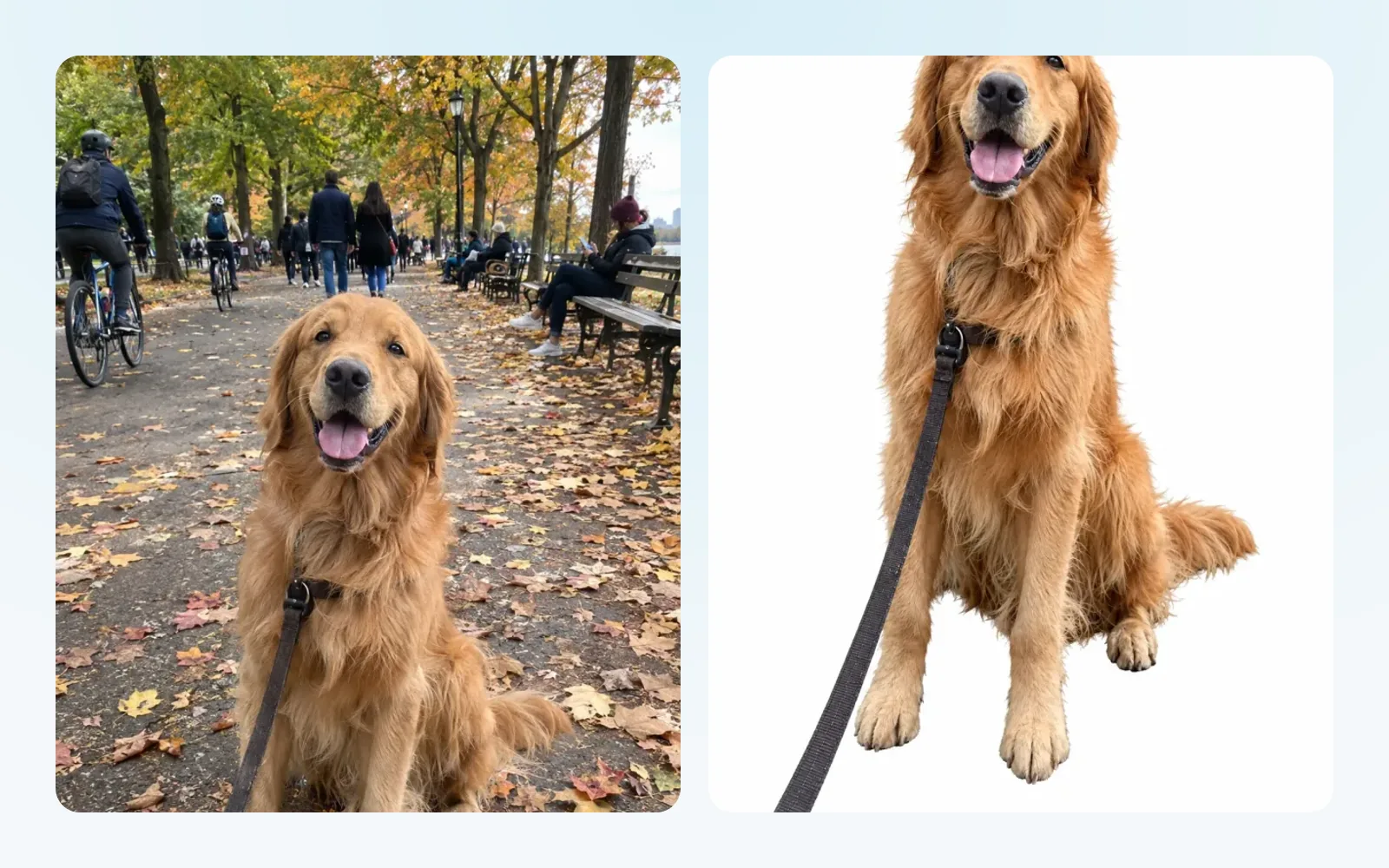
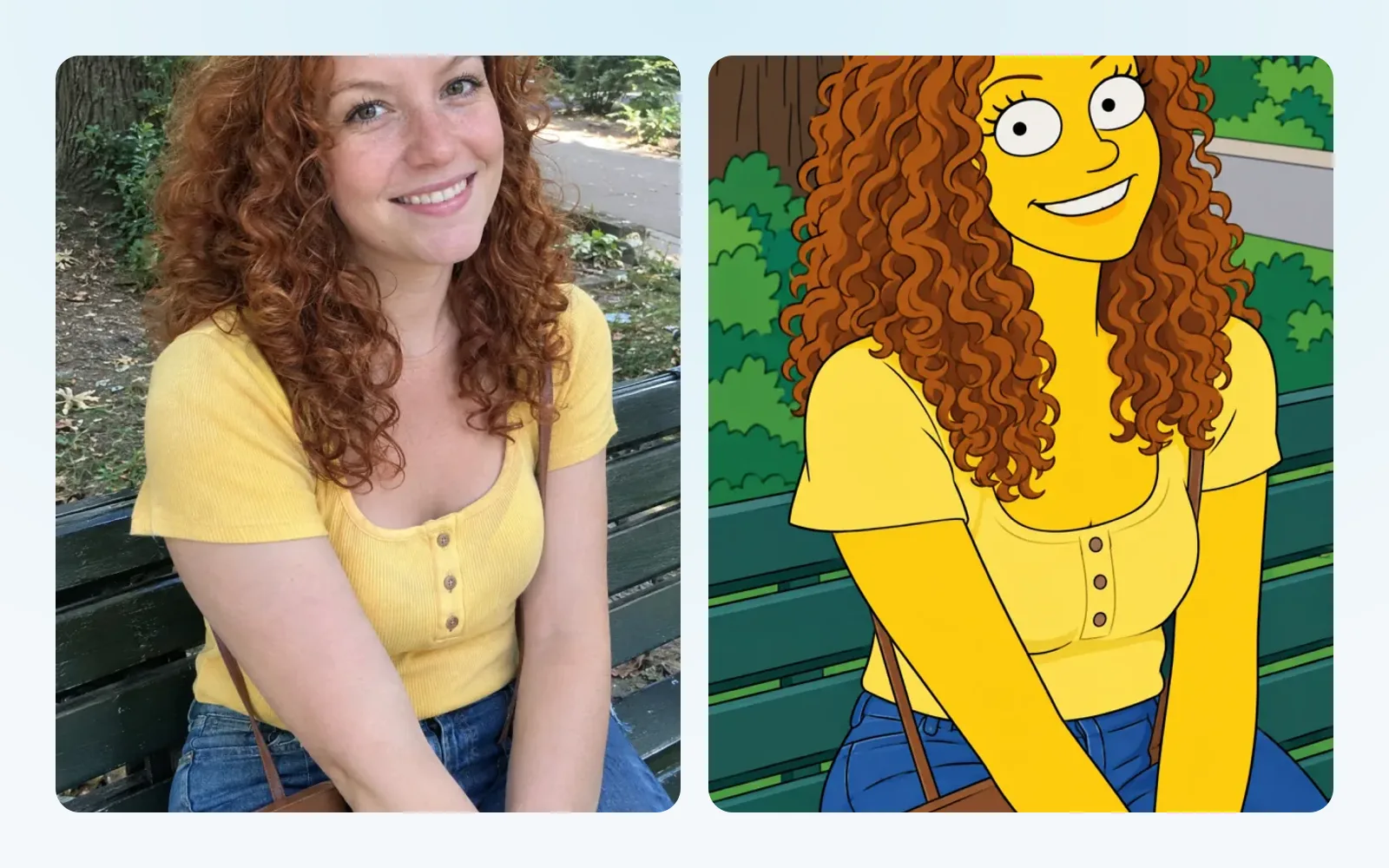
All of these started as an ordinary phone picture. On a computer, point at one to see the photo it came from.
-
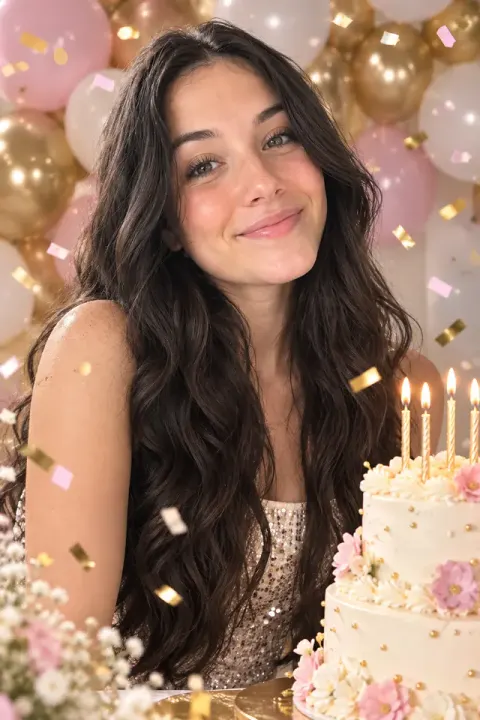
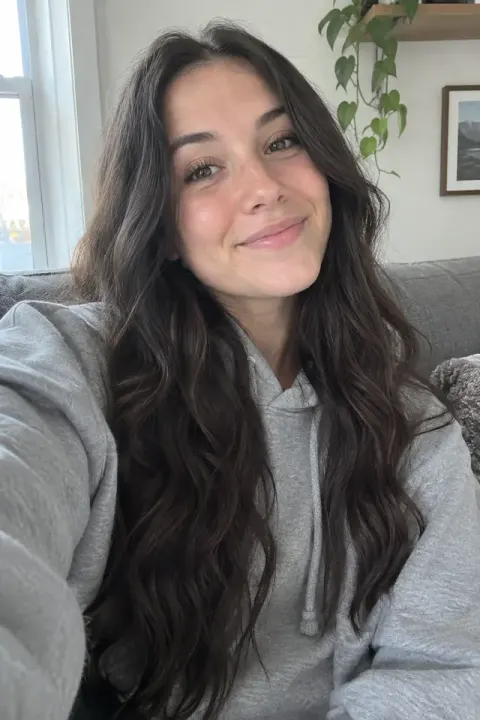 AfterBefore Birthday Photoshoot A glossy birthday studio shoot with balloons, confetti and cake. Use this preset
-
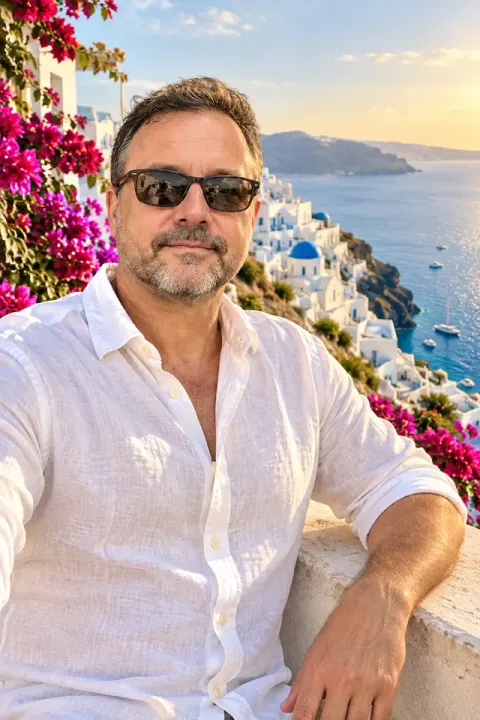
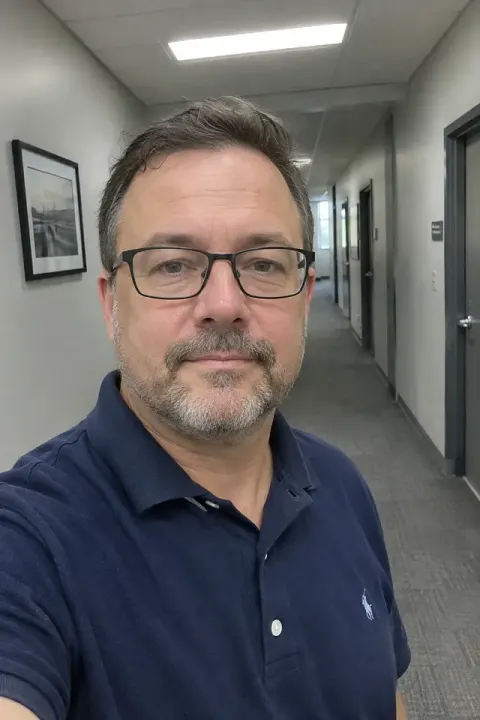 AfterBefore Dream Vacation Put yourself on a sunny terrace above the Mediterranean. Use this preset
-
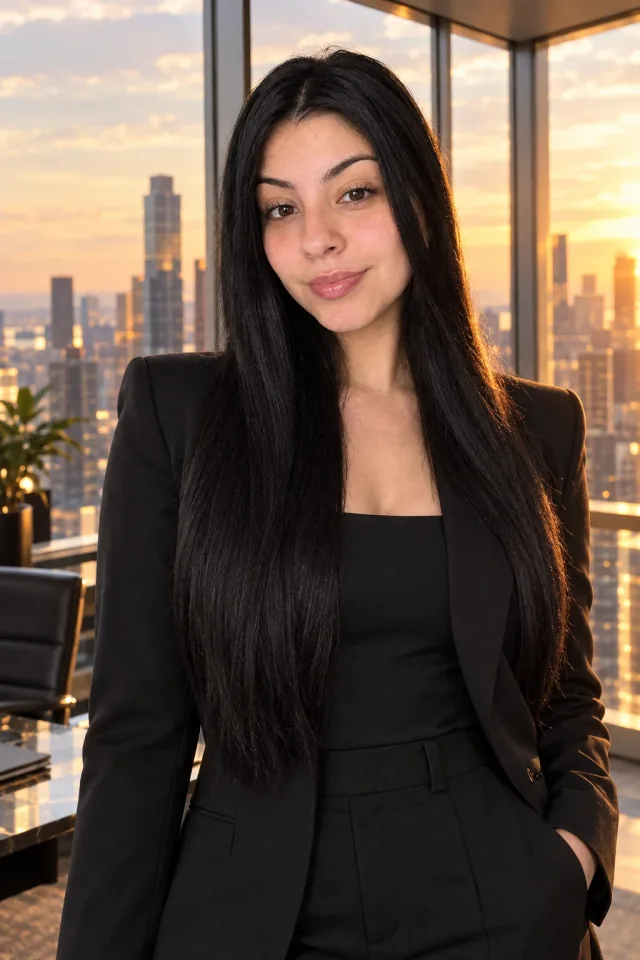
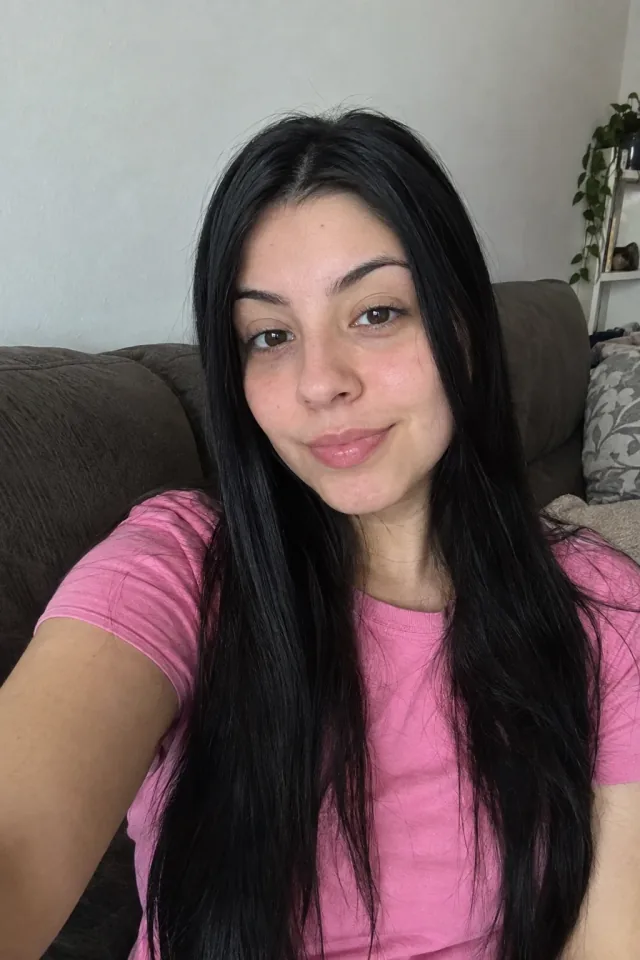 AfterBefore Power Suit A powerful executive portrait in a sharp suit above the city. Use this preset
-
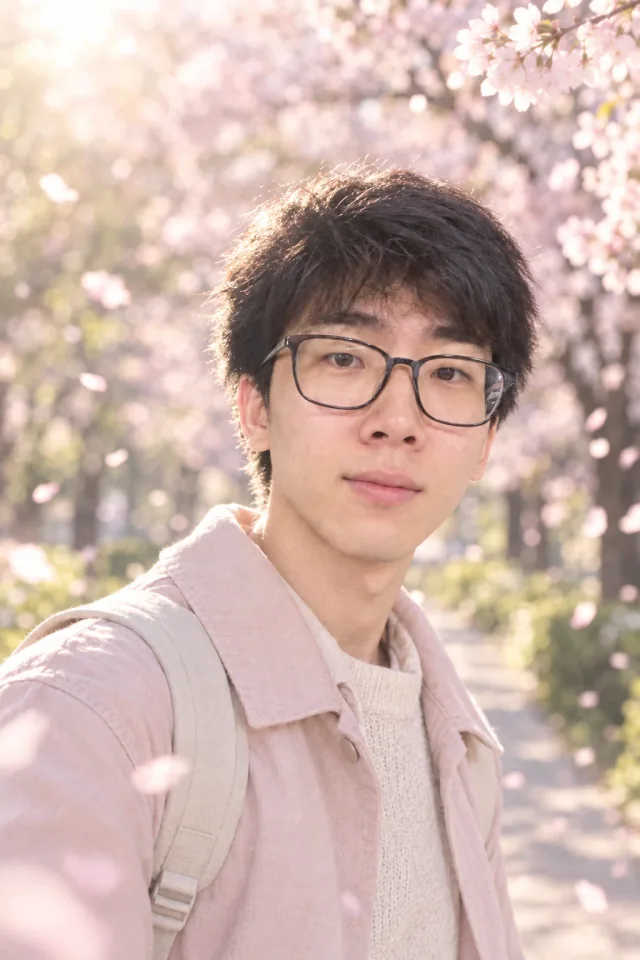
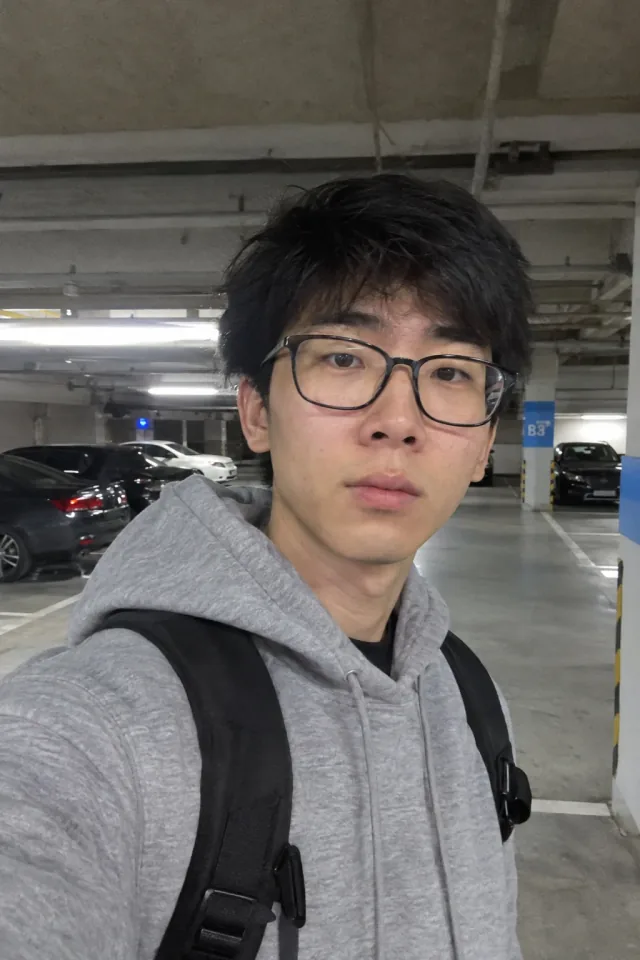 AfterBefore Spring Bloom A dreamy spring portrait under blooming cherry trees. Use this preset
-
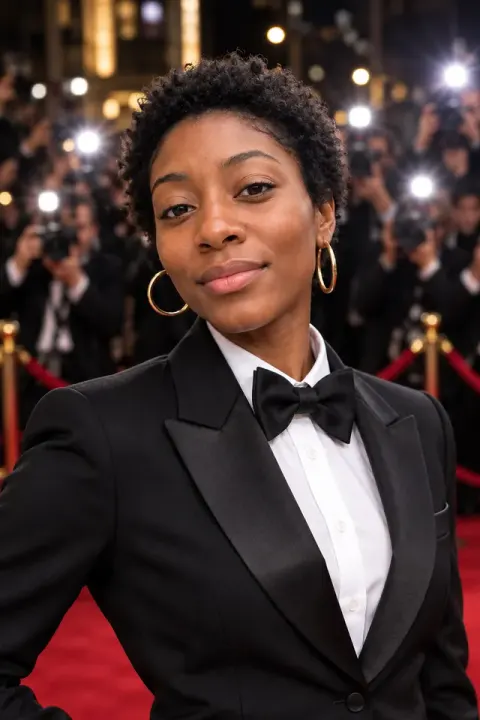
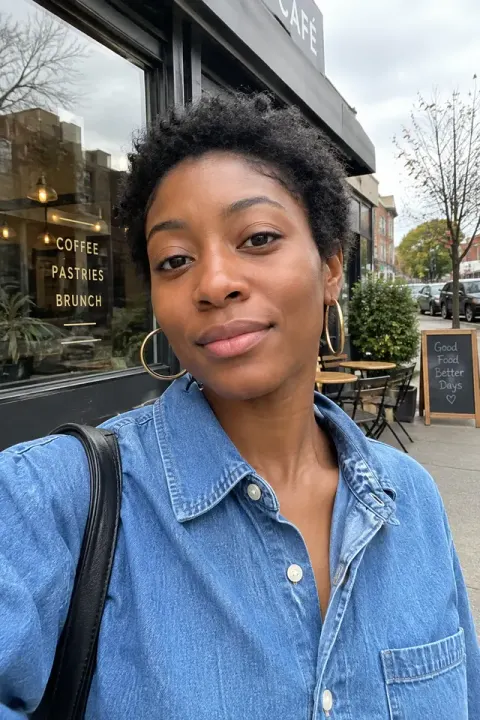 AfterBefore Red Carpet Walk the red carpet in couture under the camera flashes. Use this preset
-
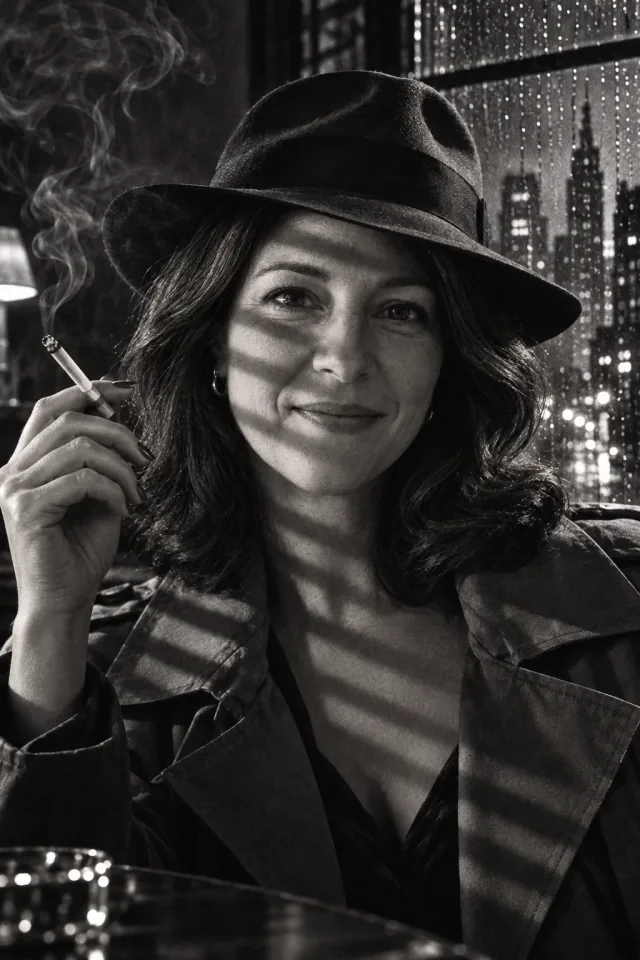
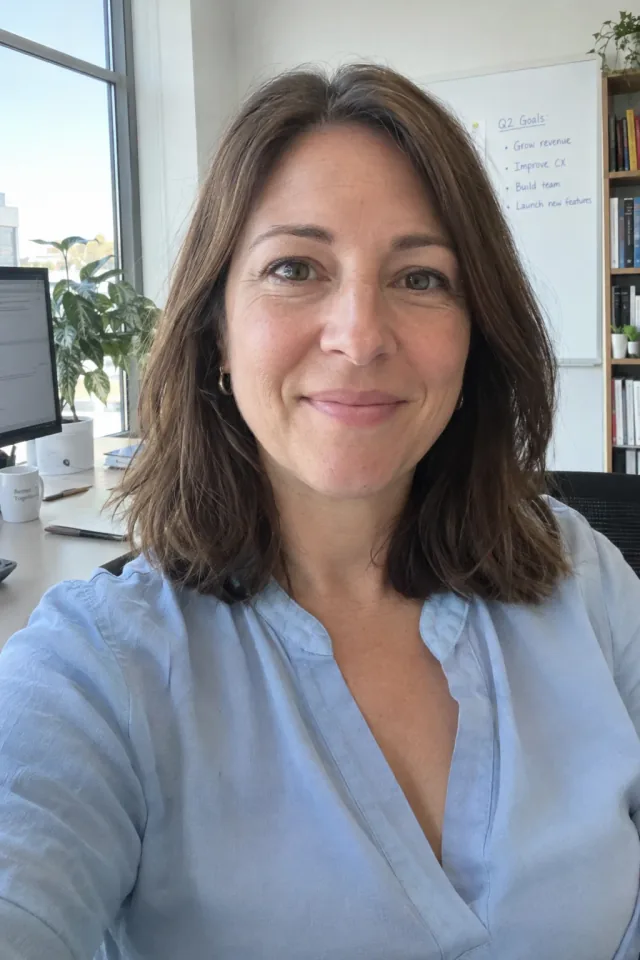 AfterBefore Film Noir A moody 1940s black-and-white detective film still. Use this preset
-
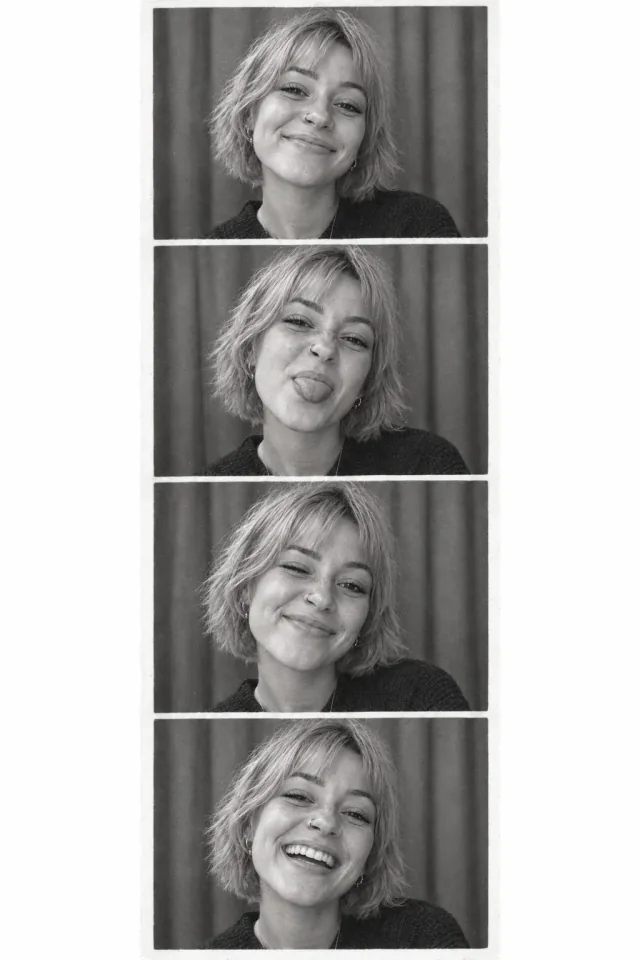
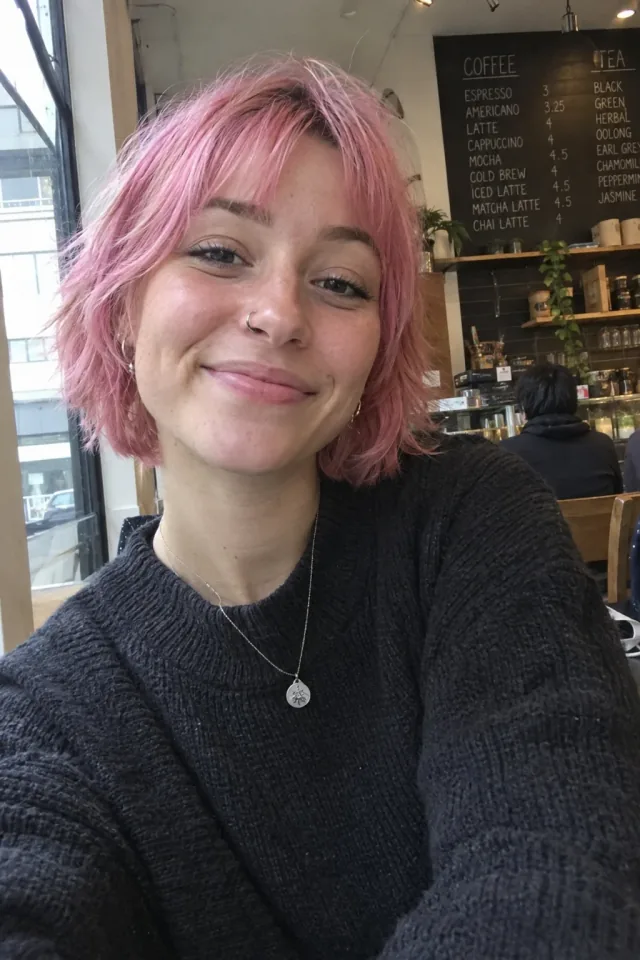 AfterBefore Photobooth Strip A classic photobooth strip with four fun frames. Use this preset
-
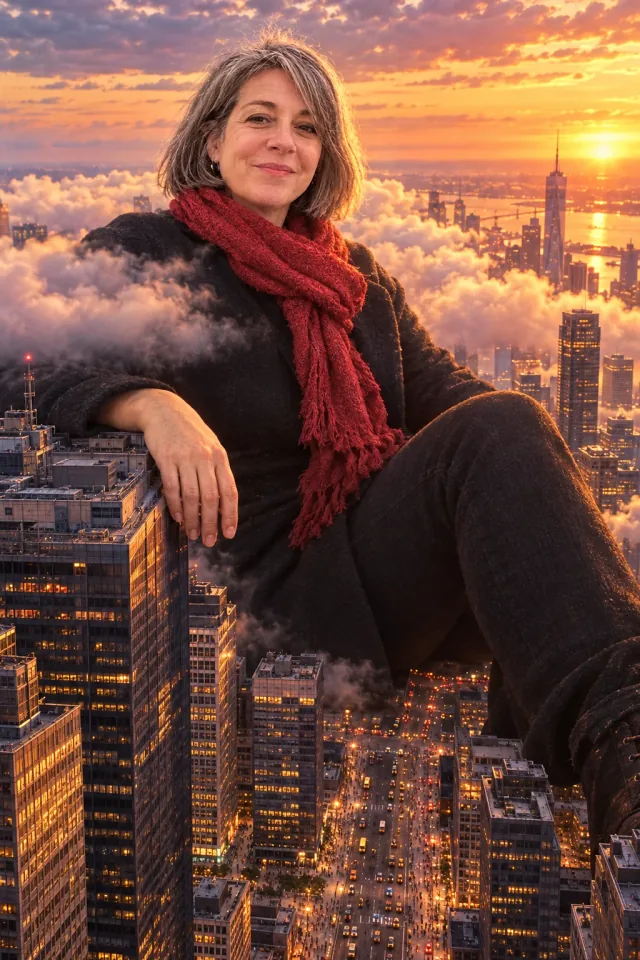
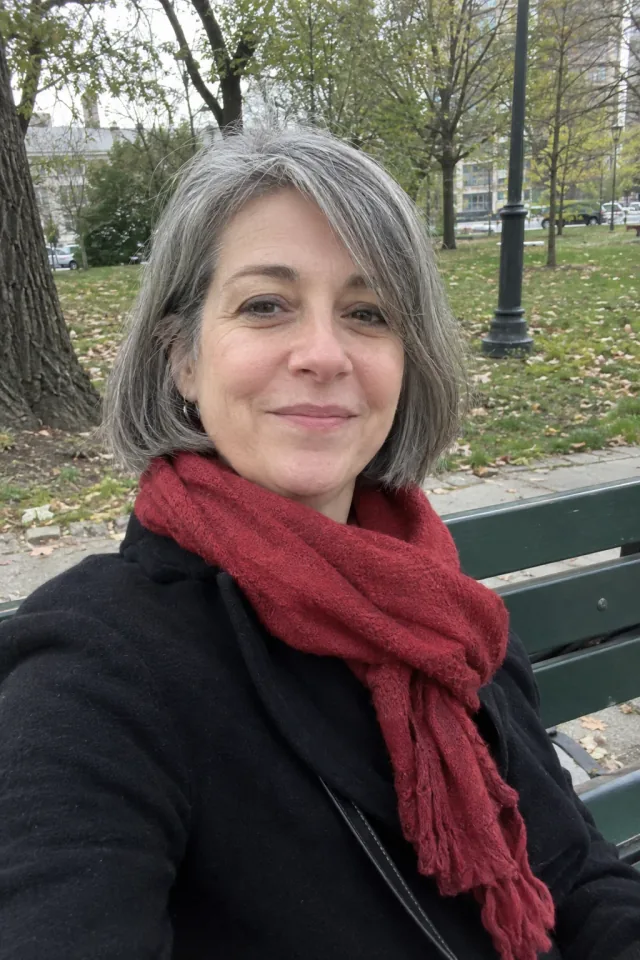 AfterBefore Giant in the City A surreal shot of you as a giant among the skyscrapers. Use this preset
Which theme for which occasion
| If you want… | Try |
|---|---|
| A birthday invitation or a party picture | Birthday Photoshoot, Photobooth Strip |
| A holiday feeling in the middle of winter | Dream Vacation, Summer Beach, Wildflower Meadow |
| A smart profile picture | Power Suit, Old Money, Color Block Editorial |
| A night out you never had | Red Carpet, VIP Arrival, Prom Night |
| A laugh with the family | Giant in the City, Surrounded by Cats, Jumbotron Moment, Superhero |
| A different era | Film Noir, Back to 90s, Y2K Flash |
Which selfie works best for an AI photoshoot
Works well
- Only you in the picture
- Head and shoulders at least
- Full body for Outfit Check or Airport Walk
- Your natural face, the way friends know it
Avoid
- Sunglasses or a hat shading the eyes
- Beauty filters (the result looks less like you)
- Group photos: the preset can pick the wrong face
- A blurry crop from a wide photo
If it doesn't come out right
- It doesn't look like me
- Try another selfie before trying the same one again. A different photo changes more than a second try.
- Teeth or earrings look different
- Small details can change. Look closely before you post, and try again if they matter.
- The body looks wrong in a full-length theme
- Your selfie was too close. Use a photo where more of you is visible.
- It picked the wrong person
- There were several faces. Crop the photo so only you are left.
How to make an AI photoshoot in any scene you describe
Describe it yourself. In Image, add your selfie and write what you want. Keeping the last part (keep my face exactly the same) helps.
Dinner in Tuscany
Put me at a dinner table in a garden in Tuscany at sunset, in a linen shirt, keep my face exactly the same.
Snowy cabin
Put me on the porch of a wooden cabin in the snow, in a thick wool jumper, holding a mug, soft morning light, keep my face exactly the same.
More tips on describing a change: edit a photo with AI. For a work photo, use the Headshot Generator. To see yourself as a cartoon or a statue, turn your photo into a cartoon.