There are more AI image makers than ever, and most people just want to know one thing: which one should I use? So we tried four of the ones you can use in chatmodel, side by side.
What we did
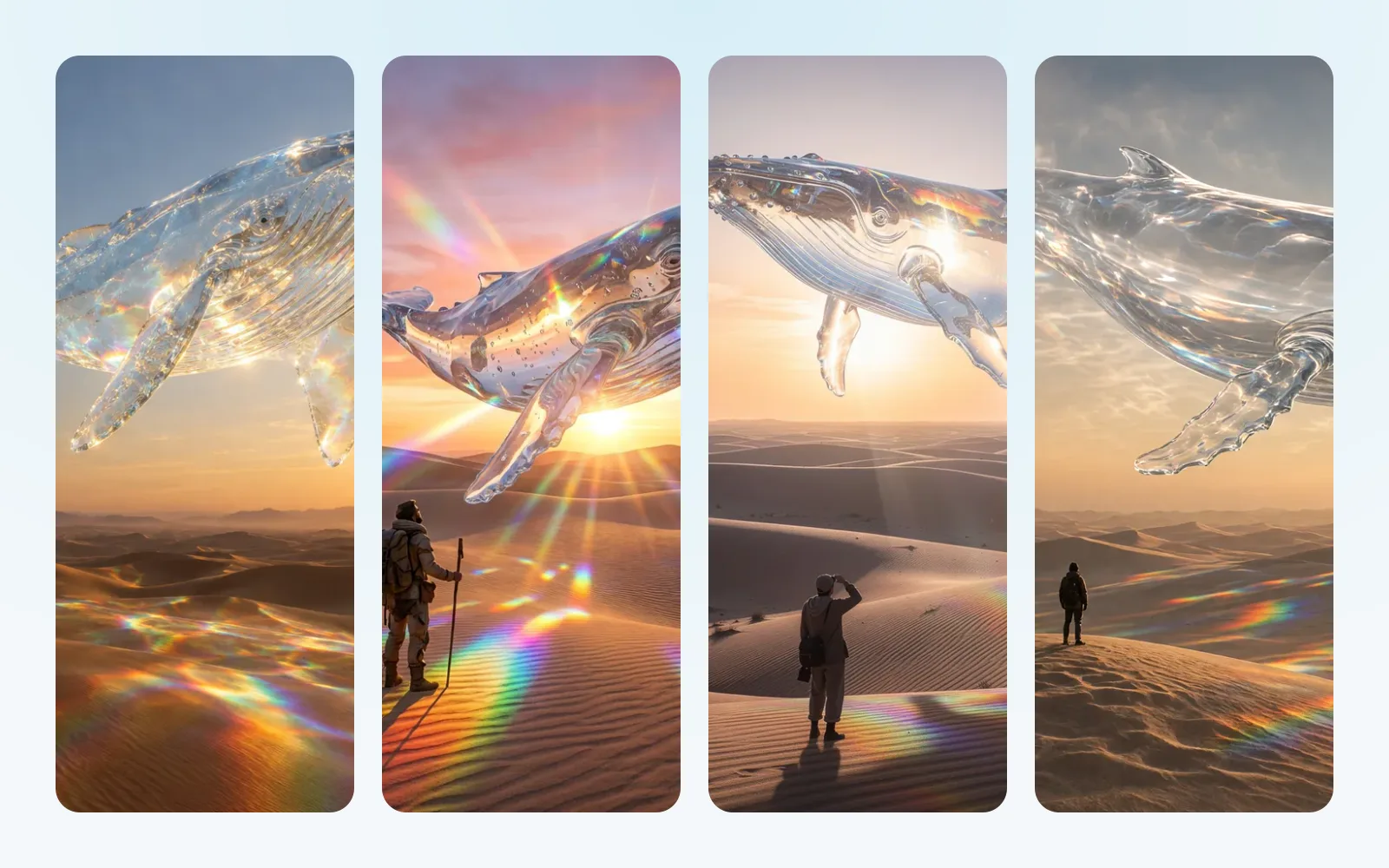
We wrote six descriptions of the kind of pictures people actually ask for: a grandmother picking tomatoes, a homemade apple pie, a travel poster that says “Visit Lisbon”, a dog on the moon, a glass whale over the desert and a watercolor of a Tuscan village.
Each model got exactly the same words and one try. We kept the first picture it made and didn’t retouch anything. We also timed each one.
What stood out
- GPT Image 2.5 Flare made the most finished pictures, with every detail in place, in about 11 to 14 seconds.
- Nano Banana Pro followed the descriptions most literally, and sometimes added extras of its own, like a made-up signature on the watercolor.
- Flux 2 Pro was the fastest, at about 7 to 10 seconds, with clean pictures and one of the best posters.
- Grok Imagine Image 2.0 made the warmest portrait, but it was the slowest, at about 26 to 29 seconds, and sometimes cut the subject off at the edge.
The good news for words in pictures: all four spelled “Visit Lisbon” right.
Which one to pick
If you only try one, start with GPT Image 2.5 Flare. If you want to change a photo you already have, only GPT Image 2.5 Flare and Nano Banana Pro can do that.
You can see all 24 pictures side by side, task by task, in our full comparison.