


In plain words
Recraft V4 Pro turns a description into a picture, with a clear leaning towards design. Its posters and cards in our test looked like something a graphic designer made: strong colors, confident lettering and a clear layout.
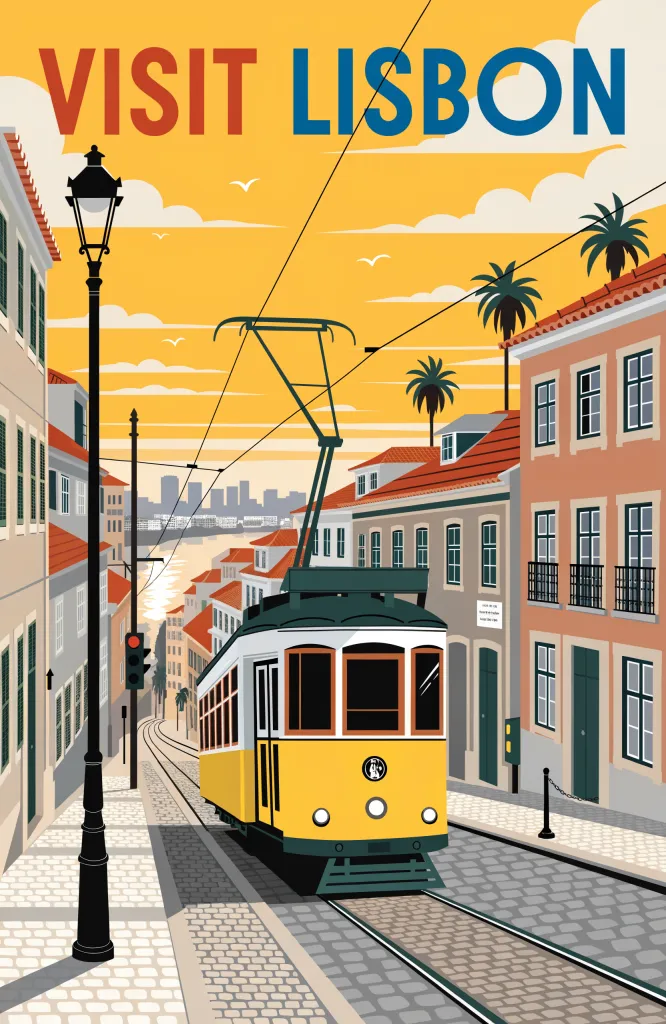
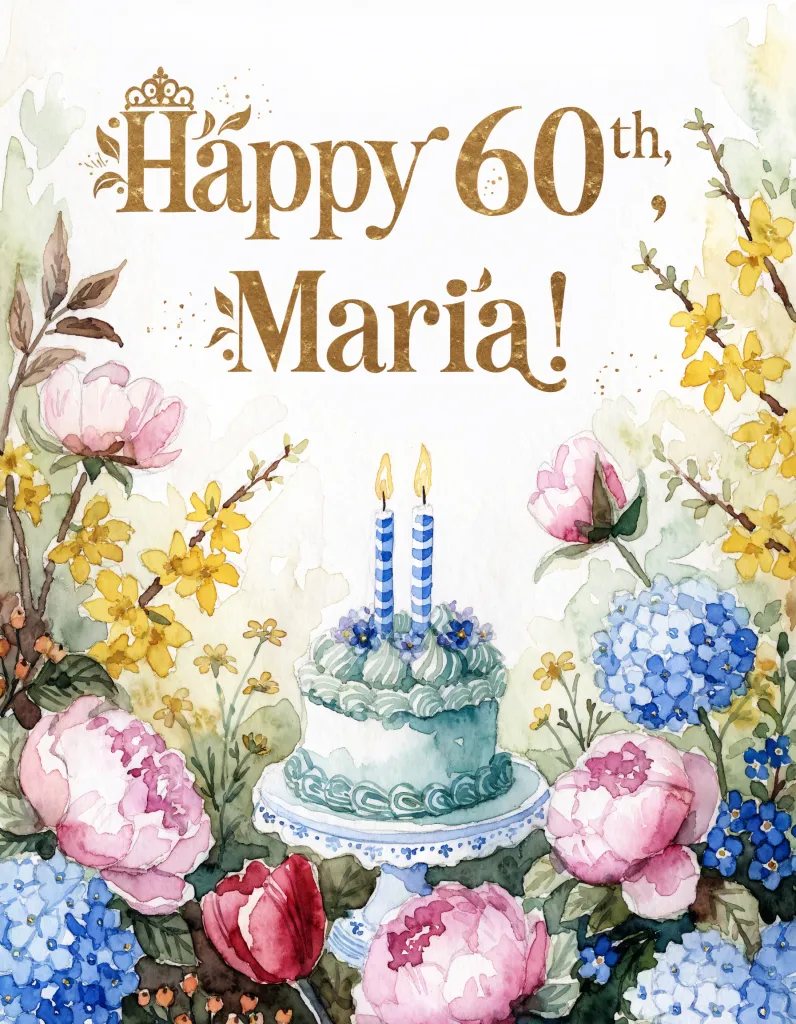
The Lisbon poster was one of the boldest we saw, with the title in two colors and the street drawn in a sunny, flat style. The birthday card had decorated gold letters, spelled correctly.
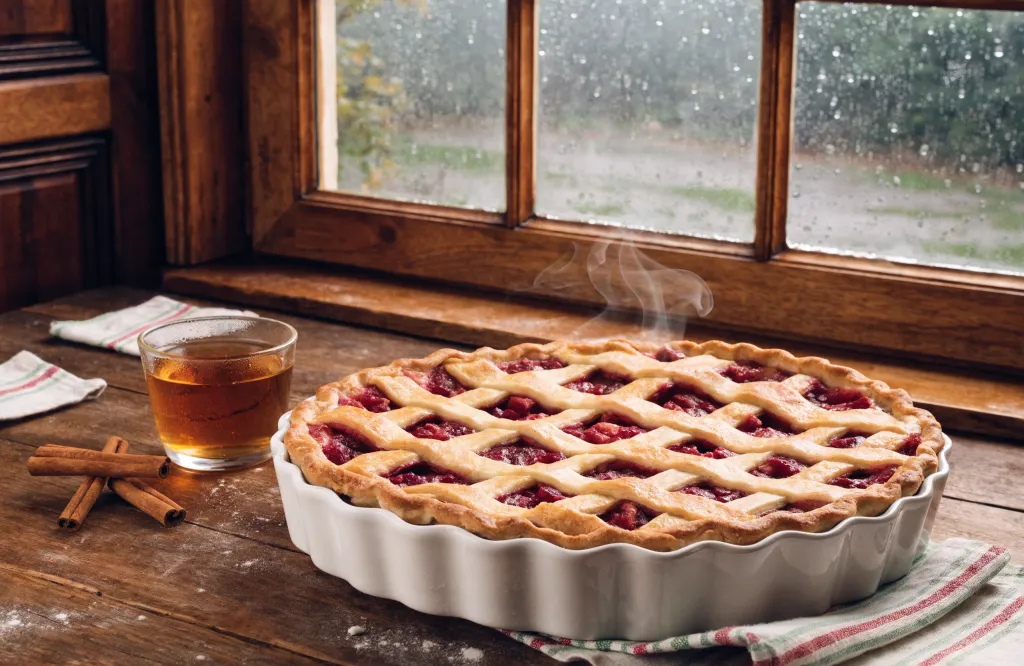
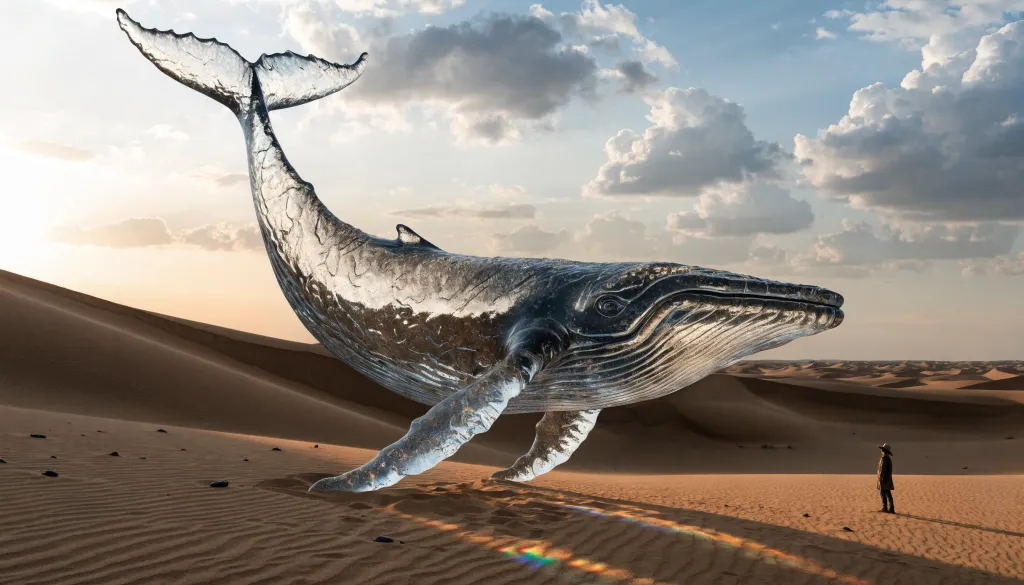
It was less reliable on photos. It gave the pie a red berry filling instead of apple, and it made the whale out of silver metal, lying on the sand instead of floating. So think of it for designs first.
How to get the most out of it
- Use it for printed things. Posters, invitations, menus and cards play to its strengths.
- Name the colors. “Yellow and blue”, “pastel pink and gold” helps it plan the design.
- Repeat key details. If the pie must be apple, say “apple pie with apple slices visible”.
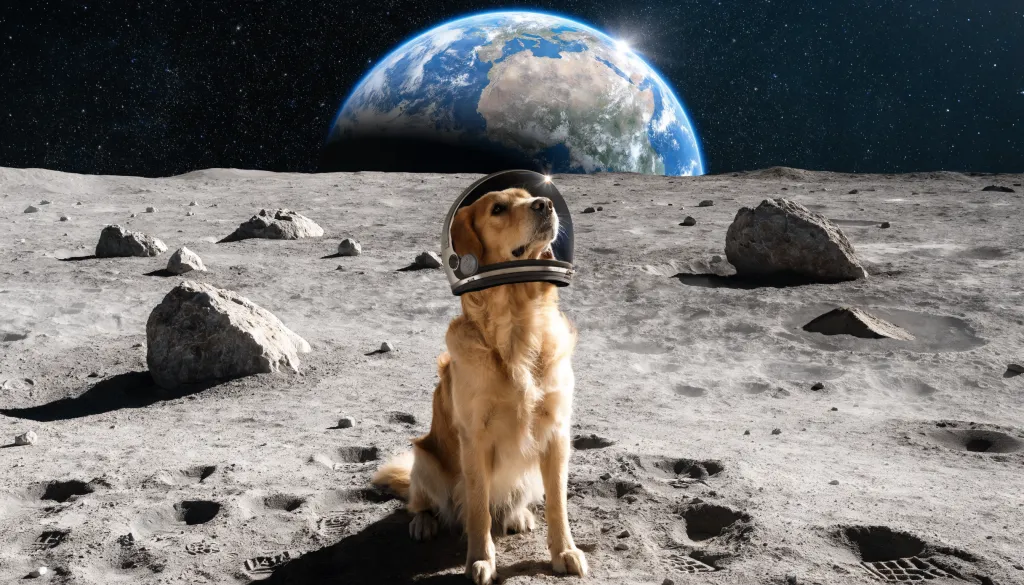
- Make the subject big. “The dog fills most of the picture” stops it from shrinking.
How it compares with the rest of the family
It is Recraft’s only model in chatmodel. The closest options for designs are GPT Image 2.5 Flare, which also handled words well, and Flux Pro 1.1 Ultra, another model that only makes new pictures.
When to pick another model
For real-looking photos, GPT Image 2 kept closer to our descriptions. To edit a photo, go to Nano Banana.

