Your best photos deserve better than a folder on your phone. Turn one into a poster for the wall, or describe the wallpaper you’d like to see fifty times a day.
Three poster styles for your photos
In Image → Presets → Posters. Each takes one photo. On a computer, point at a poster to see the photo it started from.
-
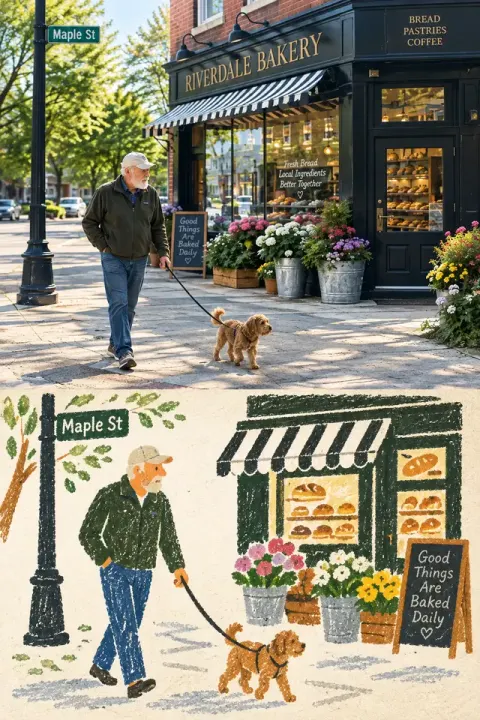
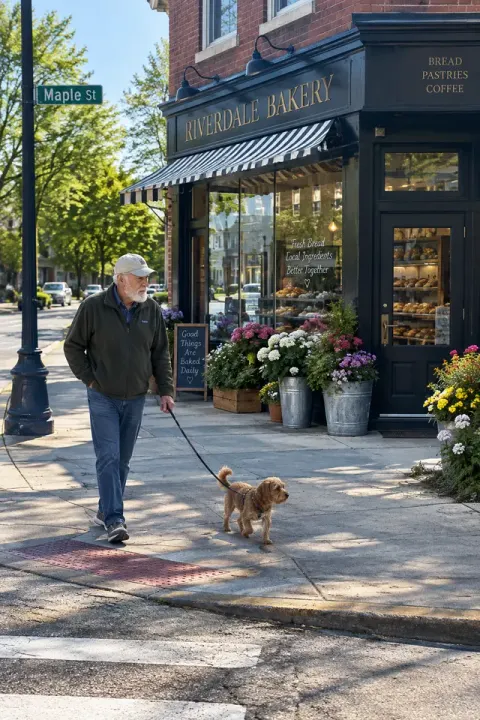 AfterBefore Folk Art Poster A split poster: your photo on top, naive folk art below. Use this preset
-
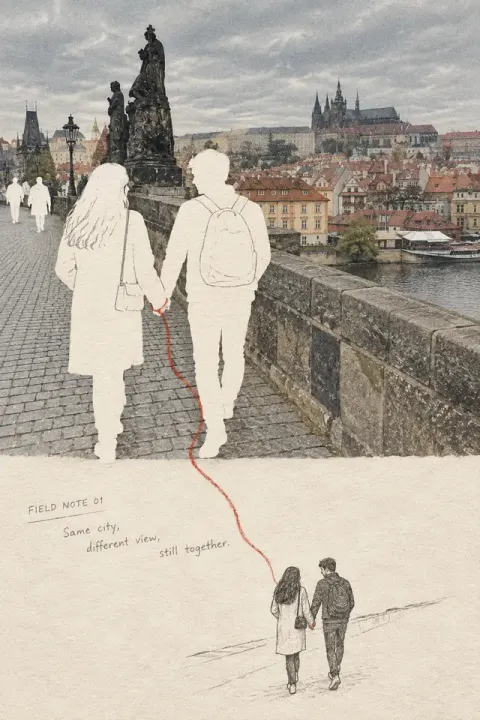
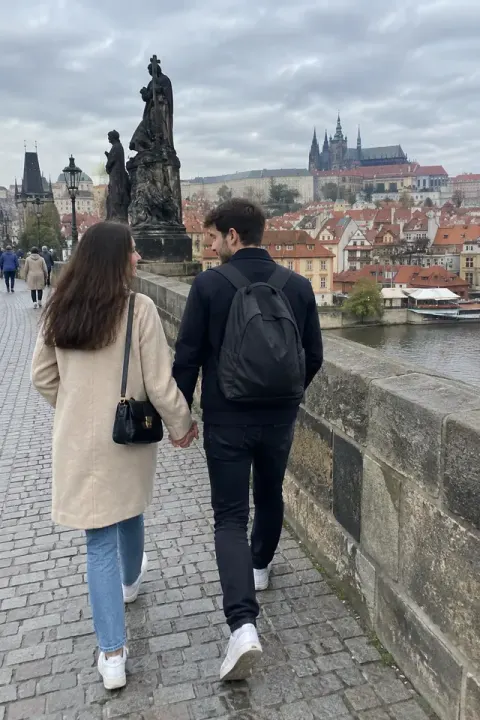 AfterBefore Threadline Memory A two-layer travel-memory poster joined by a hand-stitched line. Use this preset
-
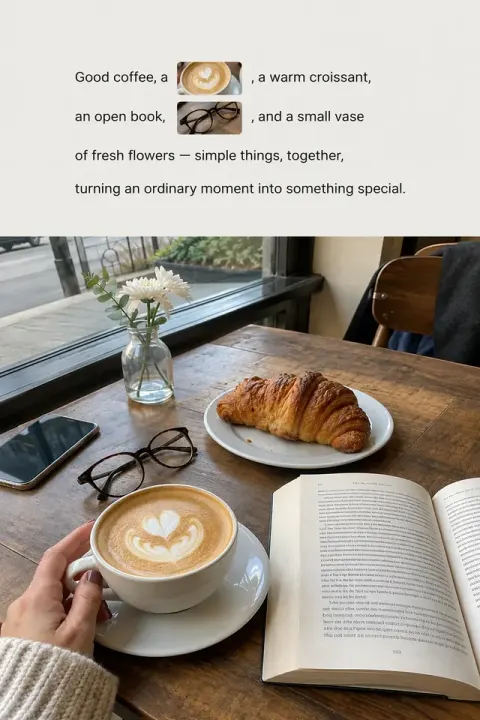
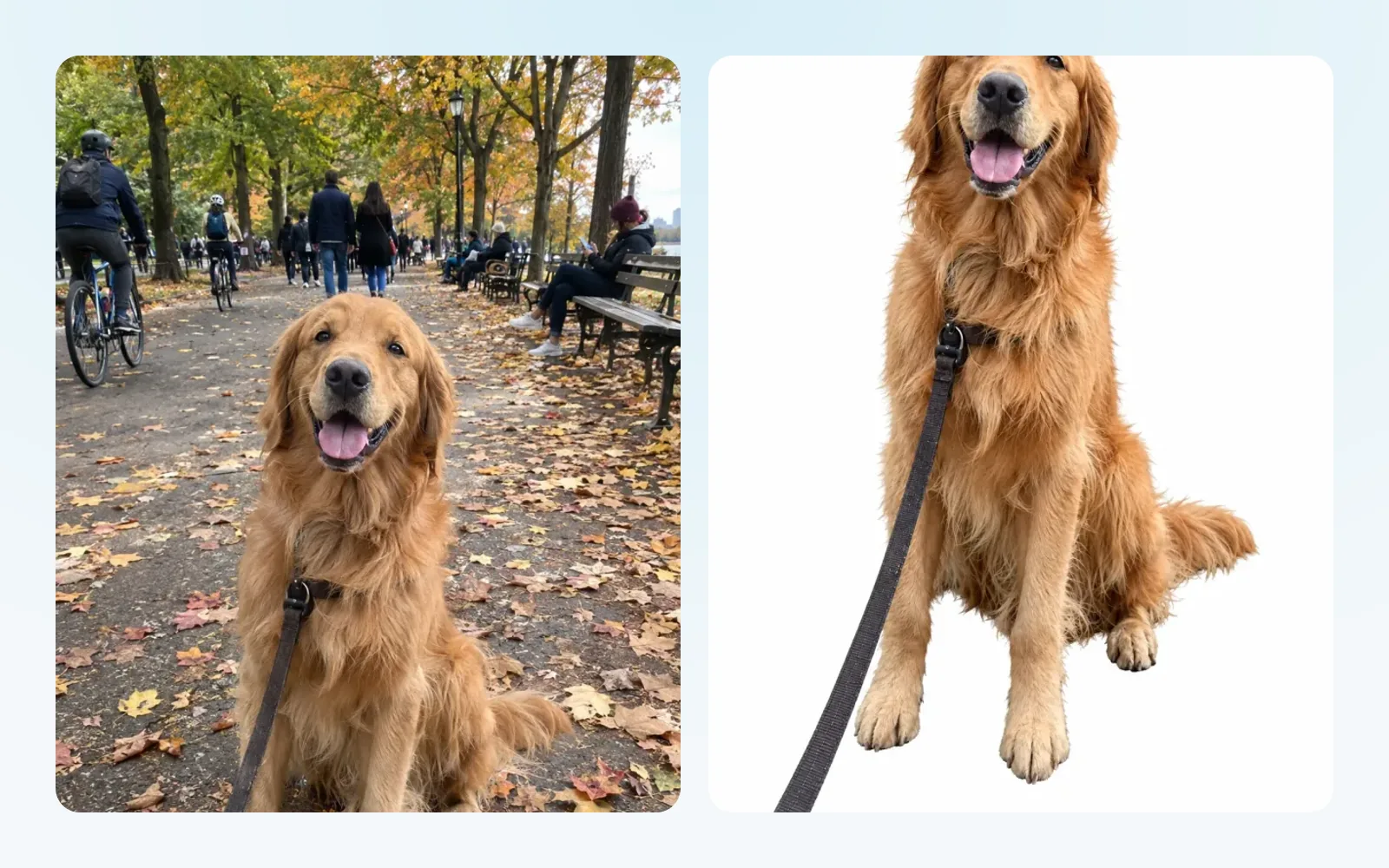
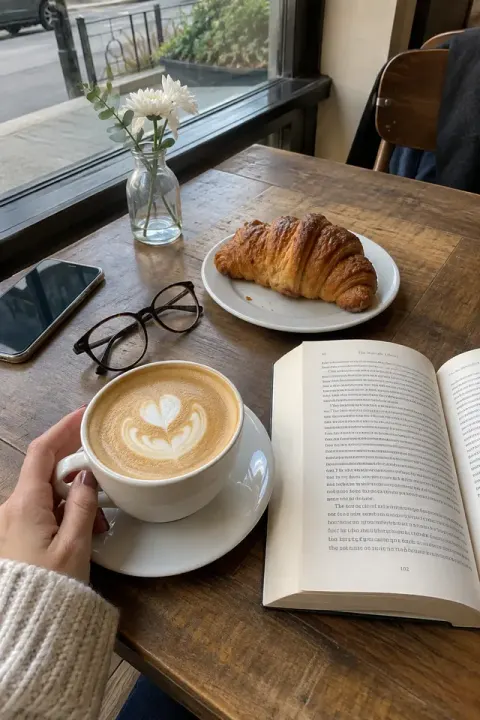 AfterBefore Cut-out Poster An editorial poster with cut-outs of your photo set into the text. Use this preset
- Go to Image and open the Presets tab.
- Choose Posters and press the style you like.
- Drop your photo where it says Drop your image here, or click there to pick it.
- That’s it: it starts as soon as the photo is in.
Your photo In chatmodel Which photo to choose
Works well
- A scene with a story: a place, a moment, something happening
- You and a landmark in one shot for Threadline Memory
- Good light and a clear subject
- A photo you would already frame as it is
Avoid
- A tight selfie (there is nothing to draw around you)
- Dark or blurry photos
- Busy group shots where nobody stands out
- Screenshots with text on them
How to make a phone wallpaper with AI
The AI Wallpaper generator works the other way round: no photo, just a description and a screen.
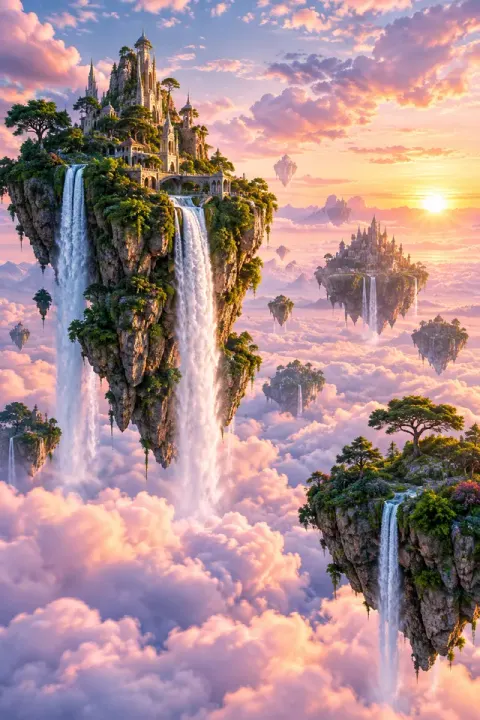
- In Image → Presets, choose Professional and press AI Wallpaper generator.
- In Description, say what you want to see.
- Choose the Format: Mobile (9:16), Desktop (16:9) or Tablet (4:3).
- Press Generate, download it and set it as your wallpaper.
Four descriptions to copy and change:
Castle in the clouds
A castle on a floating island above the clouds at sunset, waterfalls falling into the sky.
Autumn garden
A quiet Japanese garden in autumn, red maple leaves on a pond, soft morning mist.
Rainy night nook
A cosy reading nook by a rainy window at night, warm lamp light, a cat asleep on a blanket.
Minimal dunes
Soft sand dunes in pastel pink and beige, lots of empty space at the top for the clock.
How to turn a portrait into an art print
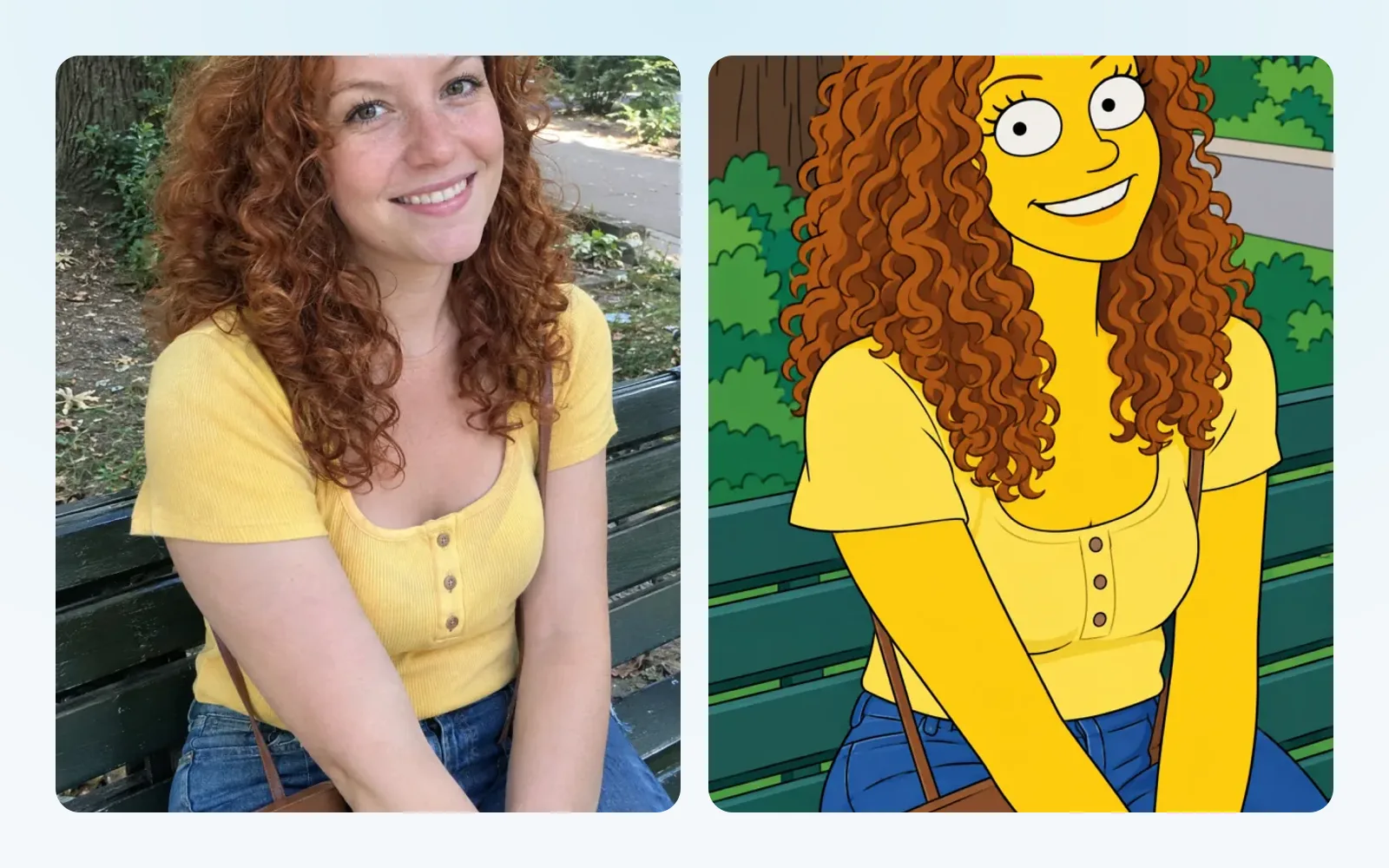
For a portrait on the wall, the art styles in Apply Style print beautifully. All 25 are in turn your photo into a cartoon, a figurine or a plushie.
-
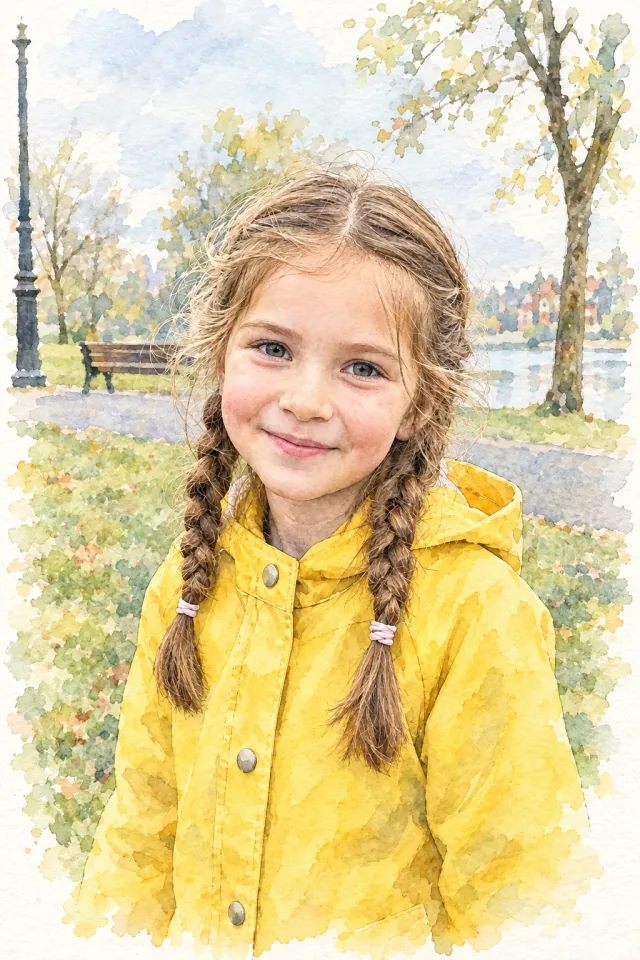
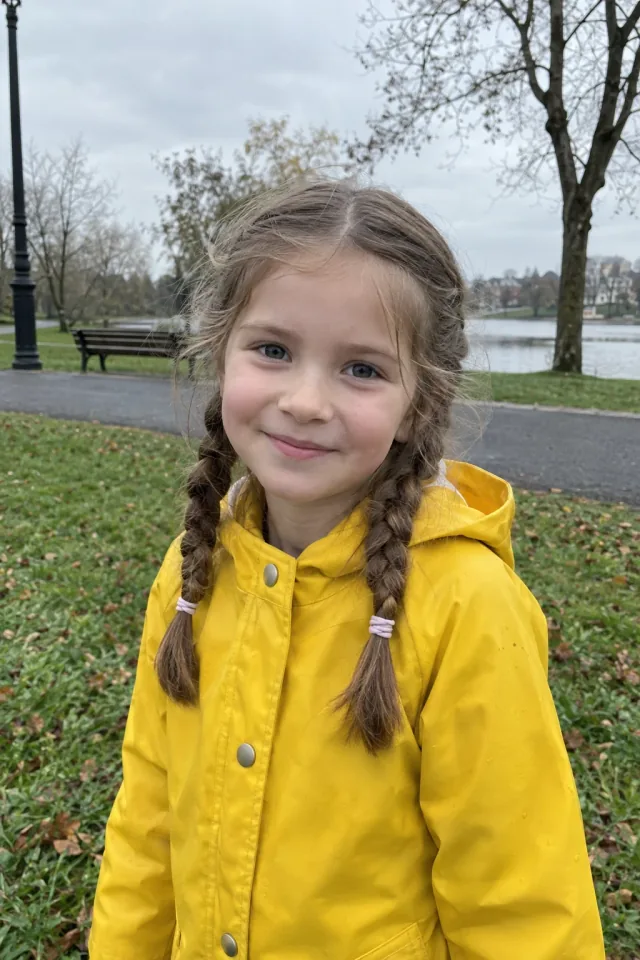 AfterBefore Watercolor A soft watercolor portrait with loose washes and paper texture. Use this preset
-
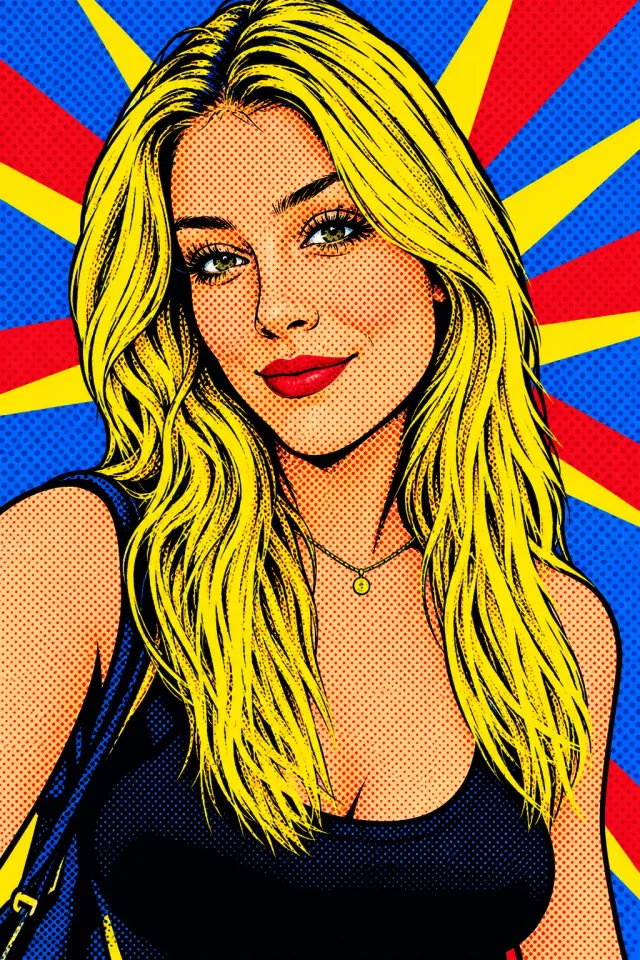
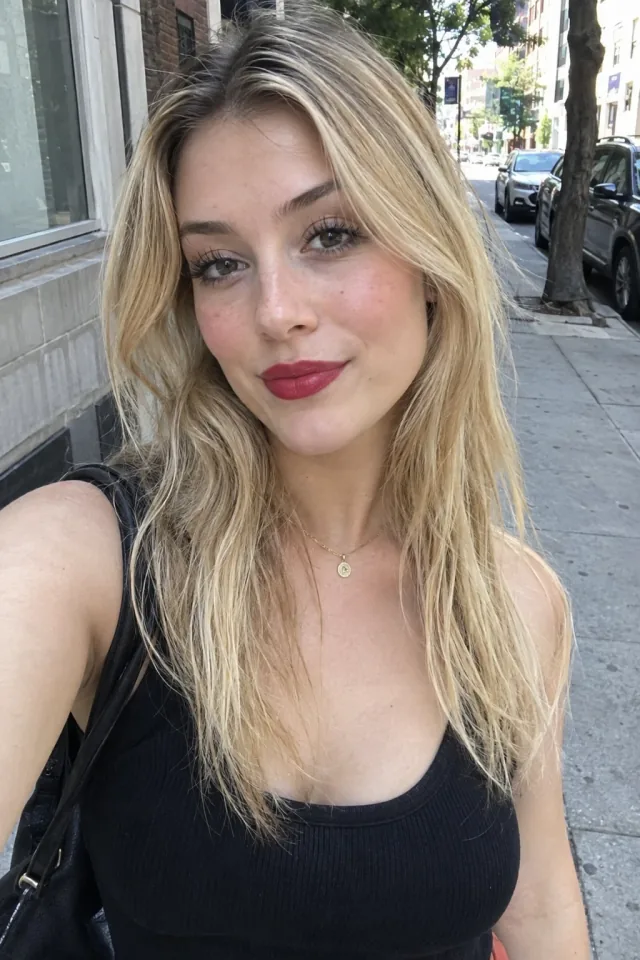 AfterBefore Pop Art Bold 60s pop art with halftone dots and punchy colors. Use this preset
-
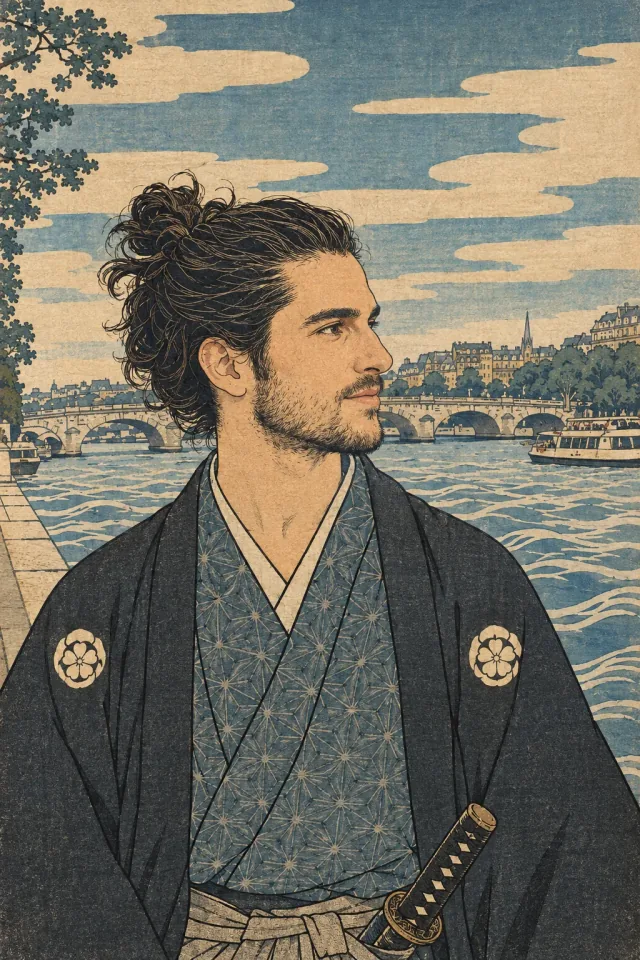
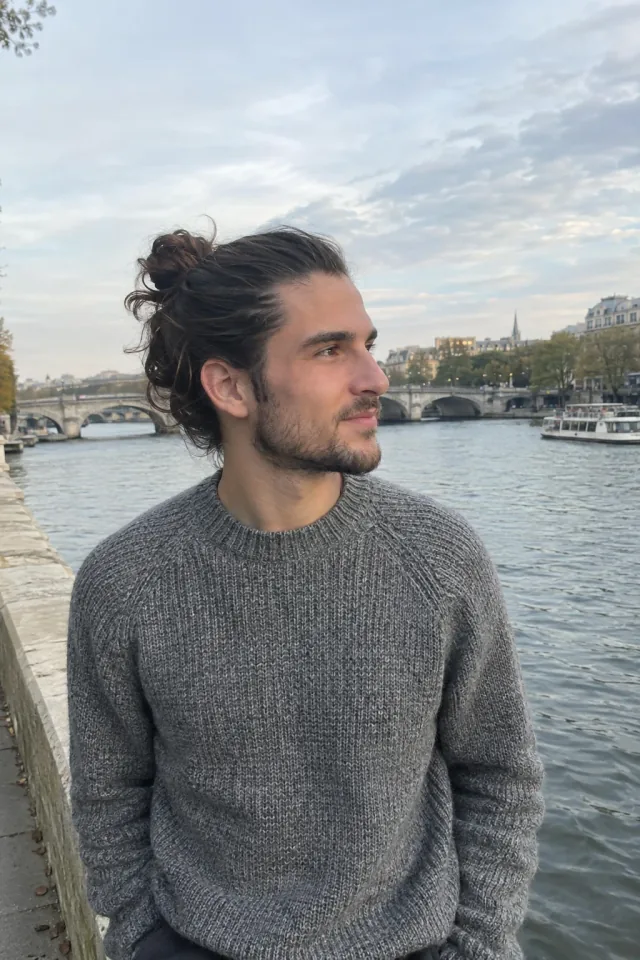 AfterBefore Ukiyo-e A Japanese woodblock print with flat colors and fine linework. Use this preset
-
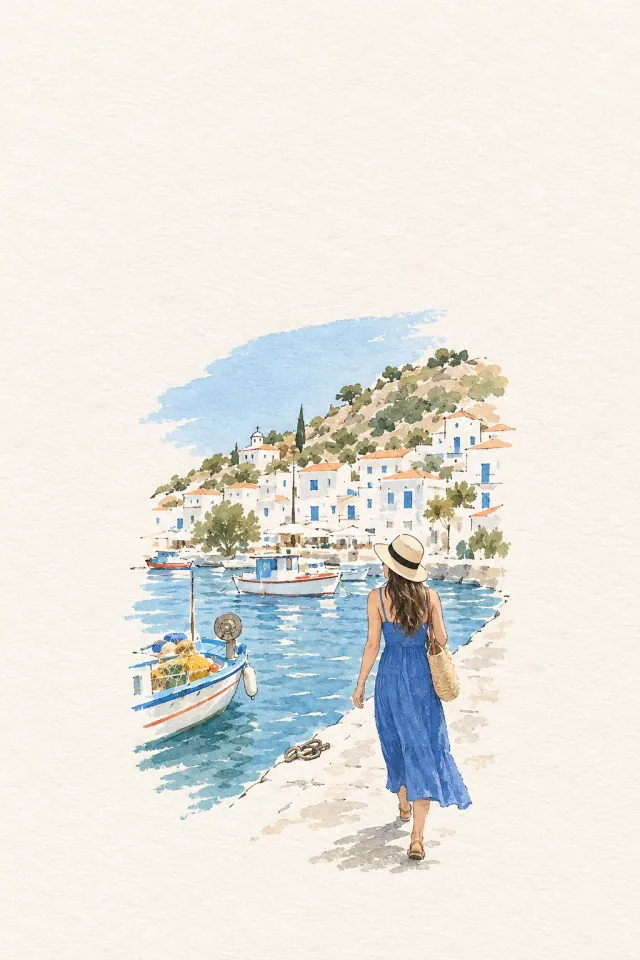
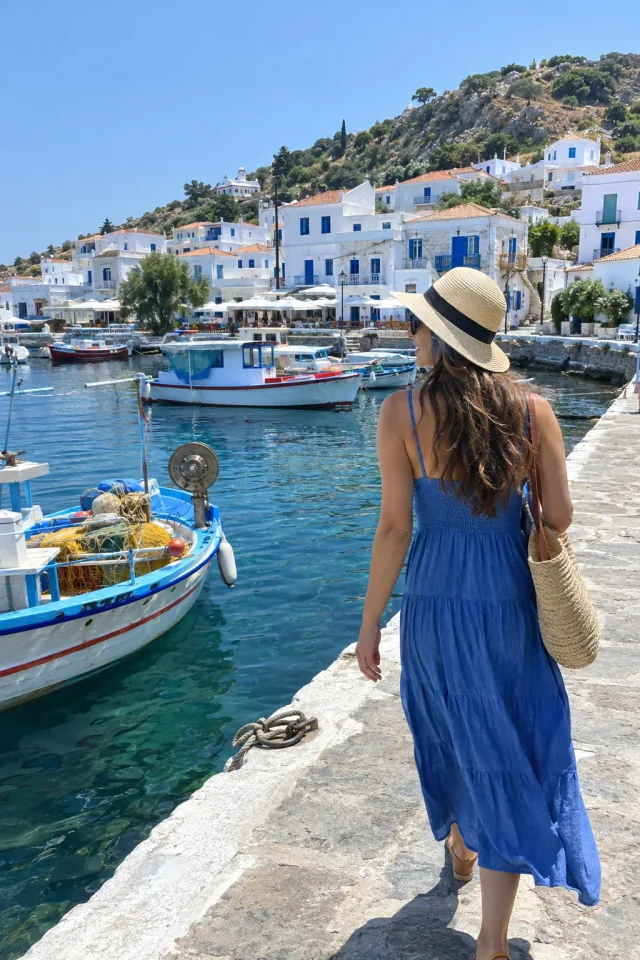 AfterBefore Travel Sketchbook Turn your photo into a minimalist travel-journal sketch. Use this preset
How to print an AI poster well
Before you print
- Small faces or letters look odd
- That's where AI slips. Look at it at full size on screen first, and generate again if needed.
- It looks flat on glossy paper
- Choose matte paper for the folk-art and sketch styles; it looks like a real print.
- It gets soft when printed big
- Above A3, ask the print shop to check the file first. AI pictures look great at normal sizes but can soften when blown up.
Poster and wallpaper ideas
For holiday photos that move, see make a drone video from a photo.