Skip to content
chatmodel

How to use chatmodel (updated ) 4 min read

How to turn your child's drawing into an animation with AI

Children draw dragons, houses, cats and suns that they imagine moving. In chatmodel you photograph the drawing, say what should happen if you like, and get a short animation in the same crayon style.

By the chatmodel team, tested in the app Open it in chatmodel
AI draw to animation in chatmodel: Video, Presets, Video tools, upload the drawing, one line about what moves, Generate. The crayon dragon takes off from the page.
What the video shows
  1. Opens Video in chatmodel and goes to the Presets tab.
  2. Chooses the Video tools category and presses AI draw to animation.
  3. Adds the photo with Upload.
  4. Types "the dragon flaps its wings and breathes a rainbow" in the text field.
  5. Presses Generate.
  6. The result appears and plays. (AI draw to animation: Bring sketches and drawings to life as short animations.)

The dragon on the fridge was always meant to fly. Photograph the drawing, say what should happen, and chatmodel animates it in the same crayon style.

How to animate a drawing with AI

A photo of the drawing Taken with your phone. In the app this is the Drawing.
A line about what moves Optional, like the dragon flies away. You can leave it empty.

It keeps the lines, the colours and the paper. Only the movement is new.

  1. Photograph the drawing (tips below).
  2. In chatmodel, go to Video, open the Presets tab and choose Video tools.
  3. Press AI draw to animation. The button at the top of this page opens it directly.
  4. Add the photo as the Drawing.
  5. In Prompt, write what should happen, or leave it empty.
  6. Press Generate and wait a few minutes.

How to photograph the drawing

A crooked, shiny photo gives a crooked, shiny animation. Two minutes here save a second try.

Works well

  • Flat on a table, in daylight, no flash
  • From straight above, so the sheet is a rectangle
  • The whole sheet in the frame, with a little table around it
  • Window beside you, not behind you

Avoid

  • Flash (a shiny patch on the paper)
  • Shot at an angle (the sheet turns into a trapezoid)
  • Your hand or phone casting a shadow
  • The drawing still stuck on the fridge with magnets

What to write to make the drawing move

The drawing says what’s there; your line says what moves.

Three lines to copy and adapt:

The dragon flies away

The dragon flaps its wings and flies slowly across the sky, the sun smiles and the clouds drift. Keep the crayon drawing style and the paper texture.

A house that breathes

Smoke curls from the chimney, the flowers sway, a bird flies past the window. Keep the drawing exactly as it is, only add gentle movement.

The cat's little loop

The cat chases its tail in a little circle, then sits down and blinks. Crayon style, white paper background.

Ideas for animated drawings

For the grandparents This week’s drawing, moving, in the family chat.
The school year One short animation per drawing, put together in June.
A birthday invitation The drawn cake, with candles that flicker.

If it doesn't come out right

A face or a detail changed
Try a smaller movement. Big actions make the AI redraw more of the page.
It looks like a cartoon, not crayon
Add keep the crayon look and the paper texture to your line.
The edges of the table show up
Crop the photo to the sheet plus a thin border before you add it.
It has no sound
Clips come out silent. Record the child telling the story and add it as the soundtrack: it's the best part.

Clips are made with Grok Imagine Video. To animate a photo instead of a drawing, see turn a photo into a video. To go the other way, a photo of your child turned into a drawing, try Pencil Sketch or Watercolor in turn your photo into a cartoon.

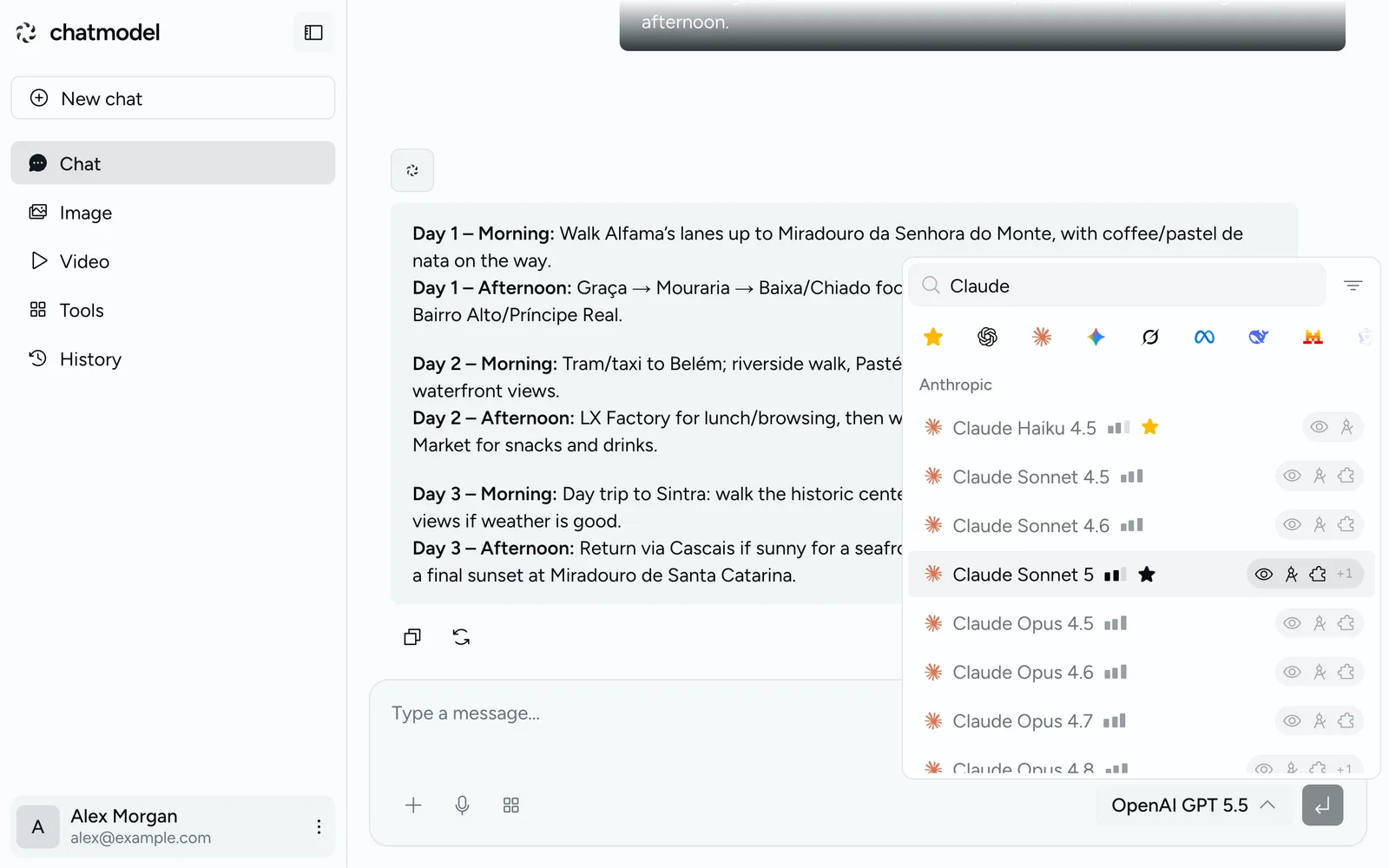
The models in this guide

Frequently asked questions

Can AI animate a child's drawing?

Yes. In chatmodel, open Video → Presets → Video tools → AI draw to animation, add a photo of the drawing and press Generate. You can add a line like 'the dragon flies away'.

Does it keep the drawing style?

Yes, that's what this preset is for: it keeps the lines, the colours and the look of the paper and only adds movement.

What's the best way to photograph the drawing?

Flat on a table, in daylight, from straight above, with the whole sheet in the frame and no shadow from your phone.

Does the video have sound?

No, it comes out silent. You can add music or the child's own voice in the app you share it from.

Is it free?

Video needs the Pro plan, which includes one video a day. Studio gives you many more.

Keep reading

All of these models, in one place

Chat, images, video and tools with the best AI models. Switch between them whenever you want.

Start for free

Chatmodel is an independent service offering access to third-party AI models. AI can make mistakes. Using Chatmodel means you agree to our Terms and Privacy Policy.