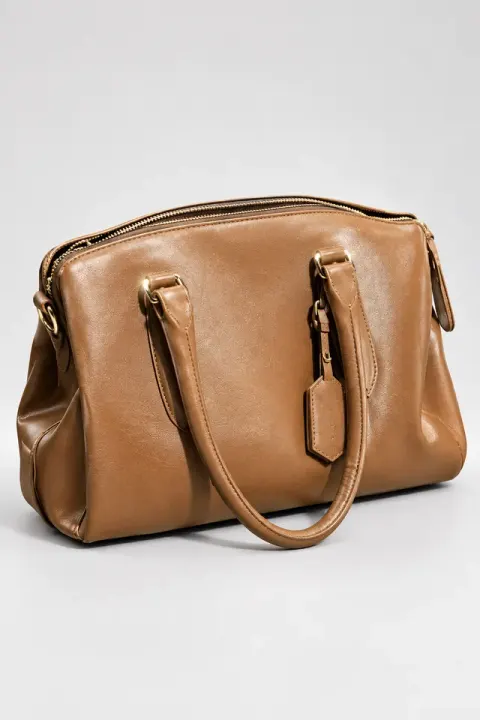
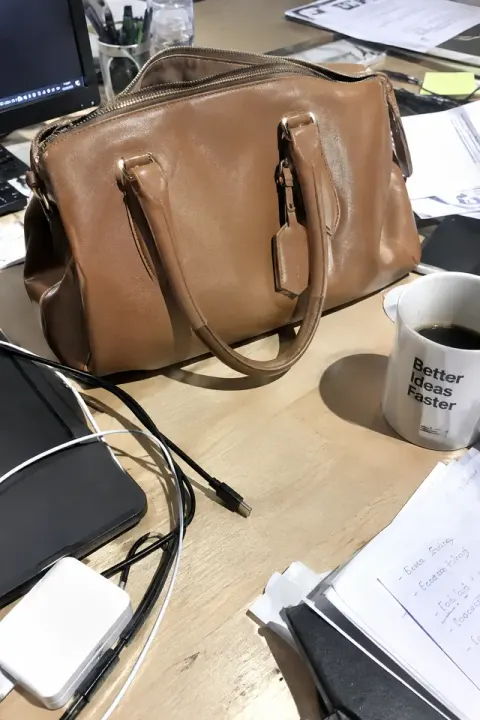
The product is lovely. The photo was taken on the kitchen table. AI keeps your product and changes everything around it: the background, the light, the setting.
Which product photo do you need?
All three are in Image → Presets → Professional. On a computer, point at a picture to see the photo it started from.
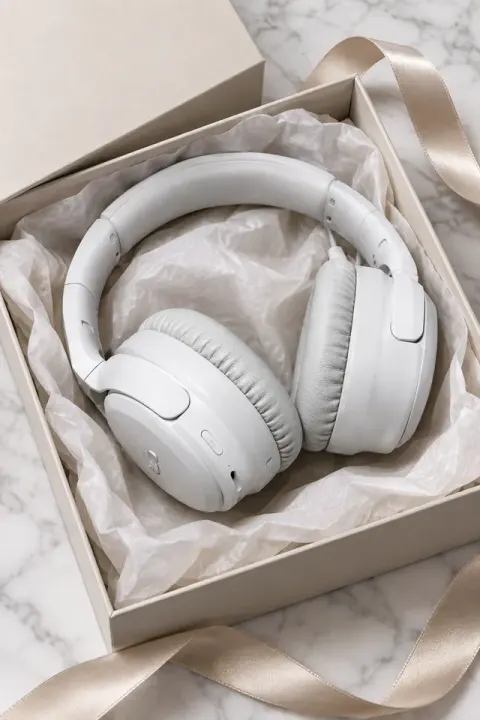
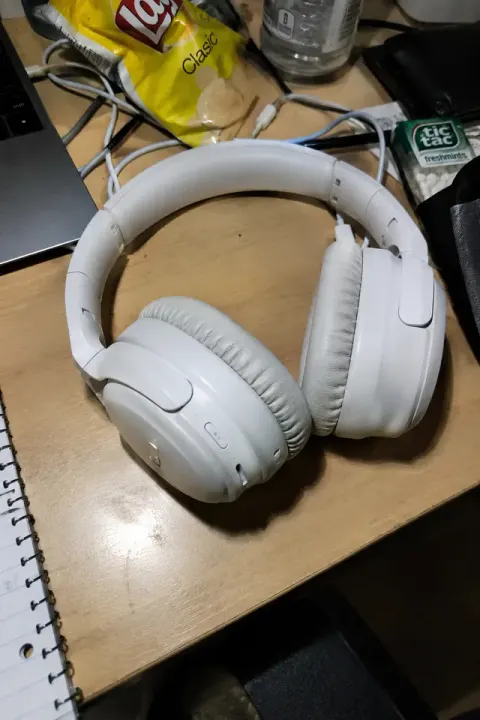
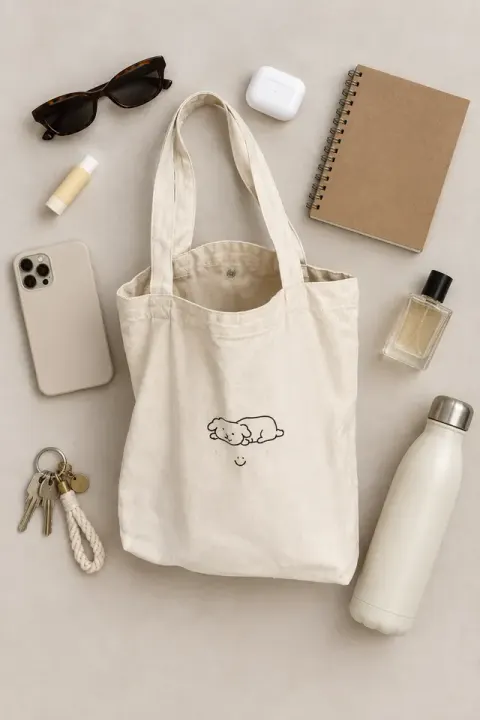
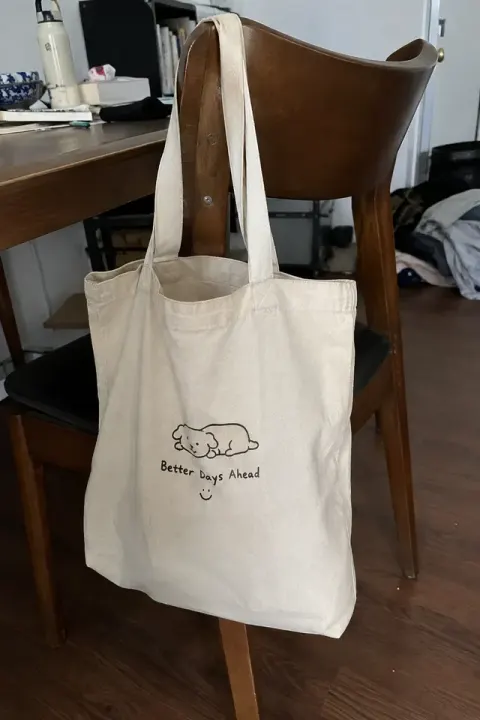
- Go to Image and open the Presets tab.
- Choose Professional and press Product Studio Style (or another one).
- Drop your product photo where it says Drop your image here, or click there to pick it.
- It starts as soon as the photo is in. Same photo, another preset: you have a second picture for the listing.
How to take the starting photo with your phone
Works well
- Daylight, next to a window. No flash
- The whole product in the frame, with space around it
- A plain background: a white sheet or paper
- One product at a time. Tap it on screen to focus
Avoid
- Flash glare on glass, metal or plastic
- A product cut off at the edge
- A busy table with other things on it
- A blurry photo zoomed in from far away
How to make a product video ad with AI
Short videos stop the scroll better than photos. Video → Presets → Product ads makes one from a single product photo. On a computer, point at a clip to play it.
- Premium Unboxing Your product emerges from an elegant box, luxury-ad style. Use this preset
- Pedestal Reveal The camera glides up to reveal your product on a pedestal. Use this preset
- Dust Splash Your product lands on a rock in a burst of golden dust. Use this preset
- Forest Ad Curious squirrels discover your product on the moss. Use this preset
- Helicopter Lift Your giant product flies over the city under a helicopter. Use this preset
Which one for what you sell:
The steps are the same: choose the preset and add your photo, and it starts on its own. Clips come out silent, so add music in the app you post from.
Product photos in a scene you describe
For a setting no preset has, describe it in Image: add your product photo and write what you want. End with keep the product exactly the same. More in how to edit a photo with AI.
Bathroom shelf
Put this candle on a marble bathroom shelf with soft morning light. Keep the label exactly the same.
Café table
Place this mug on a wooden café table next to a croissant, warm morning light. Keep the product exactly the same.
Close-up on linen
Show this necklace on plain beige linen, close-up, soft daylight. Keep the product exactly the same.
Need words for the listing too? Ask a chat model:
A listing description
Write a warm, short description for my handmade lavender candle, for Etsy. Mention the size and burn time I give you, and keep it under 80 words.
What to check before you publish
If it doesn't come out right
- The label or logo has odd letters
- Small text can come out slightly wrong. Keep your original photo for the close-up of the label.
- The colour changed
- Customers must get what they see. Regenerate, or start from a photo taken in daylight.
- The shop looks messy
- Use the same preset for every product so the photos look like one set.