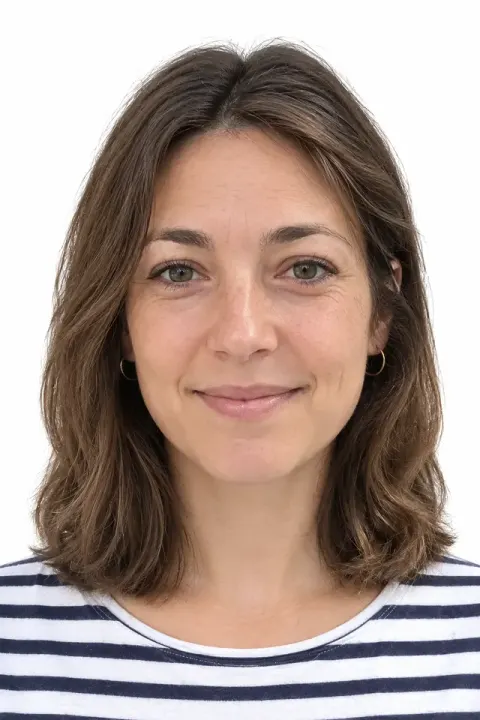
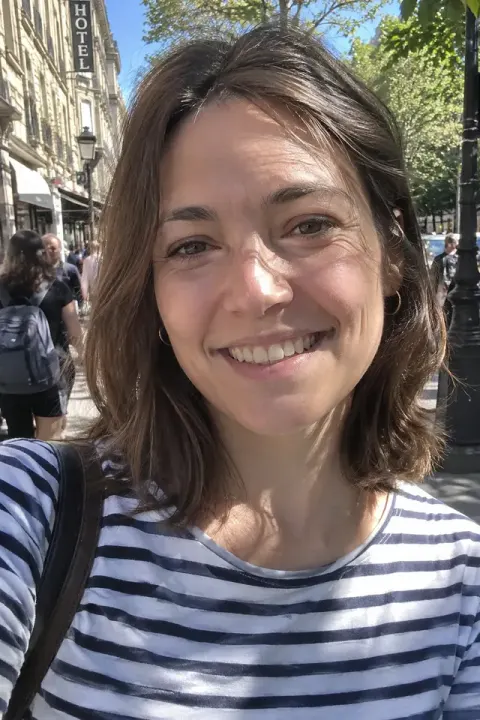
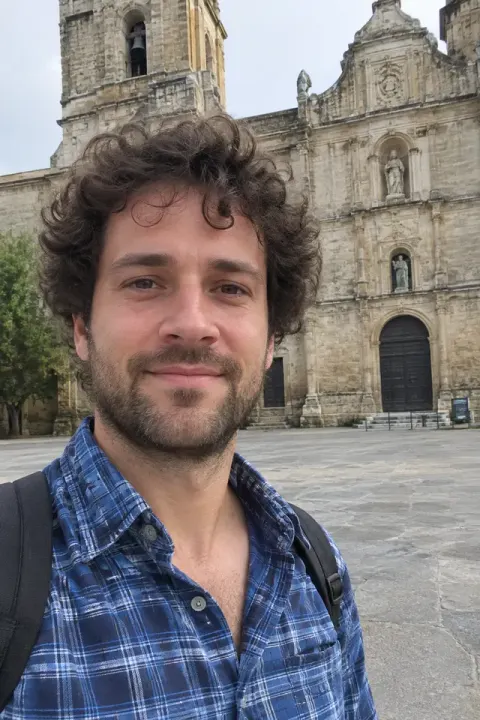
A photo booth that never works, a shop with a queue, and a result you’ll look at for ten years. If you have a decent selfie, chatmodel gives it the passport look in seconds. First, though, the rules.
Passport photo rules to check first
Check the rules first Passports, ID cards, visas, driving licences. Read the official guidance for your document.
Usually fine Anything that asks for a “passport-style” photo: a gym card, a club, a staff badge, a student card. If in doubt, ask.
How to make a passport photo with AI
- Go to Image and open the Presets tab.
- Choose Professional and press Passport Photo Maker. The button at the end of this page opens it directly.
- Drop your selfie where it says Drop your image here, or click there to pick it.
- That’s it: it starts as soon as the photo is in.
You don’t write anything. The preset already knows the look: white background, neutral expression, even light, head and shoulders, facing the camera.
Which selfie works for a passport photo
Works well
- Straight on, phone at eye level (or ask someone to take it)
- Daylight from a window in front of you
- Hair off the face, both ears visible if you can
- Mouth closed, neutral expression
Avoid
- A selfie from below or at an angle
- Light from one side, with a shadow on half the face
- Glasses or a hat, unless you always wear them for religious or medical reasons
- A big smile you hope it will fix
How to check your passport photo before you use it
Before you use the result anywhere:
- Does it look exactly like you? Eyes, nose, hairline, moles.
- Is anything missing or added? An earring that vanished, a strand of hair that moved, a collar that changed.
- Is the background plain and even?
If it doesn't come out right
- It doesn't quite look like me
- Start from a selfie that's already front-facing and neutral. The less there is to change, the closer the result.
- There's a shadow on one side
- Retake the selfie facing a window, not next to one.
- An earring or a detail disappeared
- Remove it in the selfie too, or try another photo. The photo should match you on the day.
- I need it printed at the right size
- The preset makes the picture, not the print sheet. Use the official size guide for your document.
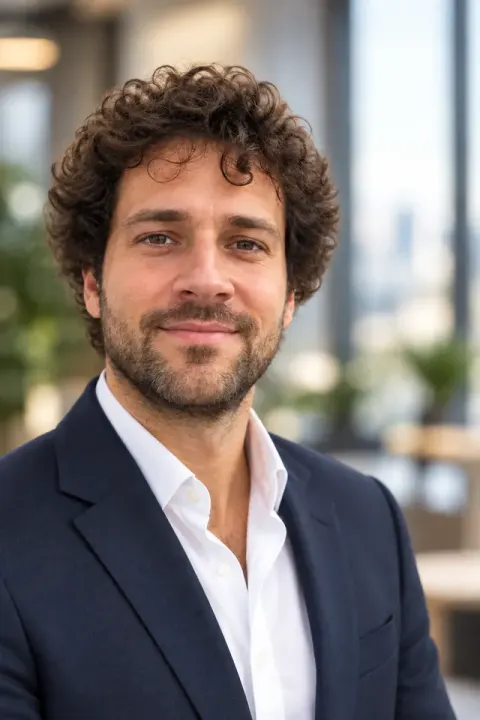
A professional headshot for work instead
For LinkedIn, a CV or a company website you want something warmer than a passport photo. The Headshot Generator, in the same Professional category, gives business clothes and soft studio light. See AI headshot from a selfie.