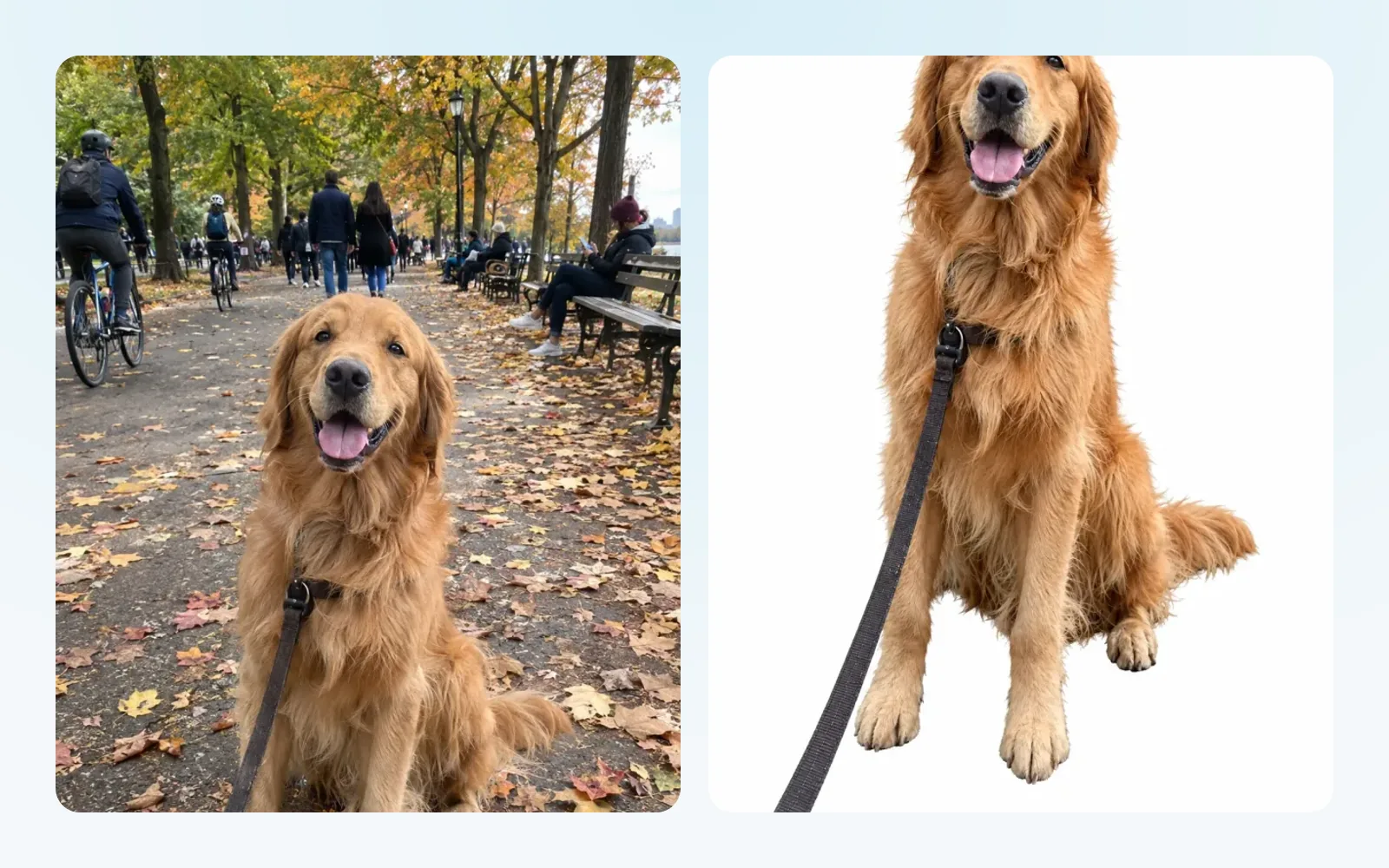
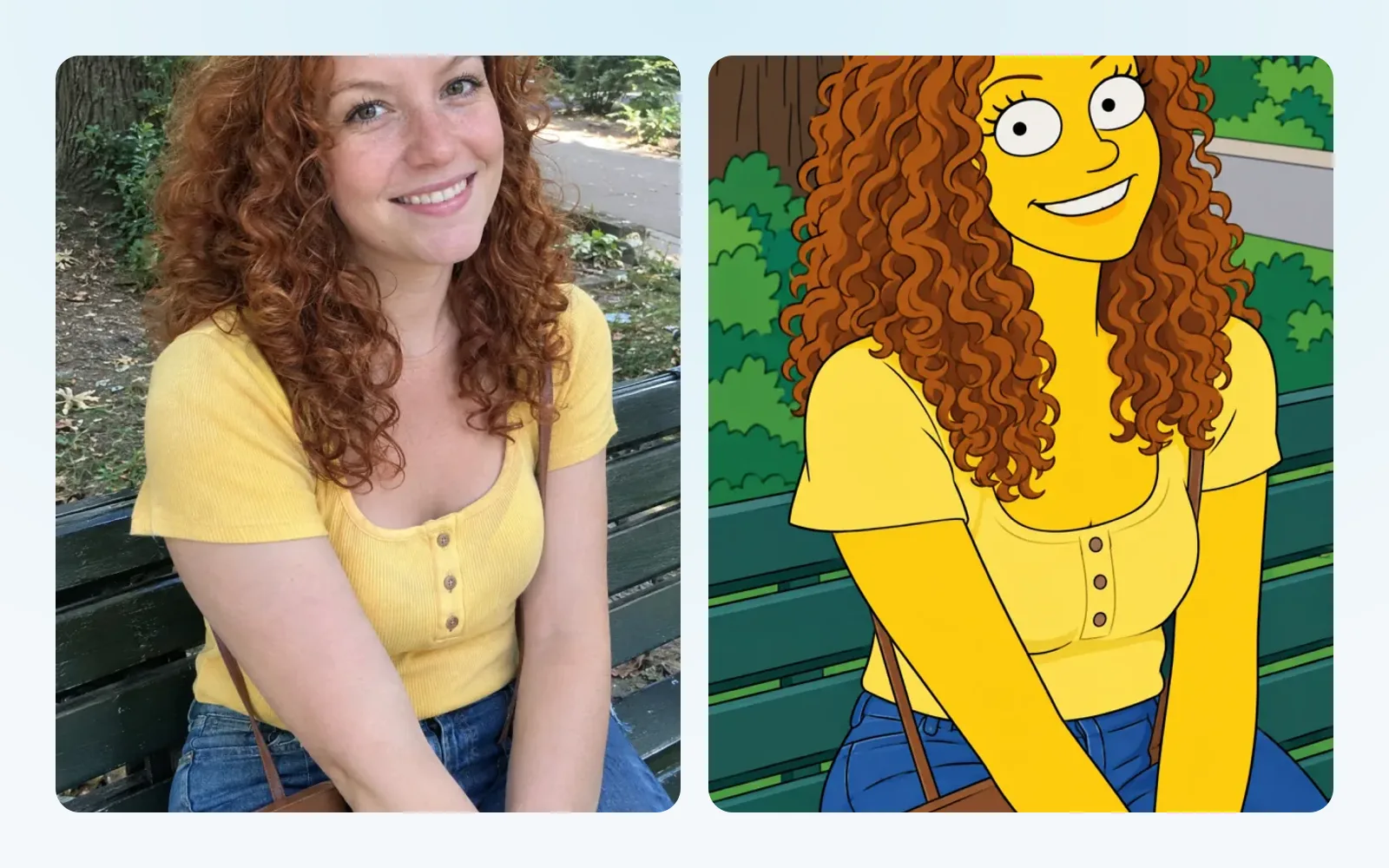
You already have hundreds of photos of your pet. Pick the best one and turn it into a royal oil painting, a studio shoot, a superhero or, if you’ve ever wondered, a person.
Four ways to turn your pet into a person, a king or a superhero
On a computer, point at a picture to see the photo it started from.
-
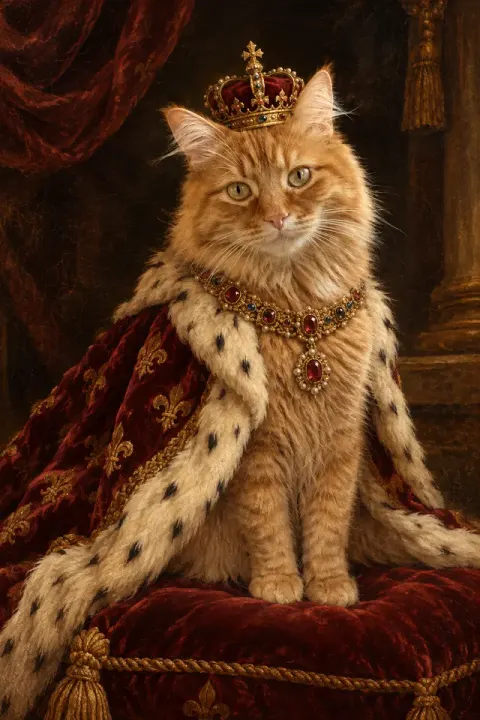
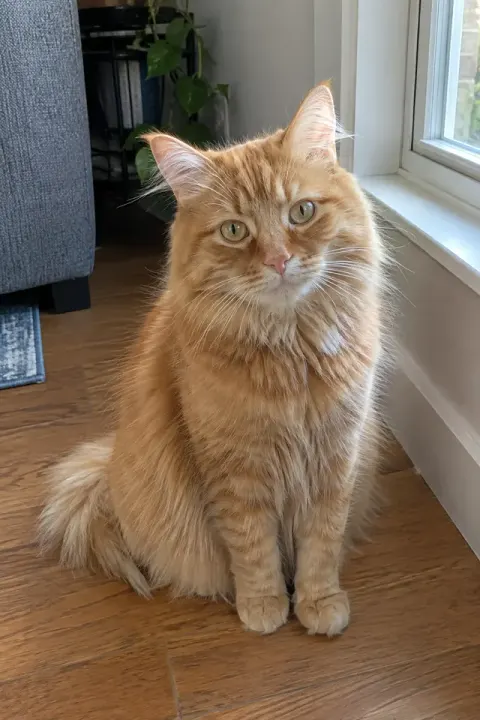 AfterBefore Royal Pet Portrait Turn your pet into an aristocrat in a classic oil painting. Use this preset
-
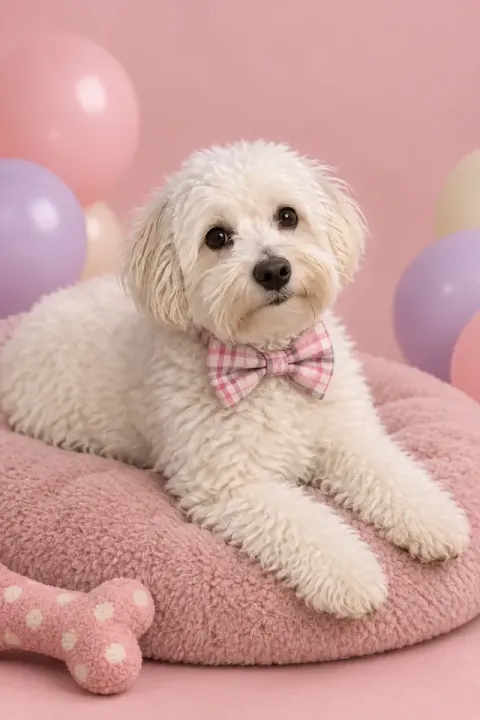
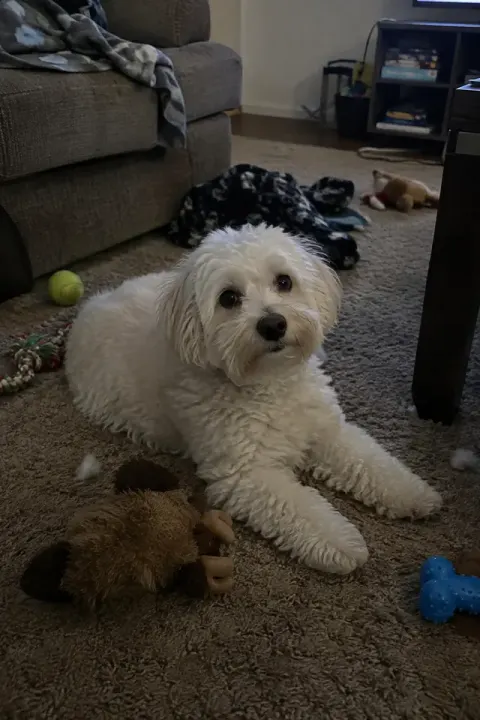 AfterBefore Pet Photoshoot A professional studio shoot for your pet. Use this preset
-
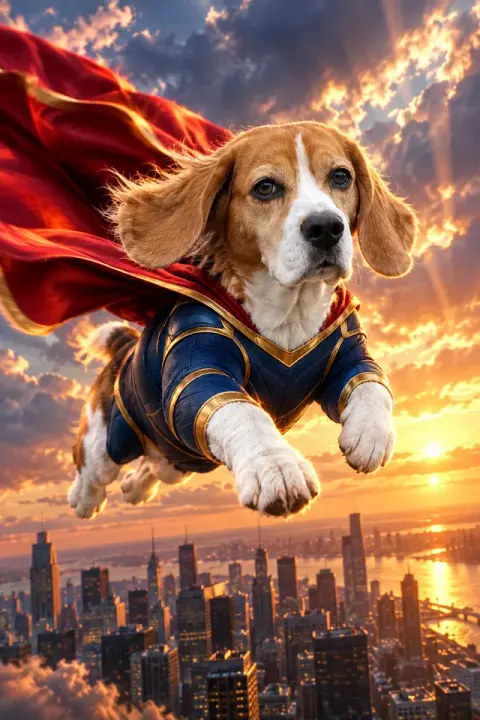
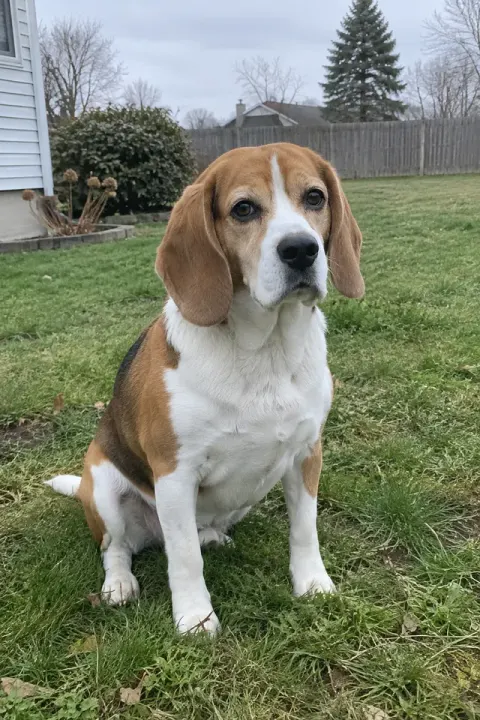 AfterBefore Pet Superhero Turn your pet into a superhero soaring over the city. Use this preset
-
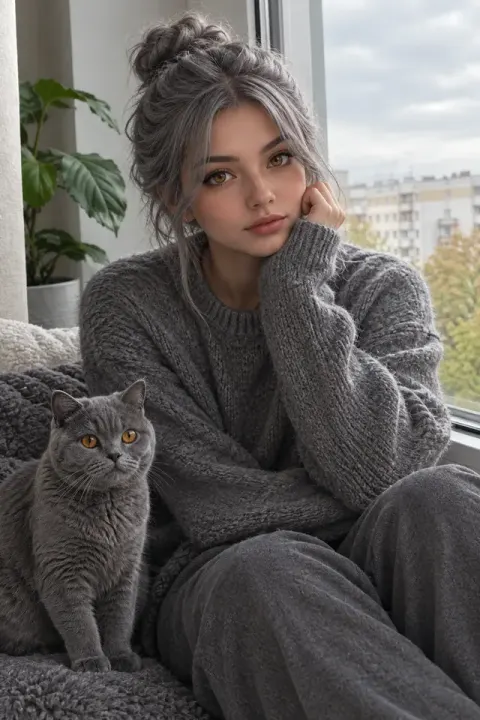
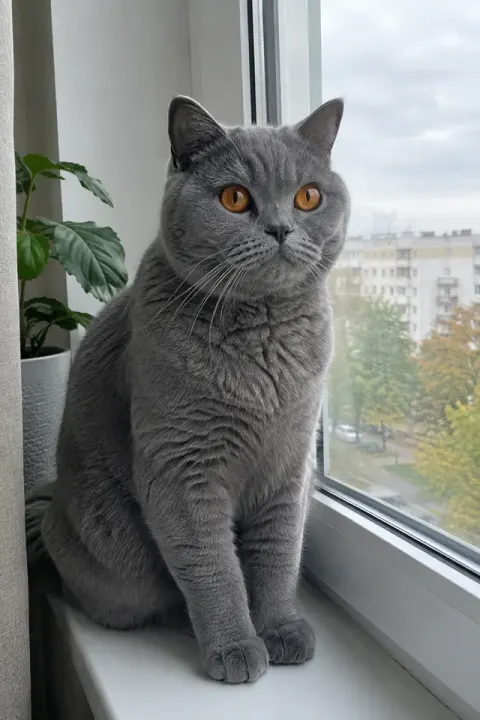 AfterBefore Pet as Human See what your pet would look like as a person. Use this preset
- Royal Pet Portrait: an aristocrat in a classic oil painting, with a crown, a velvet cape and the heavy frame of an old museum.
- Pet Photoshoot: a professional studio shoot, with soft light, pastel balloons and, for the right dog, a bow tie.
- Pet Superhero: flying over the city, cape and all.
- Pet as Human: what your pet would look like as a person. It keeps the colours, the look and, often, the attitude.
- Go to Image and open the Presets tab.
- Choose Pets and press the preset you like. Each card above opens it directly.
- Drop the photo of your pet where it says Drop your image here, or click there to pick it.
- That’s it: it starts as soon as the photo is in.
Which photo of your pet works best
Pets don’t pose. The photo is where the result is won or lost.
Works well
- Down at their level, camera at eye height
- Eyes open and visible
- Daylight from a window
- One animal in the photo
- The whole animal for Superhero and Pet as Human
Avoid
- Shot from above (big head, tiny body)
- A flash (eyes glow)
- Two pets in one photo (they get mixed up)
- Asleep, curled up, face hidden
- Only the head for a full-body preset
The head and shoulders are enough for the royal portrait. For the other three, get the paws in.
If it doesn't come out right
- It doesn't look like my pet
- Check the eyes and markings in your photo: if they're hidden or blurry, the preset can't copy them. Try a sharper photo.
- The markings changed
- Patchy coats are hard. Use a photo where the distinctive patches are clearly visible.
- The body looks strange
- Your photo only showed the head. Use one with the whole animal in the frame.
- Two pets got mixed together
- Crop the photo so there's only one animal.
How to turn your pet into a person
Pet as Human keeps the colours and the attitude, and turns them into a person. A grey cat on a windowsill, and the person it became:
Your photo In chatmodel Pet portrait ideas for gifts and cards
It works best with cats and dogs. Other pets usually work too if the photo is clear.
To add your pet to a family photo or change the background, describe it in your own words: edit a photo with AI. To fix an old, faded photo of a pet first, see restore old photos.