OpenAI’s new everyday models arrived in chatmodel in September. If you were using GPT 5.6 Sol or Luna, these are their successors, and they’re one click away in the model list. Here is what changed, what each one wrote when we gave them the same questions, and how to pick.
What’s new in the GPT 6 models
Until now the GPT 6 line in chatmodel was one model, GPT 6 Astra: the careful one for hard questions, marked Very high usage in the app. Now it has company:
All three do the same things as the GPT 5.6 models in chatmodel: they think before they answer, understand photos, read PDFs, help with code and can search the web. They can also read a very long document in one go, about a whole book. What’s new is the model behind the answers, and how recent its knowledge is: GPT 6 Sol knows about things up to April 2026 and GPT 6 Luna up to May 2026, and both look online for anything later.
There was no GPT 6 Terra. A Terra came later, as GPT 6.1 Terra: it came out on October 26, 2026 and is now in chatmodel, at the same level as 6.1 Sol, with shorter answers. We tested the two side by side in GPT 6.1 Terra vs GPT 6.1 Sol, and the news is in GPT 6.1 Terra is in chatmodel.
On November 17, 2026 two more arrived: GPT 6.2 Sol, at the same level as Sol and 6.1 Sol, and GPT 6.2 Astra, a second Astra. Their news is in GPT 6.2 Astra and GPT 6.2 Sol are in chatmodel, and the test against 6.1 Sol at GPT 6.2 Sol vs GPT 6.1 Sol.
GPT 6 Sol vs GPT 6 Luna vs GPT 6.1 Sol: what we saw
We sent each one the same everyday questions, one try each, and kept the answers exactly as they came back. The full test, with all eight tasks side by side, is at GPT 6 Sol vs GPT 6 Luna vs GPT 6.1 Sol. Three moments tell the story.
Luna is the one for a quick note. Asked for a warm thank-you note for a neighbour who watered the plants, under 80 words, it answered in one second with 37 words:
Thank you so much for watering my plants while I was away. It was so kind of you, and I really appreciate knowing they were in good hands. Please enjoy this little gift as a small thank-you!
Sol gets the facts right without going on. Asked whether a text about a $1.99 “redelivery fee” from “USPS” was a scam, it said yes in 85 words, named the real website and the real address to report it to:
Don’t click the link, reply, or pay. If you’re expecting a package, check its status by typing usps.com into your browser or using the USPS app. You can report the message to spam@uspis.gov, then delete it.
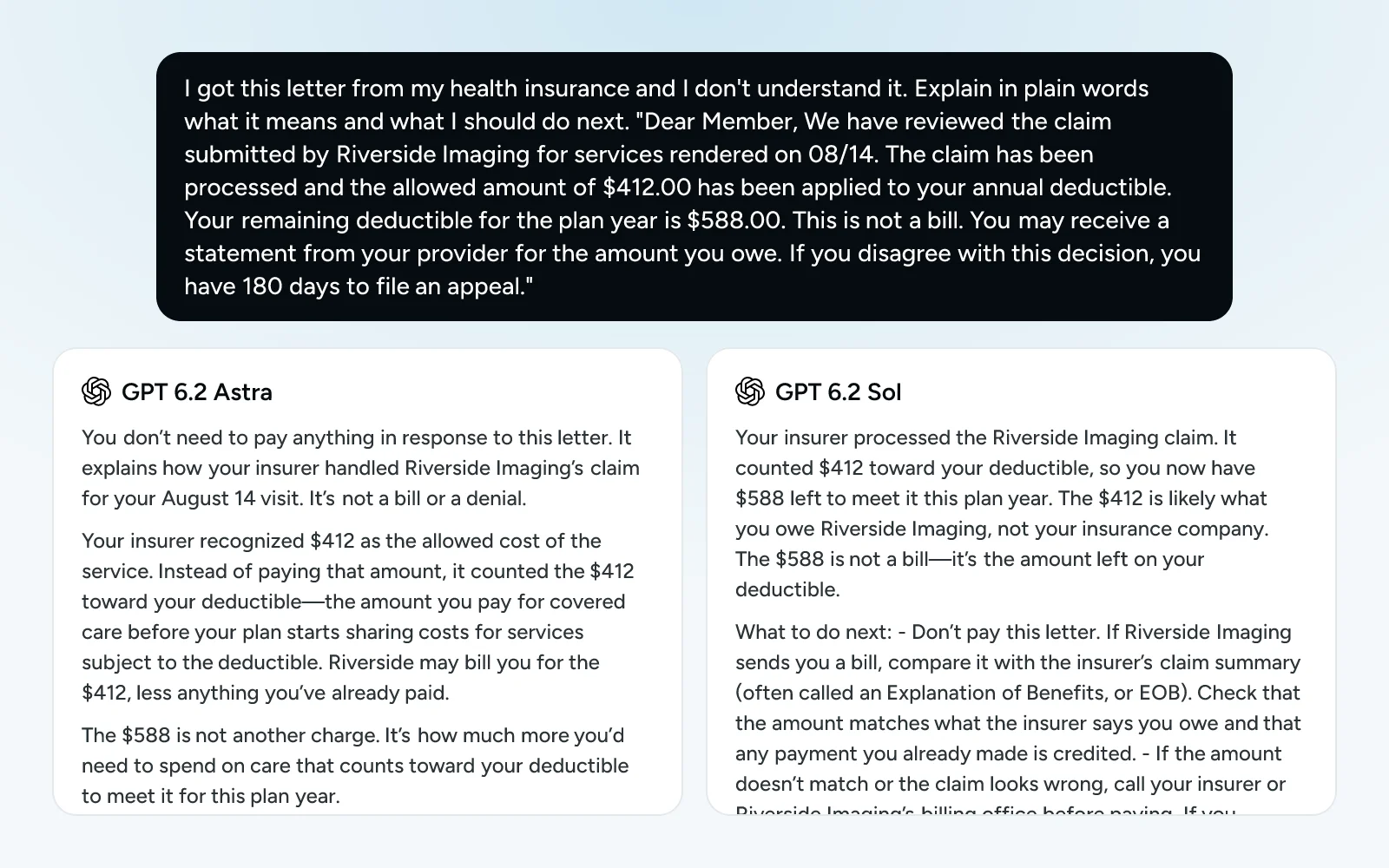
6.1 Sol spells out what to do next. Given a confusing letter from a health insurer, it wrote the longest answer of the three (323 words), explained each phrase, and ended with:
Bottom line: You likely owe Riverside Imaging $412, minus anything you already paid—but verify that against the detailed EOB and provider bill before paying.
GPT 6 Sol reached the same conclusion in 136 words. Luna was more cautious: it told us not to assume the $412 was what we’d owe, which is careful but less useful when you want a straight answer.
How to pick GPT 6 Sol, Luna or 6.1 Sol in chatmodel
- Open a chat. The model you’re talking to is named at the bottom of the message box.
- Press that name. The list of models opens, with the Featured picks first.
- Type GPT 6 in Search model…. The three appear under OpenAI, next to GPT 6 Astra.
- Pick one and send your message. You can change to another one in the same conversation at any time.
If you don’t type anything, press Browse all models at the bottom of the list to see every model, grouped by company.
What the GPT 6 models can’t do, and what to watch
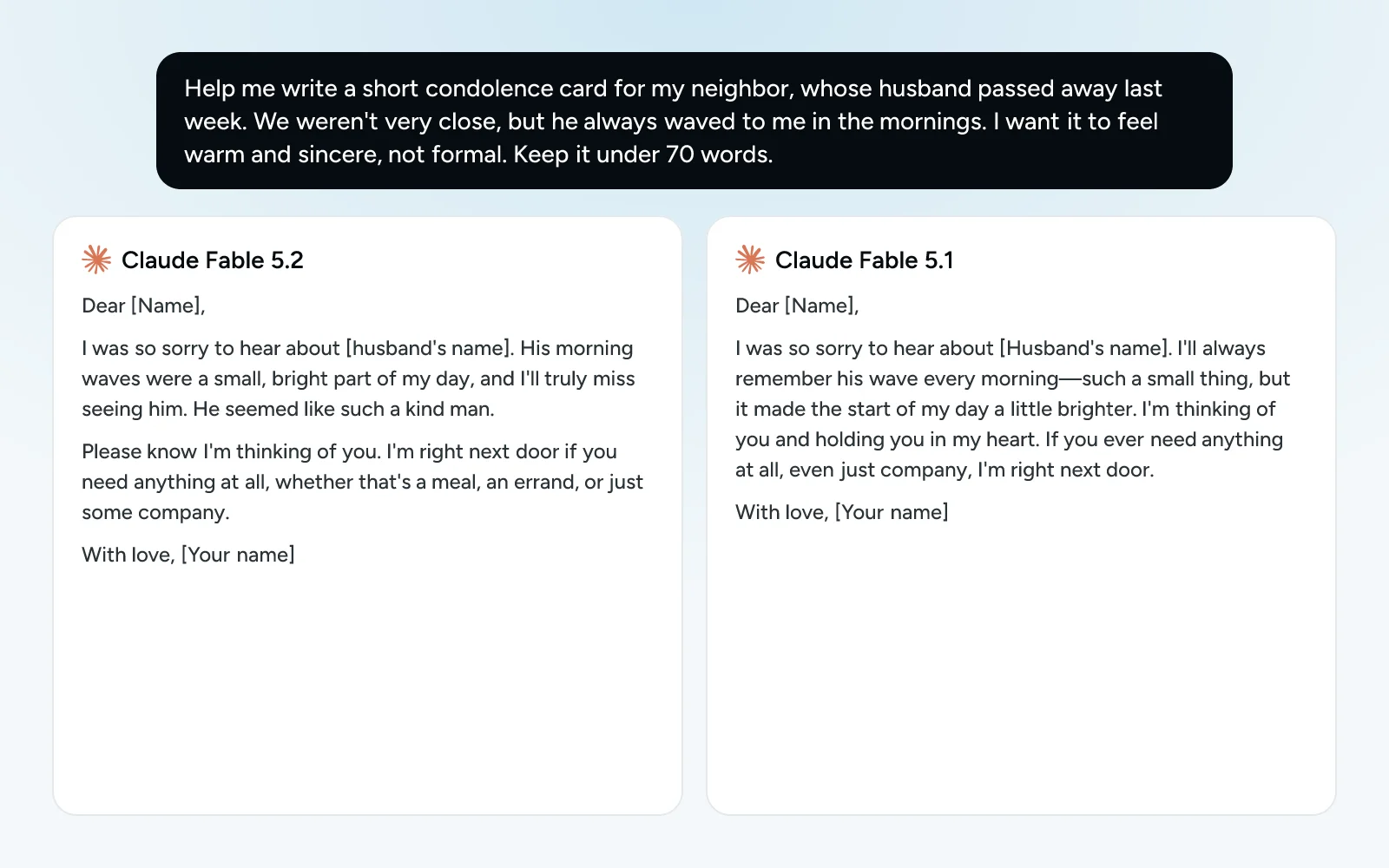
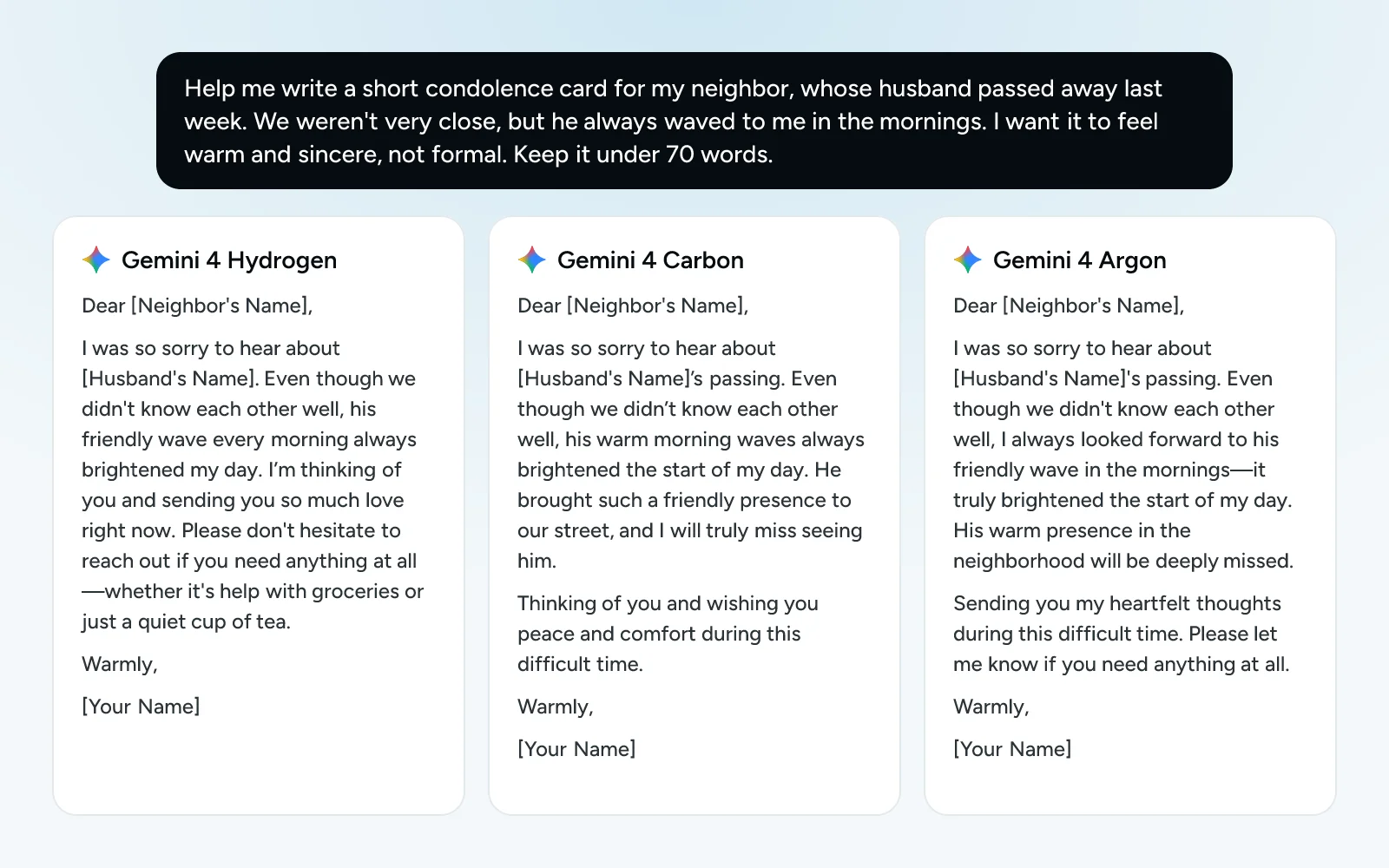
- They leave blanks in letters. All three wrote [Your name], and GPT 6 Sol wrote [Husband’s Name] in a condolence card. Fill them in before you send.
- They can still get a fact wrong, and sound sure about it. Double-check amounts, dates, phone numbers and web addresses, especially for money, health or legal questions.
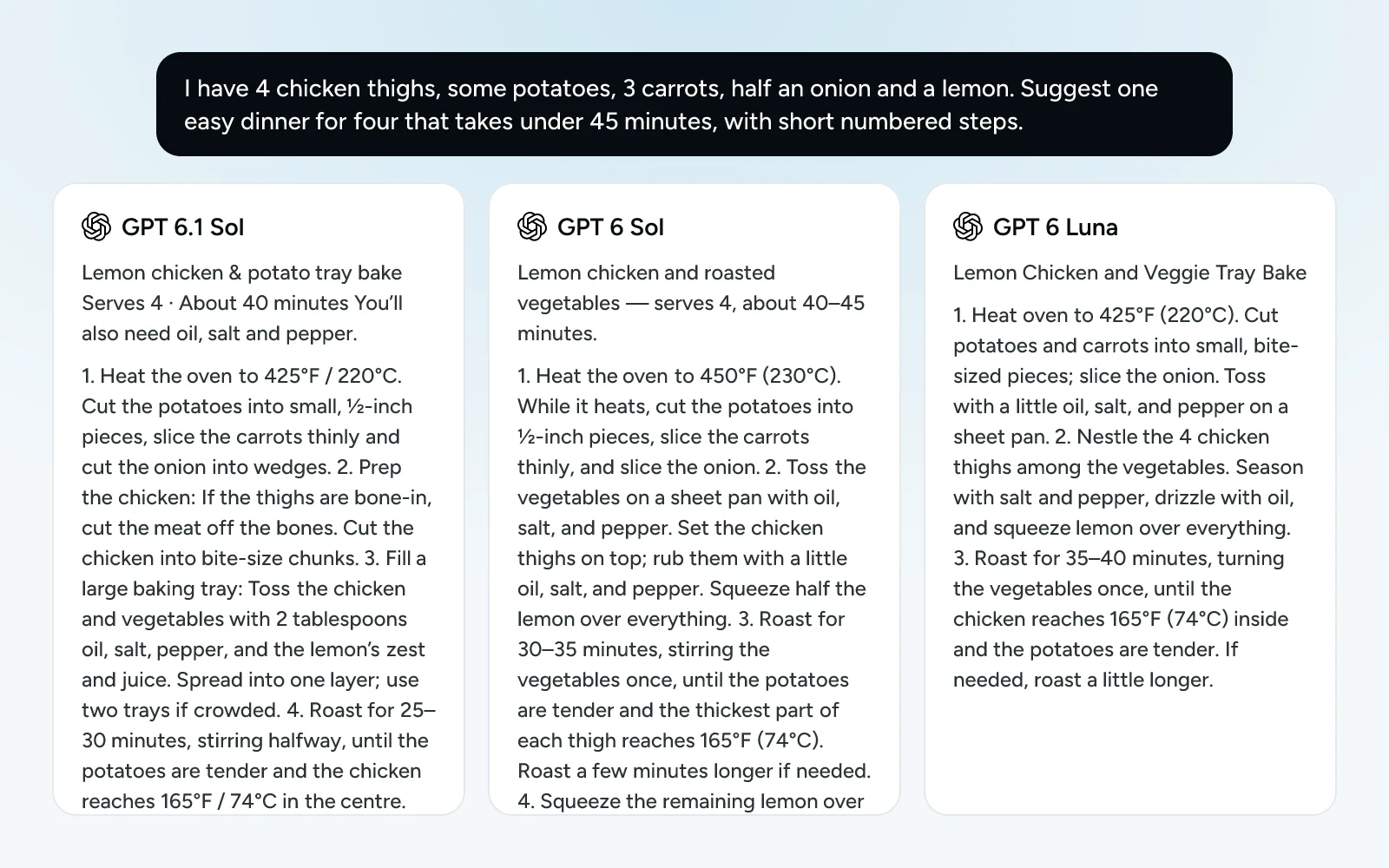
- Longer isn’t always better. 6.1 Sol’s answers are the fullest, which is what you want for a confusing letter and more than you want for a dinner idea. Say how long you’d like the answer to be.
- None of them is an Astra. For a big decision or long paperwork, GPT 6.2 Astra and GPT 6 Astra are the careful ones, and they use far more of your plan.
Works well
- Pick Luna for notes, replies and quick questions
- Pick Sol or 6.1 Sol for a bill, a letter or a plan
- Send the same message to two of them and keep the answer you prefer
Avoid
- Use GPT 6 Astra for a thank-you note
- Send a letter with [Your name] still in it
- Trust an amount or an address without checking it
Which GPT 6 model should you use?
Start with GPT 6 Sol for most things. Switch down to GPT 6 Luna when you want something short, fast and light on your plan. Try GPT 6.1 Sol when you want every next step written out, like a letter you don’t understand or a plan with the practical details. For how they compare with Claude, read ChatGPT vs Claude.