The GPT 6 line had no Terra until now: GPT 6 Sol and GPT 6 Luna, then GPT 6.1 Sol, with GPT 6 Astra at the top. GPT 6.1 Terra joins them, at the same level as GPT 6.1 Sol.
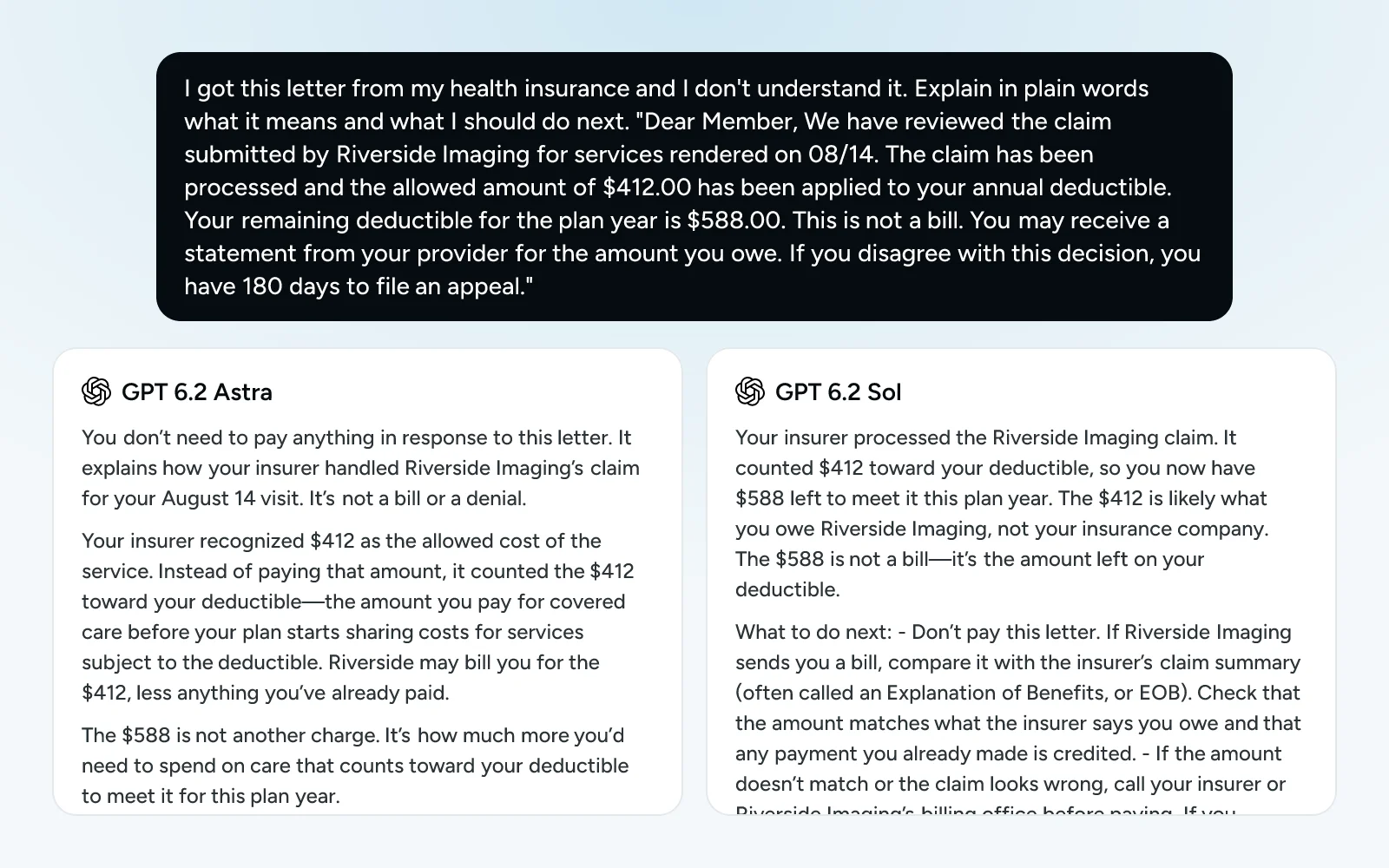
Two more arrived on November 17, 2026: GPT 6.2 Astra, a second Astra, and GPT 6.2 Sol, at the same level as Terra and with short answers too. Their news is in GPT 6.2 Astra and GPT 6.2 Sol are in chatmodel.
What GPT 6.1 Terra does differently
It does the same things as GPT 6.1 Sol in chatmodel: it thinks before it answers, understands photos, reads PDFs, helps with code and can search the web. It can also take in a very long document in one go, about a whole book. In the app it is marked Standard usage, like Sol.
The difference is in the answers. Terra says what you asked for and stops. Over our 8 everyday tests it wrote about a third less than GPT 6.1 Sol, and it was a little quicker: about 4 seconds an answer against about 5.
What its answers look like
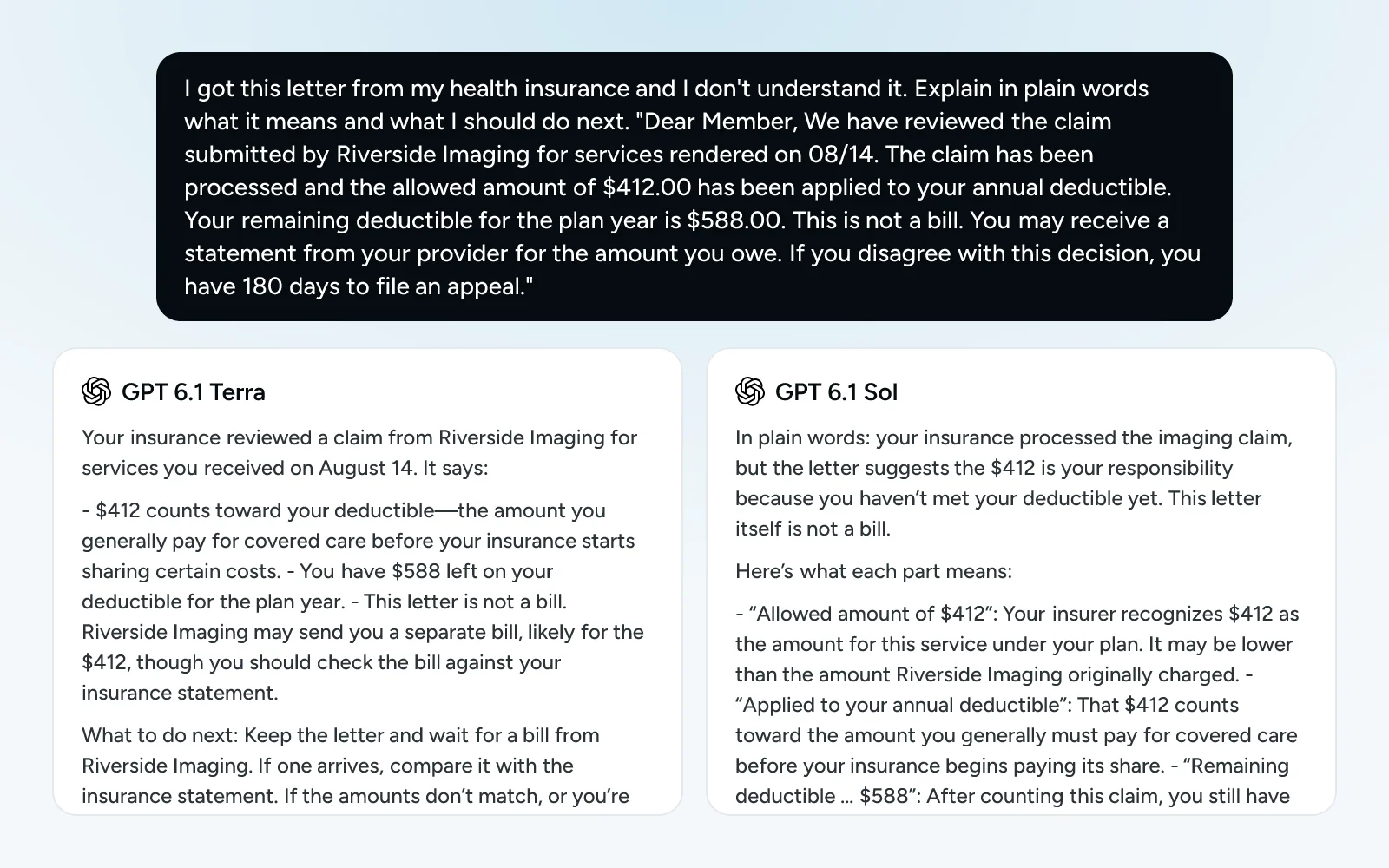
Given a confusing letter from a health insurer, Terra explained it in 148 words. It listed the three things that matter, then:
What to do next: Keep the letter and wait for a bill from Riverside Imaging. If one arrives, compare it with the insurance statement. If the amounts don’t match, or you’re unsure what you owe, call your insurer or the provider before paying.
GPT 6.1 Sol took 323 words for the same letter, explained every phrase and added a tip: ask the provider for a payment plan if paying is hard.
Asked for an easy dinner from 4 chicken thighs, potatoes, carrots, half an onion and a lemon, Terra kept the thighs whole, one per person, in four steps:
Roast for 30–35 minutes, turning the vegetables halfway through, until tender and the chicken reaches 74°C / 165°F inside. Serve one thigh per person with the vegetables.
Sol’s version asked you to cut the meat off the bones first. For an “easy dinner”, Terra’s is easier.
A limit we found
Short can mean something is missing. Asked whether a “USPS redelivery fee” email was a scam, Terra said yes, told us not to click or pay, and said what to do if we already had. But it only said to report it “in your email app”. GPT 6.1 Sol gave the real address to forward it to, spam@uspis.gov. If an answer feels thin, ask the follow-up: “Where do I report it?”
Like the other GPT 6 models, Terra leaves blanks in letters and cards, such as [Your name]. Fill them in before you send.
How to pick GPT 6.1 Terra in chatmodel
- Open a chat. The model you’re talking to is named at the bottom of the message box.
- Press that name. The model list opens on Featured.
- Type GPT 6.1 in Search model… and pick OpenAI GPT 6.1 Terra. You can also press Browse all models and find it under OpenAI.
- Write your message, or attach a photo or a PDF, and send it.
GPT 6.1 Terra or GPT 6.1 Sol: which to use
Start with Terra for everyday questions: an email, a card, a recipe, a quick explanation. Switch to Sol for a letter you don’t understand at all or a plan where the details matter. The full test, all 8 tasks side by side, is at GPT 6.1 Terra vs GPT 6.1 Sol, and GPT 6.2 Sol against 6.1 Sol at GPT 6.2 Sol vs GPT 6.1 Sol. For how the GPT 6 models compare with Claude, read ChatGPT vs Claude.