Skip to content
chatmodel

How to use chatmodel 5 min read

Which colours and haircut suit me? How to find out with AI

Before you buy the coat or book the hairdresser, see it on yourself. chatmodel's Color & styling presets turn one selfie into a personal colour analysis, a board of haircuts on your own face, or a picture of you in the clothes you're thinking of buying.

By the chatmodel team, tested in the app Open it in chatmodel
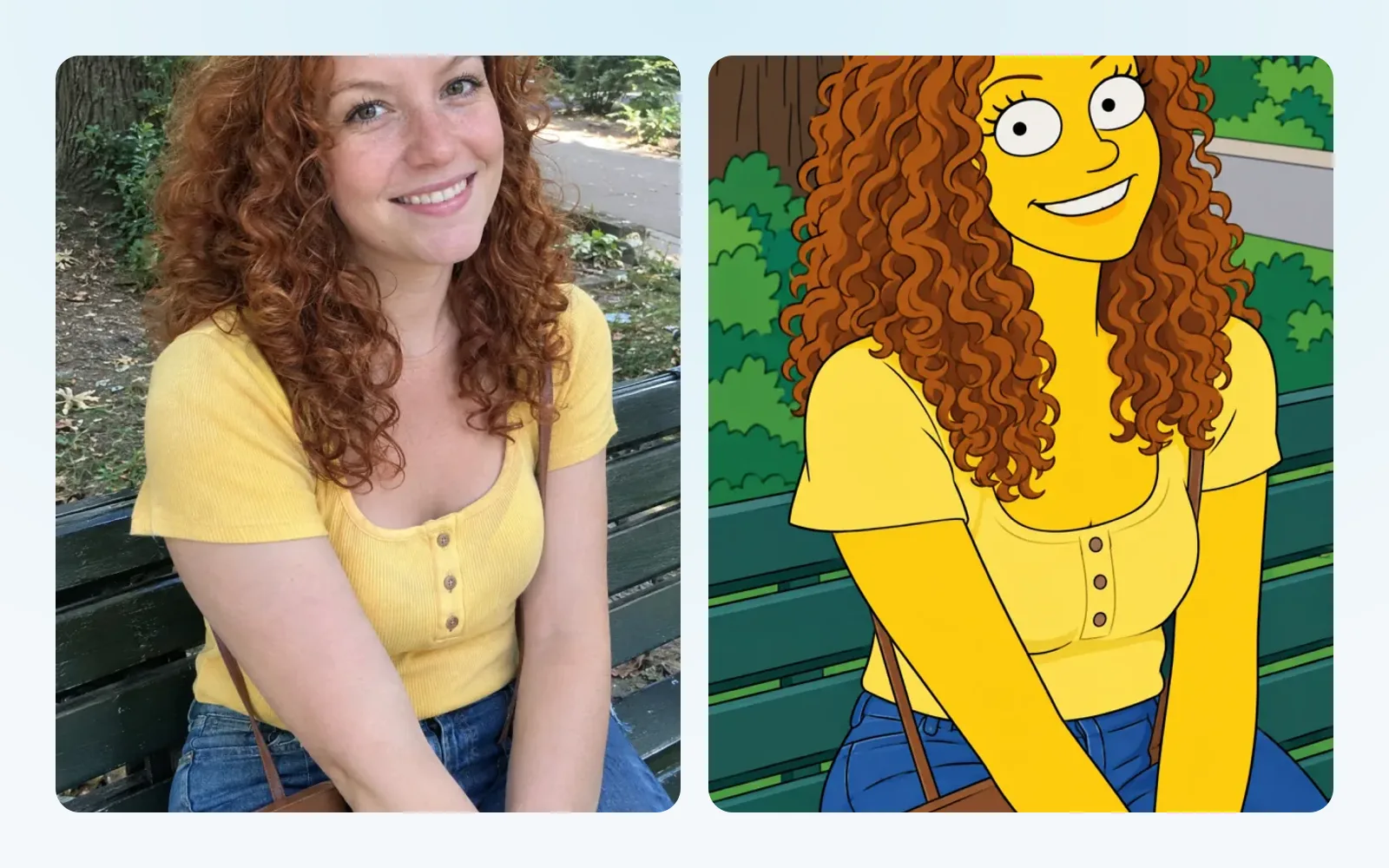
Color & clothing analysis in chatmodel: drop a selfie and get your stylist's page.
What the video shows
  1. Opens Image in chatmodel and goes to the Presets tab.
  2. Chooses the Color & styling category and presses Color & clothing analysis.
  3. Drops a photo where it says Drop your image here. A one-photo preset starts on its own: there is no button to press.
  4. The result appears. (Color & clothing analysis: A personal color analysis comparing flattering vs. less flattering shades.)

Some colours make you look rested, others make you look tired. A haircut can take years off, or not. Find out with your own face before you pay for it.

Three questions AI can answer about your look

Which colours suit me? Color & clothing analysis. One selfie, one page of flattering and less flattering shades.
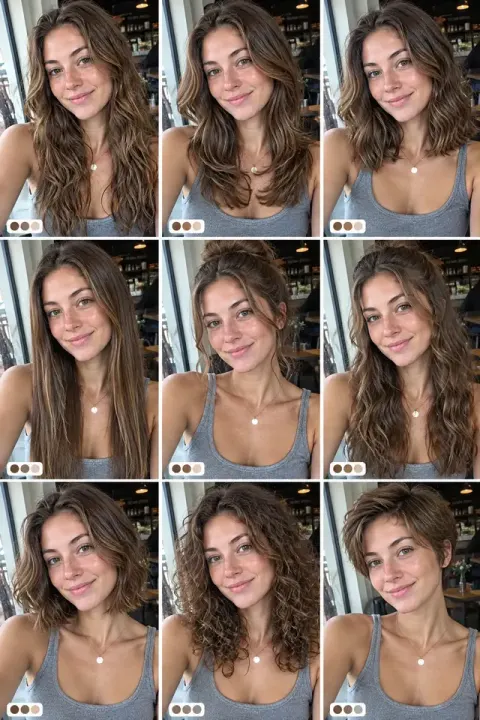
Which haircut? Hairstyle Comparison. About a dozen cuts and lengths on your own face, in one picture.
Does this suit me? Clothes tester. A photo of you plus a photo of a garment: you, wearing it.

All three live in Image → Presets → Color & styling, next to Photo Retouch.

  1. Go to Image and open the Presets tab.
  2. Choose Color & styling and press the preset you want. The button at the end of this page opens the colour analysis directly.
  3. Drop your selfie where it says Drop your image here, or click there to pick it. It starts as soon as the photo is in.
  4. Clothes tester is the exception: it asks for two photos (you and the clothing item) and has a Generate button.

Which colours suit me?

What comes back reads like a page from a stylist’s notebook:

  • your face against flattering and less flattering colours, with ticks and crosses;
  • your seasonal palette, the family of colours that suits you;
  • a few outfits in your shades, for every day, for work and for an evening out.

Works well

  • Daylight from a window in front of you
  • No make-up or very light make-up
  • Hair visible, in its natural colour
  • A plain, light top or bare shoulders

Avoid

  • Evening light or a yellow lamp
  • Filters or beauty mode on the camera
  • A hat or a hood over the hair
  • A bright red or neon top next to the face

What to do with it

Shop with it Save the picture on your phone and hold a garment next to it in the shop.
Sort your wardrobe The pieces outside your palette are the ones to wear away from the face: trousers, shoes, bags.
Choose make-up and hair colour Lipstick and dye in your season’s shades usually look most natural.
Gift ideas A scarf in someone’s colours is a safer bet than a random one.

Want to go further? Paste your result into a chat model and ask for a plan:

A capsule wardrobe in your colours

My colour analysis says my palette is soft autumn. Suggest a capsule wardrobe of 12 pieces in those colours, for work and weekends, with what to combine with what.

Which haircut suits my face?
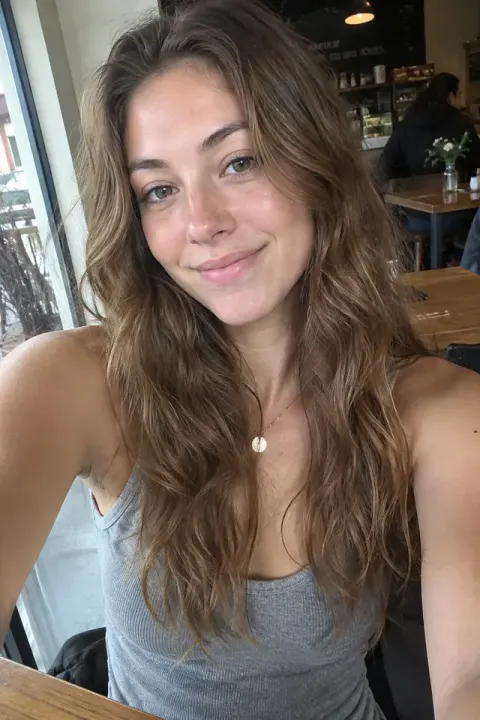
Your photo: One selfie, a board of cuts and lengths on the same face. Your photo
In chatmodel: One selfie, a board of cuts and lengths on the same face. In chatmodel
One selfie, a board of cuts and lengths on the same face.

Short, long, layers, a fringe, curls, an updo: the board puts them side by side, so you see what flatters the shape of your face before you sit in the chair.

  • Face and hairline clear. Pull your hair back, or leave it loose but off the face.
  • Look straight at the camera, phone at eye level.
  • Show the board to your hairdresser. Point at the one you like. It beats “a bit shorter, but not too short”.

How to see yourself in clothes before you buy them

Clothes tester takes two photos: the Person (you, full body if you can, standing straight) and the Clothing item (the garment, like the picture from the online shop). It shows you wearing it.
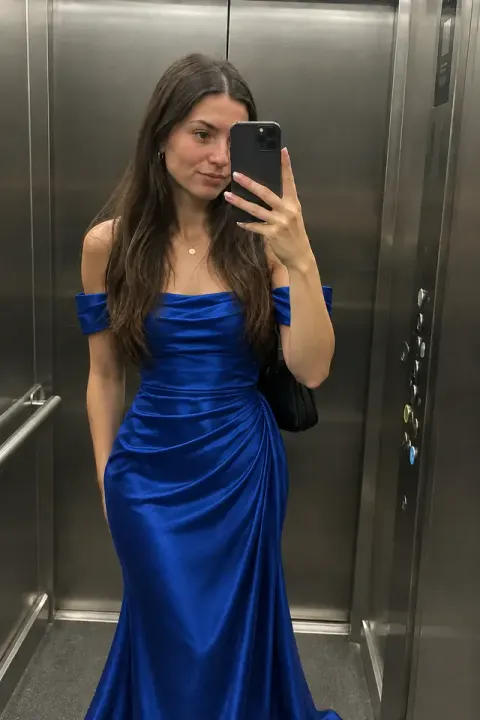
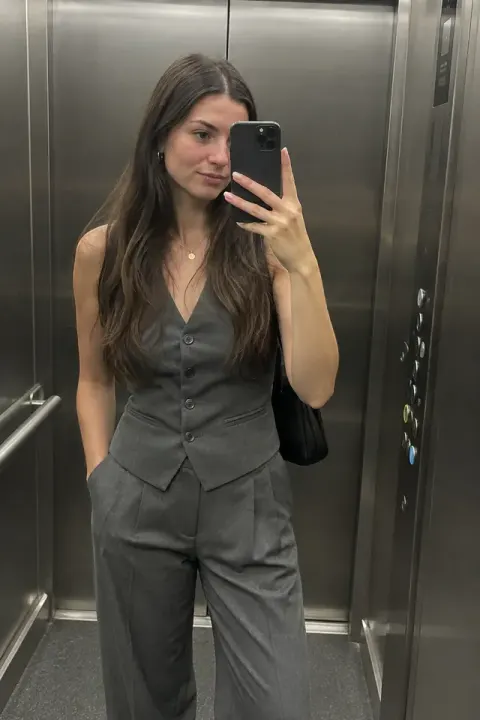
Good for online shopping and for planning what to wear to a wedding. The fit is the AI’s best guess: it can’t know whether the size is right. Use it for colour and cut, and the size guide for the rest.

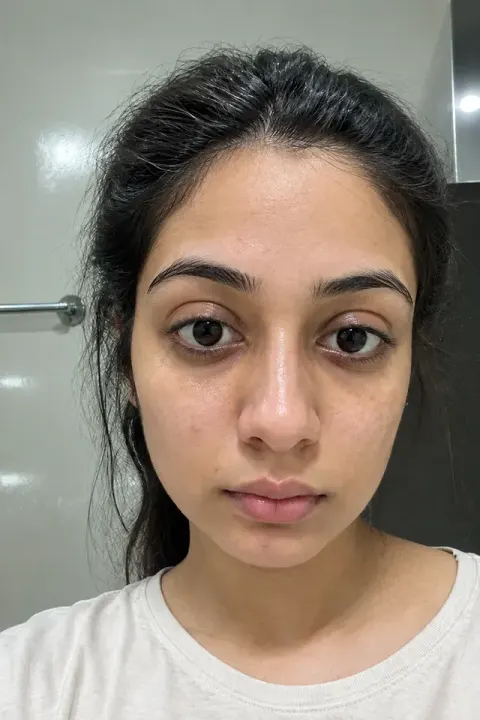
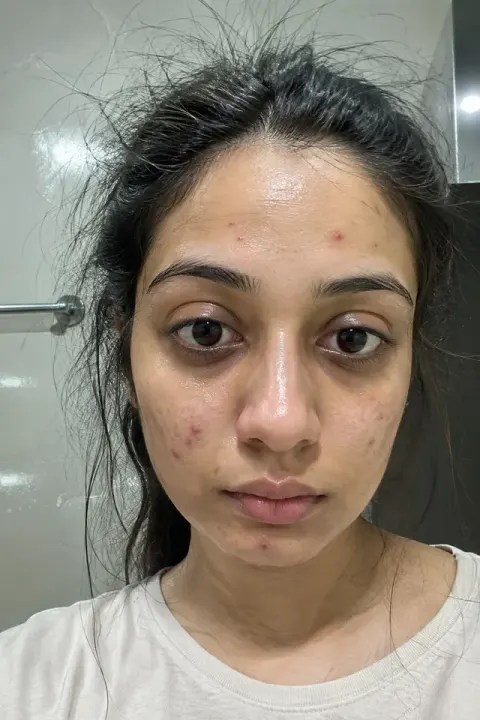
Photo Retouch, in the same category, evens out the skin and takes away shine while keeping you looking like you. For a full professional portrait, see the Headshot Generator.

If it doesn't come out right

My palette looks wrong
The light changed your skin tone. Retake the selfie by a window in daylight, without filters.
The haircuts don't look like me
Your face was turned or half covered. Use a front-facing selfie with the hairline visible.
The garment looks pasted on
Use a full-body photo of you and a garment photo on a plain background.
Frequently asked questions

Can AI tell me which colours suit me?

It can give you a good starting point. chatmodel's Color & clothing analysis looks at your skin, eyes and hair in a selfie and makes a board of flattering and less flattering shades, with outfit ideas. Daylight in the selfie matters a lot.

Can I see a new haircut on myself before I get it?

Yes. Hairstyle Comparison makes a board with many cuts and lengths on your face. Take it to the hairdresser to show what you mean.

How does the virtual fitting room work?

Clothes tester takes two photos: one of you (Person) and one of the garment (Clothing item). It shows you wearing it.

Is it accurate?

It's a guide, not a verdict. Colours on screen depend on the light in your photo and your screen, so check the shades in person before buying.

Is it free?

Presets need the Pro plan, which includes one picture a day. Studio gives you many more.

Keep reading

All of these models, in one place

Chat, images, video and tools with the best AI models. Switch between them whenever you want.

Start for free

Chatmodel is an independent service offering access to third-party AI models. AI can make mistakes. Using Chatmodel means you agree to our Terms and Privacy Policy.